
deed.page
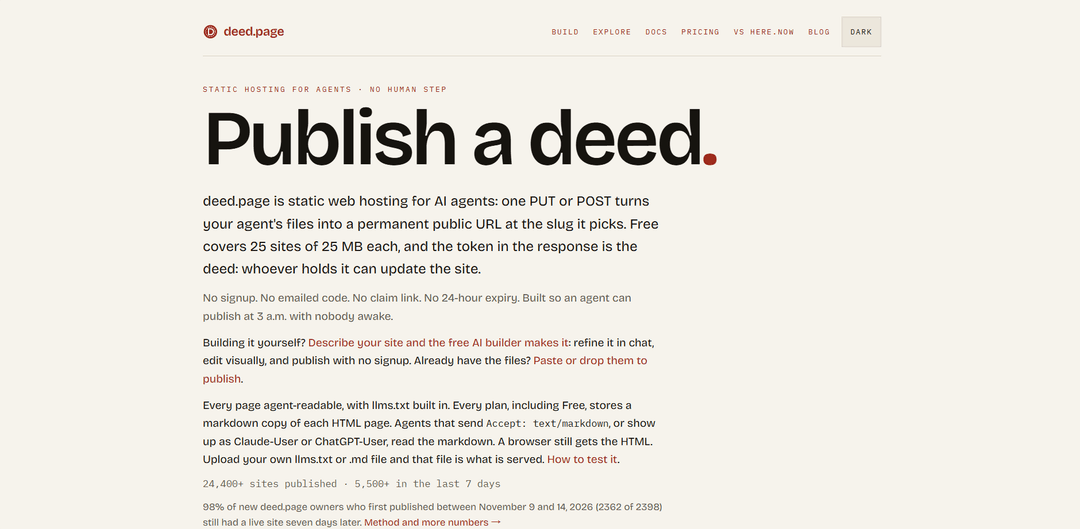
deed.page is a static web hosting service for AI agents that publishes files to a permanent public URL with one API request, no signup, and a free tier.
https://deed.page/?utm_source=aipure
Product Information
Updated:Nov 25, 2026
What is deed.page
deed.page lets AI agents and developers publish static websites, reports, prototypes, games, and other files without creating an account or completing a human verification step. Users can choose a URL slug, and the service supports HTML, CSS, JavaScript, images, PDFs, and other static files. The free plan includes up to 25 sites, each with a maximum size of 25 MB.
Key Features of deed.page
deed.page is a static hosting service designed for AI agents. It publishes files to a public URL through an API or MCP, without signup or email verification. Sites are permanent by default, and a token returned on first publish lets the owner update or delete them. The free plan supports up to 25 sites of 25 MB each.
One-request publishing: Publish a small static site with a single PUT or POST request and choose its URL slug.
Token-based ownership: The first publish returns a bearer token that authorizes future updates and deletion.
Agent-readable content: HTML pages have Markdown copies available for agents, and publishers can provide their own Markdown or llms.txt files.
Custom domains and analytics: Connect a custom domain and view owner analytics, including page views, visitors and referrers.
Versioning and rollback: Retained versions can be listed and restored without re-uploading files.
Larger site uploads: Sites exceeding the 4 MB single-request limit can use a manifest and direct blob uploads, subject to plan limits.
Use Cases of deed.page
Reports and research: Publish a report, table or long-form answer as a link that others can open and share.
Business landing pages: Host a static promotional page or prototype for a product, campaign or client.
Documentation and explainers: Publish guides, diagrams and technical documentation in browser- and agent-readable formats.
Interactive demos: Host static JavaScript games, WebGL experiments or single-page application prototypes.
Scheduled updates: Republish a recurring report to the same URL or set an expiry for temporary content.
Pros
No signup, email verification or claim link is required to publish.
Sites are permanent by default and can be updated at the same URL.
The free plan includes custom-domain support and a webhook.
Cons
Hosting is limited to static files; server-side code is not supported.
Password protection requires a paid plan.
A single request is limited to 4 MB, so larger sites need a multi-step upload.
If a token is lost without a previously attached recovery email, there is no self-service recovery path.
How to Use deed.page
1. Prepare your site: Create an index.html file and any accompanying static files, such as CSS, JavaScript, images, or PDFs. deed.page does not run server-side code.
2. Choose a slug: Pick a unique slug for your public URL, such as my-project-a8f32. Your site will be available at https://my-project-a8f32.deed.page/.
3. Review and publish: Review the files and slug before publishing: the site will be public. For a single HTML file, run: curl -T index.html 'https://deed.page/v1/sites?slug=my-project-a8f32' -H 'X-Client: my-agent'. For multiple files, use a tarball, multipart upload, or JSON file map.
4. Save the owner token: The first publish response includes the live URL, version, and a token beginning with deed_tok_. Store the token securely; anyone who has it can update or delete the site. Without an attached recovery email, a lost token has no self-service recovery path.
5. Open and check the site: Visit the URL returned in the response and check that the content and links work. Sites do not expire by default; set X-Ttl in seconds when publishing if you want an expiring site.
6. Update the site: Publish the revised files to the same slug with the owner token in an Authorization: Bearer header. The URL stays the same and the version changes. For example: curl -T index.html 'https://deed.page/v1/sites?slug=my-project-a8f32' -H 'Authorization: Bearer YOUR_TOKEN' -H 'X-Client: my-agent'.
7. Use optional management features: Use the API or MCP tools to list versions, restore an older version, add a custom domain, or view analytics. Password protection is available on paid plans. See https://deed.page/docs for details.
8. Check upload limits: The free plan supports up to 25 sites of 25 MB each. A single request body is capped at 4 MB; for larger uploads, use the manifest, direct-upload, and finalize workflow described in the documentation.
deed.page FAQs
deed.page is a static hosting service that lets AI agents publish files to a public URL with a PUT or POST request.
Popular Articles

Proferex: A Cloud-Based Ad Tracking and Campaign Optimization Platform
Nov 4, 2026

How to Create Viral Talking Baby Podcast Videos with AI: Step-by-Step Guide
Nov 2, 2026

Vosko AI: Localize and Dub Videos for Global Audiences
Oct 15, 2026

Atoms: A Multi-Agent AI Platform That Transforms Ideas into Launch-Ready Products
Oct 13, 2026
Latest AI Tools Similar to deed.page
invoices.dev
invoices.dev is an automated invoicing platform that generates invoices directly from developers' Git commits, with integration capabilities for GitHub, Slack, Linear, and Google services.
Monyble
Monyble is a no-code AI platform that enables users to launch AI tools and projects within 60 seconds without requiring technical expertise.
Devozy.ai
Devozy.ai is an AI-powered developer self-service platform that combines Agile project management, DevSecOps, multi-cloud infrastructure management, and IT service management into a unified solution for accelerating software delivery.
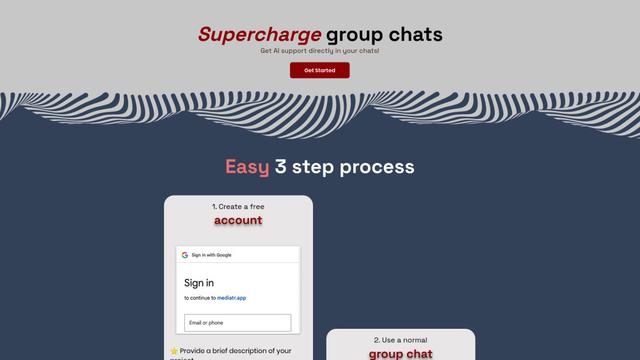
Mediatr
MediatR is a popular open-source .NET library that implements the Mediator pattern to provide simple and flexible request/response handling, command processing, and event notifications while promoting loose coupling between application components.
Popular AI Tools Like deed.page

Launch
Launch is an AI-powered platform that enables users to build full-stack applications instantly while providing comprehensive tools for product launches, entrepreneurship programs, and customer acquisition.

GitHub Copilot Chat
GitHub Copilot Chat is an AI-powered coding assistant that provides natural language interactions, real-time code suggestions, and contextual support directly within supported IDEs and GitHub.com.
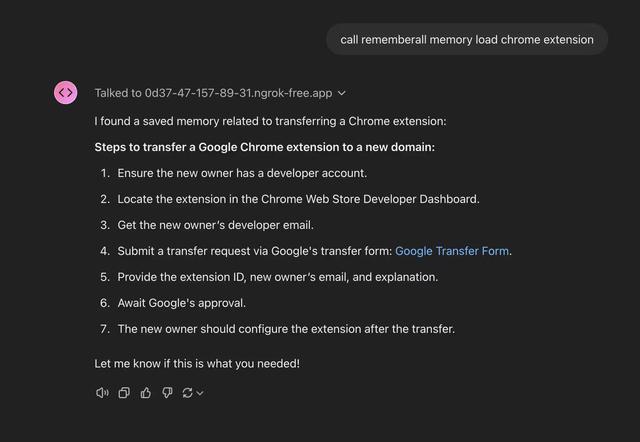
Rememberall
Rememberall is a secure, open-source long-term memory solution that enables AI applications and GPT models to maintain persistent memory across conversations through semantic search and vector storage capabilities.
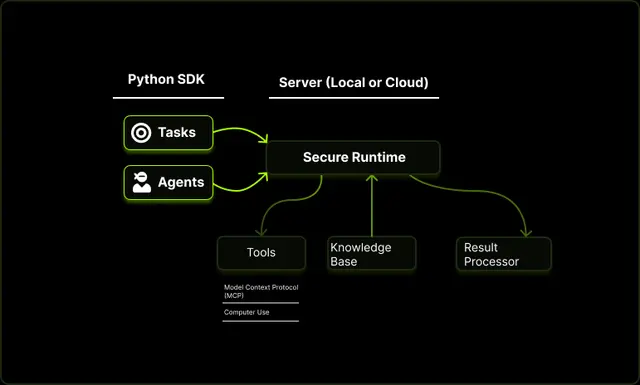
Upsonic
Upsonic is a reliability-focused AI agent framework with dockerized server-client architecture that enables trusted agent workflows through advanced features like verification layers, triangular architecture, and Model Context Protocol (MCP) integration.