
Deckwise
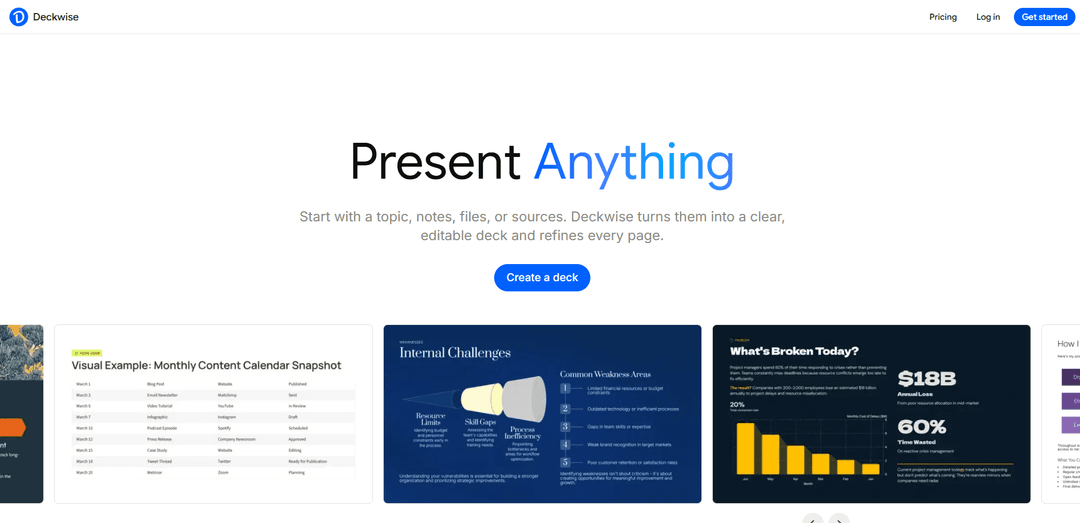
Deckwise is an AI presentation maker that turns topics, notes, files, and sources into clear, editable decks, with built-in sourcing, citations, and modular slide-by-slide refinement.
https://deckwise.io/?ref=producthunt
Product Information
Updated:Jul 8, 2026
What is Deckwise
Deckwise is an AI presentation agent designed to help you create complete presentations from early inputs like a topic prompt, scattered notes, uploaded files (e.g., PDFs or documents), or referenced sources. Rather than stopping at a one-click slide draft, it supports the full presentation workflow—structuring ideas into an outline, generating a deck, and keeping it editable so you can continue revising and improving the same presentation over time.
Key Features of Deckwise
Deckwise is an AI presentation maker designed for the full deck-building workflow—from starting with a topic, notes, files, or sources to producing a structured, editable outline and slide deck you can iteratively refine page by page. It emphasizes credible, complete content by incorporating built-in source gathering, citations, and cross-checking across multiple leading AI models, while providing modular, block-by-block editing to keep the deck organized as you revise and export when ready.
Multi-input deck creation: Start from a topic prompt, notes, uploaded files (e.g., PDFs/docs), or external sources; Deckwise turns raw material into a clear, editable deck.
Editable outline-to-slides workflow: Generates a structured outline and slides, then keeps the same deck editable so you can continue revising instead of restarting with one-click drafts.
Deep research with citations: Finds trusted sources, fills in key details, adds citations, and aims to make decks feel more complete, clear, and credible.
Cross-model verification: Cross-checks important points across multiple AI models (e.g., Claude, Gemini, Perplexity, ChatGPT, DeepSeek) to improve reliability.
Modular, block-by-block slide editing: Move, split, and refine content blocks while Deckwise maintains structure and coherence across pages.
AI agents for different presentation needs: Use agents to generate a full presentation from a brief, or to refine uploaded materials into a polished deck tailored to audience and page count.
Use Cases of Deckwise
Product marketing & sales decks: Create competitive battlecards, positioning decks, and customer-ready presentations by combining product notes with sourced market context and citations.
Strategy & planning presentations: Turn strategic planning notes into a structured narrative deck, iterating slide-by-slide as priorities and messaging evolve.
Consulting & client readouts: Upload research and project documents to extract key insights, build a clear storyline, and continuously refine deliverables in one editable deck.
Team meetings & operational updates: Generate agendas, project timelines, and status updates quickly, then rearrange and refine blocks as plans change.
Nonprofit/ESG impact reporting: Assemble impact reports by structuring program notes and adding sourced context and citations for credibility.
Education & applications: Build scholarship, accelerator, or academic presentations by turning prompts and supporting documents into a coherent, well-structured deck.
Pros
Supports an end-to-end workflow (materials → outline → slides → iterative edits) rather than a one-shot draft.
Built-in sourcing and citations can improve clarity and credibility of presentations.
Modular editing helps maintain structure while making frequent revisions.
Cross-checking across multiple AI models may reduce errors and strengthen key points.
Cons
Quality and trustworthiness still depend on the underlying sources and how well citations match claims.
Cross-model research and iterative refinement may take longer than simple one-click slide generators.
Users may need to invest time shaping the outline and slide blocks to match their exact narrative and design preferences.
How to Use Deckwise
1) Start a new deck: Go to Deckwise and click “Create a deck” (or “Try for free”), then log in to open the deck creation flow.
2) Choose how you want to start: Pick one of the supported starting points: (a) a topic prompt, (b) your notes, (c) uploaded files (PDFs/documents), or (d) sources you want included.
3) If starting from a topic, define the brief: Describe your topic, specify the audience, and set the desired page/slide count so the Agent can generate an appropriate outline and draft deck.
4) If starting from files/notes, upload your materials: Upload PDFs, documents, notes, or project materials. Deckwise’s Agent extracts key points and turns them into a structured, editable deck draft.
5) Generate the first draft deck: Let the Agent convert your inputs into an editable outline and slide/pages, keeping the presentation structured from the start.
6) Refine slide content with modular editing: Edit each page “block by block”: move content, split ideas, and refine sections while Deckwise maintains the overall structure.
7) Iterate using AI within the same deck (don’t regenerate): After the first draft, keep revising the same editable deck by asking AI to rewrite, reorder, add pages, or polish specific slides.
8) Add credibility with built-in research support: Use Deckwise’s research capability to find trusted sources, fill in key details and citations, and cross-check important points across multiple AI models so the deck feels complete and credible.
9) Continue revising until final: Repeat targeted edits (rewording, restructuring, adding/removing pages) until the narrative and slide flow match your intended story and audience.
Deckwise FAQs
Deckwise is an AI presentation maker that turns a topic, notes, files, or sources into a clear, editable presentation deck and supports iterative refinement of the same deck.
Deckwise Video
Popular Articles

Vosko AI: Localize and Dub Videos for Global Audiences
Oct 15, 2026

Atoms: A Multi-Agent AI Platform That Transforms Ideas into Launch-Ready Products
Oct 13, 2026

Nano Banana SBTI: What It Is, How It Works, and How to Use It in 2026
Apr 15, 2026

Atoms Review — The AI Product Builder Redefining Digital Creation in 2026
Apr 10, 2026
Latest AI Tools Similar to Deckwise
PPTalker
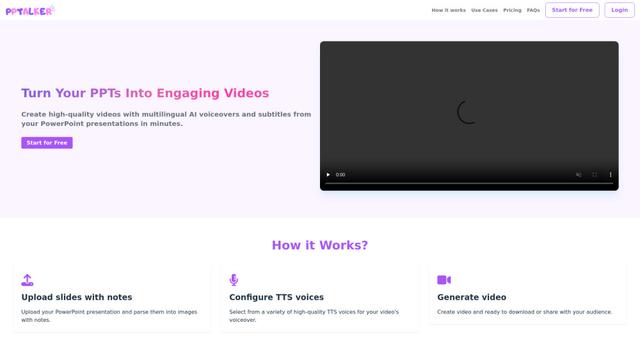
PPTalker is an online PowerPoint to video converter that transforms presentations into engaging videos with AI-powered multilingual voiceovers and subtitles.
Napkin
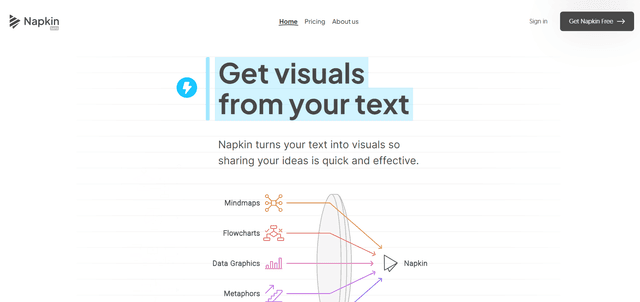
Napkin AI is an innovative AI-powered tool that automatically transforms text into visually appealing graphics, diagrams, and illustrations to enhance business communication and storytelling.
Aidocmaker.com
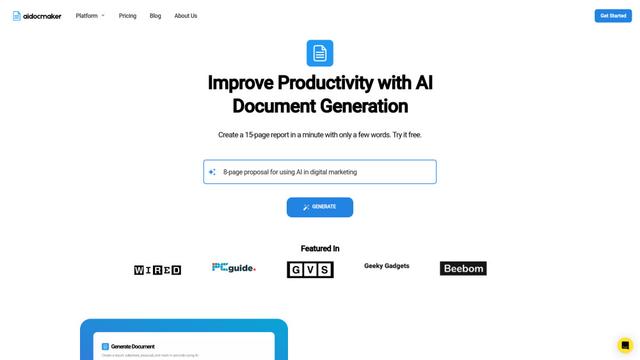
Aidocmaker.com is an AI-powered document creation platform that allows users to effortlessly generate professional documents, presentations, spreadsheets, and voiceovers in minutes.

Yanbi AI
Yanbi AI is a free AI-powered writing tool that generates high-quality content for various writing scenarios with one click.
Popular AI Tools Like Deckwise

MulmoCast
MulmoCast is an AI-native multi-modal presentation tool that automatically generates videos, podcasts, slides, PDFs, and manga-style content from a single script using various AI technologies.
MulmoCast Vision
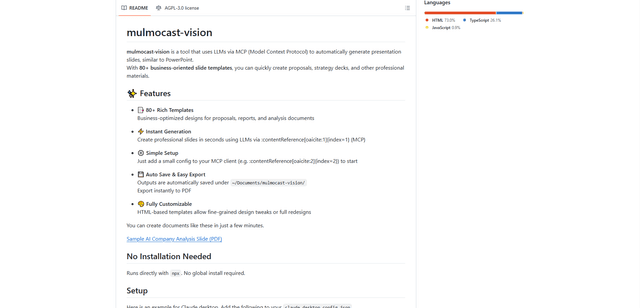
MulmoCast Vision is an AI-powered tool that automatically generates professional presentation slides through LLMs via Model Context Protocol (MCP), featuring 80+ business-oriented templates for various corporate needs.
Gamma
Free TrialAI Presentation Generator
Gamma App is an AI-powered tool for creating beautiful presentations, documents, and websites with no design or coding skills required.
SLIDESGO
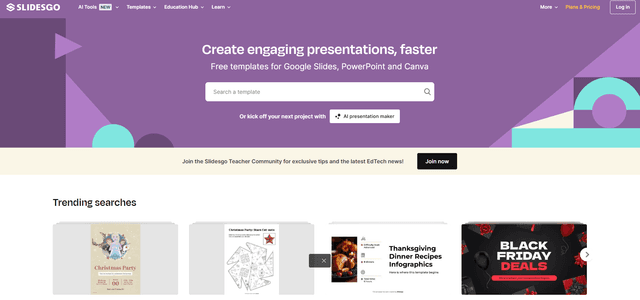
Slidesgo is a free online platform that provides professionally designed presentation templates for Google Slides and PowerPoint with customizable themes, infographics, and AI-powered tools to help create engaging presentations faster.