
Datastripes
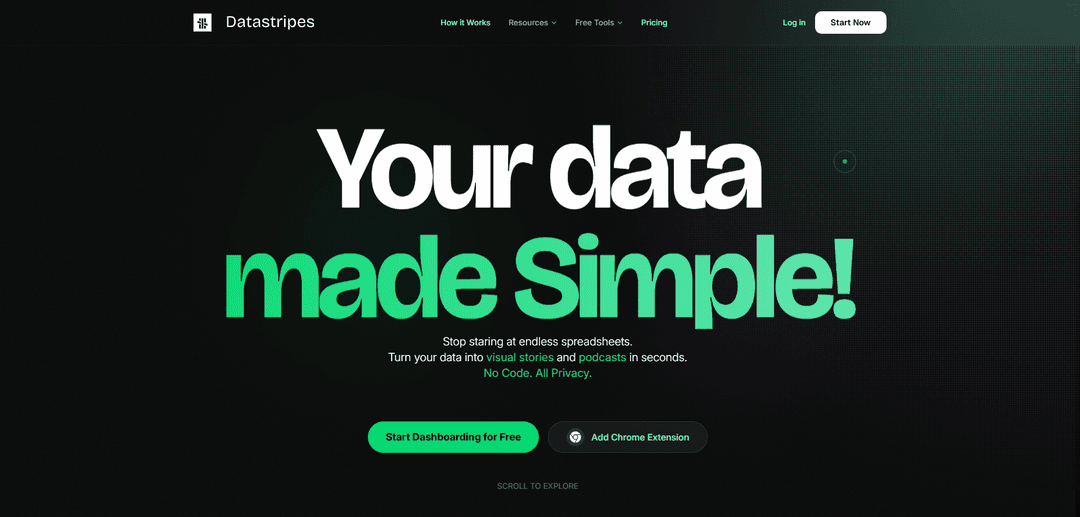
Datastripes is a no-code, in-browser data analysis platform that offers 300+ drag-and-drop nodes, AI-generated insights, and narrated dashboards to help users transform raw data into visual stories and insights without programming.
https://datastripes.com/?ref=producthunt
Product Information
Updated:Jan 8, 2026
What is Datastripes
Datastripes is an innovative data visualization and analysis tool designed to revolutionize how teams work with data. It's a no-backend, browser-native platform that eliminates the complexity of traditional data analysis by providing a visual, intuitive interface for users to explore, analyze, and explain their data. The platform supports various data sources including CSV, Excel, PostgreSQL, and Snowflake, while maintaining complete data privacy by processing everything locally in the browser.
Key Features of Datastripes
Datastripes is a no-code data analysis and visualization platform that transforms raw data into interactive insights through a visual node-based interface. It features 300+ drag-and-drop nodes, AI-generated insights, and the unique ability to convert data into narrated dashboards and podcasts. The platform processes data locally in-browser with zero setup required, supporting various data sources from CSV to SQL databases while maintaining data privacy.
Visual Node-Based Interface: Create data analysis workflows by connecting blocks like a puzzle, allowing users to filter, group, and calculate metrics through an intuitive drag-and-drop interface
AI-Powered Analysis: Built-in AI assistant that can analyze data, generate insights, and respond to natural language queries about data trends and patterns
Data-to-Audio Conversion: Unique feature that transforms data and dashboards into narrated podcasts and audio feeds within 30 seconds for easy sharing and consumption
Local Data Processing: In-browser native engine that processes data locally without uploading to cloud, ensuring data privacy and fast processing
Use Cases of Datastripes
Marketing Analytics: Marketing managers can analyze campaign ROI and create quick, understandable reports generated on-demand
Product Analytics: Product teams can monitor feature adoption and engagement trends through repeatable, visual data flows
Customer Success: Teams can track churn factors and retention drivers with natural language summaries and visualizations
Healthcare Data Analysis: Healthcare professionals can analyze sensitive patient data securely due to local processing without cloud uploads
Pros
No coding skills required for complex data analysis
Strong data privacy with local processing
Intuitive visual interface with drag-and-drop functionality
Unique audio narrative feature for data consumption
Cons
File size limitations in free tier (10MB)
Limited to specific data types and formats
Some advanced features require paid subscription
How to Use Datastripes
Import Data: Upload your data by dragging and dropping CSV/Excel files, or connect directly to PostgreSQL and Snowflake databases. The system will automatically parse the data structure.
Create Data Flow: Use the node-based visual editor to build your analysis pipeline. Connect different nodes by dragging and dropping them to filter, transform, and analyze your data.
Apply Visualizations: Create charts and visualizations by selecting from available options like bar charts, line charts, pie charts, scatter plots, and histograms. Customize them using drag-and-drop features.
Generate Insights with AI: Ask questions about your data in natural language, and let the AI assistant analyze trends and generate insights automatically.
Create Dashboards: Build interactive dashboards by combining your visualizations and insights. These dashboards update live as your data changes.
Share Results: Export your work in various formats including PNG, interactive HTML, or even convert your insights into audio podcasts for easy sharing with team members.
Sort and Filter Data: Click on column headers to sort data, drag in the data region or histograms to select specific rows, and hover over elements to see detailed values and numeric summaries.
Save and Manage Projects: Save your work as projects that you can return to later. Free users can maintain up to 3 local projects, while paid users get unlimited access.
Datastripes FAQs
Datastripes is a no-code data analysis platform that allows users to explore, visualize, and analyze datasets without programming. It features a visual, modular approach to data analysis with AI capabilities.
Datastripes Video
Popular Articles

Vosko AI: Localize and Dub Videos for Global Audiences
Oct 15, 2026

Atoms: A Multi-Agent AI Platform That Transforms Ideas into Launch-Ready Products
Oct 13, 2026

Nano Banana SBTI: What It Is, How It Works, and How to Use It in 2026
Apr 15, 2026

Atoms Review — The AI Product Builder Redefining Digital Creation in 2026
Apr 10, 2026
Latest AI Tools Similar to Datastripes
Tomat
Tomat.AI is an AI-powered desktop application that enables users to easily explore, analyze, and automate large CSV and Excel files without coding, featuring local processing and advanced data manipulation capabilities.
Data Nuts
DataNuts is a comprehensive data management and analytics solutions provider that specializes in healthcare solutions, cloud migration, and AI-powered database querying capabilities.
CogniKeep AI
CogniKeep AI is a private, enterprise-grade AI solution that enables organizations to deploy secure, customizable AI capabilities within their own infrastructure while maintaining complete data privacy and security.

EasyRFP
EasyRFP is an AI-powered edge computing toolkit that streamlines RFP (Request for Proposal) responses and enables real-time field phenotyping through deep learning technology.
Popular AI Tools Like Datastripes

Researcher & Analyst in M365 Copilot
Contact for PricingAI Data Mining
Researcher and Analyst are two first-of-their-kind AI reasoning agents in Microsoft 365 Copilot that help users tackle complex research and data analysis tasks by leveraging both enterprise and web data with advanced reasoning capabilities.
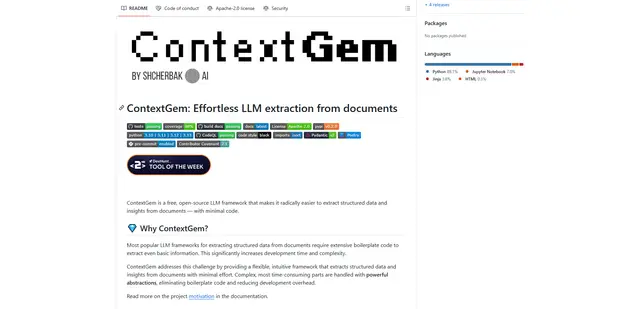
ContextGem
ContextGem is a free, open-source LLM framework that simplifies structured data and insights extraction from documents with minimal code through powerful built-in abstractions and automated features.
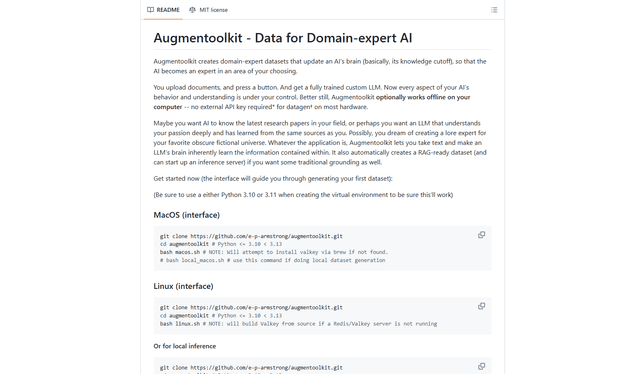
Augmentoolkit 3.0
Augmentoolkit 3.0 is a refined and battle-tested open-source tool that creates domain-expert datasets to train custom LLMs with your own data, featuring an intuitive interface, offline capability, and automatic dataset generation and training processes.
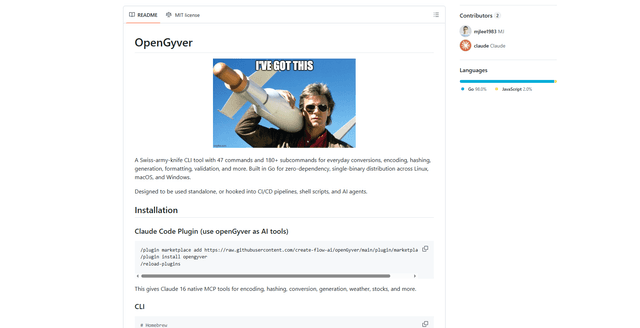
OpenGyver
OpenGyver is an open-source Swiss-army-knife CLI tool with 47 commands and 180+ subcommands for everyday conversions, encoding, hashing, generation, formatting, and validation, designed for standalone use or integration with CI/CD pipelines, shell scripts, and AI agents.