
Databox
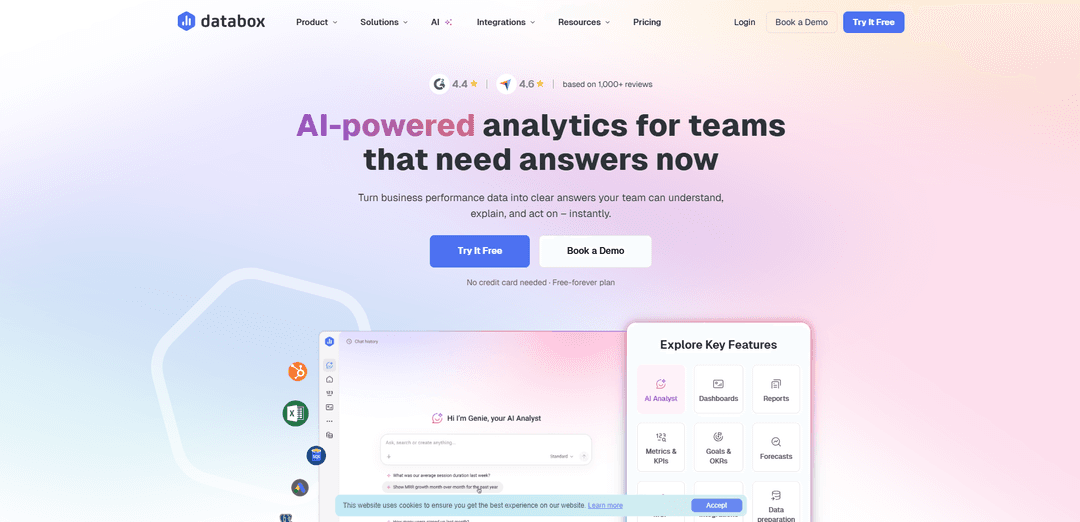
Databox is a modern business intelligence (BI) platform that combines data from 130+ sources into customizable dashboards with AI-powered insights, allowing teams to monitor, analyze, and improve performance in real-time without complex setup or technical expertise.
http://databox.com/?ref=producthunt
Product Information
Updated:Apr 8, 2026
What is Databox
Databox is a comprehensive DIY business intelligence software that helps over 20,000+ growing businesses transform their data into actionable insights. Launched as a dashboard tool, it has evolved into a full-featured BI platform that connects various data sources, including cloud services, spreadsheets, and databases, to organize all business KPIs in one centralized location. Since May 2025, Databox has expanded its capabilities to include advanced analytics features like Datasets for data preparation, no-code SQL building, and multidimensional metrics, all while maintaining its user-friendly interface.
Key Features of Databox
Databox is a comprehensive business intelligence and analytics platform that combines real-time data monitoring, visualization, and reporting capabilities. It offers 130+ integrations, no-code dashboard building, AI-powered insights, and data preparation tools, allowing teams to connect multiple data sources, create custom metrics, and automate reporting without technical expertise. The platform emphasizes self-service analytics with unlimited users per plan and features like interactive dashboards, forecasting, and collaborative tools.
Real-Time Dashboard Building: Drag-and-drop interface with 20+ visualization types and 200+ pre-built templates for creating interactive dashboards within minutes, requiring no coding skills
Data Integration & Preparation: 130+ native integrations with popular platforms, plus ability to merge, filter, and transform data from multiple sources using the Datasets feature
AI-Powered Analytics: Built-in AI analyst (Genie) that provides instant insights, answers questions in plain language, and helps create metrics and dashboards through natural language prompts
Automated Reporting & Sharing: Automated report generation and distribution through email, Slack, or mobile, with customizable scheduling and formatting options
Use Cases of Databox
Marketing Agency Reporting: Agencies can create branded client dashboards and automate performance reporting across multiple marketing platforms, saving hours of manual work
Sales Performance Tracking: Sales teams can monitor KPIs, track goals, and analyze pipeline metrics in real-time to make data-driven decisions
Executive Decision Making: C-level executives can get instant access to company-wide performance metrics and AI-generated insights for strategic planning
Pros
Unlimited users included in all paid plans
User-friendly interface with no-code required
Extensive integration options and template library
Cons
Some advanced features only available in higher-tier plans
Template and metric maintenance can be repetitive
Occasional data sync issues with certain integrations
How to Use Databox
Create a Databox Account: Sign up for a free trial at databox.com using your email address. No payment information required initially. The trial will begin automatically and you'll see a countdown banner showing remaining days.
Connect Data Sources: Connect your data tools using 130+ one-click integrations. Start with 1-2 most used sources like Google Analytics, HubSpot, or spreadsheets. Ensure proper authentication and permissions are granted.
Create Your First Dashboard: Select 'Databoards' from the top menu, click the green '+' icon to create a new dashboard. Either choose from 200+ pre-built templates or start from scratch using the drag-and-drop designer.
Add Metrics and Visualizations: Drag and drop metrics from your connected data sources onto the dashboard. Choose from 20+ visualization types to display your data. Customize colors, sizes and layouts as needed.
Set Up Data Preparation (Optional): Use Datasets feature to clean, standardize and merge raw data. Create custom metrics using the no-code SQL builder. Filter data and add calculated columns as needed.
Configure Alerts and Reporting: Set up automated alerts for important metrics. Schedule regular reports to be sent via email, Slack or mobile. Create Goals to track progress against targets.
Share and Collaborate: Share dashboards with team members by inviting users and setting appropriate permissions (Admin, Editor, User, Viewer). Organize dashboards into Spaces for different teams/departments.
Analyze and Optimize: Use features like period comparisons, dimensional filtering, and AI-powered insights to analyze performance. Drill down to row-level data by clicking on metrics. Make data-driven decisions to improve results.
Databox FAQs
Databox is a business intelligence (DIY BI) software that allows teams to connect, analyze and visualize data from 130+ sources. Key features include: data preparation tools, no-code SQL builder, interactive dashboards, AI-powered insights, forecasting capabilities, and collaboration tools. It offers unlimited users, dashboards and custom metrics on all paid plans.
Databox Video
Popular Articles

Atoms: A Multi-Agent AI Platform That Transforms Ideas into Launch-Ready Products
May 22, 2026

Nano Banana SBTI: What It Is, How It Works, and How to Use It in 2026
Apr 15, 2026

Atoms Review — The AI Product Builder Redefining Digital Creation in 2026
Apr 10, 2026

Kilo Claw: How to Deploy and Use a True "Do‑It‑For‑You" AI Agent(2026 Update)
Apr 3, 2026
Latest AI Tools Similar to Databox
Tomat
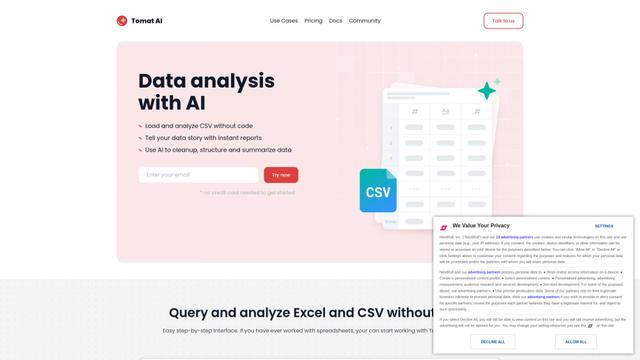
Tomat.AI is an AI-powered desktop application that enables users to easily explore, analyze, and automate large CSV and Excel files without coding, featuring local processing and advanced data manipulation capabilities.
Data Nuts
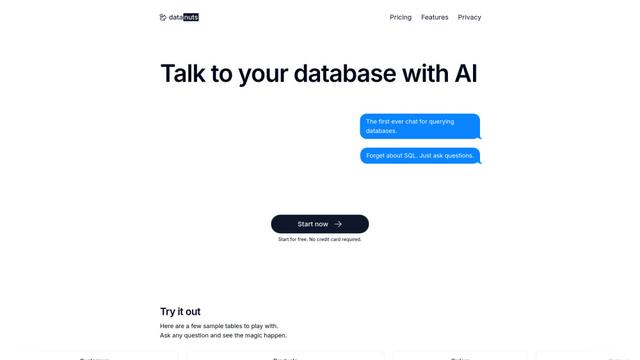
DataNuts is a comprehensive data management and analytics solutions provider that specializes in healthcare solutions, cloud migration, and AI-powered database querying capabilities.
CogniKeep AI
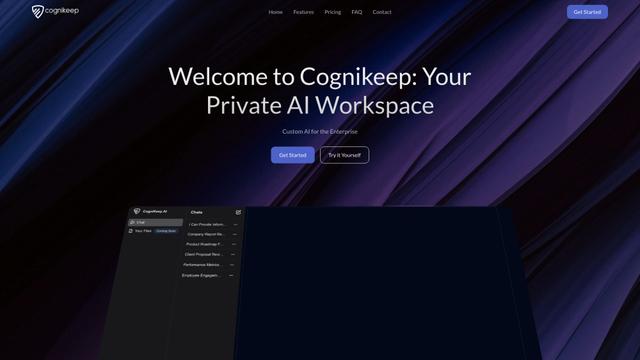
CogniKeep AI is a private, enterprise-grade AI solution that enables organizations to deploy secure, customizable AI capabilities within their own infrastructure while maintaining complete data privacy and security.

EasyRFP
EasyRFP is an AI-powered edge computing toolkit that streamlines RFP (Request for Proposal) responses and enables real-time field phenotyping through deep learning technology.
Popular AI Tools Like Databox

Researcher & Analyst in M365 Copilot
Contact for PricingAI Data Mining
Researcher and Analyst are two first-of-their-kind AI reasoning agents in Microsoft 365 Copilot that help users tackle complex research and data analysis tasks by leveraging both enterprise and web data with advanced reasoning capabilities.
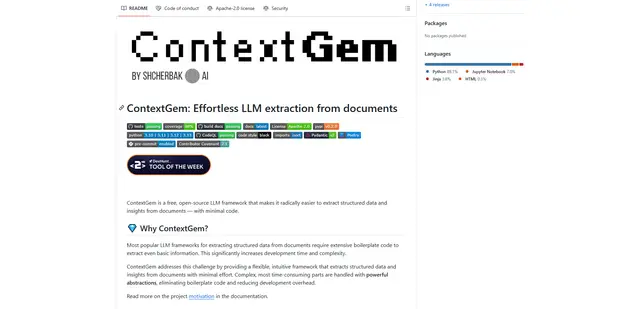
ContextGem
ContextGem is a free, open-source LLM framework that simplifies structured data and insights extraction from documents with minimal code through powerful built-in abstractions and automated features.
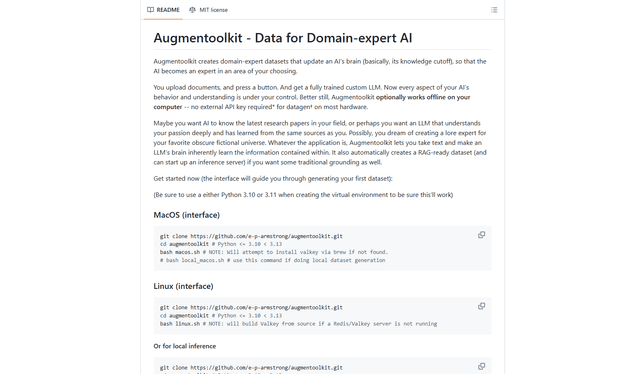
Augmentoolkit 3.0
Augmentoolkit 3.0 is a refined and battle-tested open-source tool that creates domain-expert datasets to train custom LLMs with your own data, featuring an intuitive interface, offline capability, and automatic dataset generation and training processes.
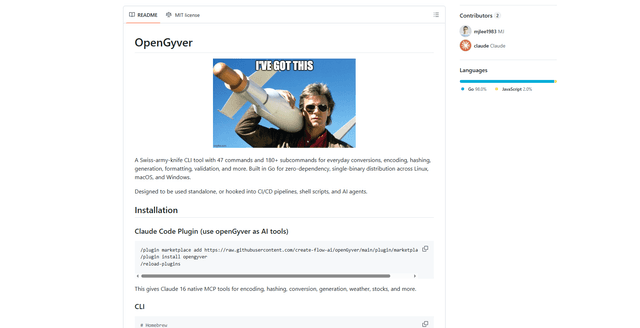
OpenGyver
OpenGyver is an open-source Swiss-army-knife CLI tool with 47 commands and 180+ subcommands for everyday conversions, encoding, hashing, generation, formatting, and validation, designed for standalone use or integration with CI/CD pipelines, shell scripts, and AI agents.