
Cube
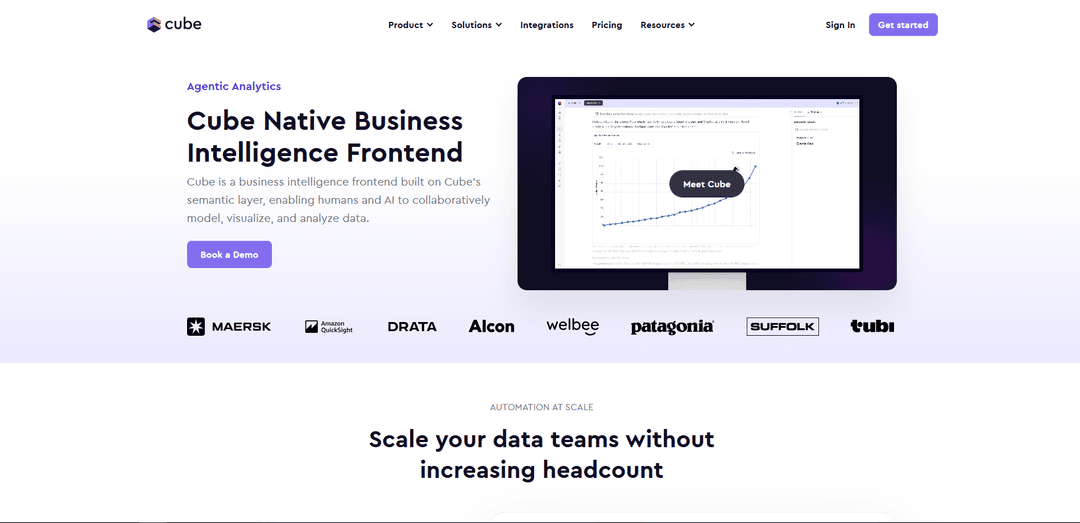
Cube is a universal semantic layer platform that combines data modeling, analytics, and AI capabilities to help organizations build powerful, fast, and consistent data applications.
https://cube.dev/product/cube?ref=producthunt
Product Information
Updated:Feb 15, 2026
What is Cube
Cube is an open-source analytics platform that provides a semantic layer connecting various data sources to data applications, embedded analytics, BI tools, LLMs, and AI agents. Originally launched as Cube.js in 2018, it has evolved into a comprehensive solution offering both an open-source core (Cube Core) and an enterprise-ready cloud version (Cube Cloud). The platform is designed to help developers and data teams manage their analytics workflow while maintaining data consistency and governance across the organization.
Key Features of Cube
Cube is a universal semantic layer platform that serves as middleware between databases and frontend applications, providing AI-powered analytics capabilities. It enables organizations to define data models, metrics, and business logic once and use them consistently across different tools and teams, while offering features like natural language querying, automated SQL generation, real-time analytics, and integration with various BI tools and AI agents.
Universal Semantic Layer: Provides a centralized way to define and manage data models, metrics, and business logic that can be accessed by multiple tools and applications through standard APIs
AI-Powered Analytics: Enables natural language querying and automated report generation with built-in safeguards against hallucination through semantic context
Code-First Data Modeling: Allows teams to manage data models as code using YAML or JavaScript, enabling version control, automated testing, and collaborative development
Enterprise-Grade Security: Offers robust security features, access control, and compliance capabilities for production-scale deployments
Use Cases of Cube
Embedded Analytics: Build and integrate analytics capabilities directly into customer-facing applications with consistent performance and security
Real-time Analytics: Support streaming data analysis through integrations with Kafka and ksqlDB for up-to-date insights
AI/LLM Integration: Provide semantic context to AI chatbots and LLMs to ensure accurate and meaningful data analysis
Business Intelligence: Connect with various BI tools like Power BI, Tableau, and Looker for consistent reporting across the organization
Pros
Open-source foundation with strong community support
Flexible integration with multiple data sources and tools
Reduces development time and maintenance effort
Cons
Core open-source version lacks some features available in cloud version
Enterprise features require paid cloud subscription
How to Use Cube
Create a new Cube project: Create a new directory for your project and set up the initial configuration using Docker. Run: mkdir my-first-cube-project && cd my-first-cube-project && touch docker-compose.yml
Configure Docker environment: Add configuration to docker-compose.yml with Cube image settings, ports (4000:4000, 15432:15432), and development mode enabled (CUBEJS_DEV_MODE=true)
Start Cube: Run the Docker container using 'docker-compose up' command. Access the Developer Playground at http://localhost:4000
Connect data source: Use the database connection wizard in Developer Playground to connect your data source, or use the demo deployment. This will create an .env file with your database credentials
Create data model: Create model/cubes directory and add .yml or .js files to define your data model. Each cube should represent a table or entity from your database with measures and dimensions
Define cubes: In your cube definition files, specify the sql_table, measures, dimensions, and any joins needed. Use human-readable names and descriptions for better understanding
Create views: Set up views in model/views directory to create data products for consumers by selecting measures and dimensions from different cubes
Test queries: Use the Developer Playground to test your queries and verify the data model is working correctly
Implement security: Configure security policies and authentication for production use. Disable CUBEJS_DEV_MODE when moving to production
Connect visualization tools: Integrate with BI tools or build custom visualizations using Cube's REST API or WebSocket connections
Cube FAQs
Cube is an agentic analytics platform with a universal semantic layer, native BI, and AI agents that enables organizations to deploy autonomous analytics without vendor lock-in.
Cube Video
Popular Articles

Atoms: A Multi-Agent AI Platform That Transforms Ideas into Launch-Ready Products
May 22, 2026

Nano Banana SBTI: What It Is, How It Works, and How to Use It in 2026
Apr 15, 2026

Atoms Review — The AI Product Builder Redefining Digital Creation in 2026
Apr 10, 2026

Kilo Claw: How to Deploy and Use a True "Do‑It‑For‑You" AI Agent(2026 Update)
Apr 3, 2026
Latest AI Tools Similar to Cube
TubeVoice
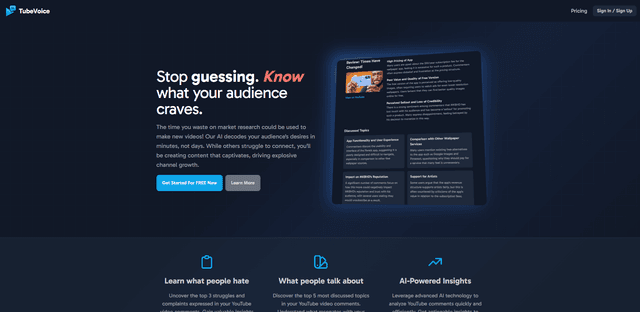
TubeVoice is an AI-powered YouTube comment analyzer that helps content creators understand their audience by providing insights from video comments through automated analysis.

ReviewPower
ReviewPower is an all-in-one platform that aggregates and analyzes trusted reviews from G2 and Capterra to help businesses gain valuable insights from customer feedback.

Insightfull
Insightfull is an AI-powered health tracking platform that helps users monitor symptoms, analyze health data, and receive personalized insights through symptom tracking, food logging, and medication management features.
SERPrecon
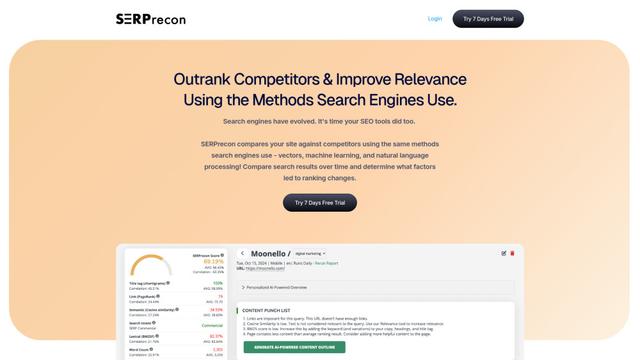
SERPrecon is an advanced SEO tool that leverages vectors, machine learning, and natural language processing to help users analyze and outrank competitors by using the same methods as modern search engines.
Popular AI Tools Like Cube
Radar
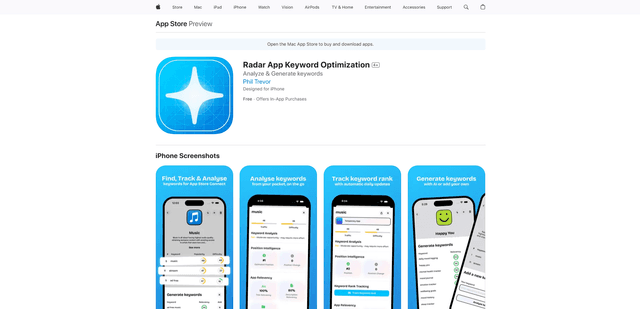
App Radar is a comprehensive app store optimization (ASO) tool that leverages AI-powered keyword research, competitor analysis, and automated tools to help improve app visibility and rankings across the Apple App Store and Google Play Store.
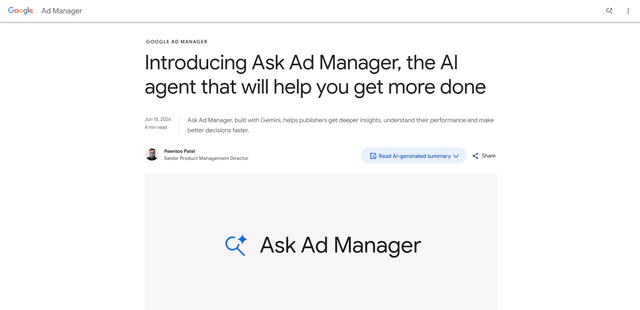
Ask Ad Manager by Google Ads
Ask Ad Manager is a Gemini-powered conversational agent inside Google Ad Manager that helps publishers troubleshoot issues in real time, generate custom performance reports from prompts, and navigate directly to the right settings using their own Ad Manager data.
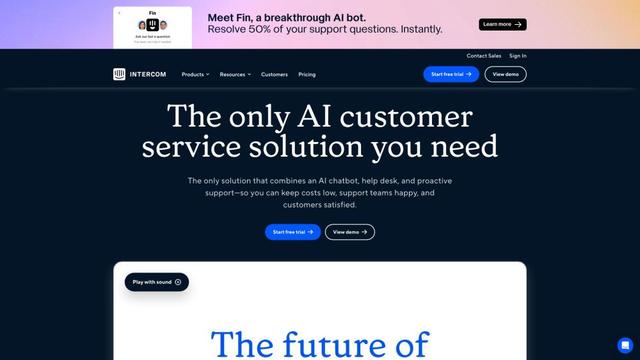
Intercom
Intercom is an AI-powered customer service platform that provides instant support, enhances agent productivity, and delivers insights to support leaders.

Branded
Branded is a market research company that uses AI and advanced sampling techniques to provide high-quality consumer insights and data.