
CtrlAI
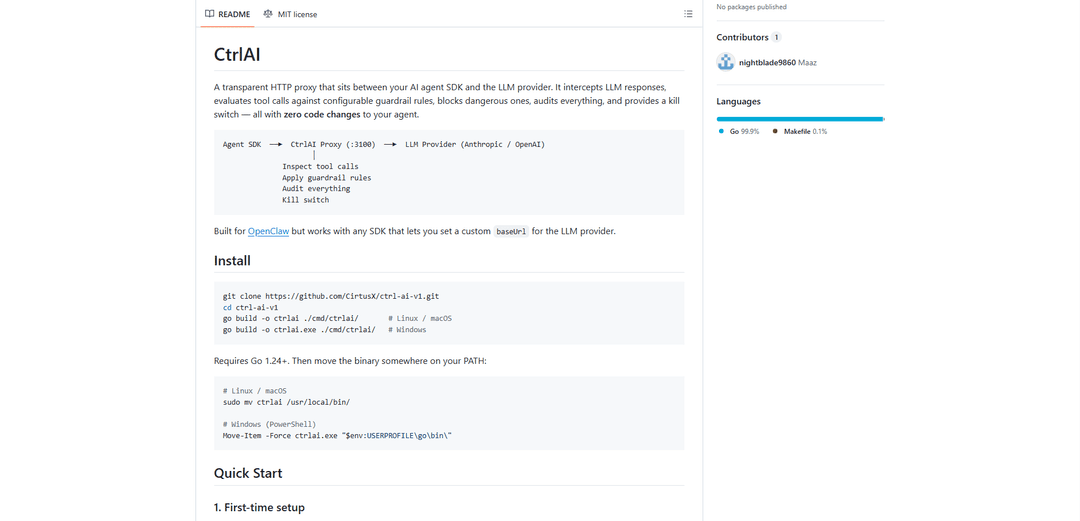
CtrlAI is a transparent HTTP proxy that sits between AI agent SDKs and LLM providers, offering guardrail rules, audit logging, and a kill switch functionality to ensure safe AI agent operations with zero code changes.
https://github.com/CirtusX/ctrl-ai-v1?ref=producthunt
Product Information
Updated:Mar 8, 2026
What is CtrlAI
CtrlAI is an open-source security and control layer designed to safeguard AI agent interactions with Language Learning Models (LLMs) like OpenAI and Anthropic. It functions as a middleware solution that requires no modifications to existing agent code while providing comprehensive security features. Built primarily for OpenClaw but compatible with any SDK that allows custom baseUrl configuration, CtrlAI enables organizations to implement robust security measures and maintain control over their AI agents' activities.
Key Features of CtrlAI
CtrlAI is a transparent HTTP proxy that acts as a security layer between AI agent SDKs and LLM providers (like Anthropic and OpenAI). It provides real-time monitoring, rule-based guardrails, and audit logging for AI agent actions without requiring code changes. The system intercepts LLM responses, evaluates tool calls against configurable security rules, blocks dangerous operations, maintains detailed audit trails, and offers an emergency kill switch - all while being completely transparent to the agent SDK.
Zero-Code Integration: Integrates seamlessly by acting as a proxy between agent SDK and LLM provider, requiring only a baseUrl configuration change with no code modifications
Rule-Based Security Guardrails: Offers 19 built-in security rules plus custom rule creation capabilities to protect against dangerous operations like accessing sensitive files, executing destructive commands, or unauthorized actions
Comprehensive Audit System: Maintains tamper-evident logs of all tool calls with detailed information including agent ID, timestamps, decisions, and hash chain verification
Emergency Kill Switch: Provides instant ability to terminate specific agents or all agents with persistent kill state management and quick recovery options
Use Cases of CtrlAI
Enterprise Security Compliance: Organizations can implement and enforce security policies across all AI agents, preventing access to sensitive files and maintaining audit trails for compliance
Development and Testing: Developers can safely test AI agents on their local machines while preventing accidental access to sensitive system resources or destructive operations
Multi-Agent System Management: Teams can manage multiple AI agents with different permission levels and monitor their activities through a centralized dashboard
Financial Services Protection: Financial institutions can prevent unauthorized access to sensitive client data while allowing AI agents to perform approved operations
Pros
No code changes required for implementation
Comprehensive security features with built-in and custom rules
Detailed audit logging with tamper-evident chain
Cons
All-or-nothing blocking approach may sometimes block legitimate operations
No authentication in the dashboard interface
Limited visualization features in the current dashboard
How to Use CtrlAI
Install CtrlAI: Clone the repository and build the binary: 'git clone https://github.com/CirtusX/ctrl-ai-v1.git', 'cd ctrl-ai-v1', then 'go build -o ctrlai ./cmd/ctrlai/' for Linux/macOS or 'go build -o ctrlai.exe ./cmd/ctrlai/' for Windows
First-time Setup: Run 'ctrlai' with no arguments to trigger interactive setup. This creates the config directory (~/.ctrlai/ on Linux/macOS or %USERPROFILE%\.ctrlai\ on Windows), writes default config.yaml and rules.yaml, and creates audit log directory
Start the Proxy: Run 'ctrlai start' to start the proxy on http://127.0.0.1:3100. Use 'ctrlai start -d' to run in background mode
Configure Agent SDK: Point your agent SDK at the proxy by setting the baseUrl to route through CtrlAI. For example in OpenClaw config, set baseUrl to 'http://127.0.0.1:3100/provider/anthropic' for single agent or use agent-specific paths like '/provider/anthropic/agent/main' for multi-agent setup
Access Dashboard: Open http://127.0.0.1:3100/dashboard in your browser to access the web UI. Here you can view agent status, rules, live activity feed and audit logs
Monitor Audit Logs: Use 'ctrlai audit tail' to view recent entries, 'ctrlai audit tail -f' to follow live updates, or query specific logs with 'ctrlai audit query --agent main --decision block --since 1h'
Manage Agents: Use 'ctrlai kill <agent> --reason "reason"' to terminate an agent, 'ctrlai kill --all' for all agents, and 'ctrlai revive <agent>' to restore a killed agent
Customize Rules: Edit ~/.ctrlai/rules.yaml to modify built-in rules or add custom rules. Rules are file-watched and changes take effect automatically without restart
CtrlAI FAQs
CtrlAI is a transparent HTTP proxy that sits between your AI agent SDK and LLM provider (like Anthropic or OpenAI). It intercepts LLM responses, evaluates tool calls against configurable guardrail rules, blocks dangerous actions, audits everything, and provides a kill switch - all without requiring any code changes to your agent.
Popular Articles

Atoms: A Multi-Agent AI Platform That Transforms Ideas into Launch-Ready Products
May 22, 2026

Nano Banana SBTI: What It Is, How It Works, and How to Use It in 2026
Apr 15, 2026

Atoms Review — The AI Product Builder Redefining Digital Creation in 2026
Apr 10, 2026

Kilo Claw: How to Deploy and Use a True "Do‑It‑For‑You" AI Agent(2026 Update)
Apr 3, 2026
Latest AI Tools Similar to CtrlAI

Athena AI
Athena AI is a versatile AI-powered platform offering personalized study assistance, business solutions, and life coaching through features like document analysis, quiz generation, flashcards, and interactive chat capabilities.
Aguru AI
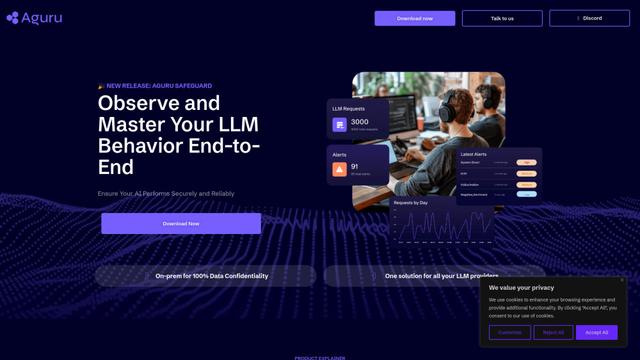
Aguru AI is an on-premises software solution that provides comprehensive monitoring, security, and optimization tools for LLM-based applications with features like behavior tracking, anomaly detection, and performance optimization.
GOAT AI
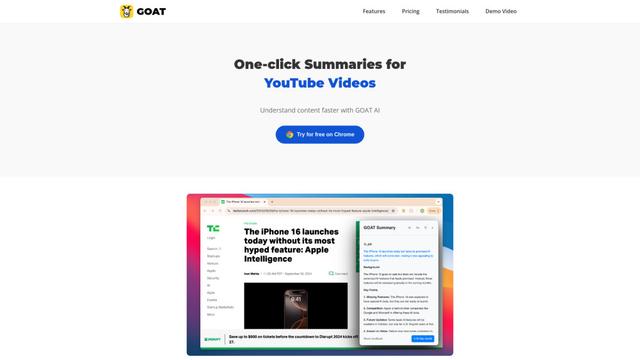
GOAT AI is an AI-powered platform that provides one-click summarization capabilities for various content types including news articles, research papers, and videos, while also offering advanced AI agent orchestration for domain-specific tasks.
GiGOS
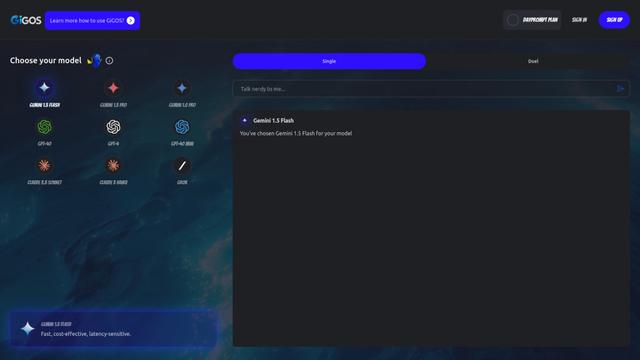
GiGOS is an AI platform that provides access to multiple advanced language models like Gemini, GPT-4, Claude, and Grok with an intuitive interface for users to interact with and compare different AI models.
Popular AI Tools Like CtrlAI

GPT‑5.5 | ChatGPT Official
GPT‑5.5 in ChatGPT is OpenAI’s latest work-focused model designed to understand complex goals, use tools effectively, check its work, and carry multi-step tasks (coding, research, documents, spreadsheets) through to completion with stronger safeguards.
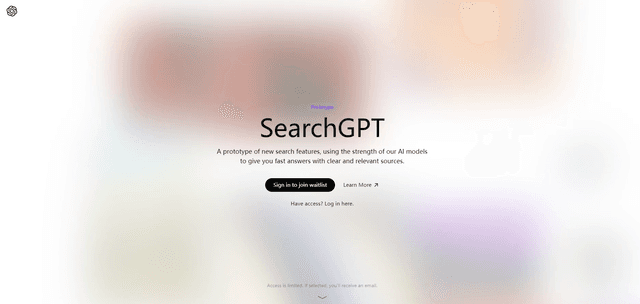
SearchGPT
SearchGPT is an AI-powered search prototype by OpenAI that provides fast, conversational answers with clear sources using GPT models.
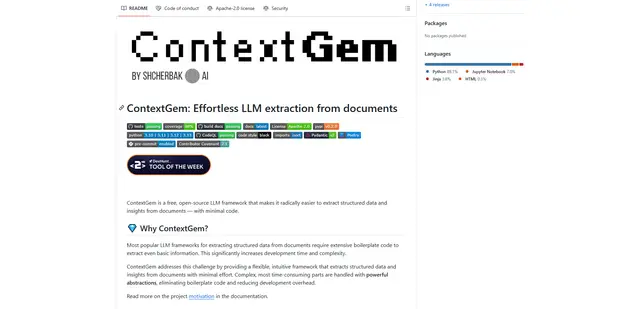
ContextGem
ContextGem is a free, open-source LLM framework that simplifies structured data and insights extraction from documents with minimal code through powerful built-in abstractions and automated features.
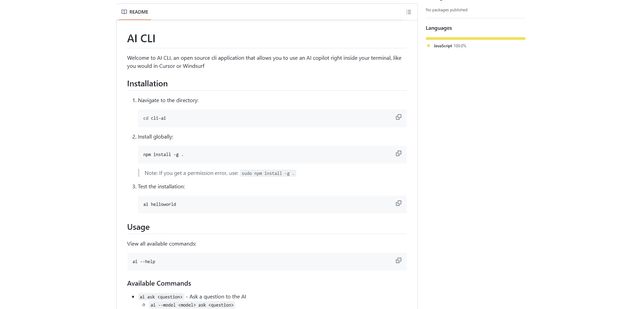
AI CLI
AI CLI is an open-source command-line interface tool that brings AI capabilities directly to your terminal, allowing you to interact with various AI models like OpenAI's GPT and Anthropic's Claude through simple commands.