Creed
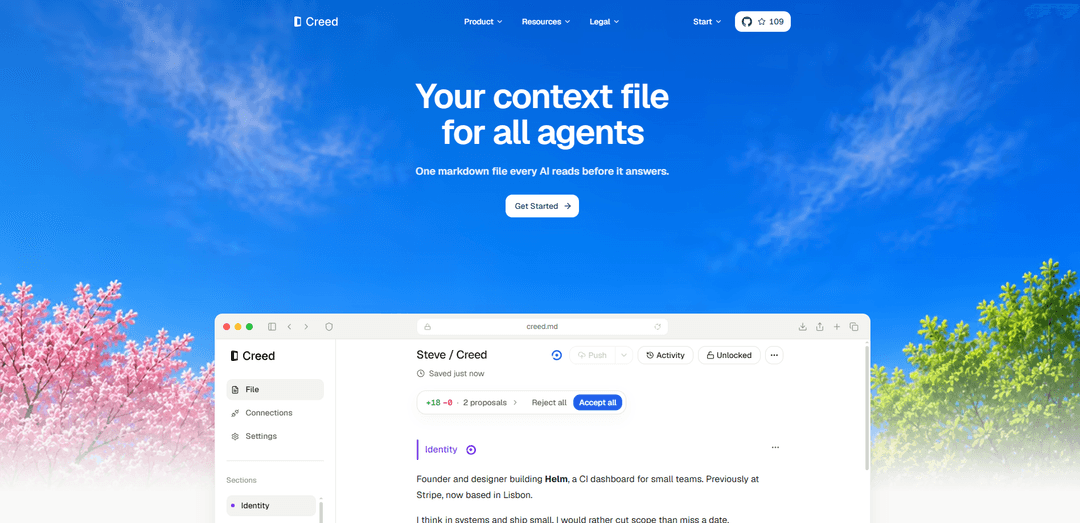
Creed is a personal-context system for AI agents that stores your up-to-date preferences in a single canonical “creed.md” file and shares it across connected tools via an OAuth-based MCP connector.
https://creed.md/?ref=producthunt
Product Information
Updated:Aug 8, 2026
What is Creed
Creed is a product designed to give every connected AI agent a shared, current understanding of who you are, how you work, and what matters to you—so you don’t have to re-explain your context in every conversation. It centers on a canonical markdown file (creed.md) that captures high-signal personal context such as identity, goals, work preferences, routines, and constraints, while emphasizing “less is more” by pruning stale details to keep the file sharp and useful over time.
Key Features of Creed
Creed is a personal-context system for AI agents that keeps a single canonical “Creed” markdown file of your identity, goals, preferences, routines, and constraints, then makes it available to connected agents via an MCP connector with OAuth. Agents can pull your up-to-date context before answering so you don’t need to repeat yourself, and they can propose precise diffs to improve the file over time—aiming for a high-signal, pruned, self-improving profile that stays current and useful across tools and sessions.
Canonical personal context file: Maintains a single markdown source of truth (creed.md) for your durable context—who you are, what you’re building, and how you like to work.
MCP-based agent connectivity: Connects to AI agents through an MCP server URL so agents can fetch context programmatically before responding.
OAuth authorization flow: Uses OAuth for secure access—agents open a browser for consent, you approve while signed in, and the connection persists without copying secrets.
Auto-context retrieval before answers: Agents can automatically pull your Creed prior to generating outputs, reducing repeated onboarding and improving consistency across sessions.
Diff-based updates from agents: When an agent notices a durable preference or new stable fact, it proposes a precise edit as a diff so your context evolves intentionally.
High-signal pruning philosophy: Encourages keeping the file tight and exhaustive but pruned—removing stale details so the context stays sharp and relevant over time.
Use Cases of Creed
Founder/operator AI copilots: A founder can keep product goals, decision principles, and communication style in Creed so any agent can immediately assist with planning, specs, and announcements in the right voice.
Multi-agent workflows in teams: Teams using multiple tools/agents can standardize on one personal context source so outputs remain consistent across research, writing, coding, and support tasks.
Personal productivity and coaching: Store routines, constraints, and preferences so scheduling, habit, and reflection agents can tailor suggestions without re-asking baseline questions.
Client/consultant context handoff: Consultants can maintain a client-facing context profile (goals, constraints, preferred formats) to accelerate onboarding of new specialized agents for deliverables.
Cross-tool personalization for writing: Writers can encode tone, formatting rules, and editorial preferences so any connected agent produces consistent drafts, summaries, and revisions.
Pros
Reduces repeated context setting by letting agents pull an up-to-date profile before answering
Secure, low-friction connectivity via OAuth (no manual secret copying) and MCP integration
Improves over time with agent-proposed diffs and a pruning-first approach to keep context high-signal
Cons
Quality depends on ongoing maintenance—stale or overly long context can degrade usefulness if not pruned
Requires MCP-compatible agents and an initial OAuth approval flow, which may add setup overhead
Centralizing personal context can raise privacy/permission concerns if access controls are mismanaged
How to Use Creed
1) Create/open your Creed: Use Creed as a canonical markdown file for your personal context. Start by writing your core profile and preferences so agents can read it as their baseline context.
2) Find the MCP connection details: Go to the Connections page in Creed and copy the server URL. On the hosted app, the MCP server URL is shown there (commonly https://creed.md/mcp).
3) Connect an agent via MCP (general): In your agent/tool, add a new MCP server connection using the server URL from the Connections page, then complete the browser authorization flow if prompted.
4) Connect with Codex (CLI): Run: codex mcp add creed --url https://creed.md/mcp. Then run: codex mcp login creed to authorize access.
5) Connect with Cursor: From Creed’s Connections page, use the one-click “Add MCP” button for Cursor, then authorize in the browser when prompted.
6) Verify the connection: After connecting, the agent should read your Creed once to confirm it has access.
7) Use Creed during work: Before meaningful work, have the agent read Creed so it can apply your preferences and context. You should not need a second setup prompt once connected.
8) Keep your context useful over time: As the agent learns new stable preferences or facts, it should propose narrow updates to your Creed (or write directly if you’ve enabled that), keeping changes reviewable when you want control.
9) Choose your edit workflow (reviewable vs direct): Configure whether agent edits are suggested for review or written directly, depending on how much friction/control you want.
10) (Optional) Use Creed for teams (Company plan): If on a Company plan, maintain a shared Company Creed that every member’s agents read, with roles, an activity view across the team, and admin controls.
Creed FAQs
Creed is a software product that helps users create, manage, and share a canonical personal context file that connected AI agents and tools can read before answering.
Popular Articles

Vosko AI: Localize and Dub Videos for Global Audiences
Oct 15, 2026

Atoms: A Multi-Agent AI Platform That Transforms Ideas into Launch-Ready Products
Oct 13, 2026

Nano Banana SBTI: What It Is, How It Works, and How to Use It in 2026
Apr 15, 2026

Atoms Review — The AI Product Builder Redefining Digital Creation in 2026
Apr 10, 2026
Latest AI Tools Similar to Creed
Snapmark
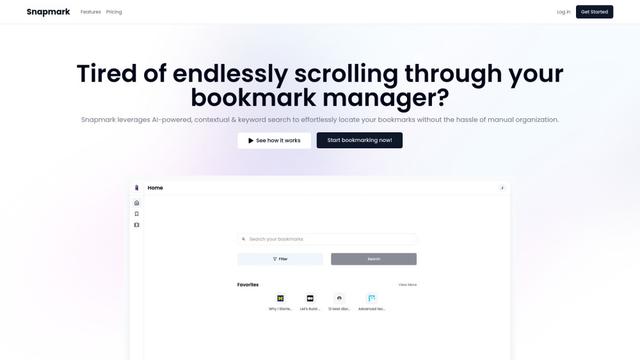
Snapmark is an AI-powered search engine for bookmarks that allows users to save, search, and organize websites, images, and text without manual tagging or categorization.
Uměl.cz
Uměl.cz is a Czech AI-powered search engine that provides intelligent and contextual answers to user queries.

想读 (WantRead)
想读(WantRead) is an AI-powered reading and note-taking platform that helps users easily import, read, annotate and build their personal knowledge base.

PodExtra AI
PodExtra AI is an advanced AI-powered podcast tool that transforms podcast content into digestible formats through transcripts, summaries, mind maps, outlines, highlights and takeaways.
Popular AI Tools Like Creed
Rememberall
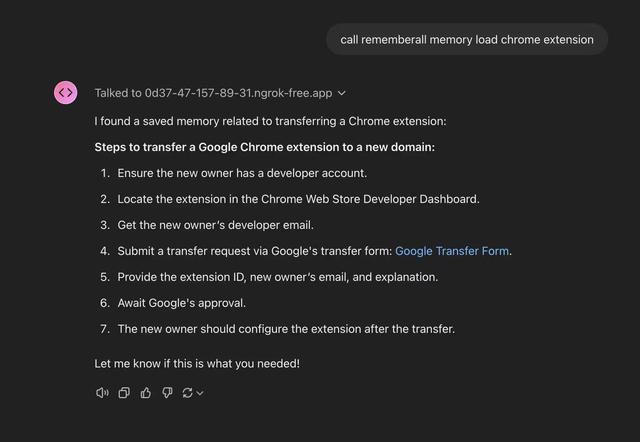
Rememberall is a secure, open-source long-term memory solution that enables AI applications and GPT models to maintain persistent memory across conversations through semantic search and vector storage capabilities.

CogniMemo Extension
CogniMemo is a browser extension that adds long-term memory capabilities to AI tools like ChatGPT, Claude, Gemini, and DeepSeek by enabling context-aware conversations and knowledge management through saved notes and past chats.
iglu
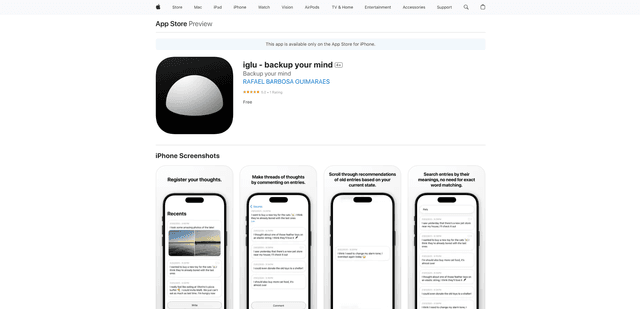
Iglu is a private, AI-powered micro-journaling app that helps users record, organize, and revisit their thoughts, memories, and ideas through text and media entries with intelligent search and recommendation features.
FishPic
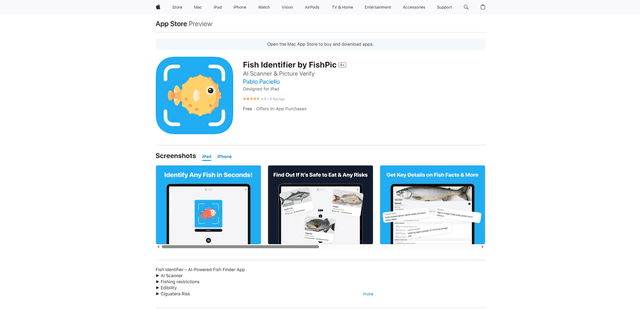
FishPic is an AI-powered fish identification app that instantly recognizes fish species from photos while providing comprehensive information about edibility, regulations, and recipes.