
Community Figma MCP server
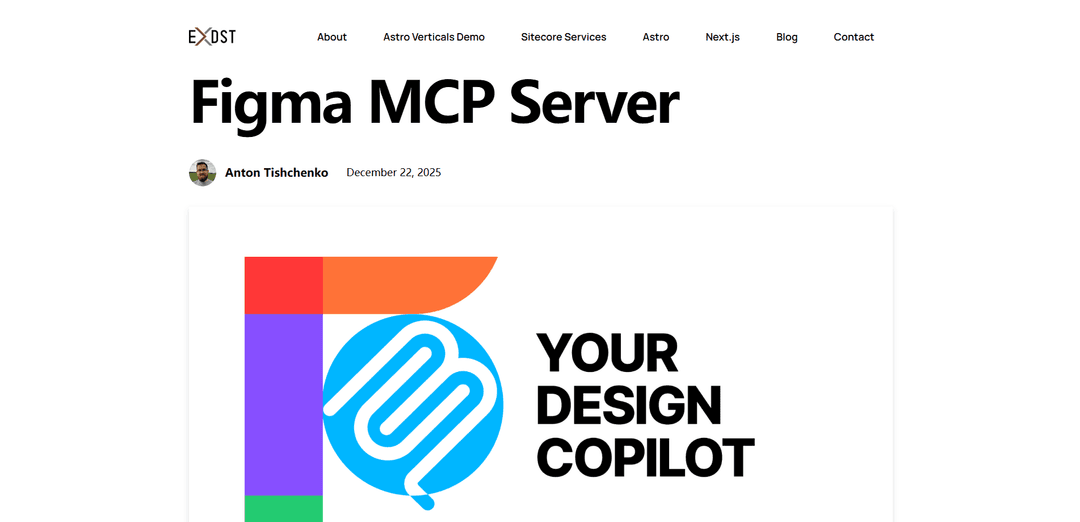
The Community Figma MCP Server is a free and open-source tool that extends the official Figma MCP server by enabling AI assistants to not only read but also edit Figma design documents through the Model Context Protocol.
https://exdst.com/posts/20251222-figma-mcp-server?ref=producthunt
Product Information
Updated:Jan 8, 2026
What is Community Figma MCP server
The Community Figma MCP Server is an unofficial implementation of the Model Context Protocol (MCP) server for Figma that addresses the read-only limitation of the official Figma MCP server. It acts as a standardized interface allowing AI agents and applications to interact bidirectionally with Figma design files. Built as a community solution, it enables both reading and writing capabilities, allowing AI assistants to not just access but also manipulate Figma designs directly through the MCP standard.
Key Features of Community Figma MCP server
The Community Figma MCP Server is a free and open-source tool that extends the capabilities of the official Figma MCP server by enabling AI assistants to not only read but also edit Figma design documents. It works through a plugin and WebSocket server architecture, allowing bidirectional communication between AI agents and Figma designs, making it possible for designers to collaborate with AI assistants on design tasks and automate various design operations.
Bidirectional Communication: Enables both reading and writing capabilities in Figma documents, unlike the official read-only server, through a combination of Plugin API and WebSocket server
AI Assistant Integration: Supports connection with various AI assistants like ChatGPT, Claude Desktop, Cursor, and Windsurf for collaborative design work
Component Management: Allows AI-driven creation and modification of Figma components, auto-layouts, and design properties through natural language commands
Real-time Design Context: Maintains design document context with undo/redo capabilities and real-time updates through WebSocket communication
Use Cases of Community Figma MCP server
Rapid Prototyping: Quickly create initial design drafts and components using AI assistance for faster project kickoffs
Design System Setup: Automate the creation and organization of design system components and properties with AI guidance
Design Automation: Automate repetitive design tasks like component property settings and layout adjustments
Collaborative Design: Enable designers to work alongside AI assistants for enhanced productivity and creative exploration
Pros
Free and open-source solution
Enables editing capabilities missing in official server
Integrates with multiple AI assistants
Cons
Requires local setup and configuration
May have stability limitations compared to official server
Depends on plugin sandbox constraints
How to Use Community Figma MCP server
Clone Repository: Clone the repository from https://github.com/antonytm/figma-mcp-server
Set up Figma Plugin: Navigate to plugin directory with 'cd plugin', install dependencies with 'npm i', and build the plugin with 'npm run build'
Import Plugin to Figma: Open Figma, go to Plugins > Development > Import Plugin from manifest, and select '/plugin/manifest.json' from the cloned repository
Start Figma Plugin: Launch the 'Figma MCP Server' plugin in Figma. You should see 'Not connected to MCP server' message initially. Keep the plugin window open
Start MCP Server: Navigate to MCP directory with 'cd mcp', install dependencies with 'npm i', and start the server with 'npm run start'. Should see 'Server listening on http://localhost:38450' message
Configure AI Client: In your AI assistant that supports MCP servers, configure it to use Streaming HTTP transport with URL 'http://localhost:38450/mcp'
Verify Connection: Check that the Figma plugin shows 'Connected to MCP server' message, indicating successful connection between plugin and server
Start Using: You can now use your AI assistant to interact with and edit Figma design documents through natural language commands
Community Figma MCP server FAQs
The main difference is that the Unofficial Figma MCP Server allows both reading AND editing of Figma design documents, while the official Figma MCP server is read-only.
Popular Articles

Vosko AI: Localize and Dub Videos for Global Audiences
Oct 15, 2026

Atoms: A Multi-Agent AI Platform That Transforms Ideas into Launch-Ready Products
Oct 13, 2026

Nano Banana SBTI: What It Is, How It Works, and How to Use It in 2026
Apr 15, 2026

Atoms Review — The AI Product Builder Redefining Digital Creation in 2026
Apr 10, 2026
Latest AI Tools Similar to Community Figma MCP server
Poster Generator
An AI-powered online poster maker that enables users to effortlessly create stunning custom posters through templates, AI generation, and drag-and-drop editing tools without requiring design skills.
Sketcho
Sketcho is an AI-powered design tool that transforms sketches and ideas into high-quality professional designs through an intuitive interface.

Palette Hunt
Palette Hunt is an AI-powered color analysis tool that helps users discover their perfect color palettes through personalized analysis and AI-generated fashion models.
LogoGeneratorAI
LogoGeneratorAI is an advanced AI-powered logo creation tool that generates unique, professional SVG logos with customizable features like color schemes, image cropping, and background removal.
Popular AI Tools Like Community Figma MCP server
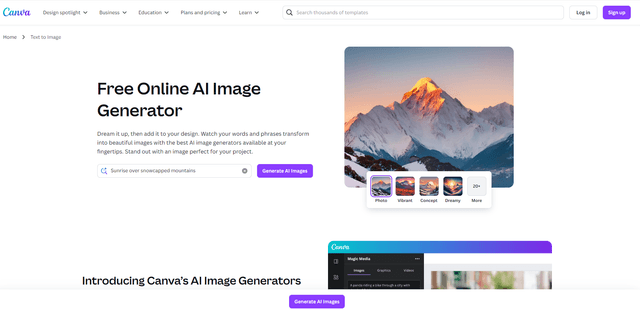
Canva AI
Canva AI is an advanced suite of AI-powered design tools integrated into Canva's platform, offering features like text-to-image generation, background removal, and content creation assistance to streamline the design process.
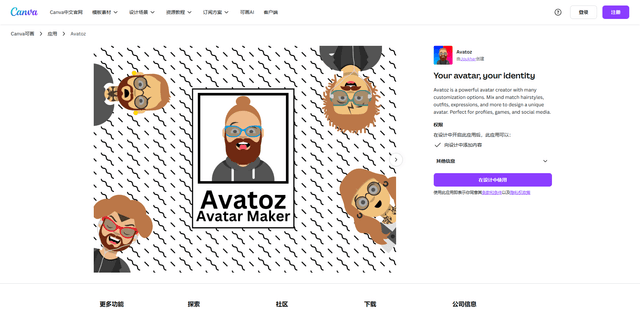
Avatoz
Avatoz is a powerful avatar creator app for Canva that allows users to design unique, customized avatars with extensive options for hairstyles, outfits, expressions and more.
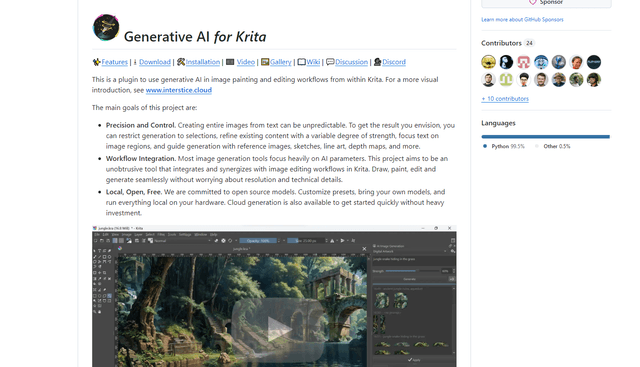
Krita
Krita is a free and open-source digital painting and illustration software that offers a wide range of professional-grade tools for artists and designers.
Adobe
Adobe is a leading software company that provides creative, marketing, and document management solutions through innovative applications and services.