
Clear for Slack
Clear ist eine datenschutzorientierte Slack-App, die KI verwendet, um Benutzern zu helfen, prägnantere, klarere und umsetzbarere Arbeitsplatznachrichten zu schreiben, ohne Nachrichtendaten zu speichern.
https://www.installclear.com/?ref=producthunt&utm_source=aipure
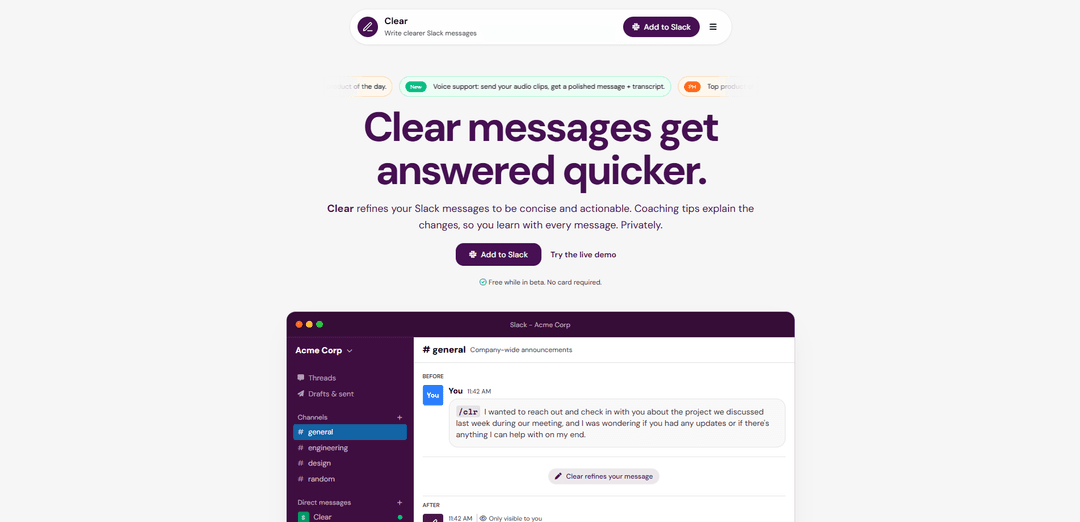
Produktinformationen
Aktualisiert:Jan 8, 2026
Was ist Clear for Slack
Clear ist eine innovative Slack-Integration, die als Ihr persönlicher Assistent zur Verfeinerung von Nachrichten dient. Sie hilft Benutzern, ihre natürlichen, potenziell langen oder unklaren Nachrichten in professionellere, prägnantere Mitteilungen umzuwandeln, wobei die ursprüngliche Bedeutung und Absicht erhalten bleiben. Die App wurde mit dem Schwerpunkt auf Datenschutz entwickelt, sodass keine Nachrichten gespeichert oder protokolliert werden, was sie für sensible Arbeitsumgebungen geeignet macht. Clear befindet sich derzeit in der Beta-Phase und ist kostenlos nutzbar. Nach der Beta-Phase wird Clear zu einem Preis von ca. 1,99 $ pro Slack-Benutzer und Monat angeboten.
Hauptfunktionen von Clear for Slack
Clear for Slack ist ein KI-gestütztes Tool zur Verfeinerung von Nachrichten, das Benutzern hilft, präzisere und effektivere Arbeitsplatzkommunikation zu verfassen. Es verwendet einen Slash-Befehl (/clr) oder Direktnachrichten, um ausführliche Nachrichten in klarere, handlungsorientiertere Inhalte umzuwandeln, wobei die ursprüngliche Bedeutung und der Tonfall erhalten bleiben. Die App bietet ein datenschutzorientiertes Design ohne Nachrichtenspeicherung, integriertes Schreibcoaching und unterstützt mehrere Sprachen.
KI-Nachrichtenverfeinerung: Verwendet fortschrittliche Sprachmodelle, um lange Nachrichten in prägnante, klare Kommunikationen umzuwandeln, wobei die ursprüngliche Absicht und Terminologie beibehalten werden
Datenschutzorientiertes Design: Nachrichten werden nicht gespeichert und verfallen sofort nach der Verarbeitung, wodurch sie für sensible Arbeitsplatzkommunikation geeignet sind
Integrierter Schreibcoach: Bietet Coaching-Tipps und Erklärungen für vorgenommene Änderungen, die Benutzern helfen, ihre Kommunikationsfähigkeiten im Laufe der Zeit zu verbessern
Mehrsprachige Unterstützung: Funktioniert mit fast allen Sprachen und kann gemischtsprachige Nachrichten verarbeiten, wobei Kontext und Bedeutung erhalten bleiben
Anwendungsfälle von Clear for Slack
Globale Teamkommunikation: Hilft nicht-nativen Englischsprechern, selbstbewusster und professioneller in internationalen Teams zu kommunizieren
Führungskräftekommunikation: Verfeinert wichtige Ankündigungen und Updates, um Klarheit und Wirkung über organisationsweite Nachrichten hinweg zu gewährleisten
Technische Dokumentation: Erhält die technische Genauigkeit und macht komplexe Informationen zugänglicher, indem die Terminologie beibehalten und gleichzeitig die Klarheit verbessert wird
Vorteile
Starker Fokus auf Datenschutz ohne Nachrichtenspeicherung
Hilft, die Schreibfähigkeiten durch Coaching zu verbessern
Einfache Integration in bestehende Slack-Workflows
Nachteile
Kostenpflichtiger Dienst nach der Betaphase (1,99 $ pro Benutzer/Monat)
Erfordert die aktive Verwendung des Befehls für jede Nachrichtenverfeinerung
Wie verwendet man Clear for Slack
Clear installieren: Klicken Sie auf die Schaltfläche \'Zu Slack hinzufügen\' und autorisieren Sie Clear für Ihren Arbeitsbereich
Auf den Befehl zugreifen: Nach der Installation ist der Befehl /clr in allen Kanälen und Direktnachrichten verfügbar
Schreiben Sie Ihre Nachricht: Geben Sie in einem beliebigen Kanal oder einer Direktnachricht /clr gefolgt von Ihrer Nachricht ein. Schreiben Sie natürlich, ohne sich um Klarheit oder Länge zu kümmern
Verfeinerte Version erhalten: Clear verarbeitet Ihre Nachricht und gibt eine verfeinerte, klarere Version mit optionalen Coaching-Tipps zurück, die die Änderungen erläutern
Überprüfen und Senden: Kopieren Sie die verfeinerte Nachricht und senden Sie sie über Slack. Nur Sie können den verfeinerten Entwurf sehen - Clear veröffentlicht niemals öffentlich
Alternative: Direktnachricht: Sie können dem Clear-Bot auch direkt eine Direktnachricht zur privaten Nachrichtenverfeinerung senden, ohne den Befehl /clr zu verwenden
Sprachmodus-Option: Verwenden Sie die Sprachmodusfunktion, um gesprochene Gedanken in klare, versandbereite Slack-Nachrichten umzuwandeln
Clear for Slack FAQs
Clear ist eine Slack-App, die Nutzern mithilfe von KI hilft, klarere und direktere Nachrichten am Arbeitsplatz zu schreiben. Sie verfeinert Nachrichten, um sie prägnanter und handlungsorientierter zu gestalten, und gibt gleichzeitig Coaching-Tipps zur Verbesserung der Kommunikationsgewohnheiten.
Beliebte Artikel

Vosko AI: Videos für ein globales Publikum lokalisieren und synchronisieren
Oct 15, 2026

Atoms: Eine Multi-Agenten-KI-Plattform, die Ideen in startbereite Produkte verwandelt
May 22, 2026

Nano Banana SBTI: Was es ist, wie es funktioniert und wie man es im Jahr 2026 einsetzt
Apr 15, 2026

Atoms Review – Der KI-Produkt-Builder, der die digitale Erstellung im Jahr 2026 neu definiert
Apr 10, 2026
Neueste KI-Tools ähnlich wie Clear for Slack
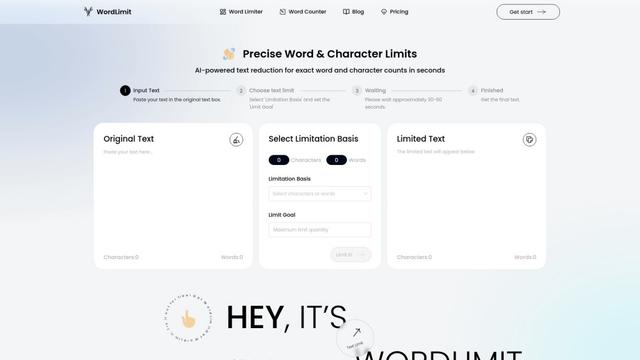
WordLimit AI
WordLimit ist das weltweit erste intelligente Textreduktionswerkzeug, das Wort- und Zeichenzahlen präzise anpasst und dabei wesentliche Informationen und den ursprünglichen menschlichen Schreibstil bewahrt.
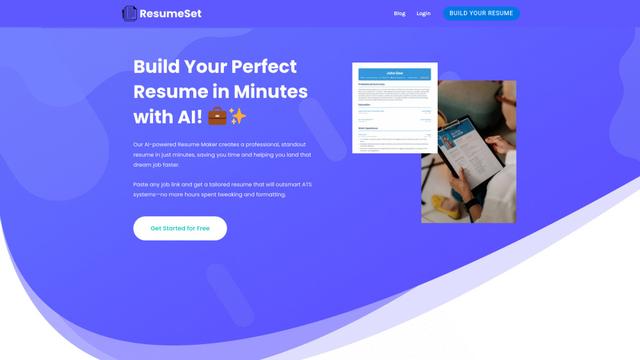
ResumeSet
ResumeSet ist ein kostenloser KI-gestützter Lebenslauf-Builder, der in wenigen Minuten maßgeschneiderte, ATS-optimierte Lebensläufe erstellt, indem er jede Stellenanzeige in einen professionell formatierten Lebenslauf verwandelt, ohne dass eine Kreditkarte erforderlich ist.
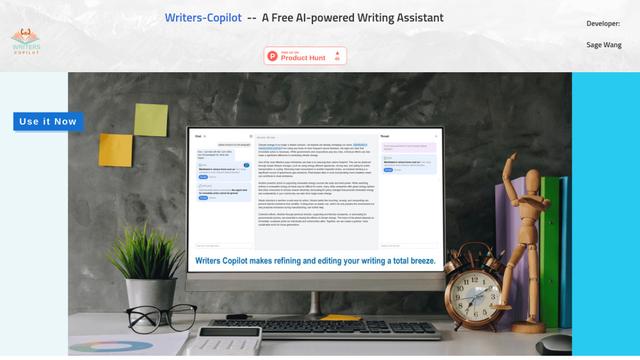
Writers-Copilot
Writers-Copilot ist ein kostenloser KI-gestützter Schreibassistent, der intelligente Bearbeitungsvorschläge, Echtzeit-Feedback und Möglichkeiten zur Inhaltsverbesserung bietet, um die Schreibqualität und Effizienz zu steigern.
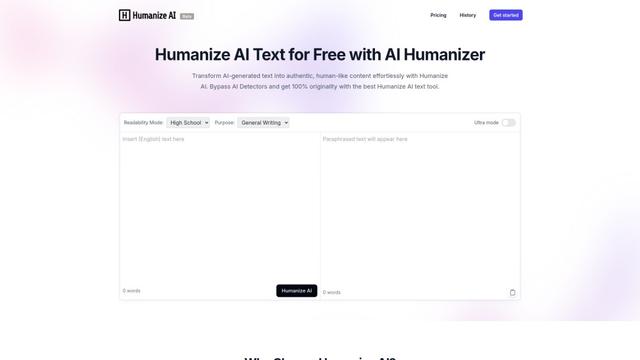
Humanize AI
Humanize AI ist eine führende kostenlose Online-Plattform, die KI-generierten Text in natürliche, menschenähnliche Inhalte umwandelt, indem sie robotische Untertöne eliminiert und alle KI-Erkennungstools umgeht.
Beliebte KI-Tools wie Clear for Slack
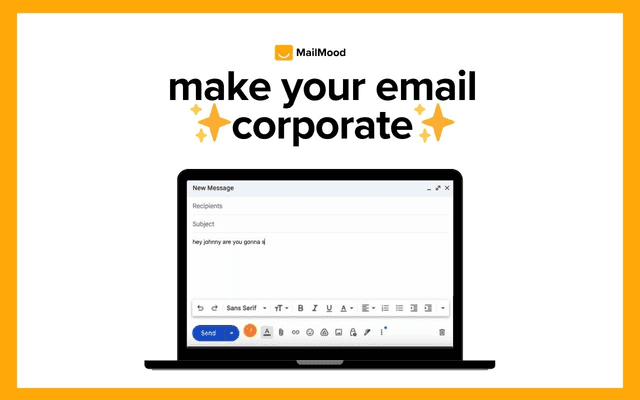
MailMood - AI Email Rewriter
MailMood ist eine Chrome-Erweiterung, die Gmail-Nachrichten mit nur einem Klick sofort in professionelle, saubere und selbstbewusste Geschäftssprache mit drei verschiedenen Tonoptionen verwandelt - Corporate, Casual oder Assertive.
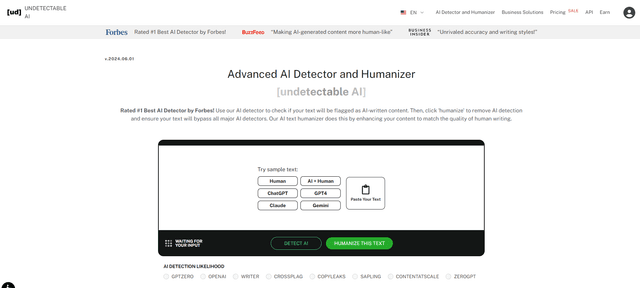
Undetectable AI
UndetectableAI.ai ist ein KI-Inhaltsdetektions- und Humanisierungstool, das KI-generierte Texte scannt und umschreibt, um sie von KI-Detektoren nicht erkennbar zu machen, während Qualität und Bedeutung erhalten bleiben.
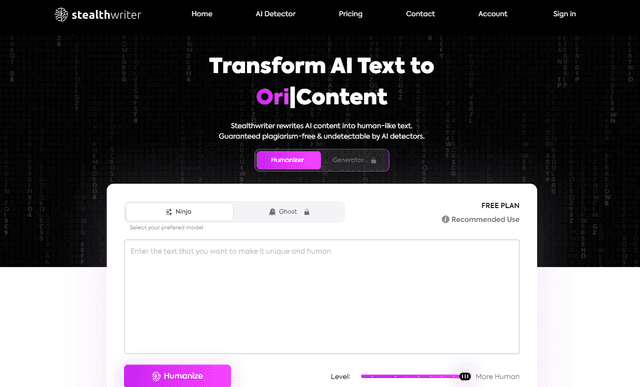
Stealthwriter
StealthWriter ist ein KI-gestütztes Tool, das KI-generierte Inhalte in undetectable, menschenähnlichen Text verwandelt und dabei Qualität beibehält und die KI-Detektion umgeht.
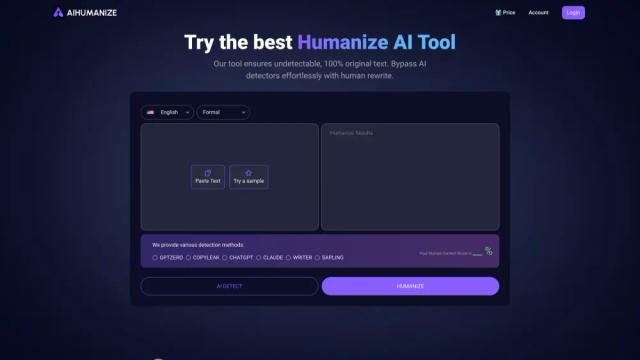
AI Humanize
AI Humanize ist ein kostenloses Online-Tool, das AI-generierten Text in natürliche, menschenähnliche Inhalte umwandelt, um AI-Detektoren zu umgehen und die Lesbarkeit zu verbessern.