
Cleanlist AI
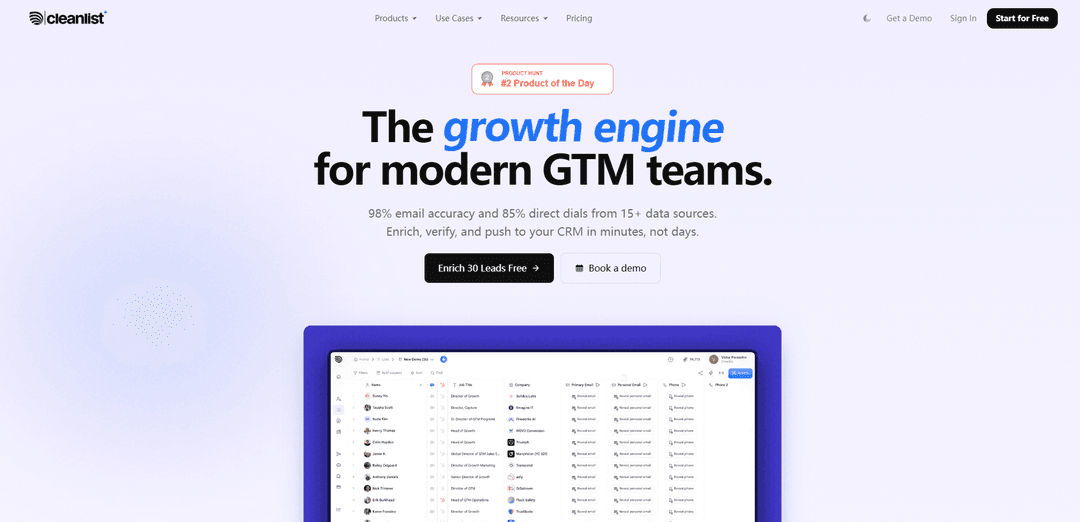
Cleanlist AI is an AI-powered B2B data enrichment platform that uses 15+ waterfall data sources to deliver verified contacts (98% email accuracy, ~85% direct dials), automate data cleanup/ICP scoring, and sync enriched records to CRMs in real time.
https://www.cleanlist.ai/?ref=producthunt
Product Information
Updated:Aug 8, 2026
What is Cleanlist AI
Cleanlist AI is a B2B data enrichment and GTM execution platform built to help sales, marketing, and RevOps teams find, verify, and enrich prospect and account data quickly. Positioned as a replacement for multiple point solutions, it combines contact discovery, email verification, direct-dial enrichment, and data cleaning in one workspace. Teams can build targeted lists via conversational prompts, enrich people and companies at scale, and push CRM-ready records into tools like HubSpot, Salesforce, Pipedrive, Outreach, Salesloft, and lemlist without rebuilding their stack.
Key Features of Cleanlist AI
Cleanlist AI is an AI-powered B2B data enrichment and GTM playbook platform that helps teams find, verify, and enrich lead and account data using a 15+ provider “waterfall” to maximize coverage (claimed 98% email accuracy and ~85% direct-dial find rates). It supports conversational list building (Copilot/AI Search), LinkedIn and Sales Navigator enrichment via a Chrome extension, bulk enrichment through CSV uploads, and automated data cleaning/normalization and ICP scoring via AI agents. Cleanlist also syncs enriched records back to core CRMs and sales engagement tools (e.g., HubSpot, Salesforce, Pipedrive, Outreach, Salesloft, lemlist) through native integrations, plus API/webhooks for custom workflows.
15+ provider waterfall enrichment: Automatically cascades across multiple data vendors to return the best available contact and company data per record, improving match rates while reducing single-source gaps.
Email verification + catch-all detection: Verifies emails with multi-step checks (including catch-all handling) and positions itself around high deliverability outcomes (98% claimed accuracy) to reduce bounces.
Direct-dial phone enrichment: Finds and enriches phone numbers/direct dials (85% claimed find rate) to improve connect rates for outbound calling teams.
Copilot / conversational list building: Generate targeted prospect lists from plain-English prompts (e.g., founders in a region, roles in Series B SaaS) and return CRM-ready enriched outputs.
LinkedIn & Sales Navigator Chrome extension: Enrich contacts directly from LinkedIn profiles in one click, then save to lists or push to CRM/sequencers without leaving the page.
Native CRM sync + automation (Playbooks, AI Agents, API): One-click field mapping and real-time push to CRMs/sales tools; playbooks and AI agents support normalization, deduplication, and ICP scoring; API/webhooks enable custom pipelines.
Use Cases of Cleanlist AI
Outbound prospecting for B2B SaaS: Build ICP-based account lists (industry, size, geo, funding stage) and enrich decision-makers (e.g., VP Sales) with verified emails and direct dials for sequences and cold calling.
RevOps CRM hygiene & deduplication: Continuously enrich and normalize CRM fields (names, titles, phones), deduplicate records, and keep contact data fresh via round-trip enrichment and scheduled workflows.
Inbound lead enrichment & routing: When a new form submission arrives, enrich and verify contact details, apply ICP scoring, and route high-fit leads faster to sales—reducing speed-to-lead.
Recruiting and staffing outreach: Find and verify contact details for targeted candidates or hiring managers from LinkedIn, enabling faster outreach and higher connection rates for recruiters.
Agencies & consultancies building ABM lists: Create multi-stakeholder contact maps per target account (multiple roles per company), then export/sync enriched lists into client CRMs and engagement tools.
Pros
High-coverage enrichment approach via 15+ provider waterfall, reducing reliance on a single data source.
Strong workflow flexibility: prompt-based search, LinkedIn extension, CSV bulk enrichment, and native CRM/sales-tool sync.
Automation features (playbooks, AI agents, ICP scoring, normalization) that reduce manual RevOps/BDR busywork.
API + webhooks support custom integrations when native connectors aren’t available.
Cons
Some sources note limited third-party reviews and reports of minor glitches/limited integrations in certain cases.
Not positioned as a full GTM suite for intent/buying signals or outreach execution (often requires separate tools for signals and sequencing beyond supported integrations).
Accuracy and match-rate claims (e.g., 98% email, 85% direct dials) may vary by region/industry and should be validated on your specific ICP.
How to Use Cleanlist AI
1) Confirm your plan type (Self-serve vs AppSumo): Before following any feature-specific steps, confirm whether you’re on a self-serve plan (Free/Starter/Pro/Scale) or an AppSumo lifetime deal. Some features differ—for example, Cleanlist Copilot is self-serve only and isn’t available on AppSumo plans.
2) Create your Cleanlist account: Sign up in the Cleanlist web app (a free tier is available). This gives you access to the workspace where you can import leads, run enrichment, and export/sync results.
3) Choose how you want to start (input method): Pick one starting point based on your workflow: (a) Upload a CSV, (b) Connect/import from your CRM, (c) Paste LinkedIn/Sales Navigator profile URLs, (d) Use People/Company search, or (e) Use the Chrome extension directly on LinkedIn/Sales Navigator.
4) (Option A) Upload a CSV to enrich in bulk: Upload a CSV containing any mix of identifiers (e.g., names + company, LinkedIn URLs, domains, or raw emails). Cleanlist will interpret the input and run each row through its waterfall enrichment to return verified emails, phone numbers, job titles, and company data.
5) (Option B) Connect your CRM and import records: Connect your CRM (e.g., HubSpot, Salesforce, Pipedrive and other supported tools) and import contacts/companies you want to enrich or clean. Cleanlist can then enrich and push updated fields back to your CRM (round-trip enrichment).
6) (Option C) Enrich from LinkedIn/Sales Navigator using the Chrome extension: Install the Cleanlist Chrome extension. Open any LinkedIn or Sales Navigator profile, click the Cleanlist extension, and retrieve a verified business email and (when available) a direct dial/mobile in seconds. Save the contact to a Cleanlist list or send it to your CRM.
7) (Option D) Use People Search / company-first search to discover new leads: Search by company name or define an ICP using filters (e.g., industry, company size, geography, tech stack, hiring signals, funding stage). Then enrich role-based decision-makers (e.g., “VP of Sales”) across the matched companies to build a complete account + contacts list.
8) (Self-serve only) Use Copilot for natural-language prospecting: In Copilot, type a prompt like “find me 100 founders in New York of companies with 50–200 employees.” Copilot handles search + enrichment + verification and returns a CRM-ready list.
9) Run Waterfall Enrichment to maximize match rates: Start the enrichment run. Cleanlist queries multiple data providers in sequence (15+ providers) until it finds and verifies the best result, improving coverage and quality versus single-provider enrichment.
10) Understand credits and what you pay for: Credits are consumed only on successful enrichments (“hits”). Typical credit usage includes: Email enrichment = 1 credit; Phone enrichment = 10 credits. This means you don’t pay for failed lookups.
11) Verify and review enriched results: Review the enriched fields (emails, phones, titles, company attributes). Cleanlist performs multi-step verification (including catch-all detection) to improve deliverability and reduce bounce risk.
12) Use AI Agents to clean, standardize, and qualify leads: Run AI Agents to automate common GTM data tasks such as job title normalization, data cleaning, deduplication, and ICP scoring (0–100) so you can prioritize the highest-fit leads before exporting or syncing.
13) Use Playbooks to automate repeatable workflows (where available): Choose a pre-built playbook (e.g., Outbound, ABM, CRM Cleanup) or build a custom workflow in the Playbook Builder. Playbooks help you standardize enrichment steps and outputs for repeatable GTM motions.
14) Export your enriched list or sync it to your tools: Export to CSV or push enriched records directly to supported CRMs and sales tools (e.g., HubSpot, Salesforce, Pipedrive, Outreach, Salesloft, lemlist). Map fields once, then reuse the mapping for future lists.
15) (Pro/Scale or eligible tiers) Use API + Webhooks for custom integrations: If your plan includes API access, integrate Cleanlist into your internal systems using the REST API and webhooks to enrich records programmatically and sync results in real time.
16) Keep your CRM fresh with ongoing enrichment: Repeat enrichment periodically (or as part of your playbooks) to prevent data decay and keep contact records accurate. Use round-trip enrichment to continuously push updated, verified fields back into your CRM.
Cleanlist AI FAQs
Cleanlist.ai is a B2B data enrichment platform that uses “waterfall enrichment,” cascading lookups through 15+ data providers to enrich and verify contact and company records. You can bring in leads from LinkedIn/Sales Navigator (including via a Chrome extension), CSV uploads, or CRM imports, then export or push enriched results back to CRMs and sales tools.
Cleanlist AI Video
Popular Articles

Vosko AI: Localize and Dub Videos for Global Audiences
Oct 15, 2026

Atoms: A Multi-Agent AI Platform That Transforms Ideas into Launch-Ready Products
Oct 13, 2026

Nano Banana SBTI: What It Is, How It Works, and How to Use It in 2026
Apr 15, 2026

Atoms Review — The AI Product Builder Redefining Digital Creation in 2026
Apr 10, 2026
Latest AI Tools Similar to Cleanlist AI
Tomat
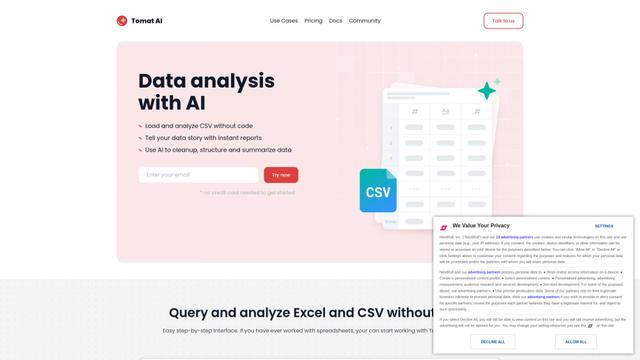
Tomat.AI is an AI-powered desktop application that enables users to easily explore, analyze, and automate large CSV and Excel files without coding, featuring local processing and advanced data manipulation capabilities.
Data Nuts
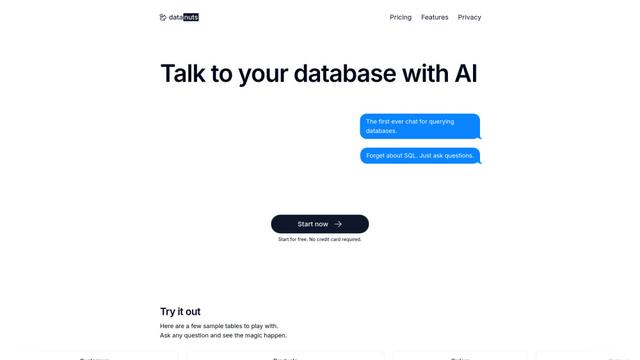
DataNuts is a comprehensive data management and analytics solutions provider that specializes in healthcare solutions, cloud migration, and AI-powered database querying capabilities.
CogniKeep AI
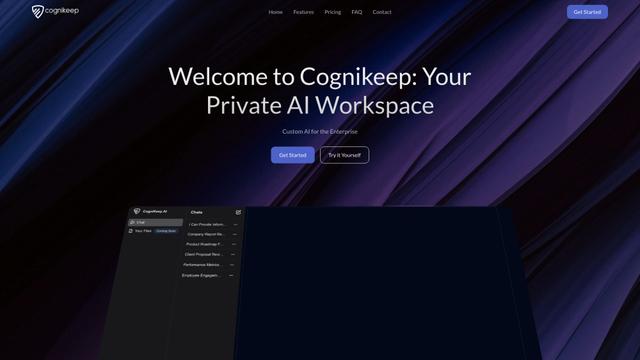
CogniKeep AI is a private, enterprise-grade AI solution that enables organizations to deploy secure, customizable AI capabilities within their own infrastructure while maintaining complete data privacy and security.

EasyRFP
EasyRFP is an AI-powered edge computing toolkit that streamlines RFP (Request for Proposal) responses and enables real-time field phenotyping through deep learning technology.
Popular AI Tools Like Cleanlist AI

Researcher & Analyst in M365 Copilot
Contact for PricingAI Data Mining
Researcher and Analyst are two first-of-their-kind AI reasoning agents in Microsoft 365 Copilot that help users tackle complex research and data analysis tasks by leveraging both enterprise and web data with advanced reasoning capabilities.
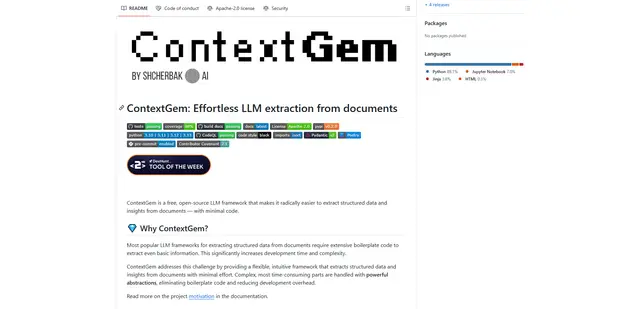
ContextGem
ContextGem is a free, open-source LLM framework that simplifies structured data and insights extraction from documents with minimal code through powerful built-in abstractions and automated features.
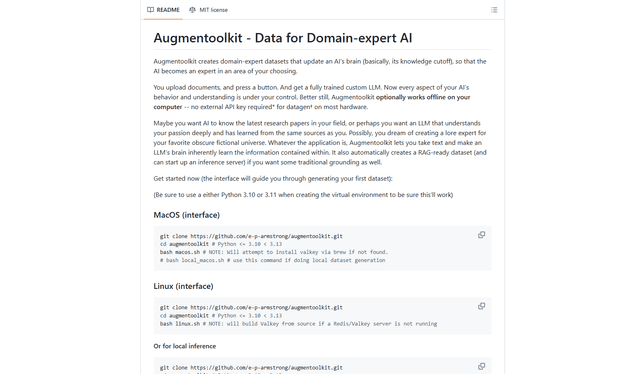
Augmentoolkit 3.0
Augmentoolkit 3.0 is a refined and battle-tested open-source tool that creates domain-expert datasets to train custom LLMs with your own data, featuring an intuitive interface, offline capability, and automatic dataset generation and training processes.
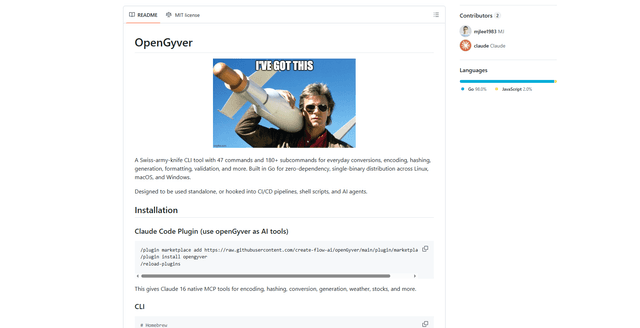
OpenGyver
OpenGyver is an open-source Swiss-army-knife CLI tool with 47 commands and 180+ subcommands for everyday conversions, encoding, hashing, generation, formatting, and validation, designed for standalone use or integration with CI/CD pipelines, shell scripts, and AI agents.