
ChartGen AI
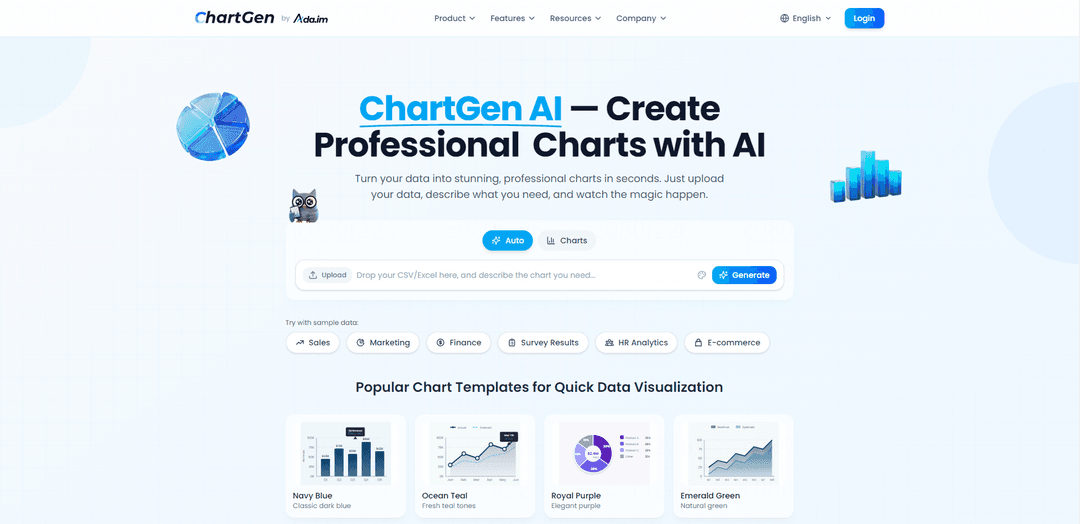
ChartGen AI es una herramienta de generación de gráficos impulsada por IA que transforma datos sin procesar en visualizaciones hermosas y profesionales en segundos a través de indicaciones de texto simples y admite múltiples formatos de datos, incluidos CSV, Excel, JSON y Google Sheets.
https://chartgen.ai/?utm_source=aipure
Información del Producto
Actualizado:12/01/2026
¿Qué es ChartGen AI?
ChartGen AI es una plataforma de visualización de datos de vanguardia que democratiza el proceso de creación de gráficos profesionales. Sirve como una solución fácil de usar para individuos y empresas que buscan transformar datos complejos en imágenes claras y atractivas sin requerir experiencia técnica o conocimientos de codificación. La plataforma ha ganado una tracción significativa con más de 2 millones de gráficos de IA creados, más de 50,000 usuarios activos y cuenta con la confianza de más de 1,200 empresas en más de 110 países.
Características Principales de ChartGen AI
ChartGen AI es una herramienta de visualización de datos impulsada por IA que permite a los usuarios crear gráficos profesionales al instante cargando datos (CSV, Excel, JSON) o conectándose a fuentes de datos como Google Sheets. Los usuarios pueden describir sus necesidades de visualización en lenguaje natural, y la IA genera varios tipos de gráficos, incluidos gráficos de barras, gráficos de líneas, gráficos circulares, diagramas de dispersión y más. La plataforma ofrece planes gratuitos y premium, admite exportaciones de alta calidad en múltiples formatos y presta servicio a más de 50,000 usuarios activos en más de 110 países.
Generación de Gráficos en Lenguaje Natural: Cree gráficos describiendo los requisitos en lenguaje natural sin necesidad de habilidades técnicas o de diseño
Soporte para Múltiples Fuentes de Datos: Cargue datos a través de archivos CSV, Excel, JSON o conéctese directamente a Google Sheets con capacidades de sincronización en vivo
Diversos Tipos de Gráficos: Genere varios formatos de visualización, incluidos gráficos de barras, gráficos de líneas, gráficos circulares, diagramas de dispersión, mapas de calor, embudos y cascadas
Opciones de Exportación Profesional: Exporte gráficos en múltiples formatos, incluidos PNG, SVG y PDF para varios casos de uso profesional
Casos de Uso de ChartGen AI
Informes Financieros: Transforme los datos financieros en informes trimestrales claros y visualizaciones de análisis de ingresos para presentaciones ejecutivas
Análisis de Marketing: Visualice el rendimiento de la campaña, la atribución del canal y las métricas de ROI para optimizar las estrategias de marketing
Presentaciones de Investigación: Ayude a los estudiantes e investigadores a crear visualizaciones profesionales para sus hallazgos de investigación y presentaciones académicas
Inteligencia de Negocios: Genere información e informes basados en datos para la toma de decisiones empresariales en varios departamentos
Ventajas
Tiempo de generación rápido (menos de 5 segundos en promedio)
Interfaz fácil de usar sin necesidad de codificación
Seguridad lista para la empresa con cumplimiento de SOC 2
Nivel gratuito disponible con 50 gráficos por mes
Desventajas
Límites de uso en el plan gratuito
Algunas opciones de exportación avanzadas requieren una suscripción premium
Cómo Usar ChartGen AI
Cargue sus datos: Cargue su conjunto de datos en formato CSV, Excel (.xlsx, .xls) o JSON. También puede pegar directamente datos de aplicaciones de hojas de cálculo como Microsoft Excel, Google Sheets o Apple Numbers. El tamaño máximo del archivo es de 10 MB.
Vista previa de los datos: Revise los datos cargados para asegurarse de que todo se vea correcto. La IA detecta automáticamente los tipos de columna, los formatos de fecha y los valores numéricos.
Escriba su indicación de gráfico: Describa la visualización que desea en lenguaje natural. Sea específico sobre: 1) El tipo de gráfico que desea, 2) Qué columnas usar, 3) Cualquier agrupación o filtrado necesario. Ejemplo: \'Crear un gráfico de barras que muestre las ventas totales por región, ordenado de mayor a menor\'
Generar gráfico: Deje que la IA genere su gráfico basándose en su indicación. El sistema selecciona automáticamente los métodos de agregación y los tipos de visualización apropiados según sus datos y solicitud.
Personalice su gráfico: Ajuste su gráfico mediante: 1) La elección de entre 12 temas de color profesionales, 2) El ajuste del diseño y el texto, 3) La modificación de los métodos de agregación si es necesario (Suma, Promedio, Conteo, Mínimo, Máximo, Conteo Distinto), 4) La adición de instrucciones de estilo específicas a través de indicaciones de lenguaje natural
Exportar y compartir: Descargue su gráfico en formato PNG o SVG para usarlo en presentaciones, informes o contenido web. Los gráficos se pueden utilizar libremente tanto para proyectos comerciales como personales.
Preguntas Frecuentes de ChartGen AI
ChartGen AI es una herramienta de generación de gráficos impulsada por IA que transforma datos en visualizaciones profesionales en segundos. Permite a los usuarios crear varios tipos de gráficos simplemente cargando datos y describiendo lo que quieren en inglés sencillo.
Publicaciones Oficiales
Cargando...Artículos Populares

Vosko AI: Localiza y dobla videos para audiencias globales
Oct 15, 2026

Atoms: Una Plataforma de IA Multiagente Que Transforma Ideas en Productos Listos para Lanzar
May 22, 2026

Nano Banana SBTI: Qué es, cómo funciona y cómo usarlo en 2026
Apr 15, 2026

Reseña de Atoms: El Constructor de Productos de IA que Redefine la Creación Digital en 2026
Apr 10, 2026
Últimas herramientas de IA similares a ChartGen AI
CalcGen AI
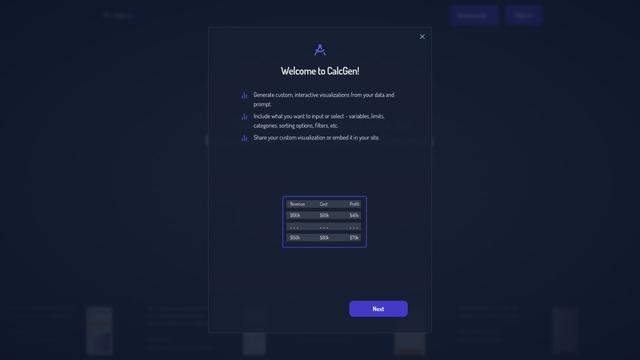
CalcGen AI es una plataforma impulsada por IA que permite a los usuarios crear e incrustar sin esfuerzo visualizaciones de datos interactivas, gráficos, diagramas y calculadoras a través de indicaciones simples.

Capital Companion
Capital Companion es un asistente de comercio impulsado por IA que proporciona información del mercado 24/7, recomendaciones personalizadas y análisis avanzados para dar a los traders una ventaja competitiva.

MarketAlerts.ai
MarketAlerts.ai es una plataforma de análisis de acciones impulsada por IA que proporciona listas de seguimiento personalizadas, filtrado inteligente, reconocimiento de patrones técnicos y alertas personalizadas para ayudar a los inversores a tomar decisiones de trading informadas.
FxChartAI
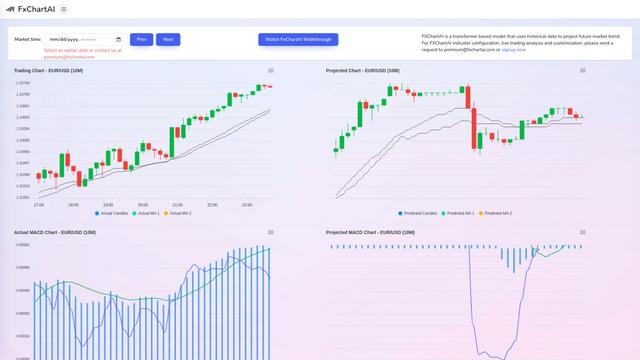
FxChartAI es una herramienta avanzada de predicción y análisis de Forex impulsada por IA que utiliza modelos de transformadores para proyectar tendencias futuras del mercado.
Herramientas de IA populares como ChartGen AI

Microsoft Excel: Spreadsheets
Microsoft Excel es el software de hoja de cálculo líder en la industria que permite a los usuarios organizar, analizar y visualizar datos a través de potentes características como fórmulas, gráficos e ideas impulsadas por IA.
Metabase
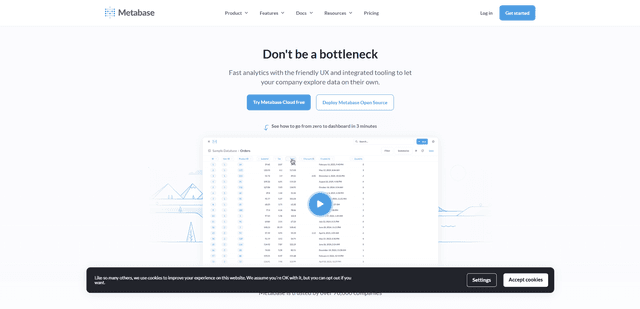
Metabase es una plataforma de inteligencia empresarial y visualización de datos de código abierto que permite a los usuarios consultar, analizar y compartir información de datos a través de una interfaz intuitiva sin necesidad de conocimientos de SQL.
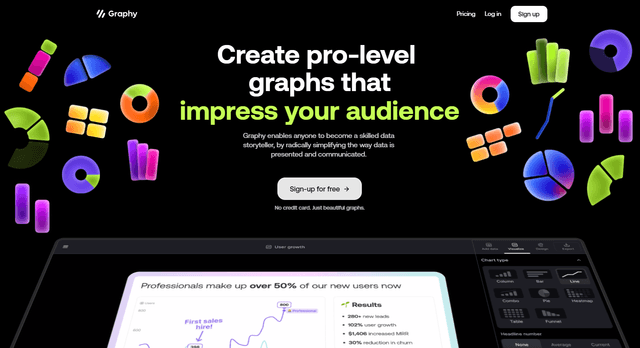
Graphy AI
Graphy AI es una herramienta de visualización de datos impulsada por IA que crea gráficos, genera conocimientos y simplifica la narración de datos.
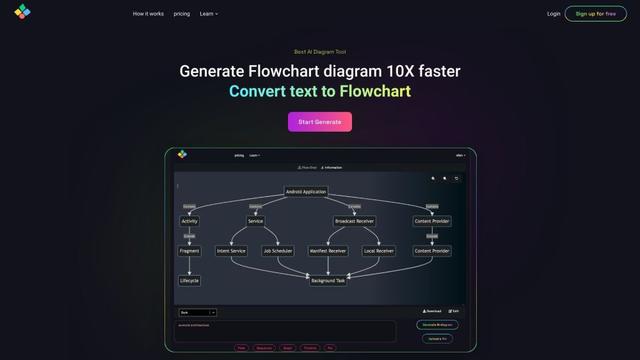
AIFlowChart.io
AIFlowChart.io es una herramienta en línea impulsada por IA que genera diagramas de flujo, diagramas y representaciones visuales a partir de texto, PDFs o imágenes utilizando la tecnología de ChatGPT.