CharaLab
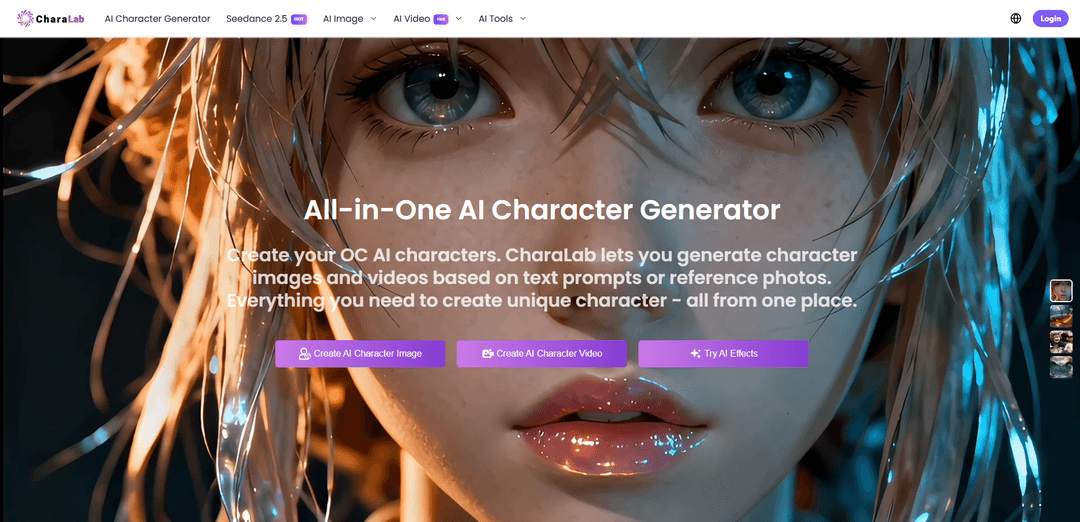
CharaLab is an all-in-one AI character creation platform that generates consistent anime/3D/custom-styled character images and short videos from text or photos, plus offers face swap and automated image/video editing tools like background and watermark removal.
https://aicharalab.com/?utm_source=aipure
Product Information
Updated:Sep 24, 2026
What is CharaLab
CharaLab is an AI-powered character creation platform that helps users generate original character designs from prompts or reference images. It supports multiple styles, including anime, chibi, cartoon, 3D, and more, allowing creators to explore different concepts for games, storytelling, avatars, and digital content.The platform provides AI-based image generation tools that transform creative ideas into customized characters. Users can describe appearance, style, and other elements to create character concepts quickly without requiring traditional drawing skills.
Key Features of CharaLab
CharaLab (aicharalab.com) is an all-in-one AI character creation platform that generates character images and short videos from either text prompts or reference photos, supporting 20+ styles (e.g., anime, 3D, cartoon, fantasy). Beyond character generation, it includes AI image/video utility tools (background and watermark removal, enhancement, restoration, outpainting/extension) and face-swap features for images, videos, and GIFs. It offers a free tier with watermark-free outputs, with paid plans adding more credits, higher performance, and commercial-use options.
Text-to-character generation: Create original character images from detailed prompts (appearance, outfit, personality, style), producing consistent, polished visuals in seconds across many presets.
Photo-to-character stylization: Upload a reference photo to generate a stylized character (anime/3D/fantasy, etc.) while preserving key facial traits for recognizable avatars and OCs.
Image-to-video & video effects: Turn static character images into short videos and apply themed video modes/effects (e.g., dance/motion effects and other presets) for channel-ready clips.
AI face swap (image/video/GIF): Swap one or multiple faces with natural blending (lighting/skin tone/expression matching) for quick edits—best used with proper rights and consent.
AI media editing toolkit: Automate common post-processing tasks such as background removal/changing, watermark removal, image enhancement, old-photo restoration, and background expansion.
Watermark-free outputs + free tier: Provides HD, watermark-free results and a free tier to try key features, with upgrades available for more credits and advanced performance.
Use Cases of CharaLab
Game development & NPC concepting: Rapidly generate character concepts, NPC portraits, and character sheets in multiple styles for prototyping and pre-production.
Storytelling, comics & manga production: Create consistent characters and scene assets for webcomics/manga and serialized storytelling, accelerating ideation and iteration.
Marketing creatives & brand mascots: Design a recurring mascot/character and produce image + short video variations for ads, social campaigns, and product storytelling.
Creator avatars & social content: Generate personalized avatars from photos and produce short animated clips/effects for TikTok/YouTube/Instagram content pipelines.
Photo/video cleanup for media teams: Use background removal, watermark removal, enhancement, and restoration tools to quickly prep assets for publishing and repurposing.
Entertainment edits (consent-based face swap): Create fun edits in images/videos/GIFs using face swap features, provided you have permission and appropriate usage rights.
Pros
All-in-one workflow: character generation, video effects, face swap, and media cleanup tools in a single platform
Supports many styles (anime/3D/cartoon/fantasy, etc.) and can generate from both text and reference photos
Free tier with watermark-free outputs makes it easy to try and share results quickly
Cons
Face swap features require careful consent/rights management and can be misused
Video length/resolution and overall throughput may be limited by credit tiers and plan constraints
Pricing/plan details may change and credit expiration rules can affect long-term workflows
How to Use CharaLab
1. Open CharaLab in your browser: Go to https://aicharalab.com/ and click “Start Now” (or open the tool you want, such as AI Character Generator, AI Image, AI Video Effects, or AI Tools).
2. Choose what you want to create or edit: Pick a workflow from the menu: AI Character Generator (characters from text/photo), AI Image Generator (text-to-image or image-to-image), AI Video/Video Effects (generate short videos/effects), AI Tools (enhance, restore, remove background/watermark, extend image, etc.), or AI Face Swap (image/GIF/video, including multiple faces).
3. Provide your input (text, image, or video): Depending on the tool: (a) type a text prompt describing the character/art you want, or (b) upload a reference photo for image-to-image/character conversion, or (c) upload a video/GIF/image for face swap or video effects.
4. Describe details clearly (for best results): When using text prompts, include appearance, style (e.g., anime/3D/fantasy), personality, clothing, colors, and any key attributes. More specific prompts generally produce better outputs.
5. Select a style or preset: Choose an artistic style (CharaLab supports 20+ styles) or a themed generator/preset (e.g., anime, 3D, chibi, fantasy, pixel art, Ghibli-style tools, etc.), depending on the page you’re using.
6. Adjust available settings (optional): If the tool provides options (e.g., effect type, face swap mode single/multiple, or other generation settings), set them before generating.
7. Generate the result: Click the “Generate” button. Character images typically generate in under ~10 seconds on average; AI videos generally take about ~40 seconds to ~2 minutes depending on complexity and server load.
8. Review and iterate: If the output isn’t what you want, refine your prompt (add specifics like lighting, outfit, pose, background) or try a different style/preset, then generate again.
9. Download or share your output: Download the generated image/video (CharaLab states results are watermark-free). You can also share to social platforms if that option is shown in your workflow.
10. Use AI Tools to polish media (optional): For post-processing, open AI Tools to enhance image quality, restore old photos, remove backgrounds/watermarks/objects, or expand image backgrounds—upload the media, choose the tool, and run it automatically.
11. Manage credits and upgrade if needed: CharaLab offers a free tier to try features. If you need more build credits, advanced features, or higher performance, visit https://aicharalab.com/pricing to upgrade.
12. Privacy note (what happens to uploads): CharaLab states uploads are encrypted, not used for model training or shared with third parties, and uploaded/generated content is automatically deleted within three days.
CharaLab FAQs
CharaLab is an all-in-one AI creation platform focused on AI character generation. It can generate original character images and videos from text prompts or reference photos.
Popular Articles

Proferex: A Cloud-Based Ad Tracking and Campaign Optimization Platform
Nov 4, 2026

How to Create Viral Talking Baby Podcast Videos with AI: Step-by-Step Guide
Nov 2, 2026

Vosko AI: Localize and Dub Videos for Global Audiences
Oct 15, 2026

Atoms: A Multi-Agent AI Platform That Transforms Ideas into Launch-Ready Products
Oct 13, 2026
Latest AI Tools Similar to CharaLab
Peache.ai
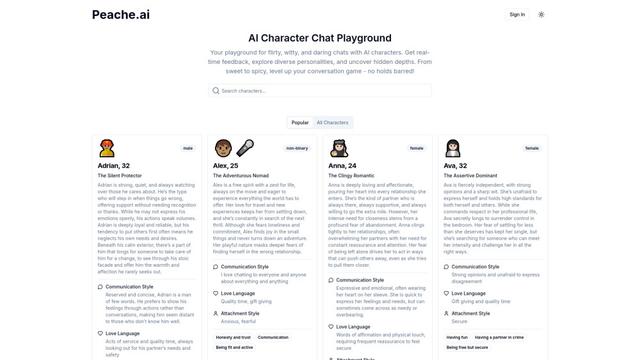
Peache.ai is an AI character chat playground that enables users to engage in flirty, witty, and daring conversations with diverse AI personalities through real-time interactions.

Simba
Simba is an iconic animated lion character and protagonist of Disney's The Lion King, who grows from a carefree cub to the rightful king of Pride Rock after overcoming challenges and embracing his responsibilities.
NSFWChatAI
NSFWChatAI is an uncensored AI chat platform that enables users to engage in immersive, unrestricted conversations with diverse NSFW characters.
Rubii
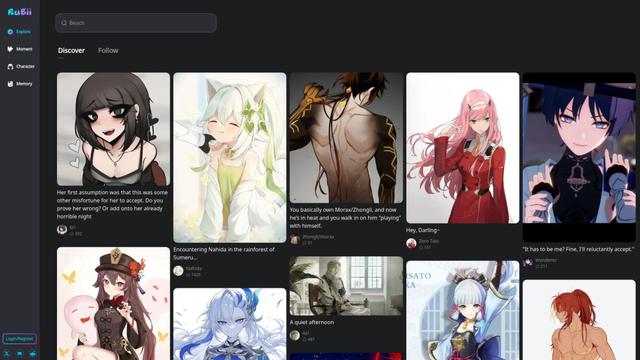
Rubii is an AI-powered platform for creating and interacting with virtual characters, generating content, and exploring fan-made stories and artwork.
Popular AI Tools Like CharaLab
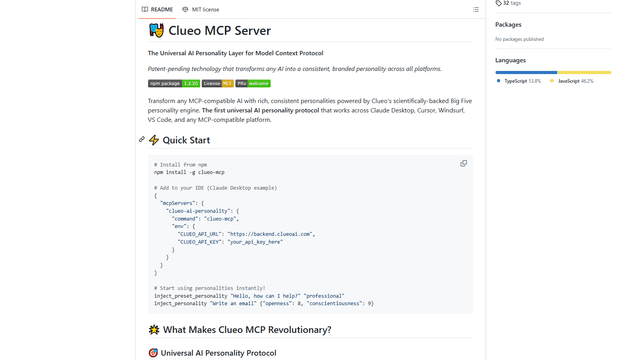
ClueoMCP
ClueoMCP is a universal AI personality layer that transforms any AI into a consistent, branded personality across all platforms using patent-pending technology and scientifically-backed Big Five personality traits.
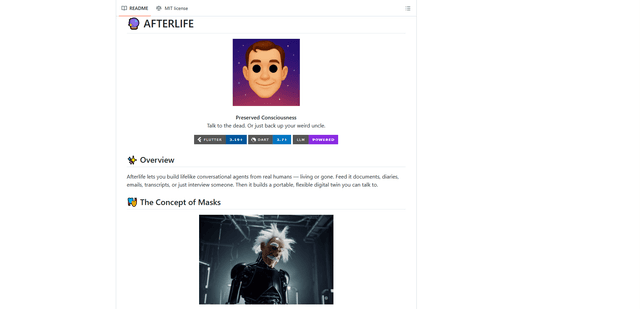
Afterlife AI
Afterlife is an open-source platform that creates personalized AI avatars through an interview process, allowing users to chat with digital twins of historical figures or preserve the communication patterns of loved ones through an ethical and transparent approach.
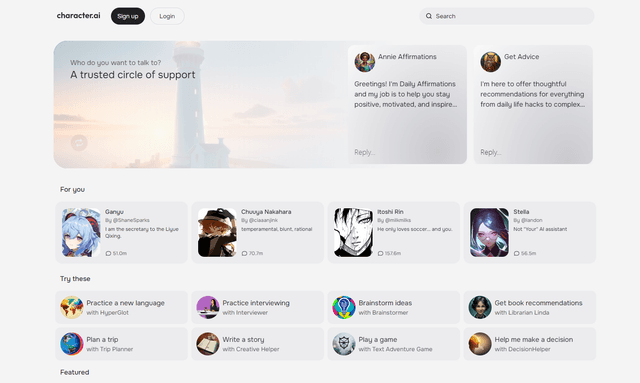
Character.ai
Character.ai is an innovative AI chatbot platform that allows users to create, customize, and interact with a wide variety of AI characters for entertainment, learning, and creative purposes.
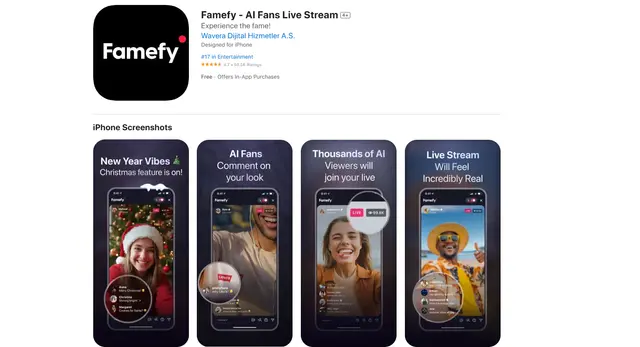
Famefy
Famefy is an AI-powered live streaming platform that lets users experience virtual stardom by interacting with AI-generated fans who provide real-time engagement and feedback.