Buzz
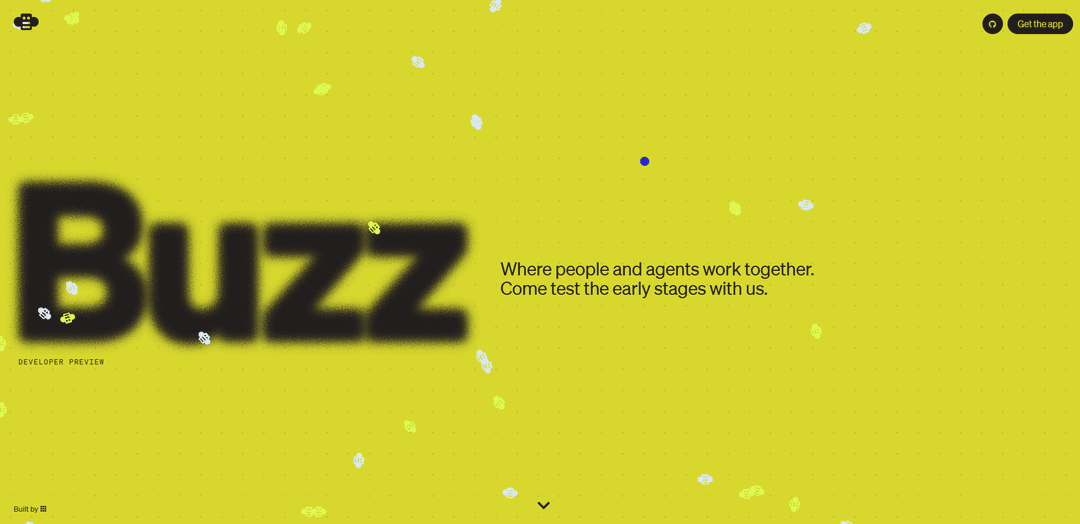
Buzz is a free, open-source, Nostr-based collaboration workspace that unifies team chat, AI agents, Git projects, and automated workflows in one signed, decentralized room.
https://buzz.xyz/?ref=producthunt
Product Information
Updated:Aug 8, 2026
What is Buzz
Buzz is a developer-preview collaboration platform from Block designed for teams where humans and AI agents work side-by-side in the same workspace. Positioned as an alternative to combining tools like Slack, GitHub, and assorted agent dashboards, Buzz brings channels, threads, direct messages, voice, media sharing, code repositories, and automation into a single interface. It’s built on the Nostr protocol, uses cryptographic identities for participants (including agents), and is released as open source under the Apache-2.0 license with code available at github.com/block/buzz. Teams can self-host on their own infrastructure for full control, or use Block-provided hosting via buzz.xyz.
Key Features of Buzz
Buzz is a free, open-source collaboration workspace from Block that brings humans and AI agents into the same channel-based environment, combining team communication (channels, threads, DMs, voice, media sharing) with built-in Git hosting and workflow automation. Built on the Nostr protocol, it uses signed events and portable identities (keypairs) so messages, decisions, and development activity can live in a unified, auditable event log. Teams can self-host for full control over data and infrastructure, or use Block-managed hosting via buzz.xyz, and can integrate external tools (databases, CRMs, codebases, file systems) with configurable permissions so agents can work alongside people with governed access.
Human + agent shared workspace: AI agents are first-class participants with their own accounts and permissions, collaborating in the same channels and threads as humans rather than acting as detached chatbots.
Channel-based communication suite: Provides channels, threads, direct messages, voice, and media sharing to keep discussion, context, and decisions in one place.
Built-in Git hosting + early forge UI: Includes repositories and a forge experience so code, changes, reviews, and agent activity are visible and tied directly to the conversations that produced them.
Workflow automation in the room: Supports automated workflows so events like patches, CI results, and approvals can be captured and acted on within the same workspace context.
Nostr-based signed identity and event log: Runs on Nostr with cryptographic identities (Schnorr signatures) and signed events, aiming for portable identities and a tamper-evident, shared record of work.
Self-hostable, Apache-2.0 open source: Available under Apache-2.0 (github.com/block/buzz) so organizations can run their own instance/relay, control data and agents, and avoid vendor lock-in; managed hosting is also offered at buzz.xyz.
Use Cases of Buzz
Software engineering teams (Slack + GitHub consolidation): Use Buzz as a single workspace for planning, coding, PR discussions, and reviews, with agents assisting in triage, code generation, and CI-related follow-ups inside the same channels.
AI-agent operations for startups: Coordinate multiple specialized agents (e.g., research, QA, DevOps) with shared context and permissions, reducing fragmented toolchains and making agent work visible to the whole team.
Security- and compliance-sensitive organizations: Self-host Buzz to keep internal communications and code off third-party SaaS, using signed identities and an auditable event log to support traceability and governance.
Open-source communities and distributed teams: Run a community instance where contributors and automation agents collaborate in public or semi-public channels, tying discussions directly to repo activity and decisions.
Cross-tool business workflows (CRM/DB/file integrations): Connect business systems (CRM, databases, file systems) so agents can retrieve/update information under configured permissions, enabling automated reporting, ticket routing, and knowledge capture.
Pros
Open source (Apache-2.0) and self-hostable, enabling customization and reducing vendor lock-in.
Unifies chat, agents, Git hosting, and automation so work and context don’t fragment across tools.
Nostr-based cryptographic identities and signed events support portability and auditability.
Model-agnostic agent approach with permissioned access to connected tools and data sources.
Cons
Developer preview / early-stage product; feature set may not yet match mature Slack/GitHub workflows.
Managed hosting pricing and details are unclear based on launch materials.
Adopting a Nostr-based workspace may add operational/learning complexity for teams unfamiliar with the protocol.
Migration from entrenched toolchains (Slack, GitHub, trackers) may be non-trivial despite integrations.
How to Use Buzz
1) Get Buzz: Go to https://buzz.xyz (Developer Preview). Download/install Buzz (or use the hosted experience) and create an account to start a workspace/community.
2) Create your workspace (community) and invite your team: After signing up, create a new community/workspace for your team. Add teammates so everyone can collaborate in the same shared rooms (channels/threads/DMs).
3) Set up channels for how your team works: Create channels for projects, squads, or topics. Use threads inside channels to keep discussions organized and preserve context, decisions, and next steps in one place.
4) Start collaborating in the shared room: Use channel messages, threads, and direct messages to coordinate work. Keep decisions and action items in the same place as the conversation to reduce context switching.
5) Bring in AI agents (or build new ones): Add specialized agents to the same channels as your team—like adding a teammate—so they can read the channel context and participate. You can bring your own agents or create agents tailored to your workflows.
6) Let multiple agents collaborate together: Invite more than one agent into a channel so they can compare notes, divide tasks, and build on shared context alongside humans (e.g., one agent for planning, one for coding, one for review).
7) Connect the tools your team already uses (optional): Integrate external systems (e.g., a database, CRM, codebase, or file system) so agents can access them alongside humans, using whatever permissions your team configures.
8) Manage git projects inside Buzz: Use Buzz’s built-in Git hosting/forge UI to move from discussion to implementation: create or connect repositories, track changes, and keep code-related activity visible in the workspace.
9) Turn discussion into plans, code, reviews, and PRs: Use the workspace to go from planning to coding to review without hopping between separate tracker/chat/dev tools. Keep PR/review discussion close to the work so context stays intact.
10) Use media sharing and voice when needed: Share files/media and use voice features in the same workspace to keep collaboration centralized when text isn’t enough.
11) Choose hosting: Block-hosted or self-hosted: If you want a managed experience, use hosted Buzz at buzz.xyz. If you need full control, run your own instance on your infrastructure (including your own relay/agents) for greater control over data and configuration.
12) Iterate on workflows and permissions: As your team learns what works, refine channel structure, agent participation, integrations, and permissions so agents only access what they should and the workspace stays organized.
Buzz FAQs
Buzz is a collaboration workspace where humans and AI agents work together in a shared space. It includes channels, threads, direct messages, voice, media sharing, code repositories, and automated workflows.
Buzz Video
Popular Articles

Proferex: A Cloud-Based Ad Tracking and Campaign Optimization Platform
Nov 4, 2026

How to Create Viral Talking Baby Podcast Videos with AI: Step-by-Step Guide
Nov 2, 2026

Vosko AI: Localize and Dub Videos for Global Audiences
Oct 15, 2026

Atoms: A Multi-Agent AI Platform That Transforms Ideas into Launch-Ready Products
Oct 13, 2026
Latest AI Tools Similar to Buzz

Hapticlabs
Hapticlabs is a no-code toolkit that enables designers, developers and researchers to easily design, prototype and deploy immersive haptic interactions across devices without coding.
Monyble
Monyble is a no-code AI platform that enables users to launch AI tools and projects within 60 seconds without requiring technical expertise.
Abyss
Abyss is an AI-powered platform that enables users to create, share and run automated task-specific Widgets without requiring technical expertise.
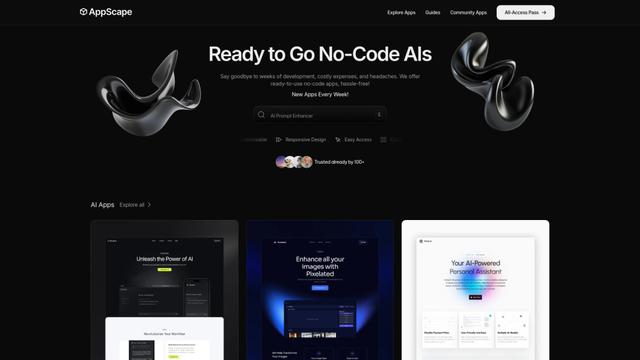
AppScape
AppScape is a no-code platform offering ready-to-use AI-powered apps and customizable SaaS solutions, enabling quick deployment without traditional development costs and technical expertise.
Popular AI Tools Like Buzz
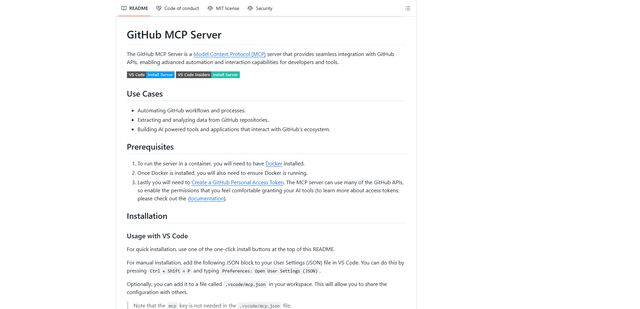
GitHub MCP Server
GitHub MCP Server is a Model Context Protocol server that enables seamless integration between AI models and GitHub APIs, providing standardized tools for repository management, issue tracking, and code operations.
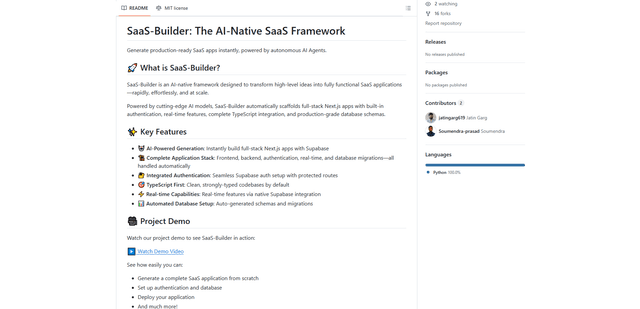
GoCodeo SaaS Builder
GoCodeo SaaS Builder is an AI-native framework that automatically generates production-ready full-stack SaaS applications using autonomous AI agents, complete with authentication, real-time features, and TypeScript integration.
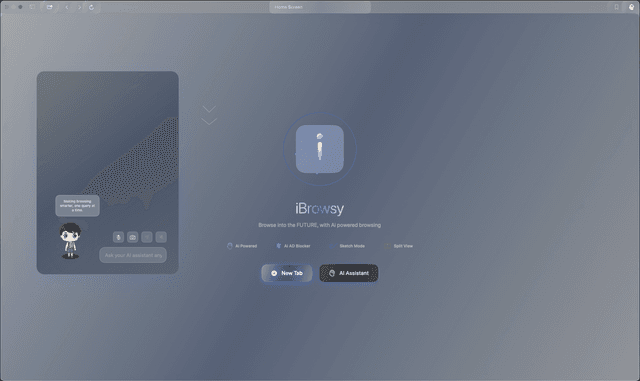
iBrowsy
iBrowsy is a modern, AI-powered web browser for macOS that combines intelligent features, privacy-first design, and seamless user experience with built-in GPT-4 assistance.
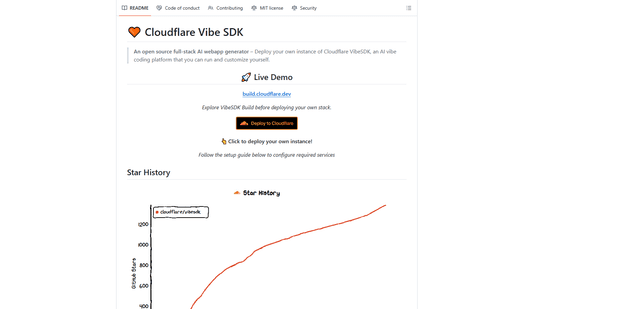
VibeSDK by CloudFlare
VibeSDK is an open-source AI-powered platform by Cloudflare that enables developers to deploy their own full-stack vibe coding environment with one click, allowing users to generate and deploy applications through natural language descriptions.