
Budibase
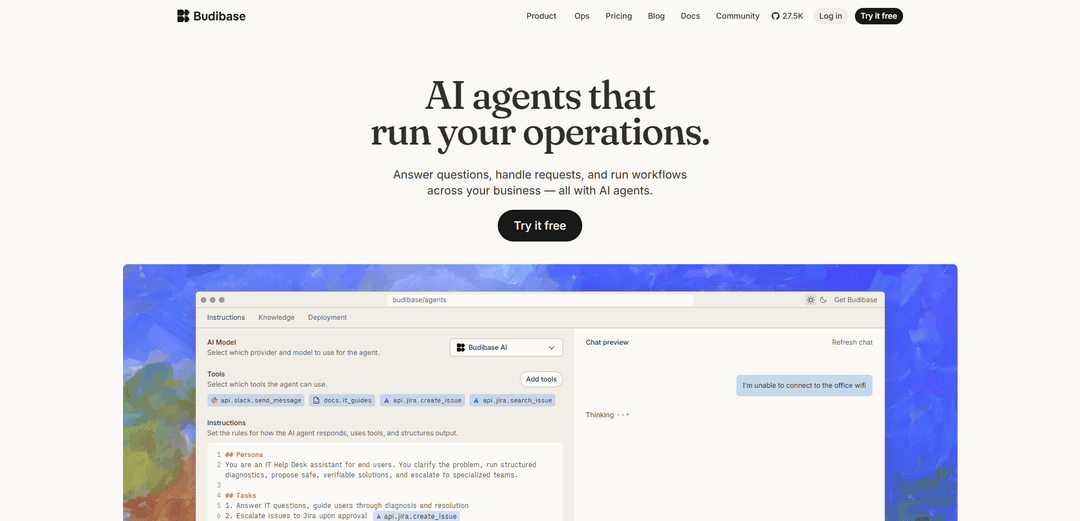
Budibase is an open-source low-code platform that enables teams to build internal applications, automations, and AI agents for streamlining business operations and workflows.
https://www.budibase.com/?ref=producthunt
Product Information
Updated:Apr 8, 2026
What is Budibase
Budibase is a modern open-source development platform founded in 2019 that helps both developers and non-technical users create internal tools, admin panels, client portals and business applications. As a low-code platform, it focuses on increasing development speed while enabling business users with no coding experience to build their own internal tools. The platform has gained significant traction, being used by over 200,000 teams globally and securing $9.2M in seed funding by the end of 2022.
Key Features of Budibase
Budibase is an open-source low-code platform that enables teams to build internal business applications, automate workflows, and integrate AI agents. It allows users to connect multiple data sources (including SQL databases, REST APIs, and business tools), create custom UIs with pre-built components, set up automated workflows, and deploy AI-powered agents that can handle requests and operations across the business. The platform combines app building, workflow automation, and AI capabilities in one solution for streamlining internal operations.
AI Agents & Automation: Built-in AI agents powered by various LLM providers (OpenAI, Azure, Anthropic etc.) that can handle requests, answer questions, and trigger automated workflows across connected systems
Extensive Integrations: Connects with numerous databases (PostgreSQL, MongoDB, etc.), business tools (Slack, Jira, etc.), and APIs, allowing data and workflow integration across the organization
Low-Code App Builder: Visual interface with pre-built components and auto-generated UI screens for quickly creating internal tools, forms, and portals without extensive coding
Role-Based Access Control: Granular permissions system with user management, automated email onboarding, and SSO support for enterprise security needs
Use Cases of Budibase
IT Help Desk Automation: Automate support ticket handling, access requests, and common IT tasks using AI agents and workflow automation
Employee Operations Portal: Create internal tools for managing HR processes, approvals, and employee requests with automated workflows
Custom Admin Dashboards: Build administrative interfaces for non-technical staff to manage content, pricing, or system configurations
Partner/Vendor Management: Develop portals for onboarding, approvals, and reporting for external partners without building a full external product
Pros
Open-source with self-hosting option for better control and customization
Comprehensive platform combining low-code, automation and AI capabilities
Extensive integration options with databases and business tools
Cons
Some enterprise features only available in paid plans
Primarily focused on internal tools rather than customer-facing applications
How to Use Budibase
Sign up for Budibase: Visit account.budibase.app/register to create a free account. Choose between Budibase Cloud (hosted) or self-hosted deployment options.
Create New Web App: After logging in, click 'Create New Web App' button on the top right side of the builder interface.
Set Up Data Source: Navigate to the Data section to set up your data source. You can either use the built-in Budibase database, import data from CSV, or connect to external databases like PostgreSQL, MySQL, etc.
Design User Interface: Go to the Design section to build your app's frontend. Use the drag-and-drop interface to add components and create your app's screens/pages.
Configure Automations: Set up automated workflows using the Automations feature. Create triggers, actions, and integrate with external tools like Slack, Jira, etc.
Set Up User Management: Configure user roles, permissions, and access controls for your app through the global user management settings.
Test Your App: Preview and test your app's functionality before deployment to ensure everything works as expected.
Deploy Application: Enable the 'Live' setting to push your app into production when ready. Users can then access it through web browsers on desktop or mobile devices.
Optional: Configure AI Features: Set up AI providers in your workspace to enable AI-powered features like code generation and automation assistance.
Maintain and Update: Regularly update your app, manage user access, and monitor performance through the Budibase admin interface.
Budibase FAQs
Budibase is a platform that allows organizations to build AI agents, automations, and internal tools. It helps handle employee requests, automate workflows, manage processes, and connect business systems - all in one platform.
Budibase Video
Popular Articles

Atoms: A Multi-Agent AI Platform That Transforms Ideas into Launch-Ready Products
May 22, 2026

Nano Banana SBTI: What It Is, How It Works, and How to Use It in 2026
Apr 15, 2026

Atoms Review — The AI Product Builder Redefining Digital Creation in 2026
Apr 10, 2026

Kilo Claw: How to Deploy and Use a True "Do‑It‑For‑You" AI Agent(2026 Update)
Apr 3, 2026
Latest AI Tools Similar to Budibase

Hapticlabs
Hapticlabs is a no-code toolkit that enables designers, developers and researchers to easily design, prototype and deploy immersive haptic interactions across devices without coding.

Monyble
Monyble is a no-code AI platform that enables users to launch AI tools and projects within 60 seconds without requiring technical expertise.
Abyss
Abyss is an AI-powered platform that enables users to create, share and run automated task-specific Widgets without requiring technical expertise.
AppScape
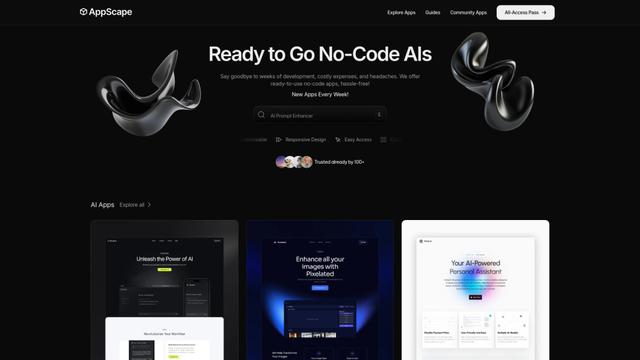
AppScape is a no-code platform offering ready-to-use AI-powered apps and customizable SaaS solutions, enabling quick deployment without traditional development costs and technical expertise.
Popular AI Tools Like Budibase
GitHub MCP Server
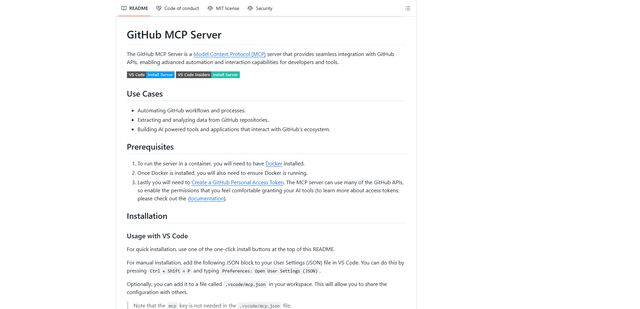
GitHub MCP Server is a Model Context Protocol server that enables seamless integration between AI models and GitHub APIs, providing standardized tools for repository management, issue tracking, and code operations.

GoCodeo SaaS Builder
GoCodeo SaaS Builder is an AI-native framework that automatically generates production-ready full-stack SaaS applications using autonomous AI agents, complete with authentication, real-time features, and TypeScript integration.

iBrowsy
iBrowsy is a modern, AI-powered web browser for macOS that combines intelligent features, privacy-first design, and seamless user experience with built-in GPT-4 assistance.
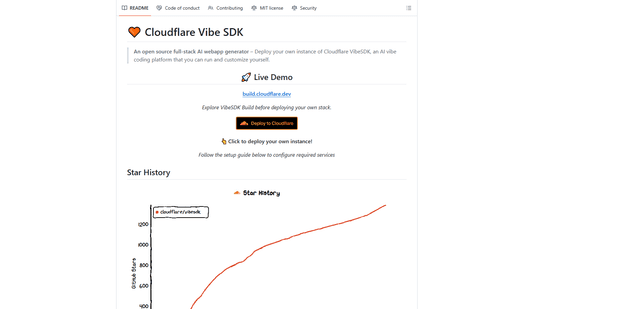
VibeSDK by CloudFlare
VibeSDK is an open-source AI-powered platform by Cloudflare that enables developers to deploy their own full-stack vibe coding environment with one click, allowing users to generate and deploy applications through natural language descriptions.