
Breadcromb
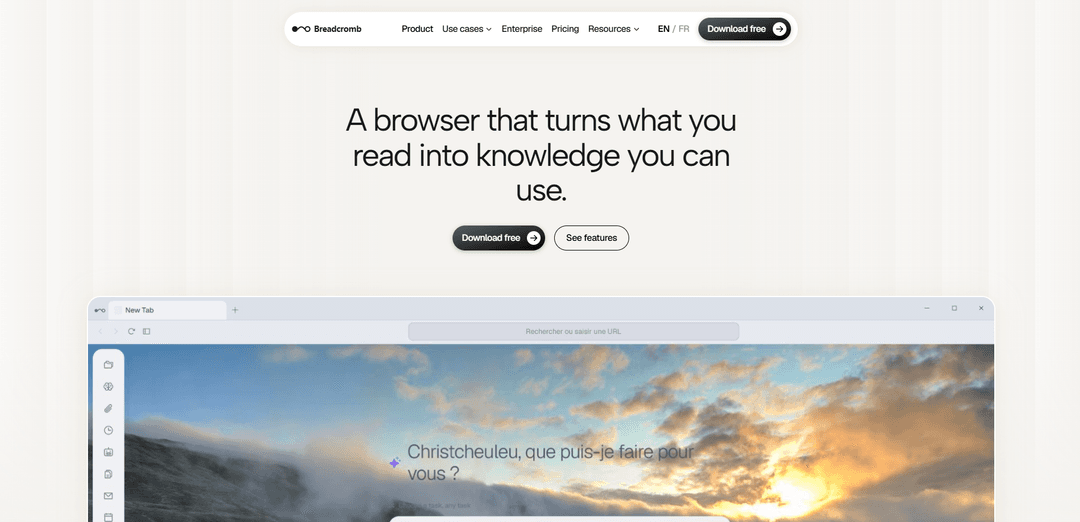
Breadcromb (Trace) is a free AI-powered browser that automatically indexes everything you read into a private, local “memory” with full-text search, chat over your history, a knowledge graph, and LLM-driven web automation agents.
https://www.breadcromb.com/product?ref=producthunt
Product Information
Updated:Aug 8, 2026
What is Breadcromb
Breadcromb is the official site for Trace, an AI browser designed to turn your everyday browsing into a searchable, organized personal knowledge system. Instead of relying on manual bookmarks or read-later lists, Trace passively captures and summarizes the pages and documents you open, so you can later find them with natural-language queries and ask questions in an AI sidebar. It focuses on “memory meets automation,” combining persistent personal indexing (including PDFs and common office documents) with an agent that can carry out multi-step web tasks, while keeping stored browsing data local to your device by default.
Key Features of Breadcromb
Breadcromb (Trace) is an AI-native, local-first browser that automatically captures and indexes everything you read—web pages and common documents—then makes it searchable via natural-language queries and an AI sidebar. It adds automation through an LLM-driven navigation agent that can execute multi-step web tasks, and it organizes your browsing into a private knowledge graph by extracting entities and relationships. It supports multiple AI providers (including local models via Ollama) and emphasizes privacy by storing indexed content locally and only sending data out when you choose a cloud model for inference.
Automatic full-text indexing + AI summaries: Every page you visit is captured in the background with full text and an AI-generated summary, creating a searchable personal archive without manual saving.
Natural-language search and chat over browsing history: Query your entire reading history using plain English (e.g., “that article about vector databases from last month”) and ask questions or get summaries in the AI sidebar.
Navigation Agent for web automation: An agent can plan and execute multi-step tasks on the web—filling forms, navigating paginated results, handling cookie prompts, extracting data, and comparing information across sites.
Knowledge graph from what you read: Automatically extracts entities and relationships from visited content to build a browsable graph of concepts and connections across your research and browsing.
Bring-your-own AI provider (local or cloud): Works with Ollama (local), OpenAI, Anthropic, Google Gemini, and Azure AI Foundry; you can choose different providers for summarization, chat, and navigation with fallback options.
On-demand, context-aware skills: One-click actions in the sidebar generate structured outputs from the current page (e.g., study guides, citations, lesson plans, quizzes, and writing feedback), filterable by persona (Student/Teacher/General).
Use Cases of Breadcromb
Academic research and literature review: Students and researchers can passively collect sources, search across months of reading, generate study notes and citations, and use the knowledge graph to connect themes across papers and articles.
Competitive intelligence and market scanning: Product and strategy teams can continuously index competitor pages and reports, then quickly retrieve prior findings, compare offerings, and automate repetitive collection tasks with the navigation agent.
Operations and back-office automation: Automate routine web workflows—form submissions, portal navigation, copying data between systems, and extracting structured information—reducing manual effort for ops teams.
Sales and customer research: Index prospect websites, PDFs, and notes, then query context instantly before calls; use summaries and extracted entities to keep account knowledge organized and retrievable.
Personal knowledge management (“second brain”): Individuals who read widely can rely on passive capture and semantic search to find anything they’ve read, with AI summaries and a concept graph to resurface relevant ideas later.
Pros
Local-first storage of indexed pages/documents supports privacy and offline retention of your knowledge base.
Combines memory (search/chat) with action (navigation automation), covering both retrieval and execution workflows.
Flexible model support (Ollama + major cloud providers) reduces lock-in and allows cost/performance tuning.
Cons
Some capabilities depend on an external AI provider/API key unless using a local model, which can introduce cost or setup complexity.
Continuous indexing and background agents may consume notable local resources (CPU/storage) depending on browsing volume.
Currently limited platform support (macOS and Windows; Linux listed as roadmap).
How to Use Breadcromb
1) Download and install Trace (Breadcromb): Go to https://www.breadcromb.com/product and download Trace for your platform (macOS or Windows). Install it like a normal desktop app.
2) Start browsing normally to build your memory automatically: Open Trace and use it as your everyday browser. As you visit pages, Trace automatically indexes them in the background (full text + an AI summary), so your searchable history grows without manual saving.
3) Search your reading history with natural language (⌘K): Press ⌘K (as shown on the product page) and type a plain-English query like “that article about vector databases from last month.” Trace searches across everything it has indexed (web pages and supported documents).
4) Use the AI sidebar to summarize and ask questions: Open the AI sidebar while viewing a page to get instant summaries, ask questions about the current page, or query your entire reading history. The assistant can use your indexed content to respond in context.
5) Connect your preferred AI provider (Bring Your Own AI): Open Settings and choose an AI provider supported by Trace: Ollama, OpenAI, Anthropic, Google Gemini, or Azure AI Foundry. Add your API key (or run Ollama locally with no key). You can configure different providers for summarization, chat, and navigation planning, and switch anytime.
6) Automate web tasks with the Navigation Agent: Describe a multi-step web task (e.g., compare prices across sites, extract data, fill forms). The Navigation Agent plans and executes the steps, including handling cookie banners and navigating paginated results. You can also run parallel agents and receive a synthesized result when they converge.
7) Use on-demand “Skills” for one-click structured outputs: From the sidebar, run context-aware skills that read the current page and produce structured results (e.g., Study Guide, Cite Page, Lesson Plan, Quiz Generator, Essay Grader). Filter skills by persona (General, Student, Teacher) to match your use case.
8) Upload/open documents in the browser to index them too: Open supported files in Trace so they’re indexed and searchable alongside web pages: PDFs, Word (.docx), PowerPoint (.pptx), Excel (.xlsx), and EPUB e-books. Trace performs text extraction and generates AI summaries automatically.
9) Review and manage your Personal Memory (optional): Trace can build a Personal Memory (facts about you) from browsing, sidebar conversations, connected social profiles (e.g., LinkedIn, GitHub, Twitter/X, Bluesky), and uploaded documents. Open the Profile panel to view, edit, or delete any extracted fact.
10) Visualize connections with the Knowledge Graph (optional): Use the Knowledge Graph view to explore entities and relationships extracted from what you read. This helps you see how topics connect across your browsing history.
11) Extract events into the Smart Calendar (optional): When viewing a page that contains events, use the Extract action to capture dates, times, locations, and titles, then save them to your calendar. Manage them in the built-in Google Calendar-style UI.
12) Understand and control privacy expectations: Trace states that indexed pages, documents, and summaries are stored locally on your device. Data is only sent externally if you choose a cloud AI provider for inference.
13) Get help or contact the team: If you have questions or want to collaborate, use the contact section on the product page or email [email protected].
Breadcromb FAQs
Breadcromb’s product, Trace, is an AI-powered browser focused on organizing what you read. It automatically indexes pages you visit (with full text and an AI summary), lets you search and chat with your browsing history, and includes automation features like an LLM-driven navigation agent.
Popular Articles

Vosko AI: Localize and Dub Videos for Global Audiences
Oct 15, 2026

Atoms: A Multi-Agent AI Platform That Transforms Ideas into Launch-Ready Products
Oct 13, 2026

Nano Banana SBTI: What It Is, How It Works, and How to Use It in 2026
Apr 15, 2026

Atoms Review — The AI Product Builder Redefining Digital Creation in 2026
Apr 10, 2026
Latest AI Tools Similar to Breadcromb
Snapmark
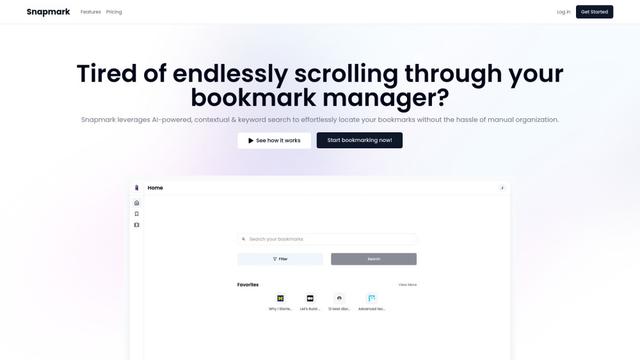
Snapmark is an AI-powered search engine for bookmarks that allows users to save, search, and organize websites, images, and text without manual tagging or categorization.
Uměl.cz
Uměl.cz is a Czech AI-powered search engine that provides intelligent and contextual answers to user queries.
想读 (WantRead)
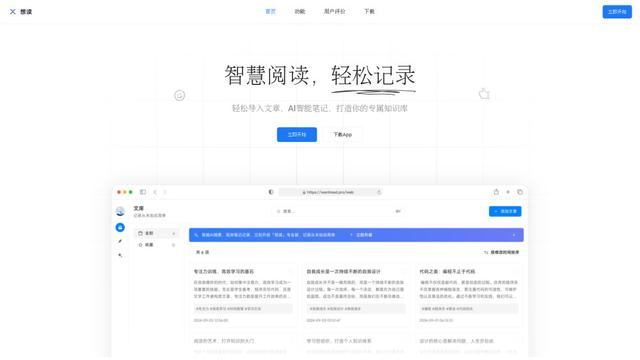
想读(WantRead) is an AI-powered reading and note-taking platform that helps users easily import, read, annotate and build their personal knowledge base.
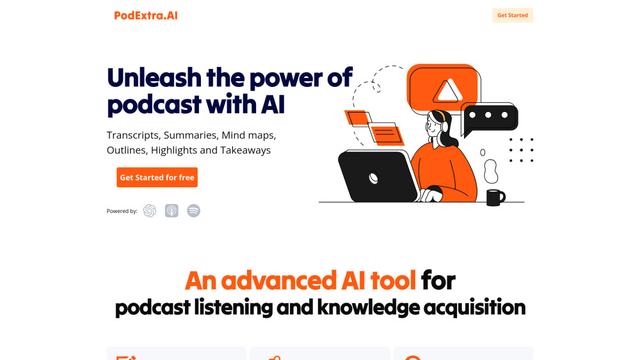
PodExtra AI
PodExtra AI is an advanced AI-powered podcast tool that transforms podcast content into digestible formats through transcripts, summaries, mind maps, outlines, highlights and takeaways.
Popular AI Tools Like Breadcromb
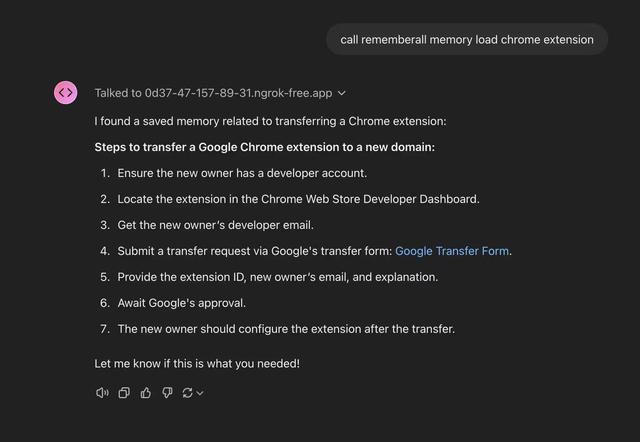
Rememberall
Rememberall is a secure, open-source long-term memory solution that enables AI applications and GPT models to maintain persistent memory across conversations through semantic search and vector storage capabilities.
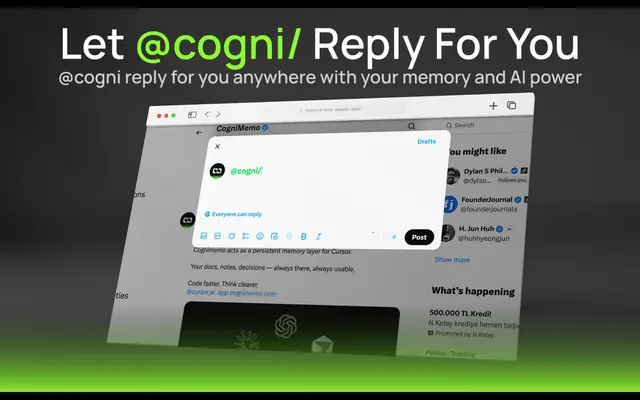
CogniMemo Extension
CogniMemo is a browser extension that adds long-term memory capabilities to AI tools like ChatGPT, Claude, Gemini, and DeepSeek by enabling context-aware conversations and knowledge management through saved notes and past chats.
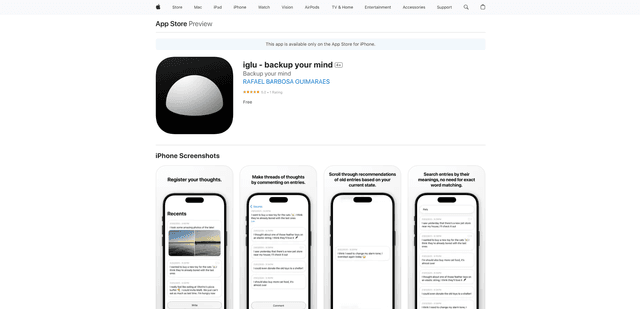
iglu
Iglu is a private, AI-powered micro-journaling app that helps users record, organize, and revisit their thoughts, memories, and ideas through text and media entries with intelligent search and recommendation features.
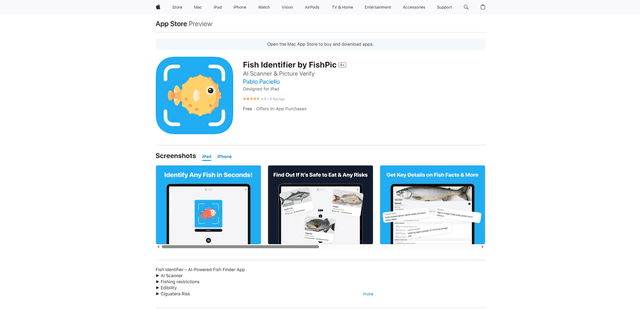
FishPic
FishPic is an AI-powered fish identification app that instantly recognizes fish species from photos while providing comprehensive information about edibility, regulations, and recipes.