
Botacts
Botacts is a “phonebook of AIs” that curates and lists AI assistants and bots—especially those reachable via phone numbers and messaging apps—so people can quickly discover and contact them.
https://botacts.com/?ref=producthunt
Product Information
Updated:Jul 8, 2026
What is Botacts
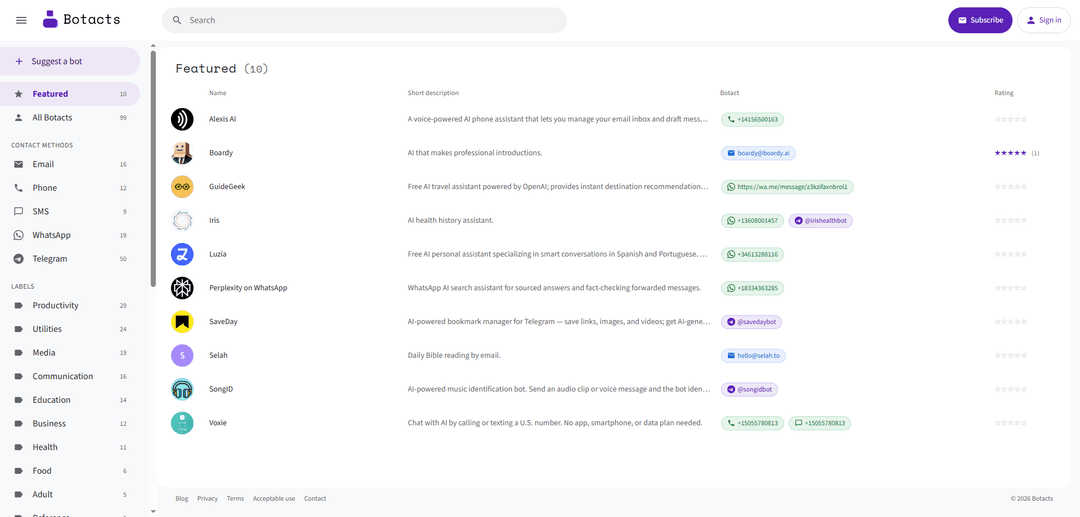
Botacts is an online directory designed to help users find and access AI tools in a simple, contact-first format. Positioned as “the phonebook of AIs,” it showcases featured AI assistants and bots with brief summaries and direct contact links (such as telephone numbers, WhatsApp links, and Telegram handles). Examples on the site include voice-powered phone assistants, WhatsApp-based AI search and fact-checking, and Telegram bots for bookmarking and music identification—making it easy to browse options by use case and immediately try them.
Key Features of Botacts
Botacts is a curated “phonebook of AIs” that helps people discover and access AI assistants through familiar contact methods like phone calls, WhatsApp, and Telegram. It highlights featured AI services with icons, short descriptions, and direct contact links (phone numbers or bot handles), making it easy to try different AI tools without installing new apps or doing complex setup.
AI directory / phonebook: A centralized listing of AI assistants presented like a contact directory, designed for quick discovery and comparison.
Direct contact links: One-tap access via tel: links, WhatsApp wa.me links, and Telegram @bot handles so users can immediately start interacting.
Curated featured listings: A “Featured” section surfaces a rotating set of notable AI services (e.g., voice phone assistants, WhatsApp search assistants, Telegram utility bots).
Multi-channel AI access: Supports multiple communication channels (phone, WhatsApp, Telegram), lowering friction for users who prefer messaging or calling.
At-a-glance previews: Each listing includes a brief capability summary (e.g., email help, transcription/translation, sourced Q&A, bookmarking/summaries, music ID) to set expectations before trying.
Use Cases of Botacts
Consumer AI discovery: Individuals can quickly find useful assistants (search, translation, bookmarking, music ID) and try them instantly through their preferred chat/call channel.
Customer support & operations: Teams can identify phone- or chat-based AI assistants to handle common tasks (basic inquiries, routing, or productivity workflows) without building a bot from scratch.
Sales and productivity on the go: Professionals can use voice-powered phone assistants to manage inbox triage and draft messages hands-free while commuting or multitasking.
Media and content workflows: Creators and researchers can use Telegram/WhatsApp assistants for link saving, summarization, and quick sourced fact-checking.
Localization and multilingual help: Users can find assistants geared toward specific languages (e.g., Spanish/Portuguese) for transcription, translation, and conversational support.
Pros
Very low friction: users can start by calling/texting or messaging a bot directly from the directory.
Channel flexibility: supports phone, WhatsApp, and Telegram, meeting users where they already communicate.
Clear, bite-sized listings: short descriptions and recognizable icons make browsing fast.
Cons
Limited depth from the directory view alone: short blurbs may not fully explain capabilities, pricing, or constraints.
Quality and safety vary by third-party bot: the directory aggregates external services with differing reliability and policies.
Discovery may be constrained to what’s curated/featured rather than comprehensive coverage.
How to Use Botacts
1. Open Botacts: Go to https://botacts.com/ in your browser to access the directory (“phonebook”) of AI bots.
2. Browse the featured bots list: Scroll through the “Featured” section to see available AI bots and assistants (each entry shows a name, short description, and a contact method such as a phone number, WhatsApp link, or Telegram handle).
3. Pick a bot that matches your need: Read each bot’s short description to choose what you want (e.g., voice email assistant, WhatsApp AI search, Telegram bookmark manager, music identification bot).
4. Use the provided contact method to start: Click the bot’s contact link shown on its card: tap a phone number link to call/text, tap a WhatsApp link to open a WhatsApp chat, or tap a Telegram handle to open the bot in Telegram.
5. Interact with the bot in its native app/channel: Once opened (phone/WhatsApp/Telegram), follow the bot’s normal chat flow—send a message, ask a question, or provide the content it expects (for example, send an audio clip to a song identification bot).
6. Try another bot as needed: Return to Botacts and repeat the selection process to discover and use other bots via their listed phone numbers or messaging handles.
Botacts FAQs
Botacts is a directory (“the phonebook of AIs”) that lists AI assistants/bots and how to contact them.
Botacts Video
Popular Articles

Vosko AI: Localize and Dub Videos for Global Audiences
Oct 15, 2026

Atoms: A Multi-Agent AI Platform That Transforms Ideas into Launch-Ready Products
Oct 13, 2026

Nano Banana SBTI: What It Is, How It Works, and How to Use It in 2026
Apr 15, 2026

Atoms Review — The AI Product Builder Redefining Digital Creation in 2026
Apr 10, 2026
Latest AI Tools Similar to Botacts
Sweet Justice AI
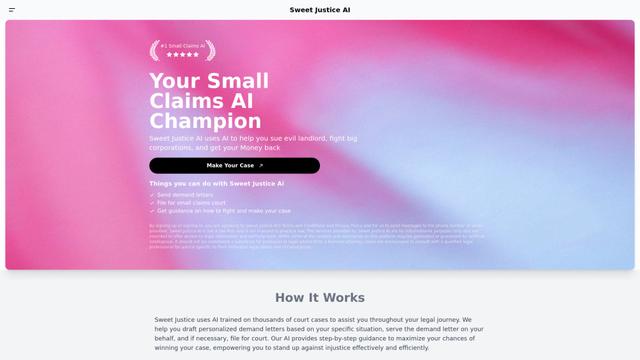
Sweet Justice AI is an AI-powered legal assistance platform that helps individuals fight against landlords, corporations, and unfair practices through automated demand letters, small claims court filings, and step-by-step legal guidance at an affordable price.
BlacktoothAI
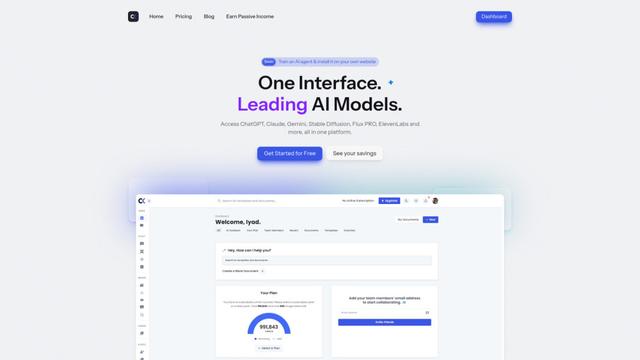
BlacktoothAI is an all-in-one AI platform that provides access to multiple leading AI models like ChatGPT, Claude, Gemini, and Stable Diffusion through a single unified interface for content generation, image creation, and productivity enhancement.
aiworkflow.tools
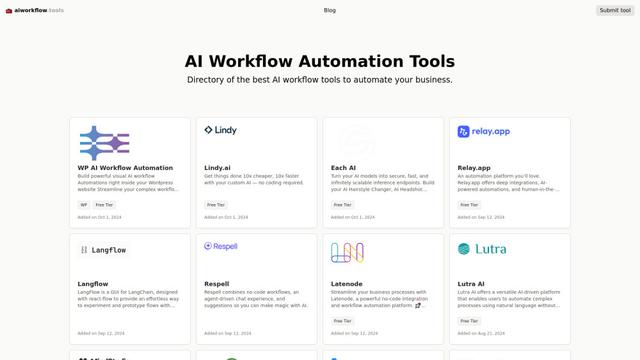
AIworkflow.tools is a comprehensive directory and comparison platform showcasing the best AI workflow automation tools to help businesses streamline their processes and boost productivity.
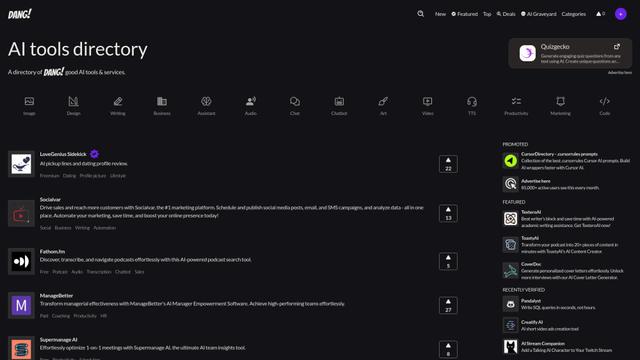
Dang.ai
FreemiumAI Tools Directory
Dang.ai is a comprehensive directory of AI tools and services, featuring over 5000 AI tools across various categories.
Popular AI Tools Like Botacts
Copy as Markdown for AI
A Chrome extension that instantly converts web content into clean, structured Markdown format with one click, optimized for AI platforms like ChatGPT, Claude, and other LLMs.
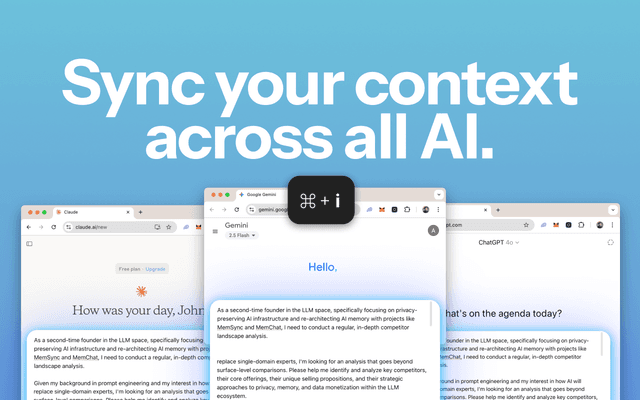
MemSync
MemSync is a Chrome extension that creates a unified memory layer across AI platforms like ChatGPT, Claude, and Grok by securely aggregating user interactions to enable personalized and contextual AI conversations.
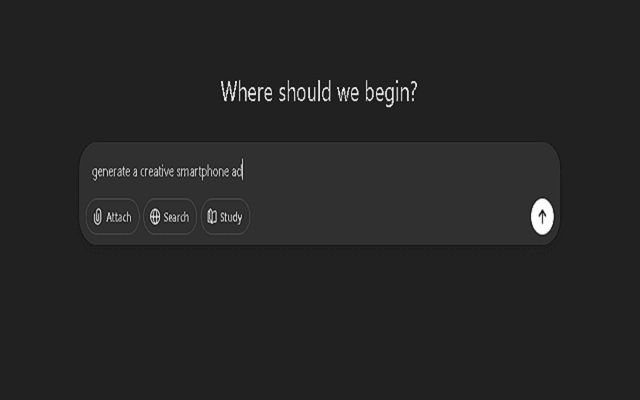
Promptify
Promptify is a self-adapting Chrome extension that automatically transforms simple prompts into powerful, context-rich instructions for AI models like ChatGPT, Gemini, and Claude by learning from user behavior and personalizing enhancements.

Scroll
Scroll is a Chrome extension that generates a clickable table of contents for AI conversations in ChatGPT, Claude, and Gemini, enabling instant navigation and efficient conversation management.