
Bo AI
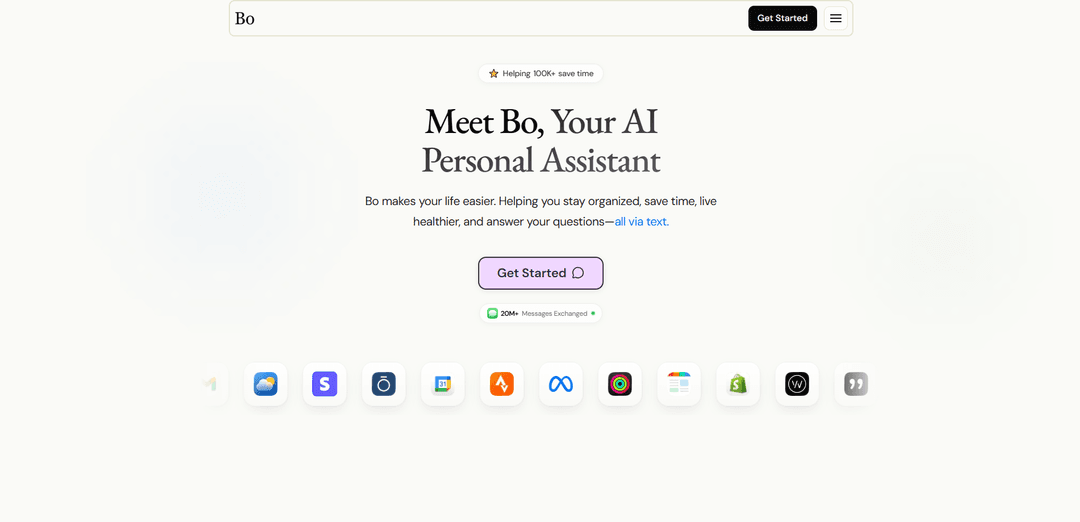
Bo AI is a privacy-first personal assistant that lives in iMessage, syncing your health and lifestyle apps to deliver coaching, reminders, summaries, and quick answers entirely via text.
https://www.getbo.com/?ref=producthunt
Product Information
Updated:Aug 8, 2026
What is Bo AI
Bo AI is an AI-powered personal assistant designed to help people stay organized, save time, and live healthier—without adding another app to manage. Delivered through iMessage, Bo supports everyday health and lifestyle needs like nutrition tracking, fitness goals, sleep insights, productivity planning, and general “ask anything” utility. It integrates with popular services such as Apple Health/Watch, Oura, Strava, Google Calendar, and more, creating a single place where your most important updates, reminders, and insights come to you via text. Bo positions itself as an accessible, always-available companion for a wide range of users—from students and busy parents to athletes and healthcare staff—focused on improving day-to-day quality of life.
Key Features of Bo AI
Bo AI is a text-first personal assistant and health/wellness companion that lives primarily in iMessage, helping users stay organized, save time, and live healthier. It syncs with popular health and productivity apps (e.g., Apple Health/Watch, Oura, Strava, Google/Apple Calendar, Todoist) to provide proactive reminders, daily/weekly summaries, and personalized coaching. Users can log nutrition via photo/voice/text, track movement and sleep, manage schedules and to-dos, and ask everyday “Google-like” questions (weather, directions, quick research) from a single conversational thread, with privacy-first, encrypted handling of health data.
iMessage-native AI assistant: Works primarily via text (iMessage), so users can plan, track, coordinate, and ask questions without living in multiple apps.
Health & lifestyle tracking with integrations: Connects to Apple Health/Apple Watch, Oura, Strava, and more to pull activity, sleep, and recovery data and turn it into actionable updates.
Nutrition logging & food decision support: Track calories/macros via photo, voice note, or text; analyze grocery items/labels; and get healthier menu or restaurant recommendations.
Proactive reminders and accountability: Sets reminders for movement, hydration, supplements/peptide stacks, bedtime wind-down, and other habits; checks in to keep users on track.
Calendar and productivity automation: Connects to Google/Apple Calendar and productivity tools to create/move events from text, send daily calendar summaries, and notify before calls.
Utility “ask anything” mode: Handles common daily queries like weather reports, news briefs, directions, translations, and quick research—reducing context switching.
Use Cases of Bo AI
Busy professionals managing health + schedule: Get daily calendar previews, pre-meeting reminders, and habit nudges (steps, sleep, nutrition) in one text thread to reduce app overload.
Fitness enthusiasts and athletes optimizing training: Sync Strava/Apple Health for activity tracking, receive weekly summaries, set step/movement goals, and get personalized workout planning and recovery insights.
Students building consistent routines: Use Bo for reminders, to-dos, study schedule coordination, sleep regularity, and quick “Google-like” answers without leaving Messages.
Care support for older adults or caregivers: Set simple, reliable text reminders for daily routines (movement, bedtime, supplements) and receive lightweight check-ins that fit existing habits.
Teams/individuals needing lightweight personal ops: Coordinate tasks and appointments via text, move meetings quickly, and keep a single source of truth for daily priorities and updates.
Pros
Low-friction UX: operates primarily through iMessage, reducing the need to juggle multiple apps.
Strong integrations: connects with major health and productivity platforms to generate summaries and reminders automatically.
Broad capability set: combines wellness coaching, tracking, scheduling, and general Q&A in one assistant.
Privacy/security positioning: encrypted health data, not sold, and not used to train public models (per site claims).
Cons
Not a medical provider: explicitly not a replacement for a doctor; health guidance may be limited for clinical needs.
Integration-dependent value: best experience requires connecting external apps/devices; usefulness may drop without them.
Messaging constraints: text-based workflow may be less ideal for users who prefer rich dashboards or deep analytics in a dedicated app.
How to Use Bo AI
1) Get started: Go to https://www.getbo.com/ and select “Get Started” to begin signup/onboarding.
2) Onboard (share your context): Tell Bo about your goals, body, and lifestyle so it can personalize coaching (e.g., nutrition targets, fitness goals, sleep schedule, productivity needs).
3) Start texting Bo in iMessage: Send your first message—Bo replies in iMessage. You can use natural language (like you would with a person) to ask questions, log items, or request help.
4) Connect integrations in the Bo app: Use the Bo app to sync your favorite health and lifestyle apps so Bo can use your data for summaries, tracking, and reminders (examples listed: Apple Health/Apple Watch, Oura, Strava, Google Calendar, Apple Calendar, Todoist, Google Drive, Google Search/Maps, etc.).
5) Use Bo for nutrition tracking: Text or send a photo/voice note to log meals and track calories/macros. You can also send photos of grocery items for a health score and alternatives, or take a photo of a restaurant menu and ask for the healthiest recommendation.
6) Ask for meal recommendations on the fly: Text Bo what you’re considering (e.g., “Recommend something from Chipotle”) and Bo will suggest an option aligned with your macros/goals.
7) Track fitness and daily movement goals: Set a goal via text (e.g., “make sure I hit 10k steps per day”). With integrations like Strava/Apple Health, Bo can track progress and nudge you when you’re behind.
8) Set reminders and check-ins: Ask Bo to remind you about actions (e.g., “remind me to go for a walk after an hour”). Bo will confirm the reminder time and follow up via text.
9) Set up sleep summaries and sleep coaching: After connecting a sleep source (e.g., Oura/Apple Health), request automated summaries (e.g., “send my sleep summary every day at 9AM”). Bo can also answer questions and give recommendations based on your sleep/recovery patterns.
10) Manage your calendar over text: Connect Google Calendar or Apple Calendar, then schedule and edit events via iMessage (e.g., “Book ‘Sync with Alex’ tomorrow 2–2:30” then “push it to 3PM”). Bo can also send daily calendar summaries and texts before calls.
11) Track supplements/peptides with scheduled prompts: Tell Bo what you take and set recurring reminders (e.g., “Set a daily reminder for BPC-157 at 8 AM”). When Bo pings you, reply to confirm completion (e.g., “had it”) to keep your log consistent.
12) Use Bo like Google (utility mode): Ask anything you’d normally search: recipes, directions, weather, sports scores, quick research, translations, or label/photo breakdowns. You can also request daily weather/news updates.
13) Build mindset/accountability routines: Ask Bo for meditation/breathing nudges, daily motivational messages or bible verses, and mood check-ins. Use it as a 24/7 accountability partner with proactive check-ins.
14) Keep using it so it personalizes over time: Bo learns your habits, preferences, and goals with every conversation, making reminders, recommendations, and coaching more tailored the longer you use it.
15) Use Bo appropriately for health questions: Bo is a health assistant—not a doctor. Use it to make sense of your data, symptoms, patterns, and next steps, but rely on a licensed clinician for medical advice/diagnosis.
Bo AI FAQs
Bo is a personal assistant that helps you stay organized, save time, live healthier, and answer questions—all via text (iMessage).
Bo AI Video
Popular Articles

Vosko AI: Localize and Dub Videos for Global Audiences
Oct 15, 2026

Atoms: A Multi-Agent AI Platform That Transforms Ideas into Launch-Ready Products
Oct 13, 2026

Nano Banana SBTI: What It Is, How It Works, and How to Use It in 2026
Apr 15, 2026

Atoms Review — The AI Product Builder Redefining Digital Creation in 2026
Apr 10, 2026
Latest AI Tools Similar to Bo AI
Stoke
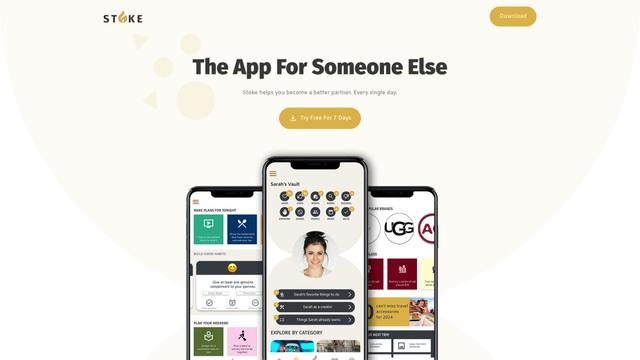
Stoke is an AI-powered relationship assistant app that helps users remember important dates, plan surprises, set goals, and improve their romantic relationships.
Codlixe
FreemiumLife Assistant
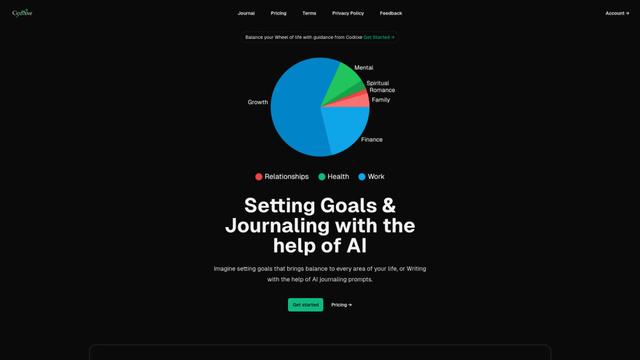
Codlixe is an AI-powered goal setting and journaling platform that helps users balance different areas of their life through personalized suggestions and prompts.
Palmyst
Palmyst is an AI-powered palm reading app that provides personalized insights and guidance through analysis of palm images.
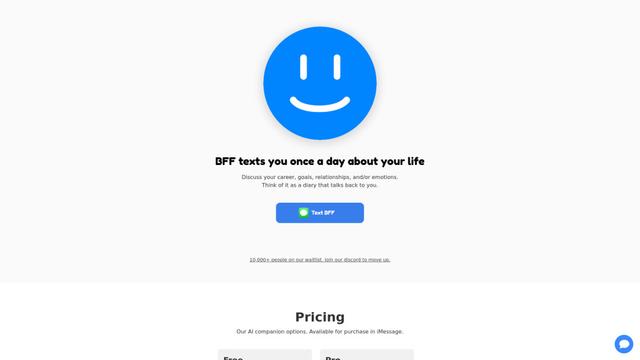
Textbff
TextBFF is an AI companion that texts you once a day to discuss your life, goals, and emotions.
Popular AI Tools Like Bo AI
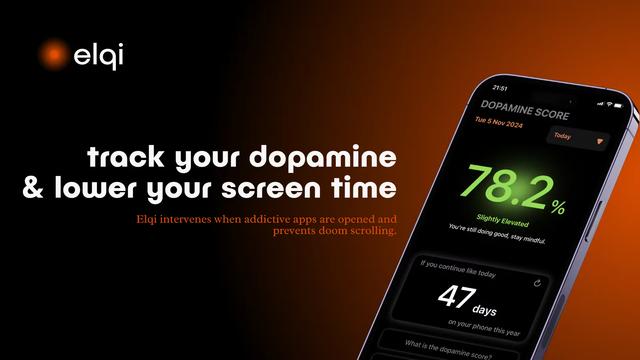
Elqi
Elqi is a dopamine tracking and digital wellness app that helps users combat phone addiction through mindfulness exercises, app blocking, and dopamine level monitoring.

Futudo
Futudo is an innovative AI life assistant that combines advanced AI technology with personal planning to help users shape their destiny by defining goals, breaking bad habits, and unlocking their potential.
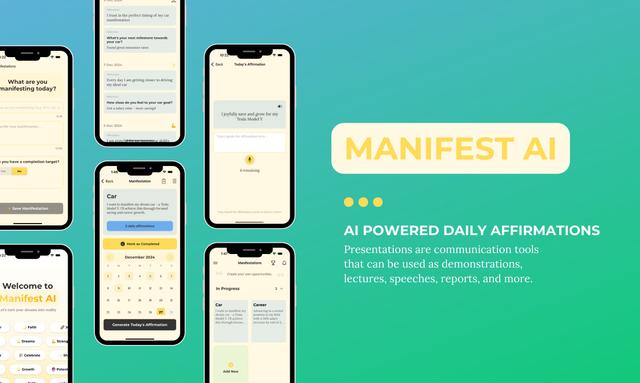
Manifest AI
Manifest AI is a personal AI-powered manifestation app that helps users transform their mindset and achieve their goals through customized affirmations, goal tracking, and various manifestation techniques.
Center Meditation Timer
Center Meditation Timer is a minimalist meditation companion app that offers customizable timers, tracking capabilities, and seamless integration across Apple devices without unnecessary distractions like guided meditations or background music.