
Baroque
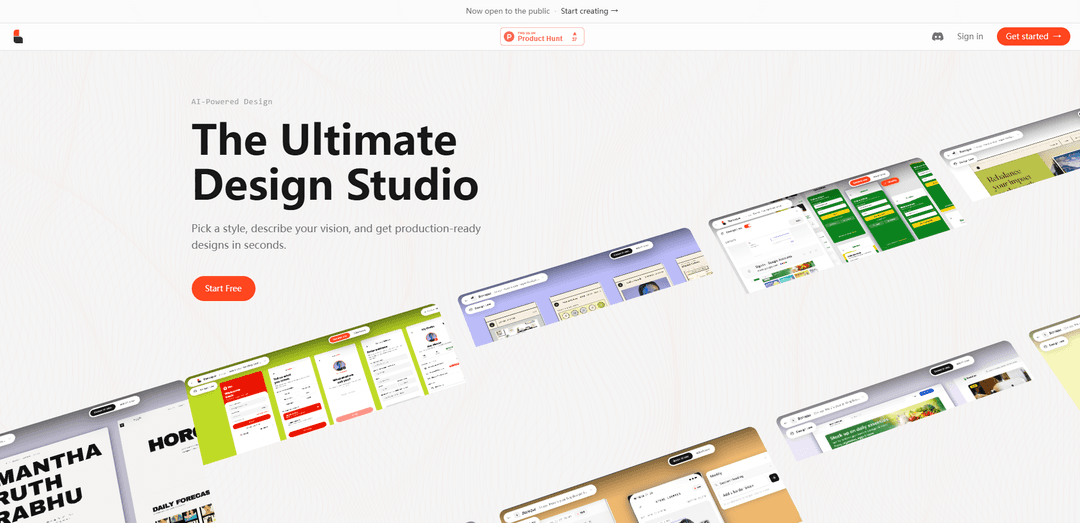
Baroque is an AI-powered design studio that generates production-ready web and mobile UI from prompts, templates, or URL “recreates,” letting you pick a style and rapidly produce editable designs.
https://getbaroque.com/?ref=producthunt
Product Information
Updated:Jun 16, 2026
What is Baroque
Baroque is a browser-based AI UI design generator positioned as an “ultimate design studio” for creating complete product interfaces quickly. Instead of starting from a blank canvas, you choose a design style and describe what you want to build—such as a SaaS landing page, dashboard, e-commerce store, portfolio, or mobile app—and Baroque produces polished, production-ready layouts in seconds. It also offers a template library and supports exporting outputs to common design and build workflows (including Figma and HTML/CSS), making it a practical tool for early-stage ideation through to shippable UI.
Key Features of Baroque
Baroque is an AI-powered UI design studio that generates production-ready web and mobile designs from prompts, templates, or existing URLs. Users can pick a visual style, describe what they want to build, and quickly get editable outputs, including wireframes and redesigned page concepts, with options to export to HTML/CSS and Figma. It’s positioned for fast iteration—from idea to interface—without requiring signup to try the core experience.
Prompt-to-design generation: Describe your product or screen in natural language, choose a style, and Baroque generates complete UI designs in seconds.
Wireframe mode: Creates pixel-perfect wireframes from a single prompt, handling layout structure (grids, typography, components) automatically.
URL “Recreate” redesigns: Paste any URL and Baroque reimagines the site in a selected style so you can preview a new direction before coding.
Template library: Start from editable, production-ready templates (e.g., SaaS landing pages, dashboards, e-commerce, portfolios, corporate sites).
Export to Figma and HTML/CSS: Supports exporting generated designs into common workflows, enabling handoff to designers and developers.
Web + Mobile support: Generates designs for both web and mobile (noted as Web + Mobile, with mobile marked BETA).
Use Cases of Baroque
Startup MVP UI creation: Founders can generate landing pages, onboarding, and core app screens quickly to validate ideas and ship faster.
Agency concepting and client pitches: Agencies can produce multiple styled directions rapidly (via templates or URL recreate) to speed up proposals and iterations.
E-commerce storefront prototyping: Create product listing, product detail, and cart/checkout UI concepts for new stores or redesign explorations.
SaaS dashboard design: Generate analytics dashboards and admin panels with standard components (tables, charts, KPI cards) for internal tools or SaaS apps.
Marketing site redesign exploration: Marketing teams can paste an existing URL and preview alternative styles/layouts before committing engineering time.
Portfolio and personal brand sites: Creators can generate clean, typography-forward portfolio layouts and customize content for quick publishing.
Pros
Fast generation of production-ready UI designs from prompts, templates, or URLs
Multiple entry points (wireframe, recreate, templates) fit different workflows
Exports to Figma and HTML/CSS supports handoff and implementation
Cons
Credit-based limits (e.g., 25 credits/month on free tier) may restrict heavy usage
Mobile is labeled BETA, implying possible limitations or instability
Quality and brand specificity may still require manual refinement for polished final designs
How to Use Baroque
1) Open Baroque: Go to https://getbaroque.com/ and start immediately (the site indicates “Try it now — no signup required”).
2) Choose what you want to design: On the homepage, pick one of the main workflows: Wireframe (generate a layout from a prompt), Recreate (redesign an existing URL), or Web/Mobile (beta) depending on your target platform.
3) Pick a design style: Select a visual style from the available styles/templates. The product flow emphasizes: “Pick a style, describe your vision, and get production-ready designs in seconds.”
4) (Option A) Generate from a prompt with /wireframe: Choose the /wireframe flow. Describe your layout in a single prompt and specify the components you want. Baroque will assemble a wireframe with typography and grids handled automatically.
5) Review the generated wireframe/design: Inspect the generated screen(s) and verify structure (navigation, sections, cards, tables, charts, etc.) match your intent before moving on.
6) (Option B) Redesign an existing site with /recreate: Choose the /recreate flow. Paste any URL, then pick a style and describe the direction you want. Baroque will “reimagine” the site so you can preview a new look before writing code.
7) (Option C) Start from /templates: Open /templates and select a curated template (e.g., SaaS Landing Page, Dashboard Analytics, E-commerce Store, Portfolio Minimal, Corporate Website). Customize it with your content.
8) Iterate: refine prompt/style/template: If the output isn’t right, adjust your description (layout requirements, sections, component choices) and/or switch styles/templates, then regenerate until the design matches your goal.
9) Export your design: Use export options (listed in plans) to export to HTML/CSS and/or Figma for production handoff and implementation.
10) (Optional) Choose a plan if you need more credits/features: If you hit limits, select a pricing tier (Starter/Pro/Pro+) based on monthly credits and included features (e.g., templates & styles, Brand Kit, AI illustrations, custom design laws, exports).
Baroque FAQs
Baroque is a roguelike role-playing game developed/published by Sting. The PlayStation version released on October 28, 1999, and it is also known as “Baroque International” (JP) and has a Wii release in Japan.
Baroque Video
Popular Articles

Vosko AI: Localize and Dub Videos for Global Audiences
Oct 15, 2026

Atoms: A Multi-Agent AI Platform That Transforms Ideas into Launch-Ready Products
Oct 13, 2026

Nano Banana SBTI: What It Is, How It Works, and How to Use It in 2026
Apr 15, 2026

Atoms Review — The AI Product Builder Redefining Digital Creation in 2026
Apr 10, 2026
Latest AI Tools Similar to Baroque
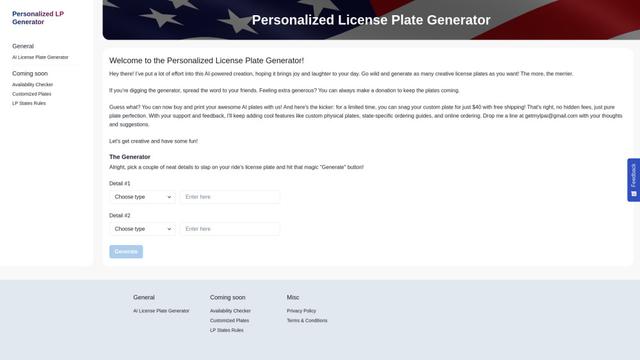
Personalized License Plate Generator
An AI-powered tool that generates unique and personalized license plate designs based on user input.
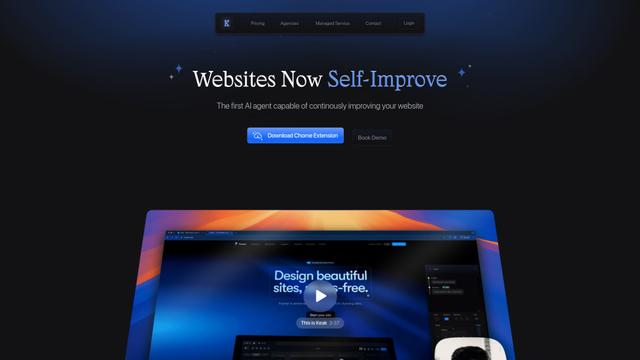
Keak
Keak is an AI-powered A/B testing tool that automatically generates website variations, launches tests, and optimizes conversions.
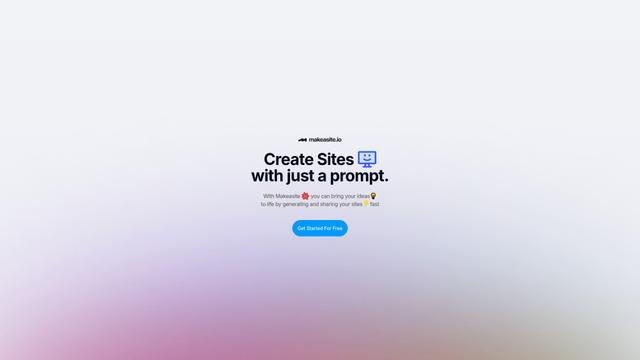
Makeasite
Makeasite is an innovative website builder that allows users to create and share websites quickly using just prompts.
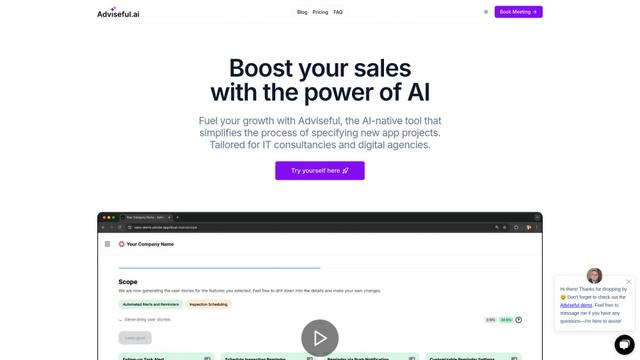
Adviseful
Adviseful is an AI-powered tool that accelerates web and mobile app planning for IT consultancies and digital agencies, turning ideas into qualified leads in minutes.
Popular AI Tools Like Baroque

GPT Engineer
GPT Engineer is an AI-powered software development tool that enables anyone to build web applications by chatting with an AI engineer.
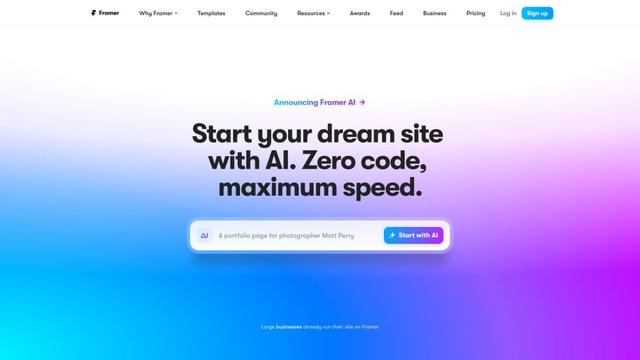
Framer
Framer is a powerful web builder that allows designers to create stunning, responsive websites with an intuitive interface and publish them instantly without coding.
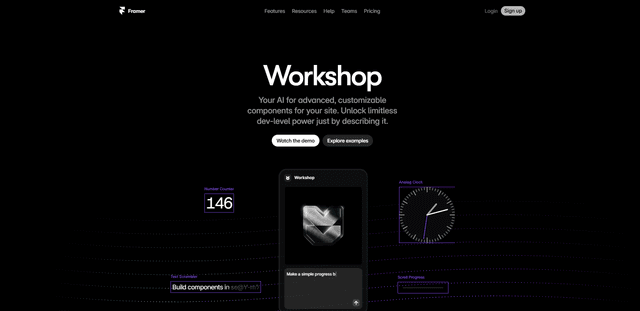
Framer Workshop
Framer Workshop is an AI-powered component generator built into Framer that allows designers and developers to create advanced, customizable website components without writing code through simple conversational prompts.

Wireframer
Wireframer is an AI-powered tool by Framer that quickly generates clean, responsive webpage layouts and wireframes from simple prompts, helping designers create structural blueprints without getting locked into specific visual styles.