
Avaturn Live
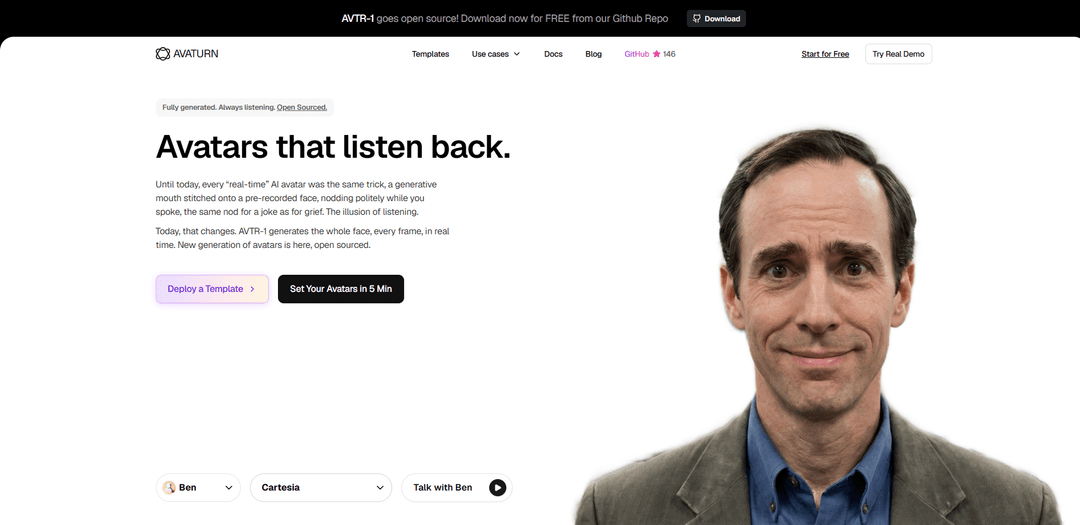
Avaturn Live is a real-time AI avatar platform that generates an ultra-realistic, fully animated face frame-by-frame (not just lip-sync), enabling emotional, “active listening” voice conversations and fast deployment via demos, templates, and SDK/API integrations.
https://avaturn.live/?ref=producthunt
Product Information
Updated:Jun 8, 2026
What is Avaturn Live
Avaturn Live is a platform for building and hosting lifelike AI avatars designed for real-time spoken conversations. Positioned as a new generation of “always listening” avatars, it focuses on natural interaction—avatars can react with expressions (e.g., smiling, nodding) as you speak and then respond quickly, making the experience feel closer to face-to-face communication. Avaturn Live offers a demo experience, a dashboard to set up avatars quickly, documentation for developers, and deployable templates for common use cases like sales role-play, language tutoring, and data/marketing assistance.
Key Features of Avaturn Live
Avaturn Live is a platform for deploying ultra-realistic, human-like AI avatars that hold real-time voice conversations with “active listening” behaviors—smiling, emoting, and reacting naturally rather than looping canned animations. It emphasizes low-latency interaction (marketed as up to 9× faster) and higher emotional expressiveness (marketed as ~4× range), supports quick deployment via templates, and offers developer integration via a web SDK. The product is positioned for customer-facing and training experiences (support, sales coaching, language practice) as well as creator workflows (VTubing/streaming, webinars).
Real-time voice conversations: Avatars can listen and speak back in natural, spoken dialogue, designed for dynamic back-and-forth interactions rather than scripted playback.
Active listening + expressive reactions: Facial expressions and reactions (smiles, emotions, engagement cues) are intended to reflect what the user says, improving realism versus repetitive “robotic loop” animations.
Low-latency responsiveness ("9× faster"): Optimized for fast response times to reduce awkward pauses in live conversations and make interactions feel more human.
Full-face real-time generation (AVTR-1): Marketed as generating the whole face every frame in real time (not just a generated mouth on a pre-recorded face), aiming for higher fidelity and more believable listening behaviors.
Fast deployment with templates: One-click/quick-start templates and a dashboard flow to “deploy in minutes,” including examples like sales role-play, language tutoring, and analytics assistants.
Developer SDK + LLM connectivity: Web SDK components (e.g., `@avaturn-live/web-sdk`) to embed an avatar stream in web apps, and demo patterns that connect to LLMs (e.g., OpenAI) for richer conversation logic.
Use Cases of Avaturn Live
Customer support avatar: 24/7 virtual representative that answers common questions with a more human, face-to-face feel than chat-only support.
Sales coaching and role-play: Practice objection handling and sales calls with an interactive avatar before real customer calls to reduce ramp time and improve confidence.
Product demos and onboarding: Run guided walkthroughs or onboarding sessions using a branded avatar that can explain features and respond to user questions in real time.
Language tutoring and pronunciation practice: Conversational practice with real-time feedback in a more engaging format than text chat, aimed at speaking fluency and confidence.
Creator/VTuber and streaming persona: Use as an on-camera character for livestreams, shorts, or webinars without traditional rigging, while retaining expressive face reactions.
Interactive web experiences: Embed lifelike avatars into websites/apps (via SDK) for guided experiences such as concierge-style assistance, training modules, or experiential marketing.
Pros
High realism focus: real-time facial expressions and “active listening” cues designed to feel more human than looped avatars.
Low-latency positioning ("9× faster") supports smoother live conversations and creator workflows.
Multiple adoption paths: quick templates for non-coders plus SDK integration for developers.
Free/demo options mentioned, lowering the barrier to testing and prototyping.
Cons
Privacy/compliance considerations: live camera/face-related inputs may require careful review of vendor privacy policy and data handling.
Quality and “human fidelity” claims (e.g., 9× faster, 4× expressive) may vary by setup, network conditions, and model configuration.
Integration complexity for production: real-time voice + LLM + avatar streaming can add operational cost and engineering overhead compared with text chat.
Some advanced capabilities may depend on third-party services (e.g., LLM APIs), adding cost and vendor dependency.
How to Use Avaturn Live
1) Try the hosted demo (fastest start): Go to https://avaturn.live/demo and start a real-time conversation with a preconfigured avatar to understand the experience (listening, responding, facial expressions).
2) Create an account and open the dashboard: Visit https://avaturn.live/dashboard and use “Start for Free” to access the dashboard where you can set up avatars and projects.
3) Deploy a ready-made template (no-code option): On https://avaturn.live/#deploy-section choose a template (e.g., sales role-play, language tutor, analyst) and use the one-click deploy option to Lovable or Base44. This spins up a working app without writing code.
4) (Optional) Use the open-source AVTR-1: Download AVTR-1 from GitHub: https://github.com/avaturn-live/avtr-1. Follow the repo instructions to run the open-source real-time avatar stack locally or on your infrastructure.
5) Install the Web SDK (developer integration): In your web project, install the SDK package: `npm i @avaturn-live/web-sdk`.
6) Obtain an Avaturn session token/link via API: Call the Avaturn API endpoint `/v1/sessions/new` to create a new session and receive the session link/token required by the SDK.
7) Embed Avaturn Live into your page (no manual iframe needed): Create a container DOM element and pass it to the SDK init call. Avaturn embeds itself as an iframe internally; you only provide the parent element and the session link/token from the previous step.
8) Render the avatar video stream with AvaturnHead: Import `AvaturnHead` from `@avaturn-live/web-sdk`, initialize it with your session token, and attach it to your page to display the avatar’s live video stream.
9) Add a chat UI for user input: Build a simple input form in your UI (e.g., a text box + submit button) that sends user messages to your app logic, which then triggers the avatar response.
10) Choose a response mode: Echo or OpenAI: Implement a simple mode switch: (a) Echo mode returns the user’s text back through the avatar for testing; (b) OpenAI mode sends the user’s text to an OpenAI model for more advanced responses.
11) Provide OpenAI API key via a settings popup/form: Add a modal/popup (e.g., “TokenPopup”) to collect the OpenAI API token and a settings form (e.g., “SettingsForm”) to select the session mode (Echo/OpenAI) and store required keys.
12) Connect OpenAI responses to the avatar: When in OpenAI mode, send the user message to OpenAI (e.g., GPT-4 class model), then pass the resulting assistant text back into the Avaturn Live flow so the avatar speaks/animates the response.
13) Handle callbacks and customization (optional advanced): Use the SDK’s callbacks to react to user actions (e.g., garment/body changes, export events) and optionally switch assets programmatically to build custom avatar controls.
Avaturn Live FAQs
Avaturn Live is a platform for ultra-realistic, real-time AI avatars designed to be emotional and engaging, generating the whole face frame-by-frame in real time rather than using a pre-recorded face with lip-sync.
Avaturn Live Video
Popular Articles

Proferex: A Cloud-Based Ad Tracking and Campaign Optimization Platform
Nov 4, 2026

How to Create Viral Talking Baby Podcast Videos with AI: Step-by-Step Guide
Nov 2, 2026

Vosko AI: Localize and Dub Videos for Global Audiences
Oct 15, 2026

Atoms: A Multi-Agent AI Platform That Transforms Ideas into Launch-Ready Products
Oct 13, 2026
Latest AI Tools Similar to Avaturn Live
AIFluencerPro
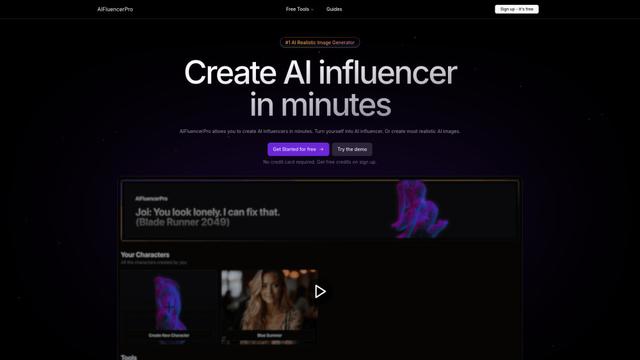
AIFluencerPro is an AI-powered platform that allows users to create photorealistic AI influencers and generate high-quality AI images in minutes using advanced generative AI technology.
DeepVideo
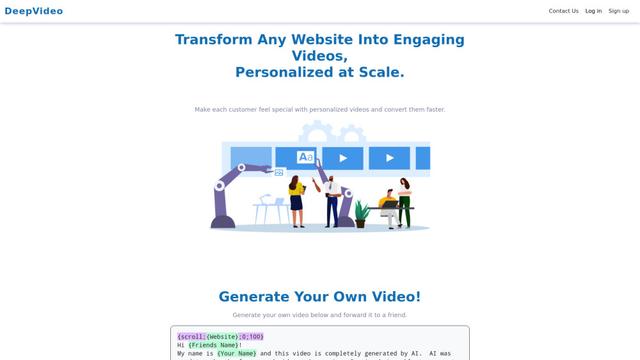
DeepVideo is an AI-powered video generation platform that enables users to create personalized, professional videos from simple text inputs with AI avatars and voiceovers in multiple languages.
SampleFaces
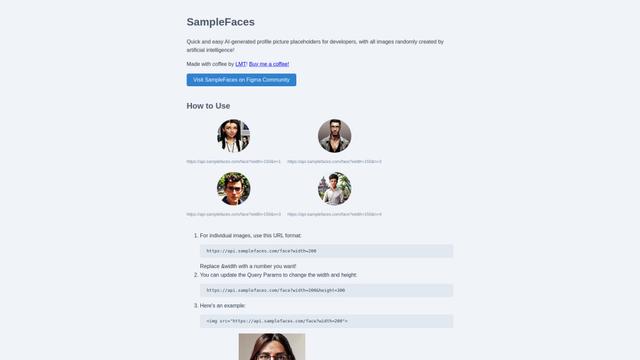
SampleFaces is a free web service that provides AI-generated profile pictures for developers and designers to use as placeholders in their projects.
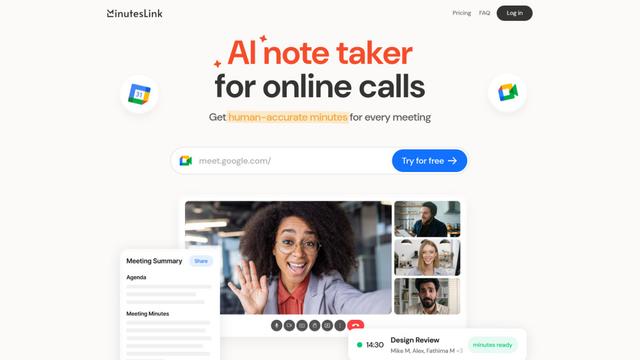
MinutesLink
MinutesLink is an advanced AI-powered note-taking assistant that automatically records, transcribes, summarizes and organizes virtual meetings while building personalized digital avatars from meeting data.
Popular AI Tools Like Avaturn Live
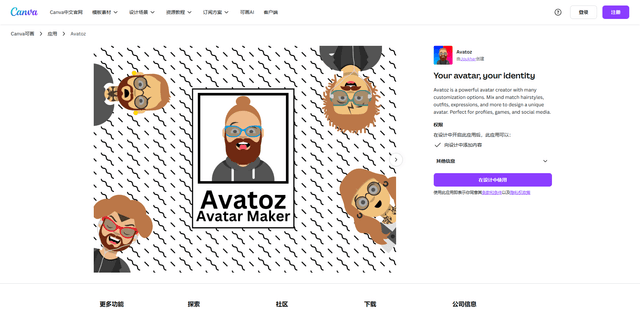
Avatoz
Avatoz is a powerful avatar creator app for Canva that allows users to design unique, customized avatars with extensive options for hairstyles, outfits, expressions and more.
Avatars in ElevenCreative
Avatars in ElevenCreative is a paid-plan feature that turns images (or prompts) into reusable, lip-synced talking-head videos by combining ElevenLabs speech models with integrated, leading lip-sync avatar video models in one workflow.
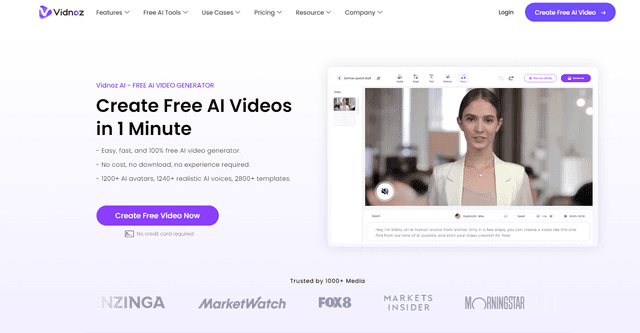
Vidnoz
Vidnoz is an AI-powered video creation platform that enables users to quickly generate professional-quality videos with lifelike avatars, natural voices, and customizable templates.
Pica AI
Pica AI is an advanced AI-powered platform offering photo enhancement, face swapping, AI avatar creation, and professional headshot generation.