
Avatars in ElevenCreative
Avatars in ElevenCreative is a paid-plan feature that turns images (or prompts) into reusable, lip-synced talking-head videos by combining ElevenLabs speech models with integrated, leading lip-sync avatar video models in one workflow.
https://elevenlabs.io/app/image-video?modality=video&ref=producthunt
Product Information
Updated:Jun 16, 2026
Avatars in ElevenCreative Monthly Traffic Trends
Avatars in ElevenCreative received 22.5m visits last month, demonstrating a Slight Growth of 5.7%. Based on our analysis, this trend aligns with typical market dynamics in the AI tools sector.
View history trafficWhat is Avatars in ElevenCreative
Avatars is a dedicated entry point in ElevenCreative for generating talking-head videos without jumping between separate tools. It lets creators and teams build a persistent visual identity (an “Avatar”) from reference images or a text prompt, then pair it with ElevenLabs voice generation to produce finished, lip-synced video quickly. Instead of manually finding and configuring lip-sync providers inside the broader Image & Video area, Avatars centralizes avatar creation, voice, and video generation into a simpler, curated interface designed for repeatable content production.
Key Features of Avatars in ElevenCreative
Avatars in ElevenCreative is a dedicated workflow for generating talking-head videos by combining ElevenLabs’ speech models with integrated, best-in-class lip-sync video models in a single interface. Users can turn a single image (or multiple reference photos) into a reusable, persistent avatar identity, then generate lip-synced videos from text or voice while keeping character consistency across scenes. The feature also supports exporting finished assets as downloadable files or sending them directly into ElevenCreative Studio for further editing and production.
Single entry point for talking-head video: Creates lip-synced avatar videos without the previous multi-step process of navigating model pickers and filtering for lip-sync providers—everything is organized under an Avatar-focused workflow.
Persistent avatars from reference images (or prompts): Build a reusable visual identity from uploaded photos (best with multiple angles) or a text prompt, then use the same avatar across many videos for consistent branding or characters.
Integrated ElevenLabs voice + lip-sync: Pairs ElevenLabs speech generation with leading lip-syncing models so the avatar’s facial motion matches the audio, enabling quick script-to-video creation in one place.
Identity consistency within videos: Uses source images like a character sheet so the generation models maintain the same identity across scenes within a single video.
Styles for variations on an avatar: Generate “Styles” as variations of an existing avatar—e.g., different camera angles, outfits, lighting, or backgrounds—while keeping the same core identity.
Export and Studio handoff: Download finished avatar videos as standalone assets or send them directly to ElevenCreative Studio to incorporate into broader projects and workflows.
Use Cases of Avatars in ElevenCreative
Performance marketing creative variations: Create a consistent spokesperson avatar and rapidly produce multiple versions of ads by swapping scripts, hooks, voices, or languages while keeping the same on-camera identity.
Corporate training and enablement: Generate consistent, repeatable training modules with a stable presenter avatar, reducing the need for repeated filming and enabling frequent content updates.
Localization for global content: Reuse the same avatar identity and generate new voice tracks in different languages to produce localized talking-head content faster and more consistently.
Creator and influencer-style content without filming: Turn a photo into a talking-head video for explainers, announcements, or channel content when creators don’t want to appear on camera or can’t record video.
Customer support and product walkthroughs: Create a branded helper avatar that explains features, onboarding steps, or FAQs in short videos, then export or assemble them in Studio for a polished help center.
Pros
Streamlined end-to-end workflow: script/voice + lip-sync video generation in one interface (less tool-hopping).
Persistent identities and Styles make it easier to maintain brand/character consistency across multiple videos.
Flexible output options: download assets or send directly into ElevenCreative Studio for production.
Works with a curated set of integrated avatar/lip-sync models, improving accessibility for non-technical users.
Cons
Available only on paid plans, which can be a barrier for casual users or experimentation.
Credit-based costs vary by model and resolution, so scaling output can become expensive or harder to predict.
Quality depends on input references; multiple high-quality images are recommended for best results.
Persistent avatars increase misuse/deepfake risk, requiring careful governance and policy controls in organizations.
How to Use Avatars in ElevenCreative
1) Get access (paid plan required for avatar videos): Avatars in ElevenCreative is available on all paid plans. If you’re on the free plan, you can generate images, but to create avatar videos you’ll need to upgrade. Usage is credit-based and follows the existing Image & Video pricing structure (cost varies by model and resolution).
2) Open the Avatars entry point: In ElevenCreative, go to Image & Video (or Studio), then select the Avatar tab. This is the dedicated entry point for generating talking-head videos.
3) Create a new Avatar (persistent identity): Click New Avatar. An Avatar is a persistent visual identity (person, character, or animal) that lives in your workspace and can be reused across many videos.
4) Build the Avatar from images or a text prompt: Create your Avatar by uploading reference images (recommended) or by describing the avatar with a text prompt. Reference images act like a character sheet to help maintain the same identity across scenes.
5) Add multiple reference images for consistency: Upload multiple images of the same subject from different angles. You can also include variations (outfits, backgrounds, lighting) while keeping the same identity to reduce drift across generations.
6) Choose (or generate) the voice that will drive the avatar: Pair your Avatar with an ElevenLabs voice. You can use Text to Speech from a script, use an existing voice from your library, or use voice cloning/voice tools available in ElevenLabs to match the character you want.
7) Provide the speech input (script or audio): Enter your script for ElevenLabs speech generation, or use your own recorded audio if you want full control over pacing and emphasis. The resulting speech will drive the avatar’s facial animation and lip movement.
8) Select a lip-sync / talking-head video model: Choose a video generation model that supports lip-sync/talking-head output. ElevenCreative pairs ElevenLabs speech models with leading lip-syncing models in one interface, so you can generate the final video without exporting/importing audio between tools.
9) Configure output settings (quality, resolution, duration): Set the output options supported by your chosen model (e.g., resolution and other quality controls). Credit usage will vary based on the model and resolution you select.
10) Generate the talking-head video: Run generation to produce a lip-synced video from your Avatar and voice. Because the voice model and lip-sync model run in the same environment, synchronization is designed to be tighter than workflows that rely on external audio imports.
11) Reuse the Avatar across multiple videos: Use the saved Avatar again for new scripts, languages, or campaigns. The Avatar remains in your workspace so you can produce consistent videos without recreating the character each time.
12) (Optional) Use Studio or Flows for scalable production: For more control, send outputs to ElevenCreative Studio for timeline editing. For repeatable/batch production, use Flows: drop the Avatar into a flow and systematically swap scripts, voices, hooks, or other inputs to generate many variants.
13) Export your final asset: Download the finished video or continue editing/iterating within ElevenCreative tools. Completed outputs can also appear in History so you can revisit settings and refine results.
Avatars in ElevenCreative FAQs
Avatars are persistent visual identities that you pair with any ElevenLabs voice to generate talking-head videos with synchronized lip movement. An Avatar can be a person, character, or animal, and can be reused across multiple videos.
Popular Articles

Vosko AI: Localize and Dub Videos for Global Audiences
Oct 15, 2026

Atoms: A Multi-Agent AI Platform That Transforms Ideas into Launch-Ready Products
Oct 13, 2026

Nano Banana SBTI: What It Is, How It Works, and How to Use It in 2026
Apr 15, 2026

Atoms Review — The AI Product Builder Redefining Digital Creation in 2026
Apr 10, 2026
Analytics of Avatars in ElevenCreative Website
Avatars in ElevenCreative Traffic & Rankings
22.5M
Monthly Visits
#1781
Global Rank
#38
Category Rank
Traffic Trends: Nov 2024-Oct 2025
Avatars in ElevenCreative User Insights
00:05:14
Avg. Visit Duration
6.11
Pages Per Visit
38.24%
User Bounce Rate
Top Regions of Avatars in ElevenCreative
US: 15.86%
IN: 11.52%
BR: 5.21%
PK: 3.77%
DE: 3.59%
Others: 60.06%
Latest AI Tools Similar to Avatars in ElevenCreative
AIFluencerPro
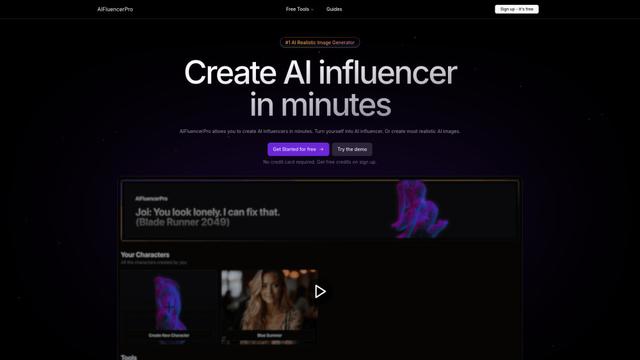
AIFluencerPro is an AI-powered platform that allows users to create photorealistic AI influencers and generate high-quality AI images in minutes using advanced generative AI technology.
DeepVideo
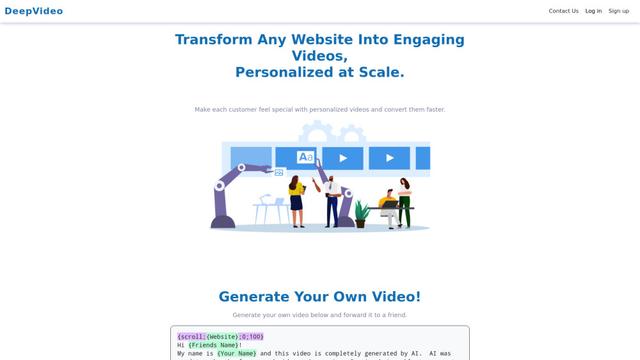
DeepVideo is an AI-powered video generation platform that enables users to create personalized, professional videos from simple text inputs with AI avatars and voiceovers in multiple languages.
SampleFaces
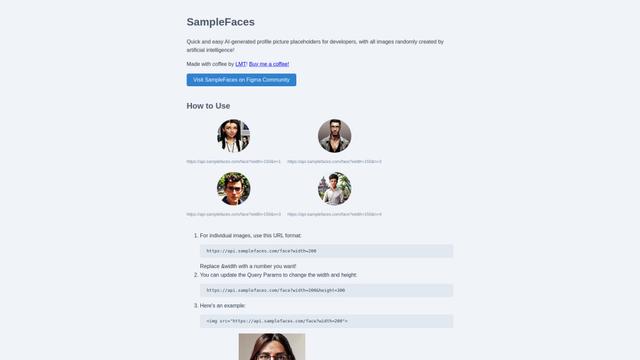
SampleFaces is a free web service that provides AI-generated profile pictures for developers and designers to use as placeholders in their projects.

MinutesLink
MinutesLink is an advanced AI-powered note-taking assistant that automatically records, transcribes, summarizes and organizes virtual meetings while building personalized digital avatars from meeting data.
Popular AI Tools Like Avatars in ElevenCreative
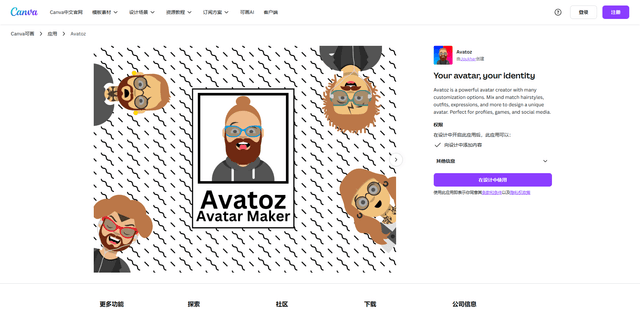
Avatoz
Avatoz is a powerful avatar creator app for Canva that allows users to design unique, customized avatars with extensive options for hairstyles, outfits, expressions and more.
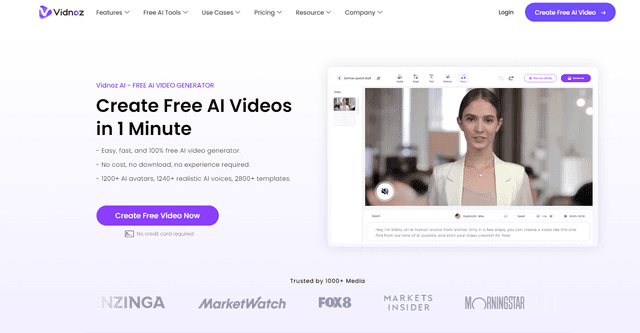
Vidnoz
Vidnoz is an AI-powered video creation platform that enables users to quickly generate professional-quality videos with lifelike avatars, natural voices, and customizable templates.
Pica AI
Pica AI is an advanced AI-powered platform offering photo enhancement, face swapping, AI avatar creation, and professional headshot generation.
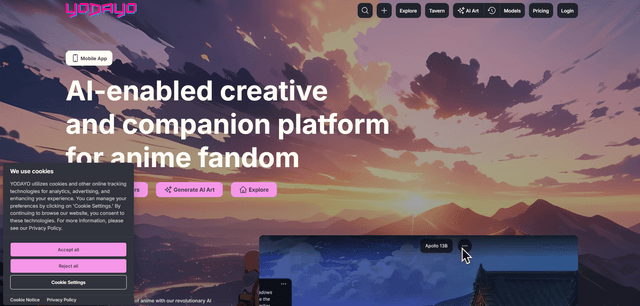
Yodayo
Yodayo is an AI-powered creative platform for anime fans to generate art, chat with characters, and connect with a vibrant community.