
Autoclaw
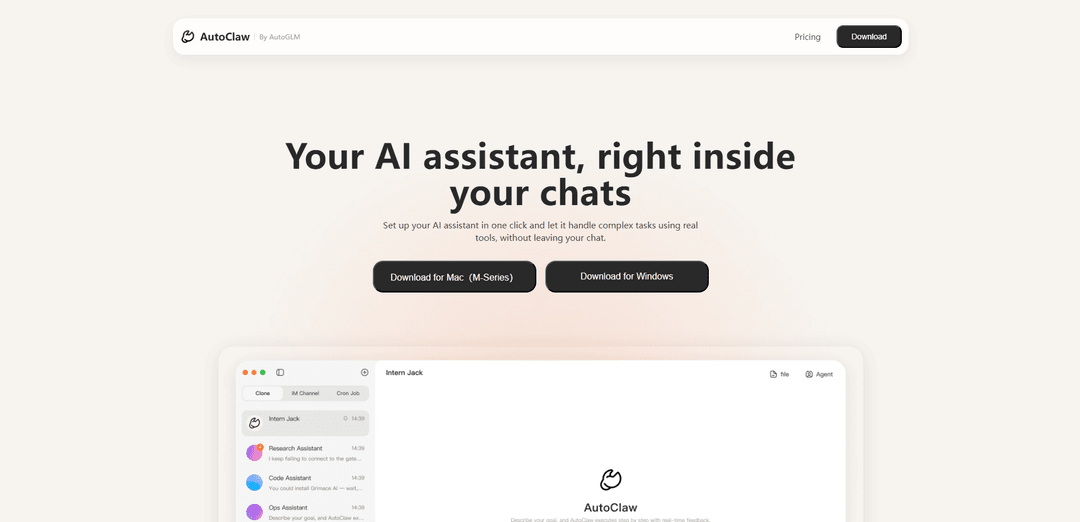
AutoClaw is Zhipu AI's one-click desktop client that transforms personal computers into 24/7 autonomous AI agents by packaging OpenClaw with 50+ built-in skills, AutoGLM browser automation, and Pony-Alpha-2 model integration.
https://autoglm.z.ai/autoclaw?ref=producthunt
Product Information
Updated:Apr 8, 2026
What is Autoclaw
AutoClaw, launched by Zhipu AI in 2026, is the first localized OpenClaw integration tool that enables users to set up an AI assistant with just one click. It simplifies the traditionally complex OpenClaw deployment process into a simple download-and-run experience for both macOS and Windows systems. The software comes pre-installed with over 50 skills and integrates seamlessly with instant messaging platforms like Feishu (Lark), making it accessible to non-technical users who want to automate complex workflows on their local machines.
Key Features of Autoclaw
AutoClaw is a one-click OpenClaw installation tool developed by Zhipu AI that transforms personal computers into 24/7 autonomous AI agents. It features local-first architecture, integration with Pony-Alpha-2 model, AutoGLM browser automation capabilities, 50+ built-in skills, and seamless IM integration. The tool allows users to set up and manage AI assistants through chat interfaces, enabling complex task automation without technical expertise.
One-Click Local Installation: Simple download-and-run experience that deploys OpenClaw locally within minutes on both Windows and macOS, eliminating complex configuration requirements
Integrated Browser Automation: AutoGLM technology enables AI agents to navigate websites, fill forms, and extract data autonomously like a human user
Secure Local-First Architecture: All data processing occurs on local hardware with no public network exposure or open ports, ensuring maximum privacy and security
Advanced AI Model Integration: Incorporates Pony-Alpha-2 model optimized for agent scenarios with enhanced tool call stability and task execution efficiency
Use Cases of Autoclaw
Financial Analysis: Automated collection of market data, generation of investment reports, and financial modeling using web-based financial information
Task Automation: Scheduling meetings, setting reminders, and managing daily workflows through integrated messaging platforms like Feishu
Content Management: Automated creation and distribution of reports, news summaries, and content across different platforms with customized scheduling
Pros
Strong data privacy with local processing
User-friendly interface requiring no technical expertise
Comprehensive integration with messaging platforms
Cons
Limited independent benchmarks available
Coding capabilities may be inferior to some alternatives
How to Use Autoclaw
Download and Install: Visit https://autoglm.zhipuai.cn/autoclaw and download the appropriate version for your system (Mac M-Series, Mac Intel, or Windows). Run the installer.
Launch Application: Open AutoClaw after installation. The interface will show a chat-like layout with a list structure on the left and conversation window on the right.
Set Up Initial Configuration: Configure basic settings like Launch at Login option and whether to show Tool Calls in conversations through the preferences menu.
Start a Conversation: Select one of the four preset agents on the left panel to start chatting. You can upload files using the paperclip icon or paste URLs during conversations.
Describe Your Goal: Simply describe what you want to accomplish in natural language. AutoClaw will automatically break down complex tasks into sub-tasks.
Monitor Execution: Watch as AutoClaw executes tasks using built-in tools and browser automation. You can view detailed tool calls if enabled in settings.
Review Results: Results and context will be fed back directly into the chat conversation, making it easy to review outcomes and continue the interaction.
Set Up Scheduled Tasks (Optional): You can set up recurring automated tasks by describing the timing and requirements in natural language (e.g., daily reports, periodic checks).
Integrate with IM (Optional): Connect AutoClaw with messaging platforms like Feishu/Lark for enterprise workflows and automated communications.
Autoclaw FAQs
AutoClaw is a desktop client by Zhipu AI that provides one-click OpenClaw setup for Windows and macOS. It includes 50+ pre-installed skills, Pony-Alpha-2 model integration, AutoGLM browser automation, and IM integration, allowing users to set up their AI assistant with minimal configuration.
Popular Articles

Vosko AI: Localize and Dub Videos for Global Audiences
Oct 15, 2026

Atoms: A Multi-Agent AI Platform That Transforms Ideas into Launch-Ready Products
Oct 13, 2026

Nano Banana SBTI: What It Is, How It Works, and How to Use It in 2026
Apr 15, 2026

Atoms Review — The AI Product Builder Redefining Digital Creation in 2026
Apr 10, 2026
Latest AI Tools Similar to Autoclaw

Hapticlabs
Hapticlabs is a no-code toolkit that enables designers, developers and researchers to easily design, prototype and deploy immersive haptic interactions across devices without coding.

Monyble
Monyble is a no-code AI platform that enables users to launch AI tools and projects within 60 seconds without requiring technical expertise.
Abyss
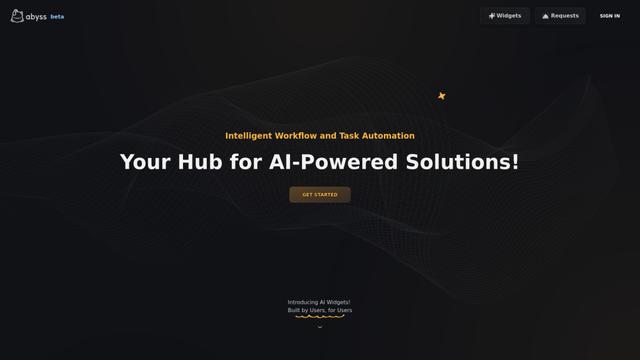
Abyss is an AI-powered platform that enables users to create, share and run automated task-specific Widgets without requiring technical expertise.
AppScape
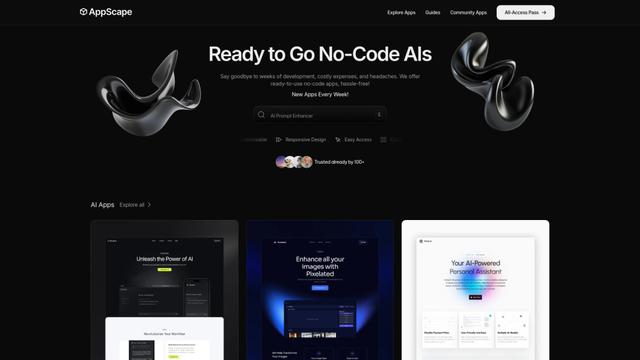
AppScape is a no-code platform offering ready-to-use AI-powered apps and customizable SaaS solutions, enabling quick deployment without traditional development costs and technical expertise.
Popular AI Tools Like Autoclaw
GitHub MCP Server
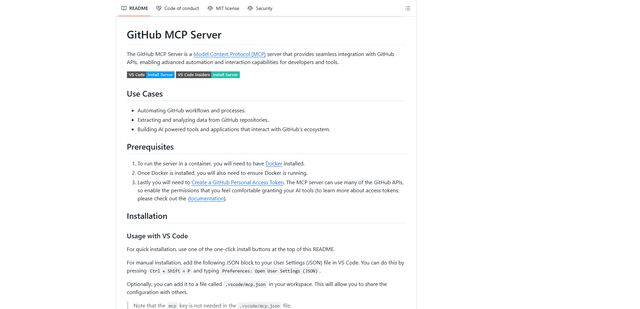
GitHub MCP Server is a Model Context Protocol server that enables seamless integration between AI models and GitHub APIs, providing standardized tools for repository management, issue tracking, and code operations.

GoCodeo SaaS Builder
GoCodeo SaaS Builder is an AI-native framework that automatically generates production-ready full-stack SaaS applications using autonomous AI agents, complete with authentication, real-time features, and TypeScript integration.

iBrowsy
iBrowsy is a modern, AI-powered web browser for macOS that combines intelligent features, privacy-first design, and seamless user experience with built-in GPT-4 assistance.
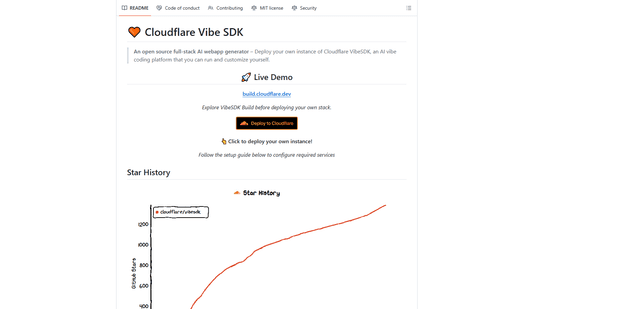
VibeSDK by CloudFlare
VibeSDK is an open-source AI-powered platform by Cloudflare that enables developers to deploy their own full-stack vibe coding environment with one click, allowing users to generate and deploy applications through natural language descriptions.