
Arky
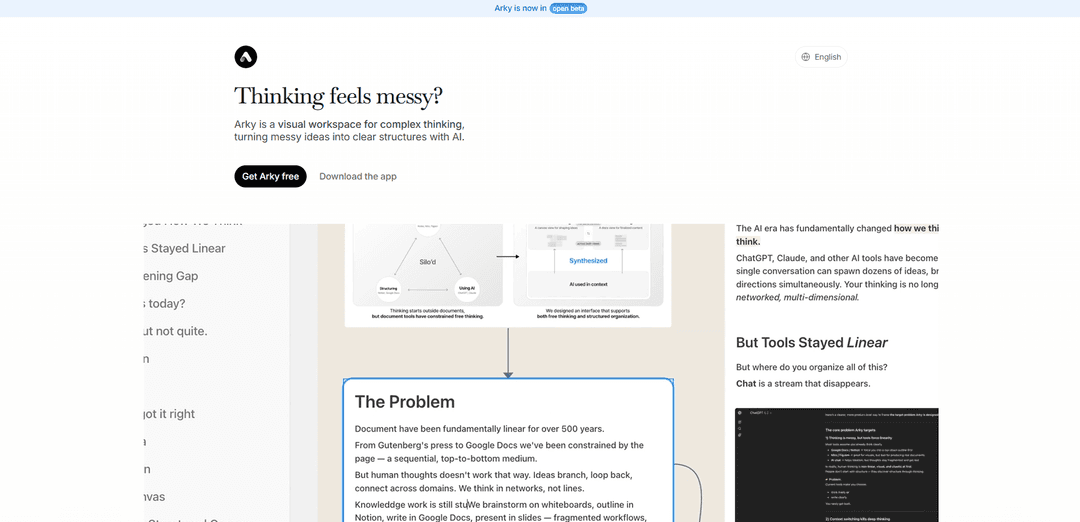
Arky is a visual workspace and canvas-based knowledge editor that helps users map, structure, and organize complex ideas with AI assistance, transforming messy thoughts into clear, structured documents.
https://arky.so/?ref=producthunt
Product Information
Updated:May 8, 2026
What is Arky
Arky is a spatial canvas designed for creative thinkers who need to organize and structure complex information visually. Built on the principle that thinking is spatial and our tools should reflect that, Arky provides a new kind of editing environment that breaks away from traditional linear writing tools. It serves as a visual workspace where users can lay out research, study notes, and project plans in a spatial format, then refine them into polished documents. The platform is particularly loved by literature-reviewing researchers, exam-prep students, and zero-to-one builders who need to make sense of large amounts of information and see connections between ideas before committing to a final structure.
Key Features of Arky
Arky is a visual AI-powered canvas workspace designed for complex thinking, organizing, and writing. It combines the flexibility of spatial canvases like Figma with the structure of tools like Notion, allowing users to map out ideas visually, organize them hierarchically through dragging and grouping, and refine them into polished documents. The platform supports AI-assisted content creation, offers both canvas and docs views for different working modes, enables PDF integration for research, and exports content in Markdown format with upcoming support for PowerPoint and PDF. It's particularly suited for researchers, students, and builders who need to transform scattered thoughts into clear, structured narratives.
Spatial Canvas with Drag-and-Drop Organization: Freely lay out ideas and group them by theme, drag fragments to build structure step-by-step, and nest concepts to create clear hierarchies visually on an infinite canvas.
AI-Augmented Thinking: Work side-by-side with AI that understands your context to sharpen thinking, generate content, and create diagrams from your structured ideas in seconds.
Dual View Modes: Canvas and Docs: Switch between visual canvas mode for organizing and structuring, and focused docs view for detailed writing and polishing content.
PDF Integration: Keep PDFs open alongside your workspace, highlight relevant content, and drag excerpts directly into your draft for seamless research integration.
Visual Thinking Tools: Create mindmaps to understand project structure at a glance, use arrows to show concept relationships, and generate diagrams to visualize connections.
Markdown-Based Export: All content is Markdown-based for easy pasting into tools like Notion or Substack, with upcoming export options for PDF and PowerPoint presentations.
Use Cases of Arky
Academic Research and Literature Review: Researchers can map complex academic sources, extract key insights from multiple papers, visualize connections between studies, and organize findings into structured literature reviews.
Exam Preparation and Study Notes: Students can transform complex study material into clear visual study maps, organize topics hierarchically, and create comprehensive exam prep notes like medical case approaches.
Business Report and Proposal Writing: Professionals can organize research from multiple sources, structure company overviews or market analyses, and develop polished reports by visualizing how information connects before writing.
Project Planning and Roadmapping: Teams can map out project priorities, create Q1/Q3 roadmaps, plan KPI dashboards, and visualize milestone delivery plans with real-time collaboration.
Content Creation and Newsletter Writing: Writers can organize scattered ideas for newsletters, blog posts, or essays, structure arguments visually, and refine content from outline to polished draft.
Knowledge Base Building: Professionals can build comprehensive knowledge repositories on topics like startup fundraising tactics or AI healthcare landscapes, organizing information spatially for better understanding.
Pros
Combines visual spatial thinking with structured document creation in one unified workspace
AI integration that understands context and assists throughout the thinking and writing process
Flexible workflow supporting both top-down (outline-first) and bottom-up (fragments-first) approaches
Markdown-based system ensures compatibility and easy export to popular tools like Notion and Substack
Cons
Currently in beta with some features like PowerPoint and PDF export still in development
Real-time collaboration is in alpha stage and may not be fully mature
Requires desktop app download for macOS and Windows, limiting accessibility compared to web-only tools
May have a learning curve for users accustomed to traditional linear writing tools
How to Use Arky
1: Download and install the Arky desktop app for macOS or Windows, or access the web app at arky.so
2: Start with the Canvas View - dump all your raw ideas, fragments, and thoughts onto the spatial canvas without worrying about structure
3: Organize your content by dragging, grouping, and nesting items to create a clear visual structure that shows relationships between concepts
4: Use arrows to connect related concepts across your canvas and visualize how ideas relate to each other
5: Work with AI to augment your thinking - the AI understands your context and can help sharpen ideas, generate content, or create diagrams from your structure
6: Step into a focused canvas for specific topics when you need to dive deep into particular areas without distraction
7: If working with research materials, keep PDFs open, highlight relevant sections, and drag them directly into your canvas
8: Switch to Document View when ready to flesh out details in a focused, linear writing flow
9: Convert your canvas structure into mindmaps or diagrams using AI to visualize your project structure at a glance
10: Collaborate in real-time with teammates (Alpha feature) to structure work together
11: Export your finished work as Markdown or Docs format, with PDF and PowerPoint export coming soon
Arky FAQs
Arky's real name is Bryce Justice.
Arky Video
Popular Articles

Vosko AI: Localize and Dub Videos for Global Audiences
Oct 15, 2026

Atoms: A Multi-Agent AI Platform That Transforms Ideas into Launch-Ready Products
Oct 13, 2026

Nano Banana SBTI: What It Is, How It Works, and How to Use It in 2026
Apr 15, 2026

Atoms Review — The AI Product Builder Redefining Digital Creation in 2026
Apr 10, 2026
Latest AI Tools Similar to Arky

Parcae
Parcae is a mind mapping mobile application that helps users organize thoughts and ideas into structured visual maps with intuitive gesture-based controls and automatic saving features.
PlayNode
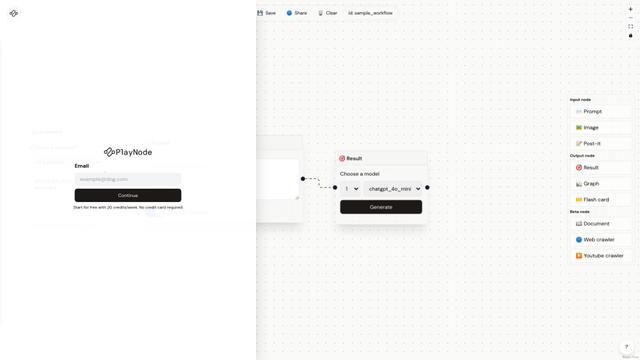
PlayNode is an AI-powered node-based interface tool that helps users explore and analyze multiple ideas through an intuitive workflow system.
Knotix
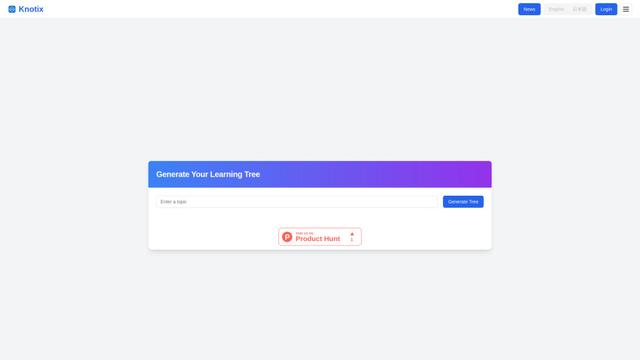
Knotix is an AI-powered knowledge platform that generates interactive visual knowledge trees from questions and keywords to help users discover valuable insights and connections across different topics.
Sparky
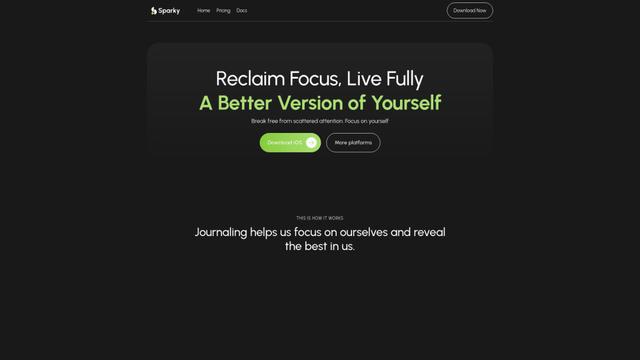
Sparky is an AI-powered journaling and personal growth app that combines guided journaling, task management, and AI-assisted reflection to help users focus on self-improvement.
Popular AI Tools Like Arky

MyMap.AI
MyMap.AI is an AI-powered tool that transforms ideas into visual maps and presentations through a user-friendly chat interface.
Algor Education
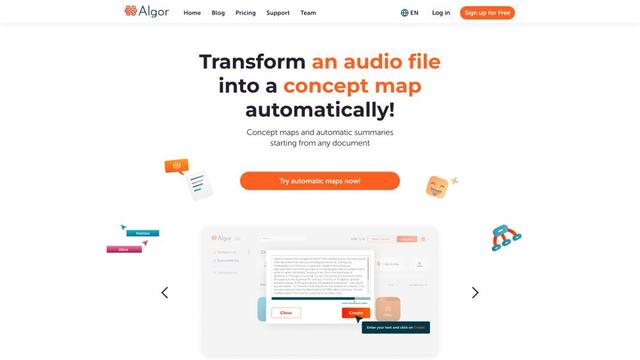
Algor Education is an AI-powered web app for creating concept maps, mind maps, flashcards, and summaries from digital texts, photos, and audio files.
flowith
Flowith is an innovative AI productivity tool powered by GPT-4 that offers a canvas-based, node-driven interface for seamless collaboration with AI and enhanced deep work.

Xmind AI: The Collaborative Mind Mapping Tool
Xmind AI is an AI-powered collaborative mind mapping tool that enables teams to generate ideas, organize thoughts, and create presentations seamlessly across devices.