
APImage
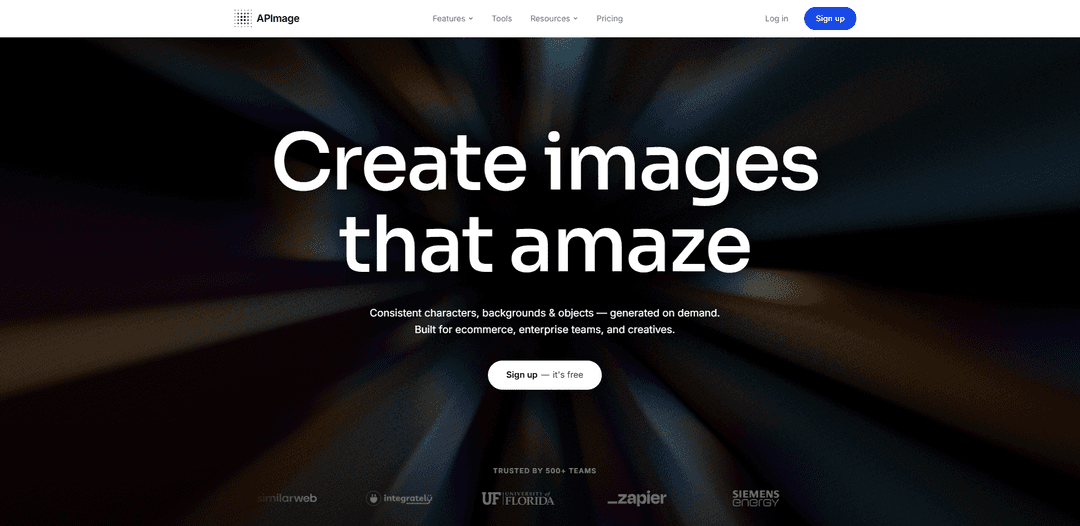
APImage is an enterprise-grade AI image generation and editing platform that enables users to create consistent characters, backgrounds, and objects on demand for ecommerce, enterprise teams, and creative professionals.
https://apimage.org/?ref=producthunt
Product Information
Updated:Apr 10, 2026
What is APImage
APImage is a cutting-edge visual AI service that revolutionizes the way businesses and creators interact with images through advanced artificial intelligence capabilities. Built for ecommerce, enterprise teams, and creative professionals, APImage transforms text prompts into production-ready visuals in seconds, offering comprehensive image generation, editing, and management solutions. Trusted by over 500 teams including major brands like Campbell's, Zapier, Siemens Energy, and the University of Florida, the platform delivers powerful tools for generating product shots, lifestyle images, and brand creatives at any resolution. APImage provides both a user-friendly Image Studio interface and a production-grade REST API, making it accessible for individual creators while scalable enough for enterprise workflows.
Key Features of APImage
APImage is an enterprise-grade AI image generation and editing platform that enables users to create production-ready visuals from text prompts. The platform offers comprehensive tools including AI image generation, inpainting, background removal, and the ability to maintain consistent characters, backgrounds, and objects across multiple images. Built for ecommerce, enterprise teams, and creatives, APImage provides both a web-based studio interface and a REST API for programmatic integration, allowing teams to scale their creative output while maintaining visual consistency across campaigns and channels.
AI Image Generation: Transform text prompts into production-ready visuals in seconds, generating product shots, lifestyle images, and brand creatives at any resolution with capable hardware.
Inpainting & Editing: Paint over any part of an image and let AI fill it perfectly, enabling users to swap backgrounds, add or remove objects, and refine details non-destructively.
Background Removal: Instantly isolate any subject with a single click, perfect for product listings, headshots, and composites that need a clean, professional cut.
Consistent Characters: Define brand characters once and reuse them across every image with the same face and style in different scenes, maintaining visual consistency throughout campaigns.
Reusable Asset Libraries: Build libraries of on-brand scenes, environments, and product visuals to maintain lighting, angle, and style consistency as catalogs grow.
API Integration: Integrate directly into products or pipelines with production-grade REST API, featuring batch processing, webhook notifications, and automation capabilities through platforms like Zapier, Pipedream, and n8n.
Use Cases of APImage
E-commerce Product Photography: Generate consistent product shots across SKUs and catalogs, create lifestyle images with models, and maintain uniform lighting and backgrounds for professional product listings without expensive photoshoots.
Brand Marketing Campaigns: Create cohesive visual content across multiple channels and campaigns by maintaining consistent brand characters, environments, and visual style while rapidly producing variations for A/B testing.
Content Creation at Scale: Enable content creators and designers to produce high-volume visual assets for social media, blogs, and advertising by automating image generation and editing workflows through API integration.
Enterprise Creative Workflows: Streamline organizational visual production with role-based access, SSO integration, and custom model fine-tuning for teams that need scale, control, and security in their creative processes.
Product Visualization: Rapidly prototype and visualize product concepts in different settings and contexts, allowing teams to iterate on designs and presentations before physical production.
Automated Visual Asset Management: Connect APImage to existing tech stacks through integrations with 5,000+ apps via Zapier, enabling automated image generation, syncing assets across platforms, and scaling production without manual intervention.
Pros
Comprehensive all-in-one platform combining generation, editing, and asset management in a single workflow
Maintains visual consistency across characters, backgrounds, and objects for cohesive brand identity
Flexible deployment options including web studio, REST API, and enterprise integrations with major automation platforms
Trusted by major organizations including Campbell's, Zapier, Siemens Energy, and University of Florida
Cons
Requires capable hardware for optimal image generation performance
Input image files must be in specific formats (JPEG) for certain features
Enterprise features like custom model fine-tuning and dedicated support require contacting sales
Learning curve may exist for teams new to AI-powered image generation workflows
How to Use APImage
1: Sign up for a free APImage account at app.apimage.org/signup
2: Get your API Key from your APImage Dashboard at app.apimage.org
3: Choose your workflow method: Use the Image Studio web interface for manual creation, or integrate via API for automated workflows
4: For Image Studio: Enter a text prompt describing the image you want to generate (e.g., '30-40 year old east asian man with short black hair, wearing an open shirt, wooden chains, tattoos and a friendly smile infront of a clean studio background')
5: For API integration: Send a POST request to https://apimage.org/api/ai-image-generate with your API key in the Authorization header as 'Bearer {api_key}' and your prompt in the request body
6: Wait for the AI to generate your image - the system will process your request and return production-ready visuals
7: Download the generated image from the response or interface
8: Optional: Use additional features like Inpainting (paint over parts to edit), Background Removal (single-click subject isolation), or create reusable asset libraries for consistent characters, backgrounds, and objects
9: Optional: For automation, connect APImage to your workflow using integrations like Zapier, Pipedream, or n8n, or set up webhooks for event-driven workflows
10: Optional: Upload processed images to your preferred destination (Google Drive, Dropbox, S3, Notion, Social Media, etc.)
APImage FAQs
APImage is an enterprise-grade AI image generation and editing platform that allows users to create production-ready visuals from text prompts. It's designed for ecommerce, enterprise teams, and creatives, offering features like consistent character generation, background creation, and object assets.
APImage Video
Popular Articles

Atoms: A Multi-Agent AI Platform That Transforms Ideas into Launch-Ready Products
May 22, 2026

Nano Banana SBTI: What It Is, How It Works, and How to Use It in 2026
Apr 15, 2026

Atoms Review — The AI Product Builder Redefining Digital Creation in 2026
Apr 10, 2026

Kilo Claw: How to Deploy and Use a True "Do‑It‑For‑You" AI Agent(2026 Update)
Apr 3, 2026
Latest AI Tools Similar to APImage
Flux AI Lab
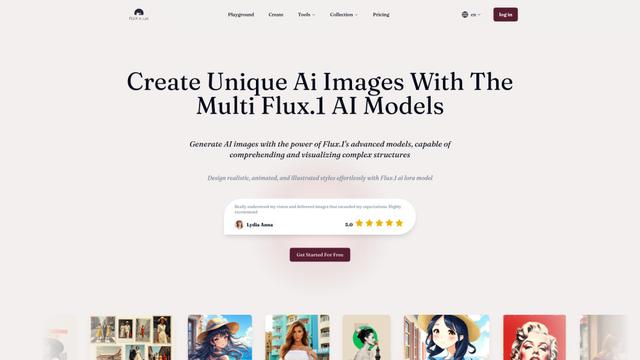
Flux AI Lab is a cutting-edge AI image generation platform powered by Black Forest Labs' FLUX.1 model series, offering state-of-the-art performance in creating high-quality, diverse images with exceptional prompt following capabilities.
PixelHaha
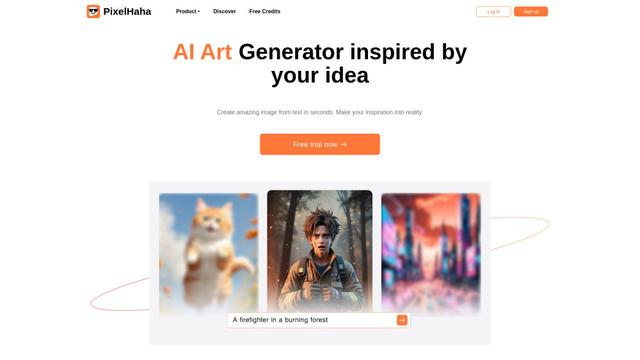
PixelHaha is an AI-powered art generation platform that transforms text prompts into high-quality digital artwork using advanced AI models.
BlogBud AI
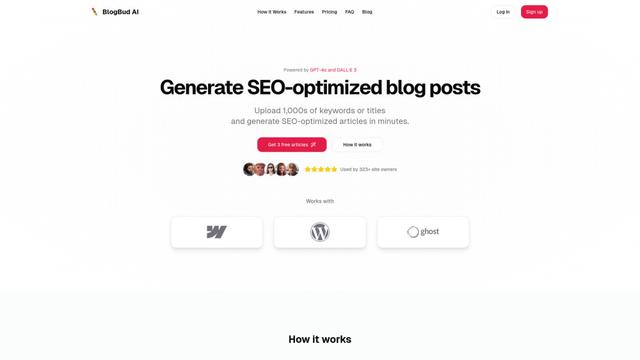
BlogBud AI is a powerful AI-powered content generation platform that helps users create thousands of SEO-optimized blog articles at scale using GPT-4o and DALL-E 3 technologies.
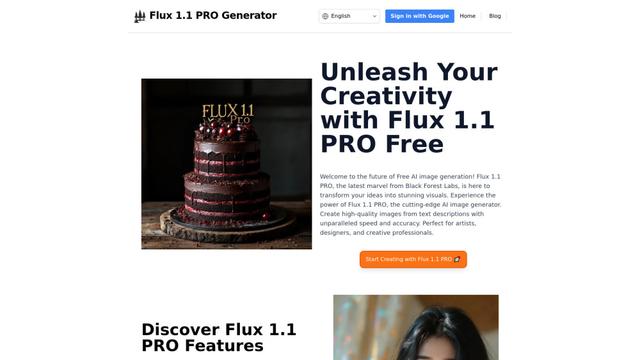
Flux 1.1 PRO
Flux 1.1 Pro is a state-of-the-art text-to-image AI model that offers six times faster generation than its predecessor while delivering superior image quality, prompt adherence, and output diversity, achieving the highest Elo score on the Artificial Analysis image arena.
Popular AI Tools Like APImage
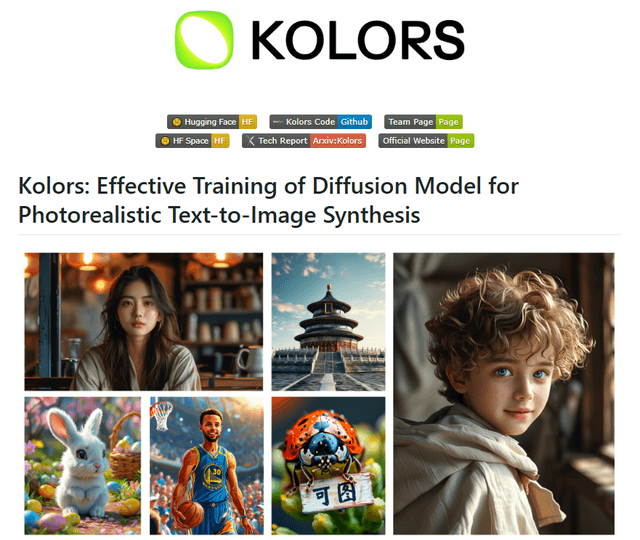
Kolors
Free TrialText to Image
Kolors is a large-scale bilingual text-to-image generation model developed by Kuaishou that excels in visual quality, complex semantic accuracy, and text rendering for both Chinese and English content.
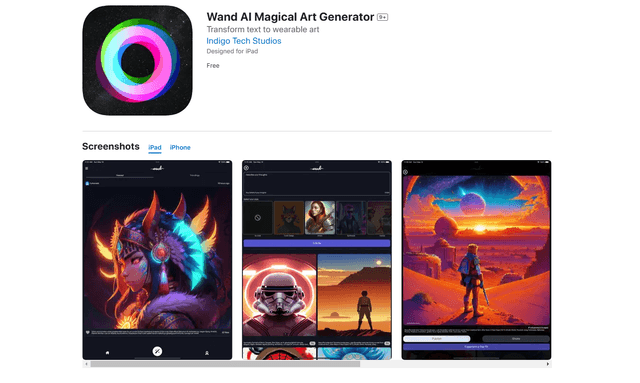
Wand AI
Wand AI is an innovative AI-powered creative tool that transforms text prompts and sketches into customizable digital artworks, designed specifically for artists and creative professionals on iPhone and iPad.
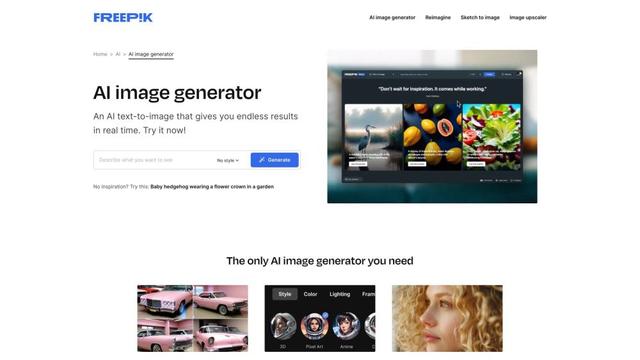
Freepik AI Image Generator
FreemiumText to Image
Freepik's AI Image Generator is a powerful text-to-image tool that creates high-quality, photorealistic images in real-time with customizable styles and infinite variations.
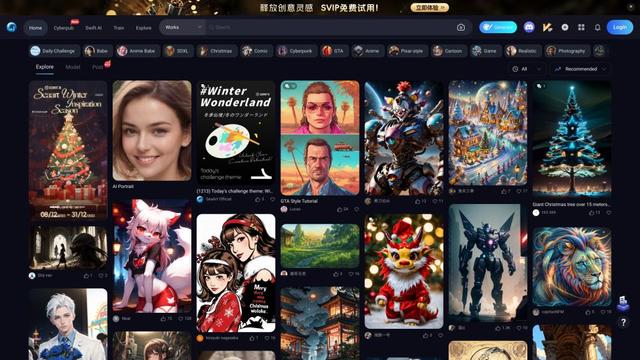
Seaart.ai
SeaArt.ai is a free AI art generator that offers text-to-image creation, AI character design, swift AI tools, and custom model training capabilities.