Anyvids
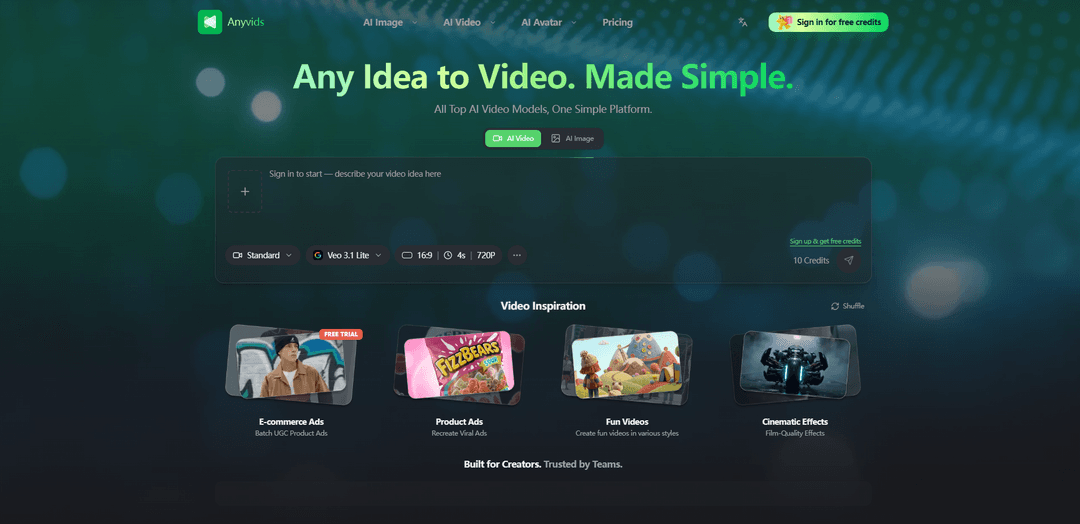
Anyvids is an all‑in‑one AI video and image platform that brings every top model into one place — a complete creative toolkit for content creators, designers, and everyone in between.
https://anyvids.ai/?utm_source=aipure
Product Information
Updated:Jul 24, 2026
What is Anyvids
Anyvids (Anyvids.ai) is an AI-powered creative platform designed to help individuals and teams turn ideas into finished visual assets—especially videos—quickly and with minimal technical overhead. Positioned as “Any Idea to Video. Made Simple.”, it centralizes a range of AI capabilities such as text-to-video and image-to-video generation, plus supporting creation workflows, so creators, designers, marketers, and enterprise teams can produce social content, brand campaigns, and more in one unified interface without juggling multiple tools or accounts.
Key Features of Anyvids
Anyvids.ai is an all-in-one AI creative platform that consolidates top AI video and image models into a single workflow for generating, editing, and refining content. It supports text-to-video and text-to-image creation with detailed prompts and optional image uploads, plus adjustable output settings (model selection, aspect ratio, resolution, and formats). Beyond generation, it includes AI-powered editing tools such as avatar/character creation, frame-based motion control, character swap, video upscaling with HD export, and audio synchronization—aimed at creators, designers, marketing teams, and enterprises producing social, ad, and cinematic content.
All-in-one multi-model studio: Brings multiple top AI video and image generation models into one platform so users can generate, edit, and export without juggling separate tools or accounts.
Text-to-video & text-to-image generation: Create videos or images from detailed prompts, with support for uploading image references to guide style or composition.
Configurable output settings: Choose Auto or specific models and fine-tune outputs with controls like aspect ratio, resolution, and export format to match platform requirements.
AI characters, avatars, and character swap: Generate AI characters/avatars and swap characters in scenes to iterate on concepts, branding, or variations of the same creative.
Frame-based motion control: Guide motion and animation with frame-based controls to achieve more intentional movement and scene consistency.
Upscaling, HD export, and audio sync: Enhance video quality via upscaling, export in HD, and synchronize audio for polished deliverables suited for social, ads, and cinematic edits.
Use Cases of Anyvids
Social content production for creators: Rapidly generate short-form videos and images, iterate with character swaps and motion control, then export in platform-friendly formats for posting.
Marketing and paid advertising creatives: Produce ad variations from a single concept (different characters, styles, or aspect ratios), upscale to HD, and sync audio for campaign-ready assets.
Design and concept visualization: Use text-to-image and text-to-video to explore visual directions, create mood pieces, and prototype story beats before committing to full production.
Brand campaigns and enterprise content teams: Centralize generation and editing in one tool to streamline workflows for teams producing consistent visual assets across channels.
Cinematic-style prototyping and story tests: Generate draft scenes from prompts and references, control motion frame-by-frame, and refine with editing/upscaling to pitch ideas or previsualize.
Pros
Consolidates generation, editing, upscaling, avatars, and audio sync in one platform
Flexible creation inputs (detailed prompts + image uploads) and adjustable output settings
Includes advanced controls like frame-based motion and character swap for iteration
Reported as easy to use with a clean UI (based on limited review data)
Cons
Public review volume appears very limited (e.g., only one cited review), making satisfaction harder to validate broadly
Output quality, speed, and available models may vary depending on the selected model and settings
Credit-based usage implies ongoing cost management is needed for heavy production workloads
How to Use Anyvids
1. Open Anyvids.ai and start a new creation: Go to https://anyvids.ai/ and begin a new video project from the main generator interface.
2. Describe your video (or upload an image): Enter a detailed text prompt describing what you want to generate, or upload an image as a reference/starting asset. More specific prompts generally produce better results.
3. Choose a model (or use Auto): Select “Auto” to let the platform choose an appropriate model, or pick a specific AI model if you have a preferred style or capability in mind.
4. Configure output settings: Fine-tune output parameters to match your needs—commonly including aspect ratio, resolution, and export format—before generating.
5. Generate the video: Run generation. Anyvids processes your prompt/assets and produces a unique AI-generated video.
6. Refine and iterate (generate/edit/refine): Review the result and refine by adjusting your prompt, changing model/settings, or using the platform’s generate/edit/refine workflow to improve the output.
7. Download and share in HD: Once satisfied, download the final video file in HD quality and share it on your desired platforms.
Anyvids FAQs
Anyvids.ai is an AI video and image creation platform designed to turn text prompts or uploaded images into high-quality videos quickly, helping creators and teams produce content in minutes.
Anyvids Video
Popular Articles

Vosko AI: Localize and Dub Videos for Global Audiences
Oct 15, 2026

Atoms: A Multi-Agent AI Platform That Transforms Ideas into Launch-Ready Products
Oct 13, 2026

Nano Banana SBTI: What It Is, How It Works, and How to Use It in 2026
Apr 15, 2026

Atoms Review — The AI Product Builder Redefining Digital Creation in 2026
Apr 10, 2026
Latest AI Tools Similar to Anyvids
Loud Fame
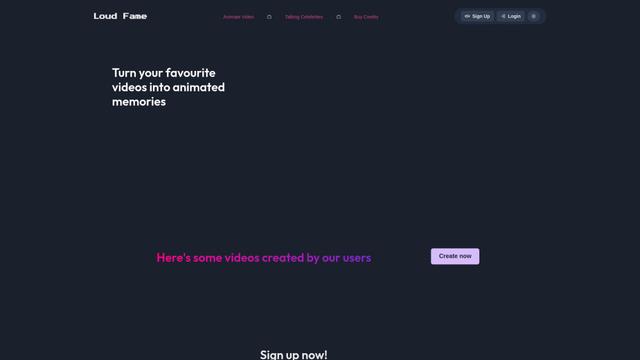
Loud Fame is an AI-powered video transformation tool that allows users to convert regular videos into anime-style animations and create AI-generated celebrity talking videos.
BizBoom.ai
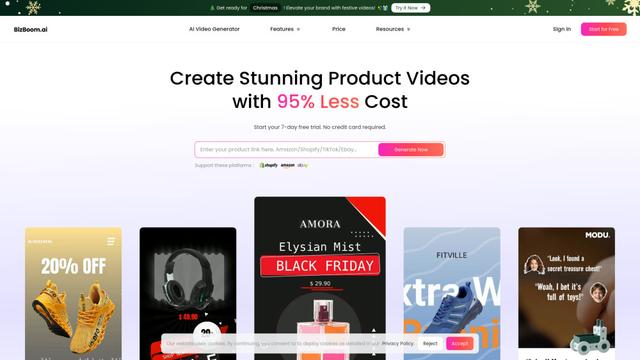
BizBoom.ai is an AI-powered platform that automatically generates professional product videos from product links and images with 95% less cost.

EzVideos
EzVideos is an all-in-one video creation tool that helps users generate viral videos for social media platforms like Instagram, TikTok, and YouTube with automated editing features and built-in resources.
Illuminix
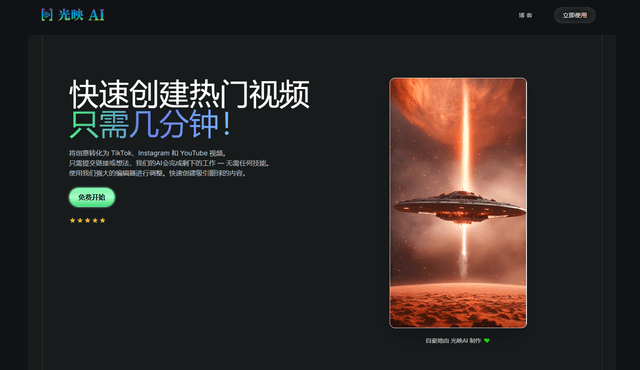
Illuminix is an AI-powered platform that empowers businesses with autonomous hyper-experts and specialized tools for automated business processes, data management, and video content creation.
Popular AI Tools Like Anyvids
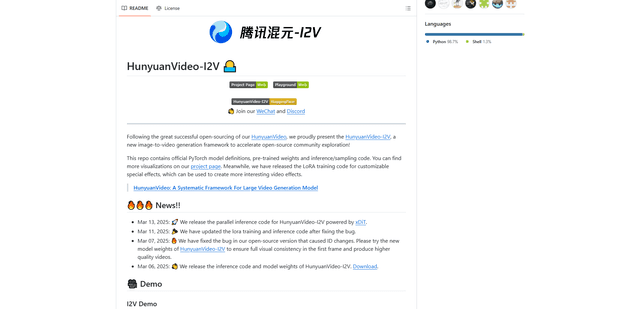
HunyuanVideo-I2V
HunyuanVideo-I2V is an open-source AI framework developed by Tencent that transforms static images into high-quality, dynamic videos with customizable motion effects and exceptional visual consistency.
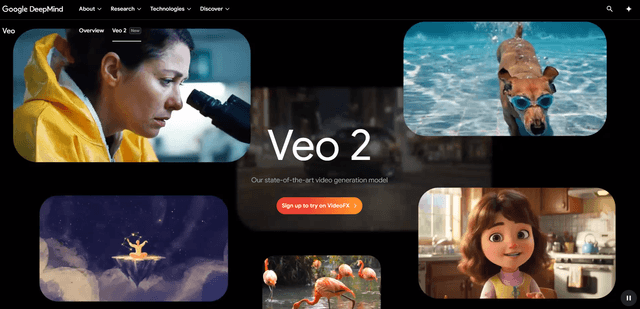
Google Veo 2
Veo 2 is Google DeepMind's state-of-the-art AI video generation model that can create high-quality videos up to 4K resolution with realistic motion, extensive camera controls, and improved physics simulation from text prompts.

Vibing
Vibing is an AI-powered dating app that helps users share authentic moments through video stories and make genuine connections based on personality matching and interactive features.
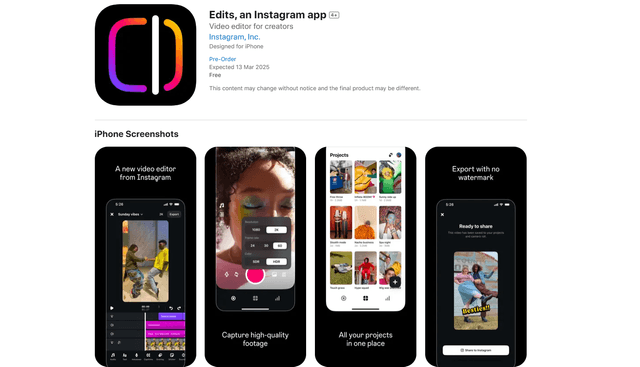
Edits, an Instagram app
Edits is Instagram's free video creation app that provides creators with professional editing tools, AI features, and analytics capabilities to create high-quality videos directly from their phones.