
Anima App
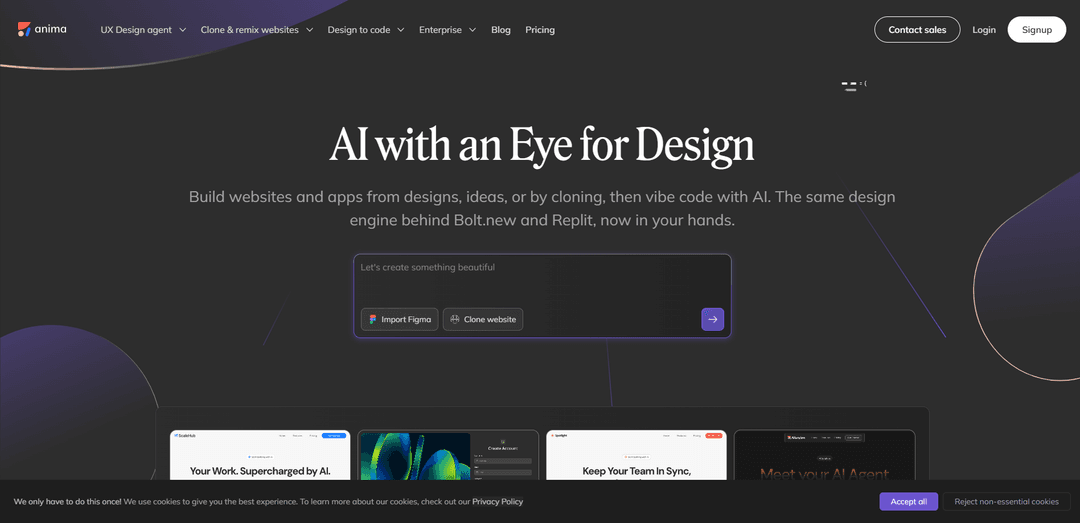
Anima is a design-aware AI platform that transforms Figma designs, URLs, or text prompts into production-ready code and functional web applications while maintaining brand consistency and design fidelity.
https://www.animaapp.com/?ref=producthunt
Product Information
Updated:Mar 8, 2026
What is Anima App
Anima is an innovative design-to-code automation platform founded in 2017 that bridges the gap between design and development. As a UX design agent powered by AI, it enables designers, developers, and product teams to streamline their workflow by automatically converting design prototypes into clean, developer-friendly code. The platform has gained significant traction with over 1.5 million users, including teams from major companies like Apple, Netflix, Amazon, and Disney, establishing itself as a leader in the design-to-code space for the past 8 years.
Key Features of Anima App
Anima App is an AI-powered design-to-code platform that transforms Figma designs, text prompts, or website clones into functional, production-ready applications. It offers seamless integration with design tools like Figma, Adobe XD, and Sketch, allowing users to generate clean HTML, React, or Vue code while maintaining brand consistency. The platform includes features like built-in databases, real-time iteration capabilities, and one-click deployment options, making it accessible for both designers and developers.
Design-to-Code Conversion: Automatically transforms Figma, Adobe XD, or Sketch designs into production-ready HTML, React, or Vue code while maintaining pixel-perfect accuracy
Website Cloning & Remixing: Allows users to capture and clone existing websites, including private sites and content behind logins, converting them into editable code
AI-Powered Playground: Browser-based IDE that enables real-time code iteration through AI prompts while maintaining brand consistency
Built-in Database Integration: Automatically detects when apps need data storage and sets up backend infrastructure without requiring manual configuration
Use Cases of Anima App
Rapid Prototyping for Startups: Enables quick conversion of design mockups into functional prototypes for testing and investor presentations
Enterprise Design System Implementation: Helps large teams maintain consistency by automating the conversion of design components into reusable code
Marketing Website Development: Allows marketing teams to quickly create and deploy landing pages and promotional websites without heavy development resources
Legacy Website Modernization: Facilitates the process of updating old websites by cloning and converting them into modern, maintainable code
Pros
Seamless integration with popular design tools
Generates high-quality, production-ready code
No coding knowledge required for basic usage
Extensive enterprise features including SSO and security compliance
Cons
Pricing can be steep for smaller teams or individual users
Some features may require additional configuration for optimal results
How to Use Anima App
Install Anima Plugin: Install the Anima plugin for your preferred design tool (Figma, Adobe XD, or Sketch). For Figma users, install from the Figma community plugins.
Start with Design: Begin with either a Figma design, text prompt, or an existing website URL. If using Figma, make sure to use Auto Layout and well-named layers for best results.
Convert Design to Code: For Figma users, use the menu bar at the bottom of your design file to switch to Dev Mode, then use the Anima plugin in the right panel to convert your design into code. Select your preferred language (JavaScript/TypeScript) and framework options.
Customize in Playground: Open your project in Anima Playground to iterate on your project's code while staying on-brand. Use the AI chatbot to make modifications and add features.
Add Features: Use prompts to add functionality like user authentication, email/password login, Google authentication, and protected routes. Anima automatically sets up necessary databases when your app needs data storage.
Test and Preview: Utilize the Preview in Browser functionality to test the website's appearance and functionality before publishing.
Deploy and Share: Choose from multiple deployment options: 1) Use the default Anima URL for instant sharing 2) Deploy to a custom domain 3) Export the code as React/HTML/Tailwind to integrate into your existing codebase.
Collaborate and Iterate: Share the playground link with your team for collaboration. Developers can download the code or continue development using tools like Clause code or Cursor.
Anima App FAQs
Anima is a UX design agent and platform that helps turn Figma designs, text prompts, or images into functional, testable applications and websites. It's used by both designers and developers to build websites and apps with AI assistance.
Anima App Video
Popular Articles

Atoms: A Multi-Agent AI Platform That Transforms Ideas into Launch-Ready Products
May 22, 2026

Nano Banana SBTI: What It Is, How It Works, and How to Use It in 2026
Apr 15, 2026

Atoms Review — The AI Product Builder Redefining Digital Creation in 2026
Apr 10, 2026

Kilo Claw: How to Deploy and Use a True "Do‑It‑For‑You" AI Agent(2026 Update)
Apr 3, 2026
Latest AI Tools Similar to Anima App
Personalized License Plate Generator
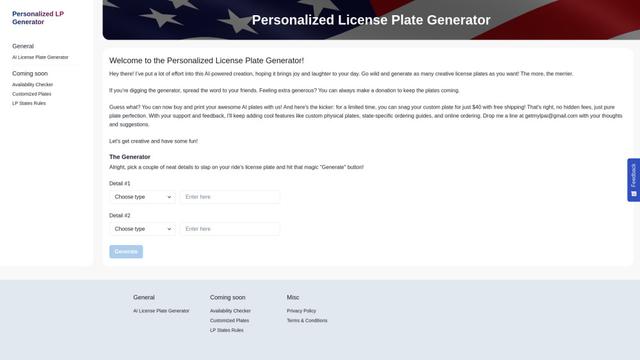
An AI-powered tool that generates unique and personalized license plate designs based on user input.
Keak
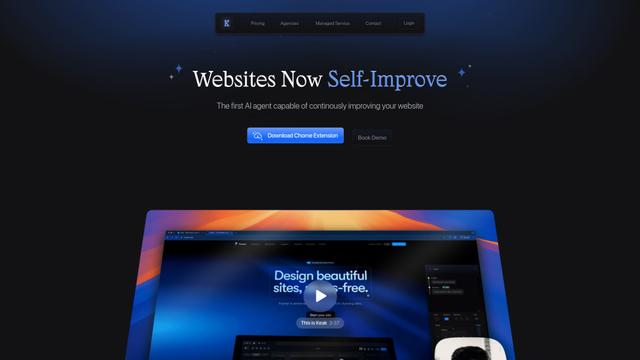
Keak is an AI-powered A/B testing tool that automatically generates website variations, launches tests, and optimizes conversions.
Makeasite
Makeasite is an innovative website builder that allows users to create and share websites quickly using just prompts.
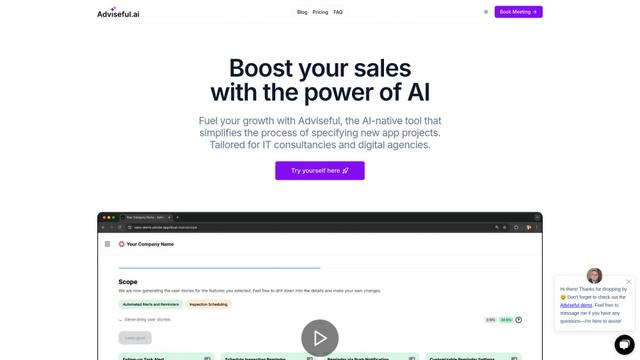
Adviseful
Adviseful is an AI-powered tool that accelerates web and mobile app planning for IT consultancies and digital agencies, turning ideas into qualified leads in minutes.
Popular AI Tools Like Anima App

GPT Engineer
GPT Engineer is an AI-powered software development tool that enables anyone to build web applications by chatting with an AI engineer.
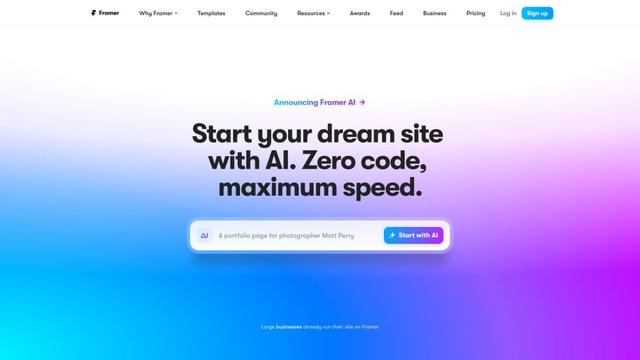
Framer
Framer is a powerful web builder that allows designers to create stunning, responsive websites with an intuitive interface and publish them instantly without coding.
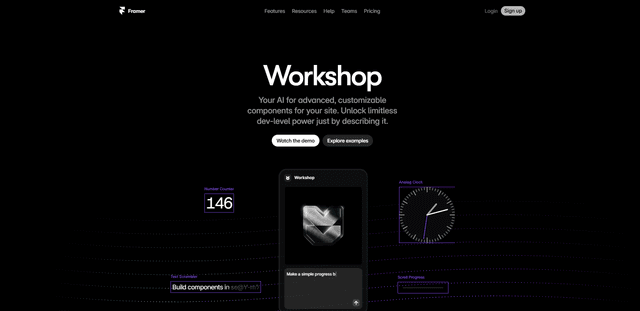
Framer Workshop
Framer Workshop is an AI-powered component generator built into Framer that allows designers and developers to create advanced, customizable website components without writing code through simple conversational prompts.

Wireframer
Wireframer is an AI-powered tool by Framer that quickly generates clean, responsive webpage layouts and wireframes from simple prompts, helping designers create structural blueprints without getting locked into specific visual styles.