
AlgoFly AI
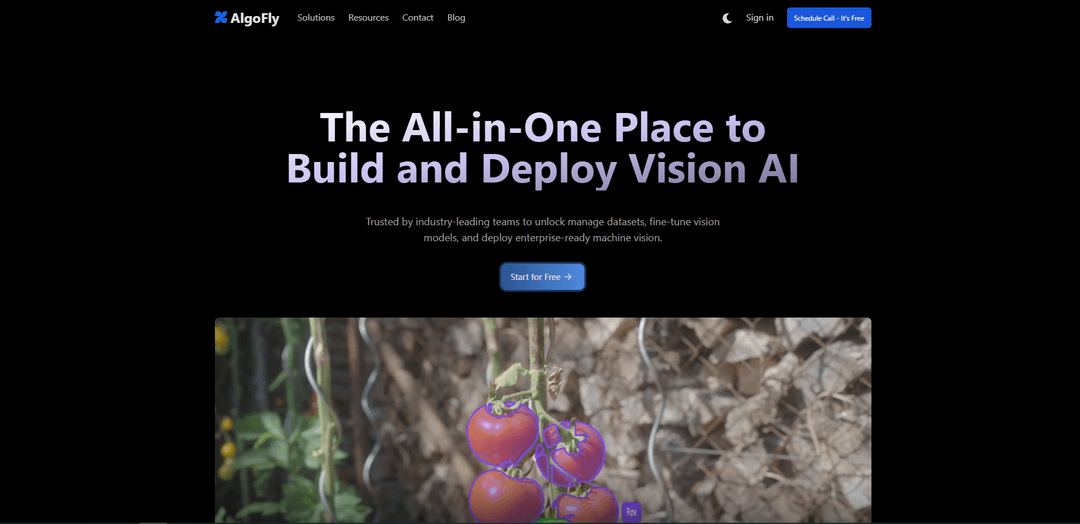
AlgoFly AI is an all-in-one Vision AI platform and consulting offering that helps teams annotate visual data, fine-tune and deploy scalable computer-vision models, and integrate workflows via SDK/CLI for real-world automation across industries.
https://algofly.ai/?ref=producthunt
Product Information
Updated:Jul 8, 2026
What is AlgoFly AI
AlgoFly AI (AlgoFly AI Technologies Pvt Ltd.) is a computer-vision-focused AI platform and services company that enables organizations to build, optimize, and deploy Vision AI applications end to end. Positioned as “The Complete AI Vision Platform,” it supports the full lifecycle—from managing datasets and annotating images/videos to training/fine-tuning models and deploying enterprise-ready machine vision. AlgoFly AI targets practical, high-impact use cases across smart cities, healthcare imaging, retail, utilities/energy, agriculture, and manufacturing, with an emphasis on accelerating digital transformation using visual data.
Key Features of AlgoFly AI
AlgoFly AI is an end-to-end Vision AI platform and consulting offering that helps teams manage datasets, annotate images, fine-tune and train computer vision models, and export/deploy them for real-world automation. It provides developer-friendly tooling (CLI, Python SDK, Jupyter workflows) and supports advanced vision capabilities like zero-shot object detection and prompt-guided segmentation, with options for free consulting and custom pricing plans tailored to specific feature needs.
All-in-one Vision AI workflow: Core platform capabilities to manage datasets, annotate images, train/fine-tune models, and export models for downstream deployment.
Annotation + training starter plan: Includes up to 500 image annotations and 300 GPU training minutes, designed to help teams quickly evaluate feasibility and model quality.
Advanced vision capabilities: Supports zero-shot object detection and prompt-guided image segmentation to accelerate prototyping and reduce labeling effort.
Developer tools for integration: CLI and Python SDK support to build and automate vision pipelines at scale, including notebook-friendly (Jupyter) workflows.
Enterprise-oriented build and optimization: Positioned for production use with an emphasis on scaling, security, and operationalizing machine vision for business processes.
Consulting + custom plans: Free consulting to assess fit and expertise, plus custom price plans that can be tailored to only the features required for a given use case.
Use Cases of AlgoFly AI
Manufacturing quality inspection: Detect product defects early, improve quality control processes, and increase throughput by monitoring production lines in real time.
Construction & workplace safety monitoring: Reduce workplace incidents by monitoring safety compliance and detecting risky behaviors or unsafe conditions via vision-based systems.
Utilities & energy asset inspection: Automate ongoing inspection and assessment of infrastructure assets to improve efficiency and reduce manual inspection effort.
Healthcare imaging assistance: Augment medical diagnosis workflows using Vision AI on MRIs, CT scans, and X-rays to support faster, more consistent review.
Smart city traffic & security analytics: Build and optimize models for traffic grid insights, urban planning, and homeland security-style monitoring applications.
Agriculture monitoring: Support crop yield optimization, livestock health monitoring, and land management via continuous visual assessment.
Pros
End-to-end platform covering annotation, training/fine-tuning, and model export/deployment workflows
Strong developer integration story via CLI/SDK and notebook-friendly workflows
Broad applicability across multiple industries (healthcare, manufacturing, utilities, smart cities, agriculture)
Free consulting and a starter plan make it easier to evaluate fit before committing
Cons
Some pricing is customized, which can make cost estimation harder without contacting sales
Starter plan limits (e.g., 500 annotations, 300 GPU minutes) may be insufficient for larger pilots
Platform descriptions are high-level; specific supported model architectures/deployment targets may require a demo or documentation review
How to Use AlgoFly AI
1) Open AlgoFly AI and define your vision use-case: Go to https://algofly.ai/ and identify what you’re building (e.g., medical imaging support, smart city traffic analytics, retail inventory, utilities inspection, agriculture monitoring, manufacturing QA). This helps you pick the right workflow (dataset → annotation → training/fine-tuning → deployment).
2) Book a demo or request free consulting (recommended for first-time setup): Use the “Book a Demo” / sales contact option to get guidance on features relevant to your project and parameters suited to your dataset. AlgoFly also offers free consulting to evaluate fit; the plan mentioned includes up to 500 image annotations and 300 GPU training minutes, plus core features to annotate, train, and export a model.
3) Create a workspace/project for your application: Inside the platform, create a new project/workspace for your use-case so your datasets, annotations, experiments, and exported models stay organized.
4) Prepare and upload your dataset: Upload images relevant to your task (classification, detection, segmentation). Organize data into appropriate splits (train/validation/test) if the platform prompts for it, and ensure labeling guidelines are clear before annotation begins.
5) Annotate images (or import existing labels): Use AlgoFly’s core annotation features to label your dataset. If you already have labels, import them if supported by your workflow. The free consulting plan referenced includes up to 500 image annotations.
6) Use built-in advanced vision features when applicable: For faster iteration, leverage platform capabilities highlighted on the site such as zero-shot object detection and prompt-guided image segmentation to bootstrap labels or accelerate experimentation.
7) Configure training or fine-tuning: Select the training approach (train a model or fine-tune an existing vision model). Set key parameters (e.g., classes, image size, augmentation, epochs) based on your dataset characteristics; during a demo, AlgoFly can help identify optimal parameters.
8) Run training using provided GPU minutes: Start training and monitor progress. The referenced evaluation plan includes 300 GPU training minutes, which you can use to validate feasibility and baseline performance.
9) Evaluate model performance and iterate: Review metrics and qualitative outputs. Improve results by adding more data, fixing ambiguous labels, balancing classes, or refining prompts/segmentation guidance, then retrain.
10) Export your trained model: Once satisfied, use the platform’s core export capability to package the model for downstream use (e.g., integration into an application or deployment pipeline).
11) Deploy enterprise-ready machine vision: Deploy the exported model into your target environment (edge, server, or cloud) using the platform’s deployment-oriented workflow. For enterprise requirements (security, scale, compliance), coordinate with AlgoFly via demo/support.
12) Integrate via developer tools (CLI/SDK) for automation: Use AlgoFly’s developer tooling (CLI/SDK and Python SDK mentioned on the site) to automate dataset operations, training runs, and inference workflows—especially useful for scaling and for Jupyter-based experimentation.
13) Set up support and stay updated: Use Discord/email support from AlgoFly engineers for troubleshooting and best practices. Subscribe to the newsletter to receive product updates and new feature announcements.
14) Request a custom plan if you only need specific features: If your use-case requires only certain capabilities or a tailored feature set, contact sales for a custom pricing plan focused on the features you value most.
AlgoFly AI FAQs
AlgoFly AI is an all-in-one Vision AI platform to build and deploy machine-vision applications, including managing datasets, fine-tuning vision models, and deploying enterprise-ready computer vision.
Popular Articles

Vosko AI: Localize and Dub Videos for Global Audiences
Oct 15, 2026

Atoms: A Multi-Agent AI Platform That Transforms Ideas into Launch-Ready Products
Oct 13, 2026

Nano Banana SBTI: What It Is, How It Works, and How to Use It in 2026
Apr 15, 2026

Atoms Review — The AI Product Builder Redefining Digital Creation in 2026
Apr 10, 2026
Latest AI Tools Similar to AlgoFly AI

altcheckerai
AltCheckerAI is an AI-powered tool that automatically optimizes image alt text to improve website SEO and accessibility through intelligent recommendations.
IMG Processing
IMG Processing is a powerful API service that enables fast and reliable image processing capabilities including uploading, transforming, and watermarking through simple integration.
ImageKit.io
ImageKit.io is a comprehensive media management and delivery platform that provides real-time image and video optimization, processing APIs, and Digital Asset Management (DAM) solutions for delivering high-quality visual experiences on websites and apps.
FLORA
FLORA is an innovative AI-powered creative tool that combines multiple AI capabilities on an infinite canvas to enable personalized plant identification, creative design, and interactive botanical assistance.
Popular AI Tools Like AlgoFly AI

Somme: Wine Matched to You
FreemiumAI Image Recognition
Somme is an AI-powered personal sommelier app that combines advanced image recognition, personalized recommendations, and comprehensive wine insights to help users discover and enjoy wines that match their unique taste preferences.
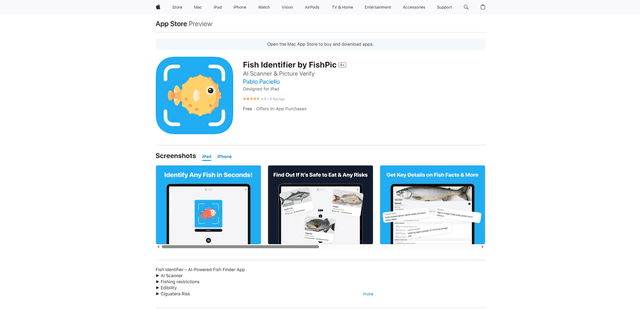
FishPic
FishPic is an AI-powered fish identification app that instantly recognizes fish species from photos while providing comprehensive information about edibility, regulations, and recipes.
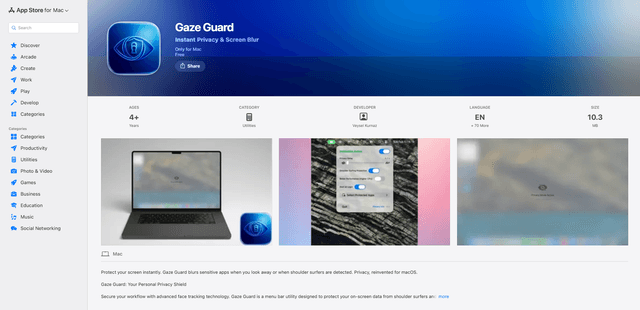
Gaze Guard
Gaze Guard is a privacy-focused menu bar utility for Mac that automatically blurs your screen content when you look away or when someone is shoulder surfing, using advanced face tracking technology.
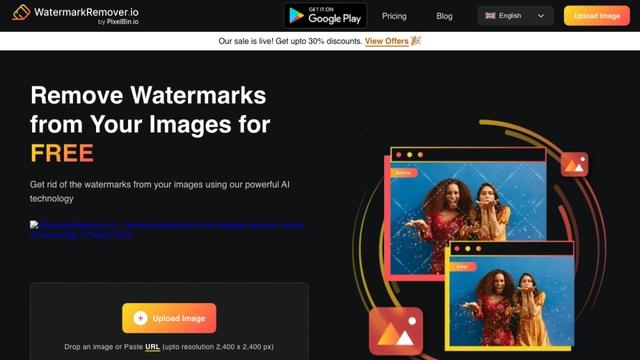
WatermarkRemover.io
WatermarkRemover.io is an AI-powered online tool that automatically removes watermarks from images for free while maintaining image quality.