
Albato
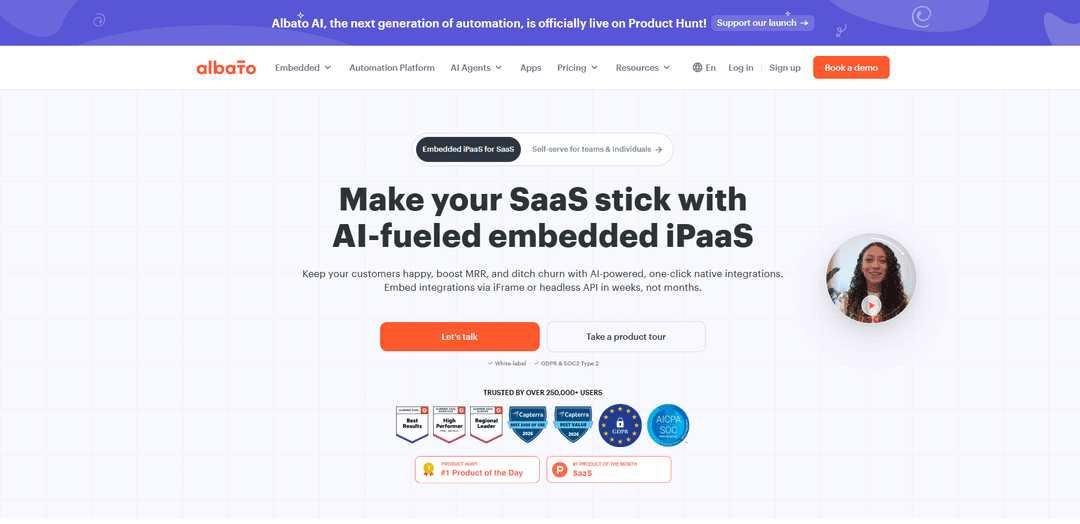
Albato is a cloud-based, AI-powered no-code iPaaS that connects 1,000+ apps to automate workflows, supports custom API/webhook integrations, and offers an embedded white-label integration hub for SaaS products.
https://albato.com/?ref=producthunt
Product Information
Updated:Aug 8, 2026
Albato Monthly Traffic Trends
Albato received 182.4k visits last month, demonstrating a Slight Growth of 15.8%. Based on our analysis, this trend aligns with typical market dynamics in the AI tools sector.
View history trafficWhat is Albato
Albato is a no-code automation and integration platform (iPaaS) designed to help businesses connect cloud applications and automate repetitive processes without writing code. It provides a visual workflow builder, a large library of ready-to-use connectors (1,000+ apps), and tools to extend coverage via APIs and webhooks for apps not natively supported. For SaaS companies, Albato also offers Albato Embedded, which enables teams to ship native, in-app integrations through an embeddable UI (iFrame) or a headless API, with options for gray-label or full white-label experiences and enterprise-focused security commitments such as GDPR support and SOC 2 Type II certification.
Key Features of Albato
Albato is a no-code/low-code integration (iPaaS) platform for building multi-step automations (“scenarios”) that move and transform data across 1,000+ apps via prebuilt connectors, webhooks, and API-based custom integrations. It includes a step-based workflow builder with data mapping and testing, advanced logic tools (routing/branching, iterators/aggregators, error handling, delays), optional JavaScript/Python code steps, and AI assistance (Copilot/Agents) to create and modify workflows using natural language. Albato also offers an Embedded, white-label iPaaS for SaaS companies to ship native in-product integrations via iFrame or headless API, with security/compliance options (GDPR, SOC2 Type II) and monitoring/observability support.
1,000+ prebuilt connectors: Connect common business apps (CRM, marketing, e-commerce, comms, productivity) to sync and automate workflows without writing code.
No-code workflow builder + templates: Create multi-step automations with guided setup, field mapping, testing, and reusable templates/Solutions for recurring integration patterns.
Advanced logic tools: Handle real-world automation needs using routers/branching, iterators, aggregators, delays, and error handling to control complex flows.
Custom integrations via App Integrator (REST/Webhooks): Build connectors for unsupported or private tools by connecting to APIs, mapping fields, and testing requests—useful for proprietary CRMs and internal systems.
Embedded white-label iPaaS for SaaS: Offer native integrations inside your product (iFrame or headless API), optionally white-labeled, with options to let end users build their own workflows.
AI Copilot/Agents + optional code steps: Generate or edit automations from natural language, get in-product guidance, and extend logic with JavaScript/Python steps when needed.
Use Cases of Albato
Marketing lead-to-CRM automation: Sync ad/form leads into a CRM, enrich/format fields (e.g., phone normalization), assign owners, and notify teams in Slack or email.
E-commerce order operations: Route new orders to different managers/boards (e.g., Trello) based on rules, update inventory or fulfillment systems, and send customer notifications.
Customer support and ticket workflows: Automatically create/update tickets across helpdesk tools, alert internal channels, and keep customer records synchronized across systems.
SaaS product embedded integration marketplace: Ship in-app native integrations (white-label) so customers don’t need Zapier; provide one-click “Solutions” for common use cases and reduce churn.
Bulk data migration between platforms: Move historical data (contacts, audiences, analytics) in bulk when onboarding customers or switching CRMs/marketing tools.
Lightweight business-logic layer between services: Use Albato as an orchestration layer between a front end and multiple services, transforming/enriching data and running custom code steps where necessary.
Pros
Strong value for money vs. alternatives at comparable volumes; transaction-based billing can be more cost-effective than API-call-based pricing.
Beginner-friendly UI with guided setup, templates, and responsive human support; good monitoring/alerting mentioned by users.
Flexible extensibility through App Integrator (REST/webhooks) and optional JavaScript/Python steps for edge cases.
Embedded/white-label option for SaaS companies to deliver native integrations quickly with compliance posture (GDPR, SOC2 Type II).
Cons
Advanced features (custom API integrations, code steps, complex logic) can be challenging for non-technical teams and may require trial-and-error.
API documentation is reported as thinner than enterprise developers expect; documentation can lag behind new releases.
Some users note a smaller native app library than more established competitors and occasional missing integrations.
Task/transaction limits can be reached quickly on lower plans for high-volume workflows, requiring upgrades or add-ons.
How to Use Albato
1. Sign in to Albato: Log in to your Albato account to access the automation builder, apps, and billing/settings.
2. Decide what you want to automate: Choose a clear use case (e.g., send form leads to Google Sheets, sync Trello “Done” tasks to Sheets, translate Slack messages with Albato AI) and break it into trigger → actions.
3. Create a new automation: In the Albato interface, go to the Automations section and click “New” to start building a workflow.
4. Select and configure a trigger: Pick the app/event that starts the workflow (the trigger). Triggers do not consume transactions; transactions are counted for each successful step that runs after the trigger.
5. Connect your trigger app (create a connection): Go to Apps (or during setup), click “Add a connection,” select the app, and grant Albato access. Optionally name the connection to avoid confusion if you have multiple accounts.
6. Choose how the trigger runs (API polling or webhook): If using API polling, Albato checks for new events every 1/5/15 minutes depending on your plan (and you can adjust the interval in Automation settings). If available, use a webhook trigger for real-time events.
7. Add action steps: Add one or more actions that should happen after the trigger (e.g., create a record in Google Sheets, send a Slack message, create a deal in a CRM). Each successfully executed action step counts as a transaction.
8. Fill required fields and map data: Actions marked with an asterisk are mandatory. Map fields using data from previous steps (Albato automatically provides available fields from the trigger and earlier actions).
9. (Optional) Add logic and data transformation: Use built-in tools to customize behavior—e.g., filters/conditions, delays, scheduling, and text transformations like Find and Replace—to control what gets passed to the next steps.
10. (Optional) Add an Albato AI step and understand AI usage: If you use Albato AI in the workflow, note that Albato AI charges 1 transaction for every 2,000 tokens generated in the model’s response, rounded up (e.g., 1,800 tokens = 1 transaction; 2,100 tokens = 2 transactions). You can see token usage in Automation History for the Albato AI step.
11. Test the automation: Create a real trigger event in the source app and wait for the automation to run. Verify outputs in the destination app and review execution details in the automation run results.
12. Monitor runs in Automation History: Use history tracking to confirm successful executions, troubleshoot errors, and (for AI steps) view the exact token count used in the response.
13. Manage transactions and billing: Transactions are successful automation steps after the trigger. If you exceed your plan’s included transactions, Albato continues running workflows using additional transactions (priced 50% higher) so automations aren’t interrupted. You can upgrade anytime in the Billing tab.
14. (Optional) Connect unsupported apps via API: If an app isn’t in the library, use Albato’s App Integrator/custom API approach (API requests, headers, tokens, JSON) to connect tools with accessible API documentation.
Albato FAQs
Albato is a no-code iPaaS for building automations and connecting cloud apps via prebuilt connectors, webhooks, and data mapping. Albato Embedded is the version designed for SaaS companies to embed native integrations into their product via an iFrame UI or a headless API, with white-label options available on higher plans.
Albato Video
Popular Articles

Vosko AI: Localize and Dub Videos for Global Audiences
Oct 15, 2026

Atoms: A Multi-Agent AI Platform That Transforms Ideas into Launch-Ready Products
Oct 13, 2026

Nano Banana SBTI: What It Is, How It Works, and How to Use It in 2026
Apr 15, 2026

Atoms Review — The AI Product Builder Redefining Digital Creation in 2026
Apr 10, 2026
Analytics of Albato Website
Albato Traffic & Rankings
182.4K
Monthly Visits
#197702
Global Rank
#3376
Category Rank
Traffic Trends: Jul 2024-Jun 2025
Albato User Insights
00:01:14
Avg. Visit Duration
2.9
Pages Per Visit
43.16%
User Bounce Rate
Top Regions of Albato
US: 20.91%
RU: 10.26%
BR: 7.47%
MX: 2.97%
IN: 2.92%
Others: 55.48%
Latest AI Tools Similar to Albato

Hapticlabs
Hapticlabs is a no-code toolkit that enables designers, developers and researchers to easily design, prototype and deploy immersive haptic interactions across devices without coding.
Monyble
Monyble is a no-code AI platform that enables users to launch AI tools and projects within 60 seconds without requiring technical expertise.
Abyss
Abyss is an AI-powered platform that enables users to create, share and run automated task-specific Widgets without requiring technical expertise.
AppScape
AppScape is a no-code platform offering ready-to-use AI-powered apps and customizable SaaS solutions, enabling quick deployment without traditional development costs and technical expertise.
Popular AI Tools Like Albato
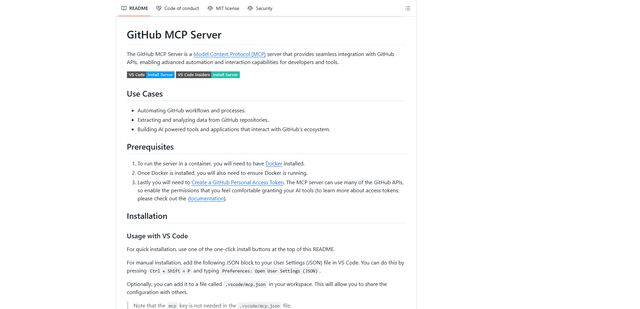
GitHub MCP Server
GitHub MCP Server is a Model Context Protocol server that enables seamless integration between AI models and GitHub APIs, providing standardized tools for repository management, issue tracking, and code operations.
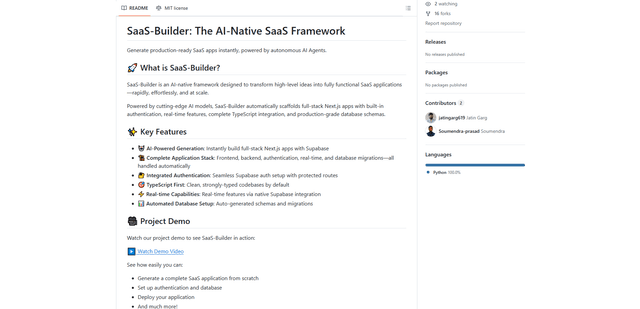
GoCodeo SaaS Builder
GoCodeo SaaS Builder is an AI-native framework that automatically generates production-ready full-stack SaaS applications using autonomous AI agents, complete with authentication, real-time features, and TypeScript integration.
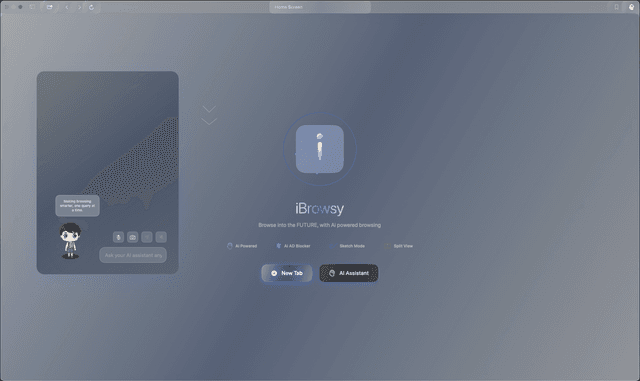
iBrowsy
iBrowsy is a modern, AI-powered web browser for macOS that combines intelligent features, privacy-first design, and seamless user experience with built-in GPT-4 assistance.
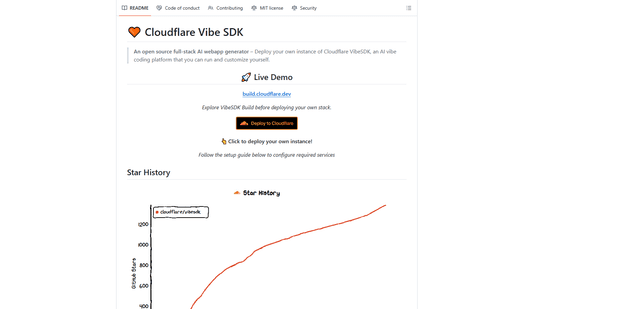
VibeSDK by CloudFlare
VibeSDK is an open-source AI-powered platform by Cloudflare that enables developers to deploy their own full-stack vibe coding environment with one click, allowing users to generate and deploy applications through natural language descriptions.