
AIDesigner
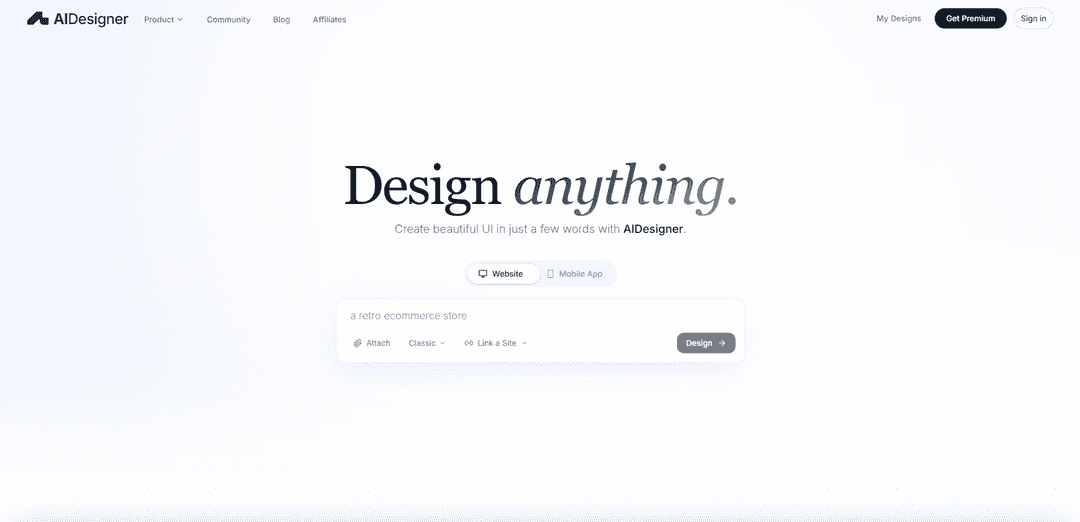
AIDesigner is an AI-powered UI/UX design tool that generates production-ready, professional-quality user interfaces from simple text prompts, creating designs so refined they're indistinguishable from human-crafted work.
https://aidesigner.ai/?ref=producthunt
Product Information
Updated:Apr 10, 2026
What is AIDesigner
AIDesigner is an advanced AI-powered design platform that transforms natural language descriptions into beautiful, production-ready user interfaces for websites and mobile applications. Unlike traditional AI design tools that produce generic, template-based layouts, AIDesigner generates unique, aesthetically sophisticated designs that break free from the typical 'AI look.' The platform offers multiple features including an AI UI Designer for creating complete interfaces, a Prototype Generator for interactive mockups, a Website Cloner for extracting design inspiration, and integration capabilities through MCP (Model Context Protocol) servers that connect with AI coding assistants like Cursor and Claude. With both free and premium tiers starting at $25/month, AIDesigner serves business owners, developers, designers, and founders who need high-quality UI designs without extensive design expertise.
Key Features of AIDesigner
AIDesigner is an AI-powered UI design tool that creates production-ready, professional-quality user interfaces from simple text descriptions in seconds. It generates complete designs for websites, mobile apps, landing pages, and prototypes that are visually indistinguishable from human-designed interfaces. The platform offers multiple tools including an AI UI Designer, Prototype Generator, Website Cloner, and MCP (Model Context Protocol) integration that connects with AI coding assistants like Cursor and Claude Code. Users can iterate on designs with natural language feedback, export to code, and start from production-ready templates across various categories including SaaS, ecommerce, portfolios, and mobile apps.
Text-to-Design Generation: Creates complete, production-ready UI designs from natural language prompts, supporting both desktop and mobile viewports with professional aesthetic quality that doesn't look AI-generated
Website Cloner: Replicates existing websites by pasting a URL, capturing layout, typography, colors, and content to produce an editable 1:1 copy in seconds
MCP Server Integration: Connects directly with AI coding assistants like Cursor and Claude Code through Model Context Protocol, enabling seamless design generation and iteration within development workflows
Iterative Design Refinement: Allows users to adjust designs with natural language feedback, modifying layout, colors, typography, or content without starting over from scratch
Production-Ready Templates: Offers a library of pre-built templates across categories including SaaS landing pages, ecommerce stores, portfolios, blogs, and mobile apps that can be customized instantly
Multi-Format Export: Exports designs to code with proper structure, making them ready for development handoff or direct implementation in projects
Use Cases of AIDesigner
Solo Founder MVP Development: Solo founders can create investor-ready mockups and production-quality landing pages without hiring a designer, accelerating time-to-market for their products
Developer Prototyping: Developers can quickly prototype user interfaces before writing code, visualizing features and workflows to validate concepts with stakeholders
Agency Client Presentations: Design agencies can generate multiple design variations rapidly for client presentations, exploring different visual directions in minutes rather than hours
Product Manager Feature Visualization: Product managers can visualize features and user flows before involving the design team, communicating requirements more effectively with visual mockups
E-commerce Store Design: Business owners can create professional e-commerce websites with product layouts, shopping carts, and checkout flows tailored to their brand aesthetic
Mobile App UI Design: App developers can generate platform-appropriate mobile UI screens for iOS and Android with proper visual hierarchy and native component styling
Pros
Exceptional aesthetic quality that doesn't look AI-generated, with users praising it as 'a breath of fresh air' compared to other tools
Genuine creative output that makes new layout decisions each time, rather than just filling templates with content
Seamless integration with developer workflows through MCP server support for Cursor, Claude Code, and other AI coding assistants
Competitive pricing at $25/month for Pro tier with comprehensive features including templates, cloning, and iteration capabilities
Cons
Credit-based system may require careful usage management for high-volume projects
As a newer tool, may have fewer integrations compared to established platforms like Figma
Learning curve for developers unfamiliar with design concepts to effectively prompt and iterate on designs
May require additional tools like Figma for certain advanced design customizations or team collaboration features
How to Use AIDesigner
1. Install AIDesigner: Run 'npx aidesigner@latest init' in your terminal to initialize the project structure. This creates a new directory with your project name, BMAD-compliant docs/ structure (prd/, architecture/, stories/, qa/), comprehensive README.md, .aidesigner/project.json metadata, and .mcp.json MCP server configuration.
2. Navigate to Your Project: Change directory into your newly created project folder using 'cd your-project-name', then install dependencies with 'npm install'.
3. Start AIDesigner: Run 'npx aidesigner@latest start' to begin. You'll be prompted to select your CLI and provider combination (Claude CLI → Anthropic, Codex CLI → OpenAI, etc.), or specify directly with flags like '--assistant=claude' or '--glm' for specific providers.
4. Describe Your Design: Enter a natural language prompt describing what you want to create. For example: 'I want to build a task management app for remote teams' or 'Create a modern e-commerce landing page with dark mode'. The AI will engage in a conversation to understand your requirements.
5. Provide Additional Context (Optional): Share inspiration by providing reference URLs (e.g., 'Linear.app has the vibe I want'). AIDesigner will extract design tokens including colors, typography, and spacing from the reference site to inform your design.
6. Review Generated Design: AIDesigner generates a complete UI design based on your prompt, supporting both desktop and mobile viewports. The design includes proper spacing, typography, color systems, and responsive layouts.
7. Iterate with Natural Language: Refine your design using natural language feedback. Use @ references to target specific sections (e.g., '@header make the navigation more prominent'). You can adjust layout, colors, typography, or content without starting over.
8. Export Your Design: Download clean HTML/React code, or publish your prototype to a live URL. AIDesigner provides production-ready code with proper component structure. You can also host immediately on a free *.aidesigner.ai subdomain.
9. Connect to AI Coding Assistants (Optional): For advanced workflows, initialize the MCP server with 'npx -y @aidesigner/agent-skills init' to connect AIDesigner to Claude Code, Cursor, VS Code, or other AI coding assistants. This enables design generation directly within your development workflow.
10. Use Templates (Alternative Start): Instead of starting from scratch, browse the template library at aidesigner.ai/templates and select a production-ready template for your use case (e-commerce, landing pages, portfolios, mobile apps, etc.) to kick-start your project.
AIDesigner FAQs
AIDesigner is an AI-powered UI design tool that creates production-ready user interfaces from text prompts. It generates complete HTML designs with inline Tailwind CSS, supports both desktop and mobile viewports, and can be integrated with AI coding assistants through its MCP server for seamless workflow integration.
AIDesigner Video
Popular Articles

Atoms: A Multi-Agent AI Platform That Transforms Ideas into Launch-Ready Products
May 22, 2026

Nano Banana SBTI: What It Is, How It Works, and How to Use It in 2026
Apr 15, 2026

Atoms Review — The AI Product Builder Redefining Digital Creation in 2026
Apr 10, 2026

Kilo Claw: How to Deploy and Use a True "Do‑It‑For‑You" AI Agent(2026 Update)
Apr 3, 2026
Latest AI Tools Similar to AIDesigner
Personalized License Plate Generator
An AI-powered tool that generates unique and personalized license plate designs based on user input.
Keak
Keak is an AI-powered A/B testing tool that automatically generates website variations, launches tests, and optimizes conversions.
Makeasite
Makeasite is an innovative website builder that allows users to create and share websites quickly using just prompts.
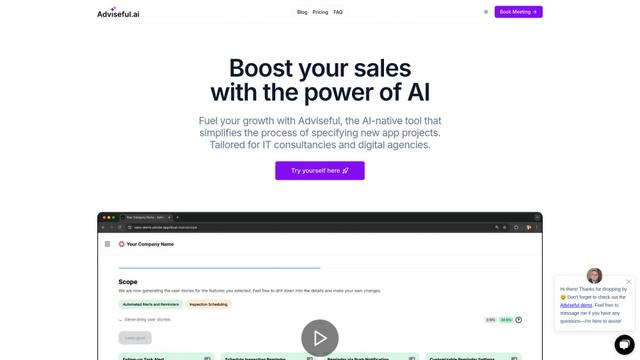
Adviseful
Adviseful is an AI-powered tool that accelerates web and mobile app planning for IT consultancies and digital agencies, turning ideas into qualified leads in minutes.
Popular AI Tools Like AIDesigner

GPT Engineer
GPT Engineer is an AI-powered software development tool that enables anyone to build web applications by chatting with an AI engineer.
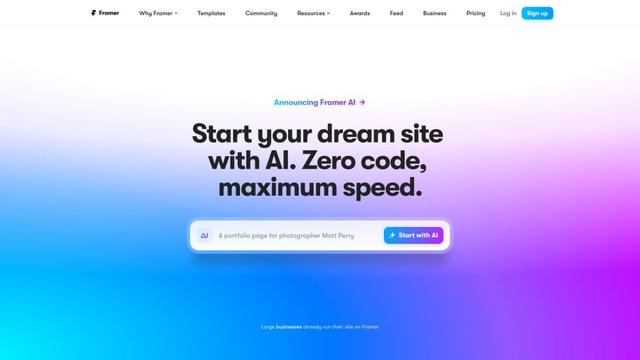
Framer
Framer is a powerful web builder that allows designers to create stunning, responsive websites with an intuitive interface and publish them instantly without coding.
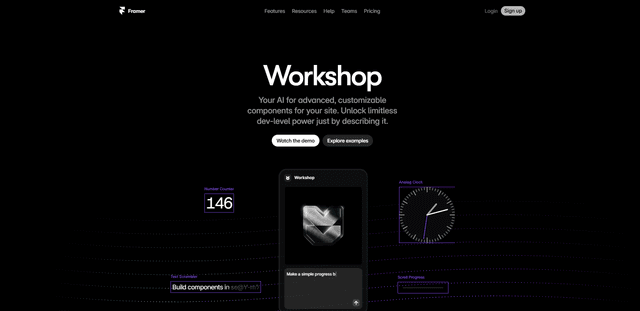
Framer Workshop
Framer Workshop is an AI-powered component generator built into Framer that allows designers and developers to create advanced, customizable website components without writing code through simple conversational prompts.

Wireframer
Wireframer is an AI-powered tool by Framer that quickly generates clean, responsive webpage layouts and wireframes from simple prompts, helping designers create structural blueprints without getting locked into specific visual styles.