AI Video Maker
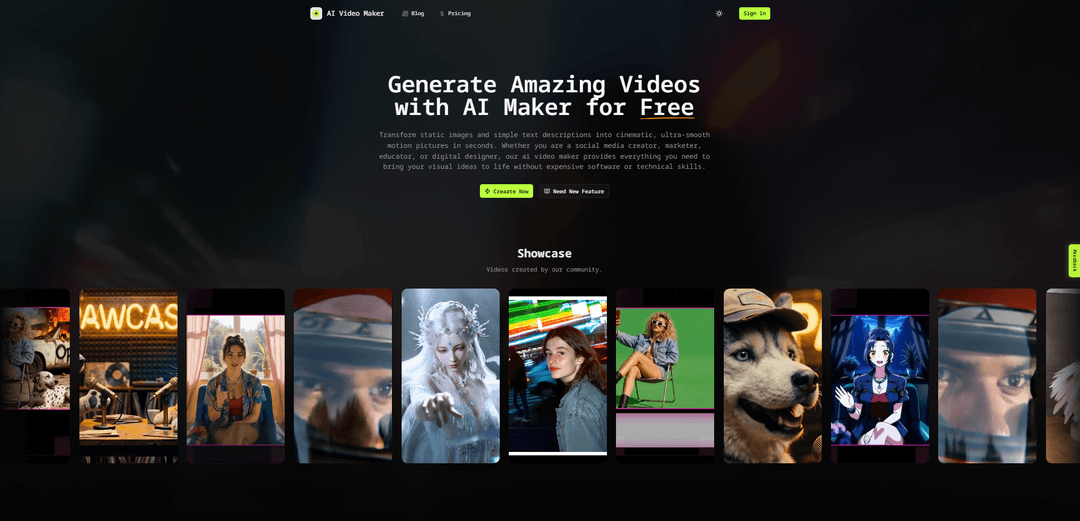
AI Video Maker is a free, browser-based AI video generator that turns text prompts and images into short, cinematic videos with configurable duration, aspect ratio, resolution, and motion settings—powered by multiple modern video models such as Seedance, Kling, Veo, and Runway.
https://aivideomakers.org/?utm_source=aipure
Product Information
Updated:Aug 14, 2026
What is AI Video Maker
AI Video Maker (aivideomakers.org) is an online tool designed to help creators generate videos quickly from simple inputs like a text description and/or an uploaded image. Built for use cases ranging from social media content and marketing promos to education and design, it aims to remove the need for traditional editing software and technical skills by automating script-to-visual creation and motion generation. The site emphasizes a fast, lightweight workflow in the browser, community showcases, and a free tier (noted on the generator page as short, low-resolution output) with paid upgrades for more models and higher settings.
Key Features of AI Video Maker
AI Video Maker is an online AI video generation studio that turns text prompts or still images into short, shareable video clips with minimal setup. It supports both text-to-video and image-to-video workflows, offers selectable AI video models (with a free tier typically producing ~5-second 480p outputs), and includes controls for duration, aspect ratio, motion “fluidity,” and camera/style guidance. The platform positions itself as beginner-friendly while still providing advanced options (e.g., negative prompts/seed controls) and premium upgrades for higher resolution, longer duration, faster queues, and features like upscaling.
Text-to-video generation: Create short AI videos from a written scene description, enabling quick concept visualization and social-ready clips without filming or editing timelines.
Image-to-video animation: Upload a photo (e.g., product shot, character portrait, landscape) as an anchor frame and add a motion prompt to animate it while keeping the main subject/style consistent.
Multi-model options (workflow-based availability): Provides access to multiple AI video models (the site highlights integrations such as Seedance, Kling, Veo, Runway and variants like “AI Video Maker V1/V3,” with model choice depending on workflow/availability).
Output controls: duration, aspect ratio, and motion: Configure key parameters like clip length (free tier commonly 5s), aspect ratio (e.g., 16:9), and motion/fluidity to steer pacing and cinematic smoothness.
Camera/style customization + advanced prompting: Supports directing camera movement (pan/zoom/tilt/rotation) and style choices (e.g., cinematic, anime), with advanced tweaks mentioned such as seed controls and negative prompting.
Upscaling and premium performance options: Includes an Upscale function (noted as a premium feature) to enhance resolution (e.g., up to 720p), and paid plans typically unlock higher resolutions, longer durations, faster/dedicated queues, and higher concurrency.
Use Cases of AI Video Maker
Social media content and short-form creatives: Generate quick vertical or horizontal clips for TikTok/Reels/Shorts from a prompt or image, useful for rapid posting and A/B testing creative variations.
Marketing and product promos: Animate product photography into short demo-style videos, create promotional visuals for campaigns, and produce multiple variants without organizing a shoot.
Education and training explainers: Turn lesson concepts or simple scripts into visual clips that illustrate ideas, scenarios, or storyboards, reducing production time for instructional content.
Creative concepting and storyboarding: Rapidly prototype cinematic shots (camera moves, lighting shifts, scene actions) to preview ideas before committing to full production.
Agency/client previews and pitch assets: Create fast concept videos to communicate direction to stakeholders, compare outputs across models, and iterate quickly during pre-production.
Pros
Free entry point for generating short clips (commonly 5s at 480p) to test ideas quickly
Supports both text-to-video and image-to-video, covering common creator workflows
Model selection and controls for duration/aspect/motion help tailor outputs to platforms and styles
Premium options (e.g., upscaling, higher resolution/longer duration, faster queues) support scaling production quality
Cons
Free tier is limited in output quality and length (e.g., 480p, ~5 seconds) and may be slower due to shared queues
Key capabilities like upscaling and higher resolutions/durations are paywalled behind subscription plans
Model availability can vary by workflow/availability, which may affect consistency and repeatability
How to Use AI Video Maker
1) Open AI Video Maker: Go to https://aivideomakers.org/ and navigate to the generator section (e.g., click “Create Video” / “Creaate Now”).
2) Add frames (upload an image): In the “Create Your Video” area, add/upload at least one high-resolution source image. This image acts as the anchor (starting) frame for the video synthesis.
3) Write a detailed text prompt: In the prompt box, describe what should happen in the scene (subject motion, lighting changes, environment actions, camera movement). More detail generally improves results.
4) Choose an AI video model: Select the model you want to generate with (the site shows options such as Seedance; it also mentions integrations like Kling, Veo, Runway, etc., depending on availability and plan).
5) Set output parameters: Configure settings such as aspect ratio (e.g., 16:9), duration (e.g., 5s), and resolution (e.g., 480p on free tier). Adjust motion/fluidity and any advanced settings if available.
6) Generate the video: Click “Generate” to start processing. The system analyzes the uploaded image structure and applies your prompt to produce motion, camera movement, and lighting changes.
7) Preview and download/share: After rendering completes, preview the result and download the generated video (or share it, if that option is provided in your workflow).
8) (Optional) Upscale an existing video for clarity: From the site navigation, open “AI Tool” and select “Upscale” to enhance an uploaded video by increasing resolution (e.g., up to 720p as described) and reducing noise/artifacts. This is described as a premium feature for paid users.
AI Video Maker FAQs
It offers a free plan, but it has limits (e.g., 5-second clips and the lowest resolution). Subscribing unlocks more models/settings and higher-quality exports.
Popular Articles

How to Create Viral Talking Baby Podcast Videos with AI: Step-by-Step Guide
Nov 2, 2026

Proferex: A Cloud-Based Ad Tracking and Campaign Optimization Platform
Nov 2, 2026

Vosko AI: Localize and Dub Videos for Global Audiences
Oct 15, 2026

Atoms: A Multi-Agent AI Platform That Transforms Ideas into Launch-Ready Products
Oct 13, 2026
Latest AI Tools Similar to AI Video Maker
Loud Fame
Loud Fame is an AI-powered video transformation tool that allows users to convert regular videos into anime-style animations and create AI-generated celebrity talking videos.
BizBoom.ai
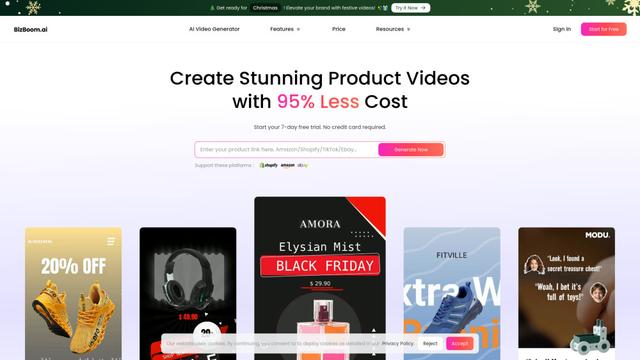
BizBoom.ai is an AI-powered platform that automatically generates professional product videos from product links and images with 95% less cost.

EzVideos
EzVideos is an all-in-one video creation tool that helps users generate viral videos for social media platforms like Instagram, TikTok, and YouTube with automated editing features and built-in resources.
Illuminix
Illuminix is an AI-powered platform that empowers businesses with autonomous hyper-experts and specialized tools for automated business processes, data management, and video content creation.
Popular AI Tools Like AI Video Maker
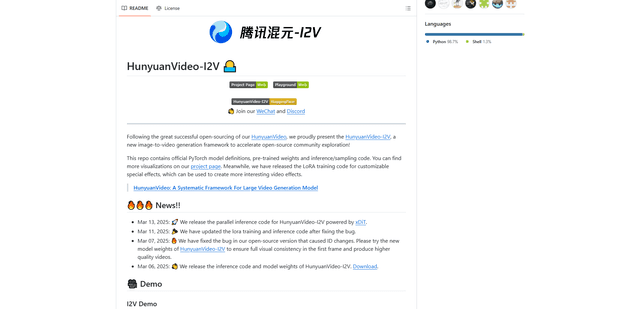
HunyuanVideo-I2V
HunyuanVideo-I2V is an open-source AI framework developed by Tencent that transforms static images into high-quality, dynamic videos with customizable motion effects and exceptional visual consistency.
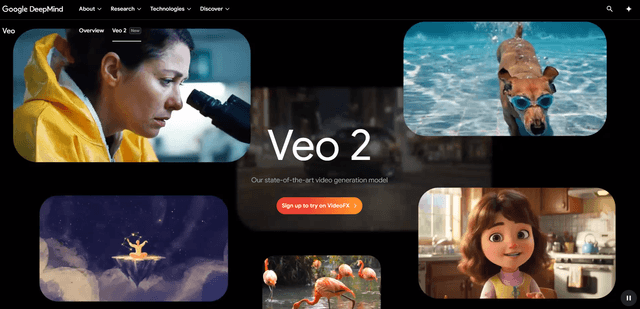
Google Veo 2
Veo 2 is Google DeepMind's state-of-the-art AI video generation model that can create high-quality videos up to 4K resolution with realistic motion, extensive camera controls, and improved physics simulation from text prompts.

Vibing
Vibing is an AI-powered dating app that helps users share authentic moments through video stories and make genuine connections based on personality matching and interactive features.
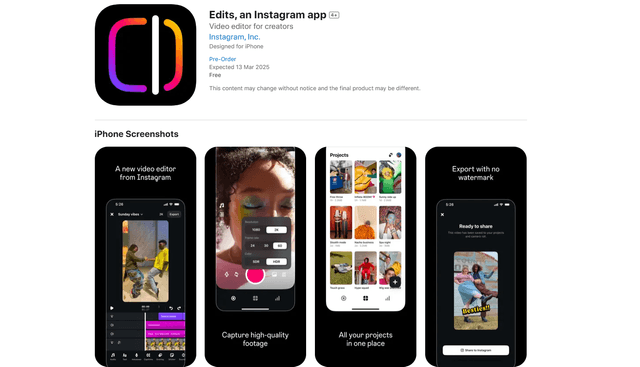
Edits, an Instagram app
Edits is Instagram's free video creation app that provides creators with professional editing tools, AI features, and analytics capabilities to create high-quality videos directly from their phones.