AI Fans - AI Creation
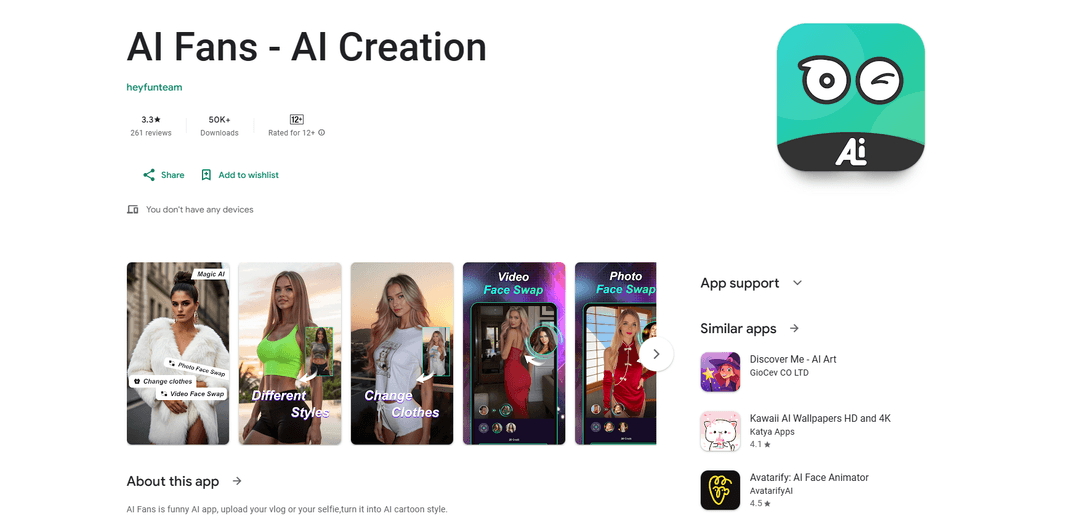
AI Fans is an AI-powered photo and video editing app that allows users to transform their selfies and vlogs into cartoon styles through face-swapping templates and custom effects.
https://play.google.com/store/apps/details?id=com.zdtqsx.app&hl=en?utm_source=aipure
Product Information
Updated:Jun 13, 2025
What is AI Fans - AI Creation
AI Fans - AI Creation is an entertainment app that leverages artificial intelligence to help users create fun and engaging content by transforming their photos and videos. The app offers both pre-designed templates and custom functions to swap faces and apply cartoon-style effects to personal media. With over 50,000 downloads, this user-friendly app aims to make creative AI transformations accessible to anyone looking to add a fun twist to their photos and videos.
Key Features of AI Fans - AI Creation
AI Fans is an AI-powered creative app that allows users to transform photos and videos using various AI effects and templates. The app specializes in face-swapping technology, enabling users to upload their selfies or vlogs and convert them into cartoon styles, create funny pictures, and generate custom videos with AI-enhanced effects. It offers both preset templates and custom functions for photo and video transformations.
Photo Template Face-Swapping: Allows users to upload their faces to preset photo templates for quick and easy face-swapping experiences with high-quality results
Video Template Transformation: Enables users to create animated videos by applying their faces to video templates with AI-powered motion and effects
Custom Creation Tools: Provides flexibility to upload personal photos and videos for customized AI transformations beyond preset templates
High-Quality AI Effects: Utilizes advanced AI technology to deliver natural, high-definition results for all created content
Use Cases of AI Fans - AI Creation
Social Media Content Creation: Create engaging and funny content for social media platforms by transforming personal photos into entertaining animations
Personal Entertainment: Generate amusing face-swapped photos and videos for personal enjoyment or sharing with friends
Custom Emoticon Creation: Design personalized emoticons and animated stickers using your own face for unique digital expression
Pros
Easy-to-use interface with preset templates
Offers both photo and video transformation capabilities
High-quality AI-powered results
Cons
Limited-time storage for created content
Some users report issues with app stability and crashes
Concerns about payment processing and refund policies
How to Use AI Fans - AI Creation
Download and Install: Download AI Fans app from Google Play Store and install it on your device
Choose Template Type: Select whether you want to use Photo Templates or Video Templates from the main menu
Upload Your Photo/Video: Upload a selfie or video of yourself that will be used for face swapping
Select Template: Browse through the preset templates and select the one you want to use for face swapping
AI Processing: Wait while the AI processes your photo/video and applies it to the selected template
Preview Result: Preview the AI-generated result to see how your face has been swapped into the template
Download Creation: If satisfied with the result, download your AI-generated photo or video within the limited-time storage period provided
Custom Creation (Optional): For custom creations, use the Custom Function to upload your own photos/videos and faces to create personalized AI swaps
AI Fans - AI Creation FAQs
AI Fans offers 5 main features: 1) Photo Templates for face-swapping pictures, 2) Video Templates for face-swapping videos, 3) Custom Function to upload and edit your own photos/videos, 4) High-Quality Effects using advanced AI, and 5) Download Creation with limited-time storage for swapped content.
Popular Articles

Vosko AI: Localize and Dub Videos for Global Audiences
Oct 15, 2026

Atoms: A Multi-Agent AI Platform That Transforms Ideas into Launch-Ready Products
Oct 13, 2026

Nano Banana SBTI: What It Is, How It Works, and How to Use It in 2026
Apr 15, 2026

Atoms Review — The AI Product Builder Redefining Digital Creation in 2026
Apr 10, 2026
Latest AI Tools Similar to AI Fans - AI Creation
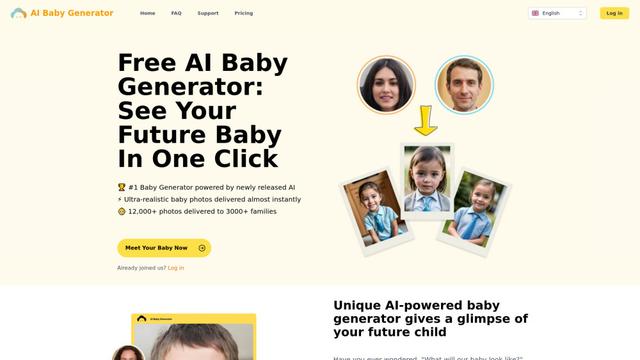
Free AI Baby Generator
Free AI Baby Generator is a cutting-edge online tool that creates ultra-realistic images of future babies by analyzing and combining up to 70 unique facial features from both parents' photos using advanced AI technology.
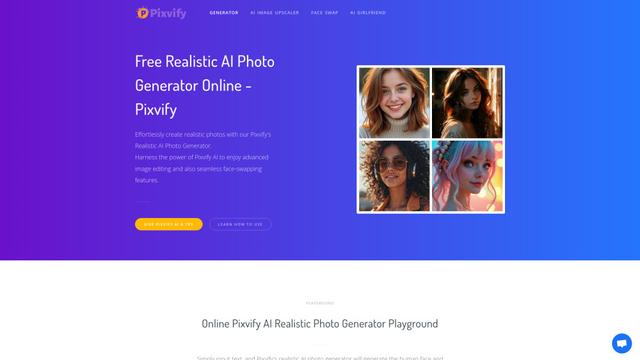
Pixvify
Pixvify is a free, all-in-one AI platform for creating realistic photos, face swapping, image editing, and video generation.
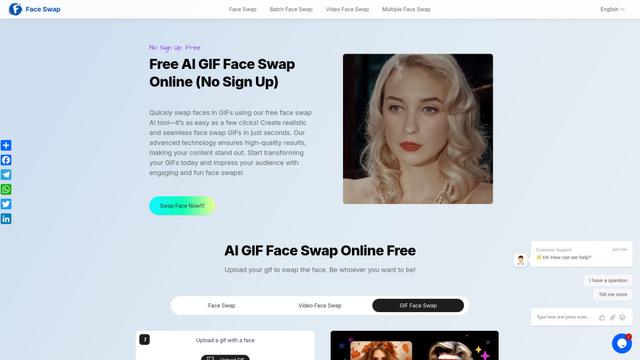
Free AI GIF Face Swap Online
Free AI GIF Face Swap Online is a user-friendly tool that allows seamless face swapping in GIFs without sign-up, offering high-quality results in seconds.

CelebU
CelebU is an AI-powered platform that generates personalized celebrity video greetings using deepfake technology, voice cloning, and customizable templates.
Popular AI Tools Like AI Fans - AI Creation
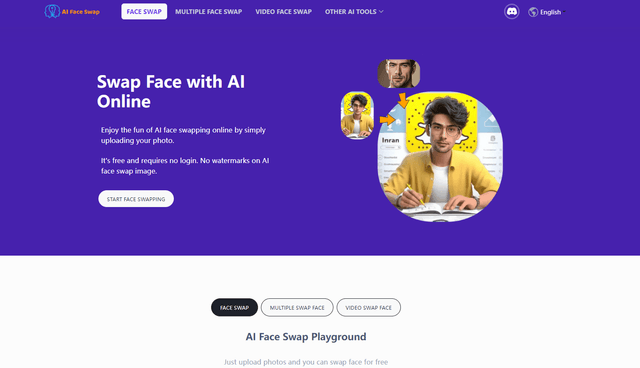
AI Face Swap
AI Face Swap is a free online tool that uses artificial intelligence to seamlessly replace faces in photos, videos, and GIFs without watermarks or sign-up requirements.
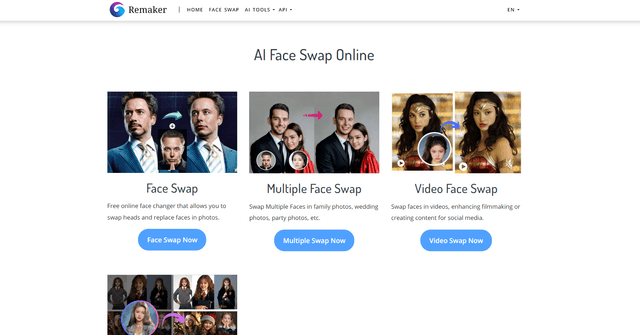
Remaker AI
Remaker AI is an all-in-one AI-powered platform for creative content generation, offering tools like face swapping, image editing, and video manipulation.
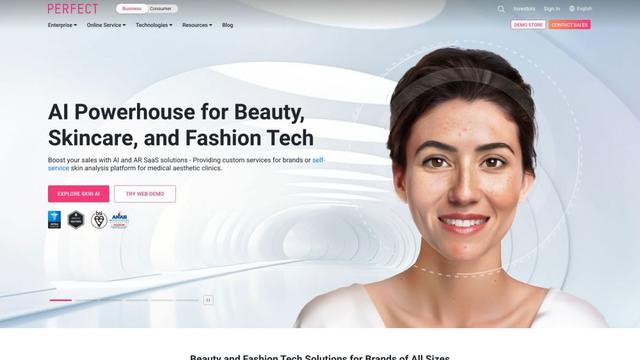
YouCam AI & AR Business Solutions
YouCam AI & AR Business Solutions is a suite of AI and AR-powered beauty tech tools that enable brands and retailers to offer virtual try-on experiences and personalized product recommendations.
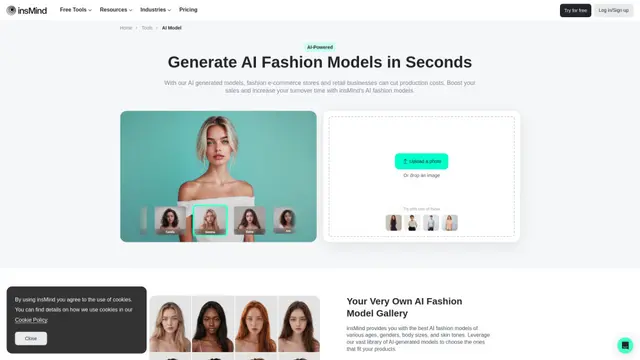
AI Fashion Models (Face Swap) by insMind
insMind's AI Fashion Models tool generates diverse AI models to replace faces in product photos, allowing businesses to create professional fashion imagery quickly and cost-effectively.