
Acebuilder
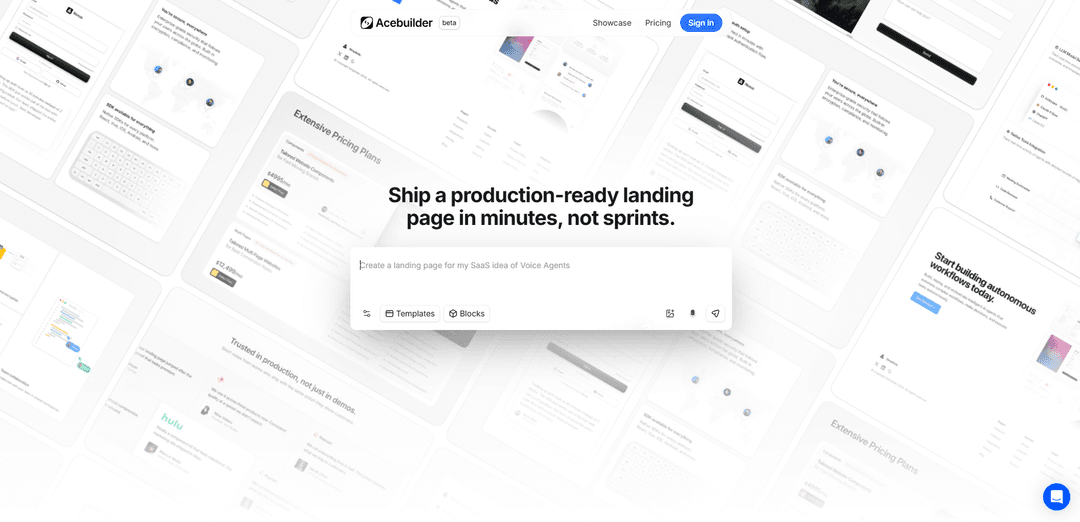
Acebuilder is an AI-powered landing page builder built on Aceternity UI that lets you generate production-grade React + Tailwind pages from a description, customize with templates/blocks, and download the full source code with no lock-in.
https://www.acebuilder.ai/?ref=producthunt
Product Information
Updated:Aug 8, 2026
What is Acebuilder
Acebuilder is a beta AI landing page builder from the team behind Aceternity UI, designed to help developers and teams ship polished, production-ready landing pages in minutes instead of sprints. Rather than starting from a blank canvas, it combines a chat-driven workflow with a library of templates, section blocks, and modern UI patterns (React, Tailwind, and Aceternity UI components). A key promise is portability: you can export and download the full source code, so you’re not locked into a proprietary builder.
Key Features of Acebuilder
Acebuilder is an AI-powered landing page builder built on Aceternity UI that helps you go from a plain-language description to a responsive, conversion-ready landing page using production-grade React and Tailwind components. It supports starting from templates and prebuilt blocks (including Aceternity UI Pro), refining layout and copy via chat and “skills” that push toward higher-quality design decisions, generating visuals (including AI image generation), and exporting/downloading full source code with no lock-in. Its credit system is usage-based, charging when AI performs work such as generating responses, running tools (e.g., imports/edits/search), creating images, or producing screenshots.
AI-generated landing pages from plain English: Describe your product or service in simple words and Acebuilder generates a polished, responsive landing page with structured sections and compelling copy.
Production-grade React + Tailwind output (downloadable source): Pages are built with modern React and Tailwind components and you can download the full source code, reducing platform lock-in and enabling custom deployment.
Templates and block-based building (no blank slate): Import and edit Aceternity UI templates and drop in ready-made blocks/sections, then reshape layout, structure, and text without rebuilding primitives.
Aceternity UI Pro imports and design system consistency: Pull in Pro templates/components and keep a cohesive, modern UI style aligned with Aceternity UI’s design patterns.
“Skills” to refine copy and layout beyond generic output: Target a specific section and apply skills to improve messaging and design decisions, helping counter repetitive or overly generic AI layouts.
Built-in AI image generation for on-page visuals: Generate images (e.g., backgrounds/illustrations) directly in the workflow to avoid stock-photo hunting and speed up iteration.
Use Cases of Acebuilder
SaaS product launch pages: Create and iterate a conversion-focused landing page for a new SaaS feature or MVP, then export code for immediate deployment.
Agency and freelancer rapid prototyping: Generate client-ready drafts using templates/blocks, refine via chat, and hand off source code for customization and delivery.
Startup marketing experiments and A/B-ready iterations: Spin up multiple page variants quickly (different positioning, copy, or sections) to test messaging and conversion hypotheses.
Developer-focused product documentation and announcement pages: Use structured blocks (hero, features, testimonials, FAQs, CTAs) to publish polished release/feature pages without heavy design effort.
Community or creator landing pages: Build a personal brand, newsletter, or community waitlist page with modern UI components and exportable code for hosting anywhere.
Pros
Fast path from idea to a production-style landing page using templates, blocks, and AI refinement.
Downloadable React/Tailwind source code reduces lock-in and supports custom deployment.
Access to Aceternity UI design patterns and (optionally) Pro templates/components for modern aesthetics.
Credits are tied to actual AI work (responses, tools, images), aligning cost with output intensity.
Cons
Credit consumption can feel high for short prompts because costs include model output plus tool runs (imports/edits/search/images/screenshots).
Best results may depend on iterative refinement; initial generations can still require manual editing for brand nuance.
Some capabilities (e.g., Pro templates/components) may depend on additional access/entitlements beyond the base experience.
How to Use Acebuilder
1) Open Acebuilder and sign in: Go to https://www.acebuilder.ai/ and click “Sign in” to access the builder.
2) Start a new landing page from a description: In the builder prompt, describe what you want to ship (e.g., “Create a landing page for my SaaS idea of Voice Agents”). Acebuilder generates a production-ready landing page using React + Tailwind components built on Aceternity UI.
3) Build using templates (avoid starting from blank): Use the Templates flow to “Import and edit Templates.” Pull in Aceternity UI (including Pro) templates, then reshape the layout, copy, and structure via chat instead of starting from scratch.
4) Add sections using blocks/components: Use Blocks to drop in ready-made sections (hero, features, testimonials, pricing, contact, etc.). Then “edit blocks and components” by tweaking them in place without leaving the editor.
5) Refine specific sections with Skills: Select/point at a specific section and run a Skill. Skills are designed to push back on generic output and improve layout/copy decisions for that targeted area.
6) Generate or update visuals with the image tool: Use the built-in image generation flow (e.g., “Describe the image…”) to create images/backgrounds on the go and apply them directly to the page while continuing to build.
7) Iterate in chat until the page is ready: Continue adjusting structure, copy, and styling by chatting with the builder—import more templates/blocks as needed and keep refining until the landing page matches your product and brand.
8) Review credit usage while you work: Be mindful that credits are consumed when the AI works (model responses plus any tools it runs like reading/editing files, search/imports, image generation, screenshots, and related work). Heavier models and longer build sessions use more credits.
9) Download/export the full source code: When satisfied, download the generated code. Acebuilder emphasizes “No lock-in” and lets you download the full source code for your landing page.
10) Explore more resources (optional): Use the site navigation for Templates, Blocks, Showcase, Pricing, and Docs to find starting points, examples, and product details as you build.
Acebuilder FAQs
Acebuilder is an AI-powered landing page builder built on Aceternity UI. You describe the page you want, it generates a production-ready landing page using React and Tailwind components, and you can download the full source code (no lock-in).
Popular Articles

Vosko AI: Localize and Dub Videos for Global Audiences
Oct 15, 2026

Atoms: A Multi-Agent AI Platform That Transforms Ideas into Launch-Ready Products
Oct 13, 2026

Nano Banana SBTI: What It Is, How It Works, and How to Use It in 2026
Apr 15, 2026

Atoms Review — The AI Product Builder Redefining Digital Creation in 2026
Apr 10, 2026
Latest AI Tools Similar to Acebuilder
dMunity
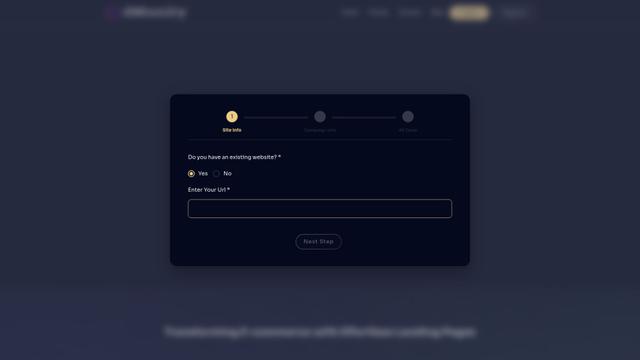
dMunity is an AI-powered landing page builder that enables users to create high-converting landing pages in just 30 seconds without requiring technical skills or coding knowledge.
Webifier
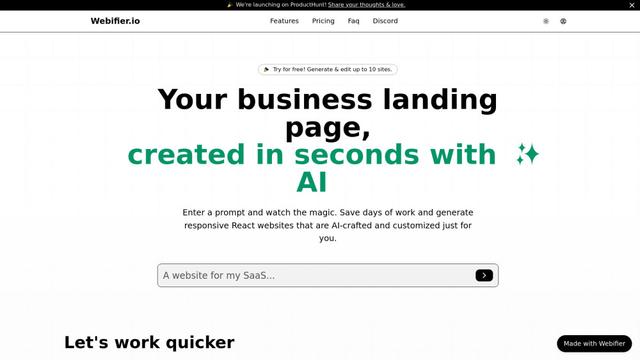
Webifier is an AI-powered tool that transforms text prompts into fully functional React landing pages with clean, exportable code using NextJS14, TailwindCSS, and Shadcn components.
YourDomainSite
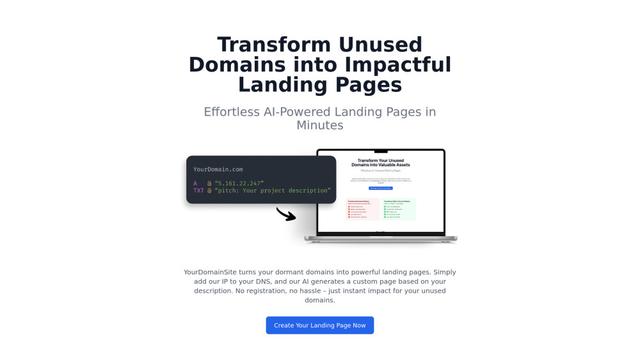
YourDomainSite is a free service that transforms unused domains into professional landing pages with AI-generated content, SSL certificates, and analytics capabilities without requiring registration.
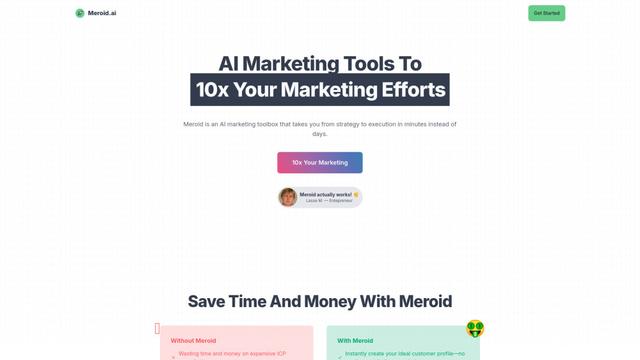
Meroid
Meroid is an AI-powered marketing toolbox that helps businesses create personalized content, analyze landing pages, and generate customer personas in minutes.
Popular AI Tools Like Acebuilder
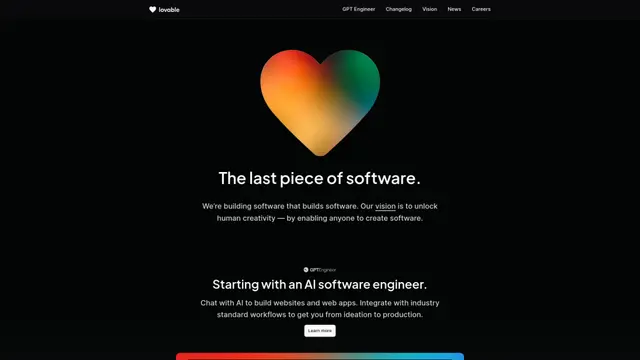
GPT Engineer
GPT Engineer is an AI-powered software development tool that enables anyone to build web applications by chatting with an AI engineer.

Wireframer
Wireframer is an AI-powered tool by Framer that quickly generates clean, responsive webpage layouts and wireframes from simple prompts, helping designers create structural blueprints without getting locked into specific visual styles.

Portaly
Portaly is an AI-powered link-in-bio tool that allows users to create customizable landing pages from any website or profile URL with just one click.

ActiveCampaign AI
ActiveCampaign AI is an integrated artificial intelligence solution that helps businesses drive better campaign performance, analyze customer behavior, and create personalized experiences across marketing automation, email marketing, and CRM.