Aaavatar
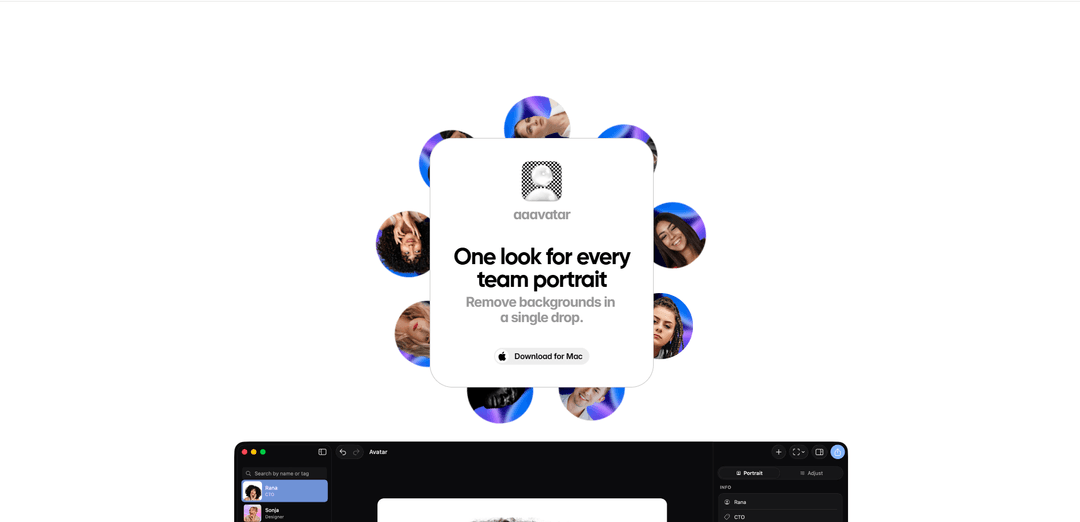
Aaavatar is a macOS app for creating consistent team portraits by automatically removing photo backgrounds, one-click retouching (e.g., restoring missing shoulders and aligning faces), and exporting avatars in multiple formats for platforms like LinkedIn and Slack.
https://aaavatar.nl/?ref=producthunt
Product Information
Updated:May 19, 2026
What is Aaavatar
Aaavatar is a tool designed to help teams quickly produce a unified, professional look for employee headshots and team portraits. By streamlining common editing steps—like background removal, color refinement, and alignment—it turns a set of varied source photos into consistent, brand-ready avatars. It supports selecting preset or custom backgrounds (including brand colors) and exports results in formats suitable for common workplace and social profiles. Aaavatar currently focuses on macOS, with a free tier offering a limited number of cutouts and a Pro plan for unlimited use.
Key Features of Aaavatar
Aaavatar is a MacOS app for quickly standardizing team member headshots into a consistent, branded look. You can drop in one or many profile photos, automatically remove backgrounds, pick or upload a new background (including brand colors), run one-click retouching to balance colors and restore missing parts (e.g., shoulders), auto-align faces to a consistent framing/height, and then export finished portraits in multiple formats suitable for common business destinations like LinkedIn, Slack, and email signatures.
Bulk drop-in processing: Import one or multiple colleague photos at once to streamline updating an entire team gallery instead of editing portraits individually.
Automatic background removal: Removes photo backgrounds automatically to create clean cutouts ready for consistent, professional presentation.
Branded background selection: Choose from presets, match a brand color, or upload a custom background to keep all portraits on-brand.
One-click retouch & restoration: Polishes portraits with quick enhancements such as color balancing and restoring missing pieces (e.g., filling in shoulders) for a more complete look.
Auto-alignment for consistency: Aligns faces and normalizes framing/relative height across portraits so the team page looks uniform.
Multi-format export for channels: Exports portraits in the formats/sizes you need for use across LinkedIn, Slack, email, and other team-facing surfaces.
Use Cases of Aaavatar
HR team directory & org pages: Create a consistent set of employee portraits for the company website, org chart, and internal directory with minimal manual editing.
Brand/marketing team gallery refresh: Standardize headshots for “About us” pages, press kits, and partner decks by applying the same background and framing across all staff.
Remote-first onboarding workflow: Turn varied selfie-style submissions into uniform headshots for new hires, reducing back-and-forth and design time.
Sales/customer-facing profiles: Generate polished portraits for SDR/AE profile cards, proposal templates, and customer portals to increase trust and professionalism.
IT/ops comms and collaboration tools: Prepare consistent avatars for Slack/Microsoft ecosystem touchpoints (e.g., chat profiles and email signatures) to improve internal recognition.
Pros
Fast, one-click workflow for background removal and retouching, especially useful for batch/team updates.
Strong consistency features (alignment, framing, brand backgrounds) for a unified team gallery look.
Exports tailored for common professional channels (e.g., LinkedIn, Slack, email).
Cons
MacOS-only availability limits teams on Windows/Linux.
Free tier is limited to a small number of cutouts/models; unlimited use requires Pro.
How to Use Aaavatar
1. Open Aaavatar: Go to https://aaavatar.nl/ (MacOS app) and launch Aaavatar.
2. Drop in team photos: Drag and drop one or more colleagues’ profile photos into Aaavatar to start a batch.
3. Let Aaavatar remove backgrounds: After import, backgrounds are removed automatically for each photo.
4. Pick a background style: Choose a preset background, match a brand color, or upload your own background to apply consistently across the set.
5. Run one-click retouching: Use the one-click retouch to balance colors, polish each shot, and restore missing parts (e.g., fill in missing shoulders).
6. Auto-align the portraits: Apply Aaavatar’s alignment so faces are positioned consistently and everyone is aligned at roughly the same height.
7. Review the results: Check the batch for consistent framing, background, and overall look across all team portraits.
8. Export in the formats you need: Export the finished portraits in platform-ready formats for LinkedIn, Slack, email, and other destinations.
9. (Optional) Manage usage and plan limits: If you hit limits, note that the Free plan includes 3 cutouts on the main AI model + 3 on a lighter model; Pro offers unlimited usage.
Aaavatar FAQs
Aaavatar is a tool for creating consistent-looking team portraits (“one look for every team portrait”) by processing photos of team members and exporting them for common uses like LinkedIn and Slack.
Popular Articles

Atoms: A Multi-Agent AI Platform That Transforms Ideas into Launch-Ready Products
May 22, 2026

Nano Banana SBTI: What It Is, How It Works, and How to Use It in 2026
Apr 15, 2026

Atoms Review — The AI Product Builder Redefining Digital Creation in 2026
Apr 10, 2026

Kilo Claw: How to Deploy and Use a True "Do‑It‑For‑You" AI Agent(2026 Update)
Apr 3, 2026
Latest AI Tools Similar to Aaavatar
AIFluencerPro
AIFluencerPro is an AI-powered platform that allows users to create photorealistic AI influencers and generate high-quality AI images in minutes using advanced generative AI technology.
DeepVideo
DeepVideo is an AI-powered video generation platform that enables users to create personalized, professional videos from simple text inputs with AI avatars and voiceovers in multiple languages.
SampleFaces
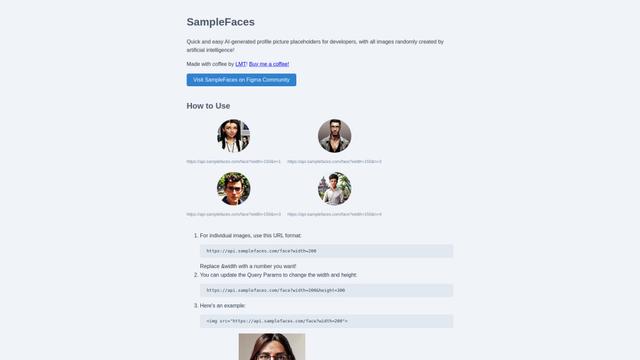
SampleFaces is a free web service that provides AI-generated profile pictures for developers and designers to use as placeholders in their projects.

MinutesLink
MinutesLink is an advanced AI-powered note-taking assistant that automatically records, transcribes, summarizes and organizes virtual meetings while building personalized digital avatars from meeting data.
Popular AI Tools Like Aaavatar
Avatoz
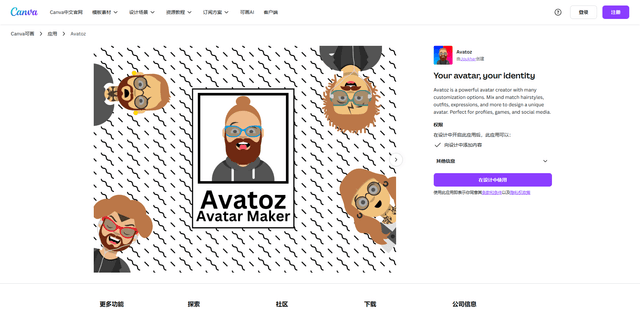
Avatoz is a powerful avatar creator app for Canva that allows users to design unique, customized avatars with extensive options for hairstyles, outfits, expressions and more.
Avatars in ElevenCreative
Avatars in ElevenCreative is a paid-plan feature that turns images (or prompts) into reusable, lip-synced talking-head videos by combining ElevenLabs speech models with integrated, leading lip-sync avatar video models in one workflow.
Vidnoz
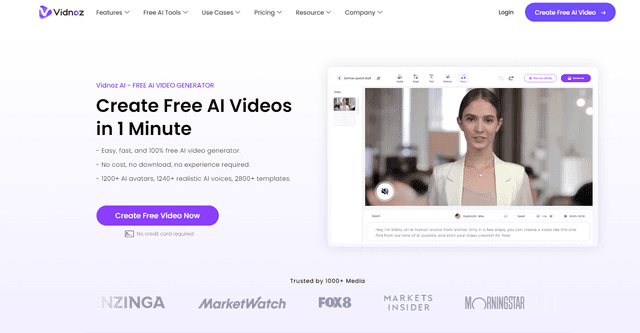
Vidnoz is an AI-powered video creation platform that enables users to quickly generate professional-quality videos with lifelike avatars, natural voices, and customizable templates.
Pica AI
Pica AI is an advanced AI-powered platform offering photo enhancement, face swapping, AI avatar creation, and professional headshot generation.