
SyncBooster
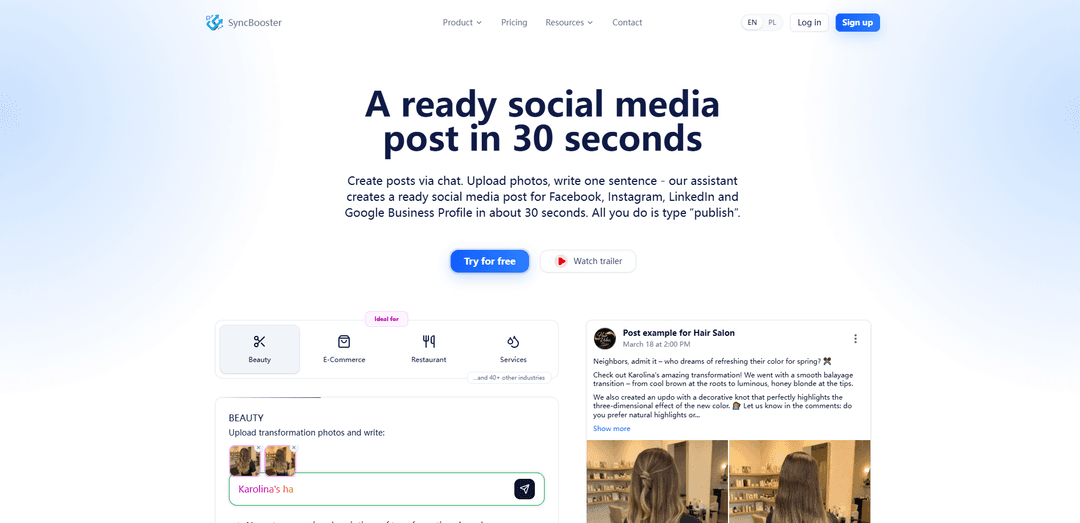
SyncBooster is a chat-based AI social media automation tool that turns a photo plus one sentence into platform-tailored posts and publishes or schedules them to Facebook, Instagram, Google Business Profile, and LinkedIn in about 30 seconds.
https://syncbooster.pl/?ref=producthunt
제품 정보
업데이트됨:Jul 8, 2026
SyncBooster이란?
SyncBooster is an AI platform built to simplify social media marketing for businesses—especially Polish service companies—by automating content creation and publishing across multiple channels from a single chat interface. Instead of juggling separate dashboards for each platform, users can generate ready-to-publish posts (with descriptions and hashtags) and publish instantly or schedule them for the best time to reach their audience. The platform also supports multi-brand management and includes a calendar view to track scheduled and published content across channels.
SyncBooster의 주요 기능
SyncBooster is an AI-powered social media automation platform that turns a photo (or short video) plus a single sentence of context into ready-to-publish posts in about 30 seconds. It works through a chat-based workflow where the AI analyzes uploaded media, learns your brand’s style, generates multiple post variants (with descriptions and hashtags), and publishes or schedules content across connected channels—tailoring formatting and tone per platform (e.g., Facebook, Instagram, LinkedIn, Google Business Profile). It also includes a Studio module for managing assets and generating promotional graphics, plus a unified calendar to view, filter, and manage scheduled/published posts across brands and channels.
Chat-based creation & publishing: Create content in a conversation: upload media, add one sentence, review AI suggestions, then type “publish” (or request a time) to post without switching dashboards.
Automatic photo/video understanding: AI analyzes every uploaded photo (and can describe short videos) so you don’t need to write long prompts; it turns raw materials into polished captions and post structures.
Multi-platform, platform-tailored outputs: Generates versions adapted to each platform’s style and formatting (e.g., different tone/length/hashtags) and can publish to Facebook, Instagram, LinkedIn, and Google Business Profile.
Scheduling built into the workflow: Publish instantly or schedule for a specific day/time directly in chat (e.g., “schedule for Friday at 6 PM”), with posts going out to the right channels automatically.
Studio for asset management & AI graphics: A dedicated Studio panel to generate professional promotional graphics from templates or text descriptions, save them to a gallery, and reuse them in posts.
Unified calendar across brands/channels: One calendar view for all scheduled and published posts, with statuses (published/pending/failed) and filters by brand and status for easier planning.
SyncBooster의 사용 사례
Local service businesses (before/after posts): Pressure washing, detailing, beauty, home services: upload job photos and a short note to instantly generate professional posts and keep leads coming without spending hours writing.
Restaurants & cafes (menu sets and events): Post new dishes, daily specials, or events by uploading photos and a quick label (e.g., “Set 9”); the AI produces ready captions and publishes consistently to drive foot traffic.
Google Business Profile visibility for local SEO: Create short, informational GBP-ready updates with clear CTAs and local context, helping local businesses stay active on Maps while reusing the same content across social channels.
Small teams scaling social output: Growing businesses can standardize brand voice, generate multi-language posts, and schedule content across platforms while multiple team members collaborate in one system.
Agencies managing multiple brands: Use multi-brand support and a unified calendar to produce and schedule high volumes of posts quickly, reducing back-and-forth while keeping outputs tailored per client/channel.
장점
Very fast workflow (photo + one sentence → multi-platform post in ~30 seconds).
AI adapts content per platform and can publish/schedule directly (less tool switching).
Includes both content generation and publishing automation (not just copywriting).
Supports multi-brand and team collaboration with a single calendar view.
단점
Platform coverage is still evolving; some platforms/features are marked as “soon” depending on the channel.
Usage is token-based, so heavy posting/asset generation may require higher-tier plans.
Best results depend on providing enough brand context so the assistant can learn your style.
SyncBooster 사용 방법
1. Choose your plan and start the free trial: Go to SyncBooster and pick a plan that matches your needs (Start, Business, Business Pro, or Agency). Begin with the free trial (tokens included) to test creating and publishing posts without committing upfront.
2. Create your first Brand (your business knowledge base): Set up a Brand for your business. In SyncBooster, a Brand acts like a separate knowledge base that the AI uses to remember your services, prices, tone of voice, and key details so future posts stay consistent and personalized.
3. Complete onboarding in chat (teach the AI your business): During configuration, the AI interviews you in a chat format. Answer questions about your industry, target audience, offer, pricing, and communication style so the assistant can generate content that matches your brand.
4. Connect your social media Channels: Link the platforms you want to publish to (Facebook, Instagram, Google Business Profile; LinkedIn is supported for personal and company profiles, with some platforms marked as 'soon' on the site). SyncBooster uses official platform APIs to publish according to your instructions.
5. (Optional) Prepare visuals in the Studio module: Open the Studio panel to manage assets or generate a professional graphic if you don’t have the perfect photo. Choose a template, upload inspiration, or describe what you need, then save the result to your gallery for later use in chat.
6. Create a post in chat (photo + one sentence): Start a new chat-based post. Upload one or more photos (the AI analyzes them automatically) and add one sentence of context (e.g., service name, promo, event, or availability).
7. Review multiple AI post proposals: SyncBooster generates several ready-to-publish proposals with descriptions and (where relevant) hashtags. The content is personalized to your Brand and adapted to each platform’s style and formatting.
8. Ensure platform-specific formatting is correct: Confirm the assistant has adapted the post per platform (e.g., more professional tone and limited hashtags/emojis for LinkedIn; key message early for Google Business Profile where only the first ~150–200 characters show; no hashtags for Google Business Profile).
9. Publish instantly or schedule for the best time: When ready, type “publish” to post immediately, or schedule the post for a specific day and time so it goes out when your audience is most active and likely to convert.
10. Verify everything in the Calendar view: Use the calendar to see all scheduled and published posts across every channel and brand. Check statuses (published, pending, failed), filter by brand/status, and confirm your publishing plan at a glance.
11. Repeat the workflow to post consistently in under a minute: For ongoing content, repeat the same loop: upload media, add a short note, pick the best proposal, and publish/schedule. The AI continues to apply what it learned about your Brand to keep posts consistent over time.
12. Scale with more Brands and team members (as needed): If you manage multiple businesses or locations, upgrade to a plan that supports more Brands and team seats. This lets you run multiple knowledge bases and publishing schedules from one panel.
SyncBooster 자주 묻는 질문
SyncBooster is an AI-powered social media automation platform that helps you create, personalize, and publish content across multiple channels from a single chat-based interface.




SyncBooster와(과) 유사한 최신 AI 도구
AIFluencerPro
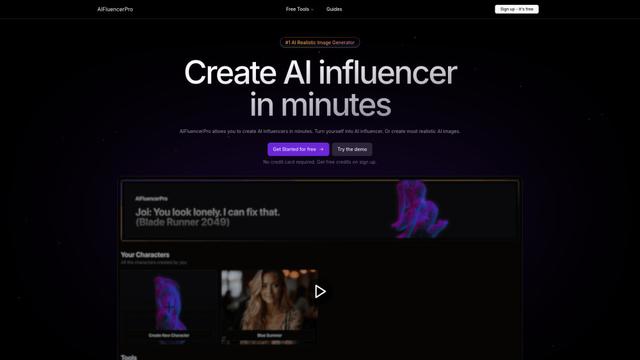
AIFluencerPro는 사용자가 사진처럼 사실적인 AI 인플루언서를 생성하고 고급 생성 AI 기술을 사용하여 몇 분 안에 고품질 AI 이미지를 생성할 수 있도록 하는 AI 기반 플랫폼입니다.
Lynklet
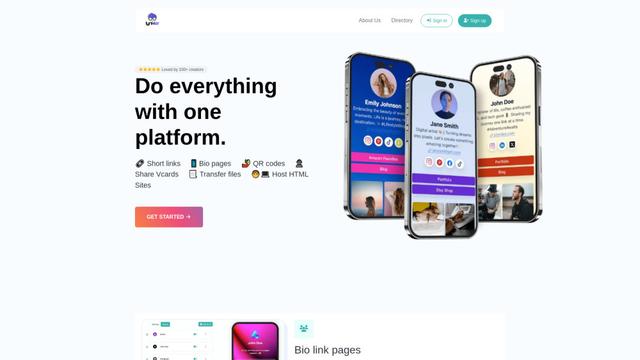
Lynklet은 바이오 링크 페이지, URL 단축, QR 코드 생성, 디지털 명함 및 파일 호스팅 기능을 하나의 포괄적인 솔루션으로 결합한 올인원 소셜 도구 플랫폼입니다.
Re-Engage
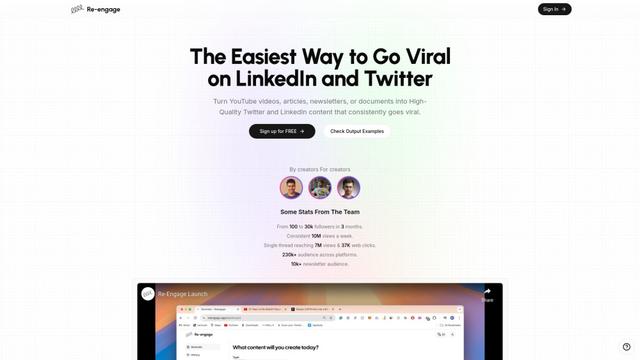
Re-Engage는 YouTube 비디오, 기사, 뉴스레터 및 문서를 트위터와 링크드인에서 바이럴 최적화된 고성능 소셜 미디어 콘텐츠로 변환하는 혁신적인 콘텐츠 재사용 도구입니다.
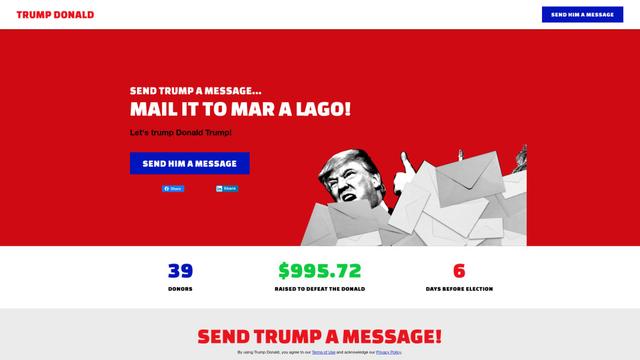
Trump Donald
트럼프 도널드는 사용자가 도널드 트럼프를 물리치기 위해 활동하는 조직에 기부하면서 마르 아 라고에 물리적 편지를 보낼 수 있는 독특한 정치적 기금 모금 플랫폼입니다.
SyncBooster와(과) 유사한 인기 AI 도구
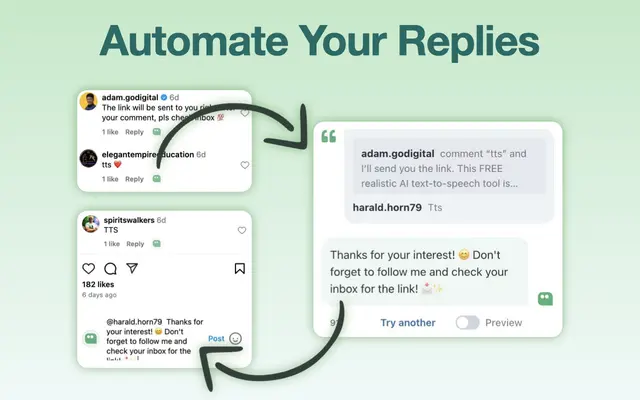
AI Reply Generator - social24
AI 답글 생성기 - Social24는 사용자 정의 프롬프트 템플릿과 원활한 통합을 통해 Instagram, Facebook, TikTok, YouTube 및 LinkedIn을 포함한 여러 소셜 미디어 플랫폼에 대한 스마트하고 개인화된 AI 답글을 생성하는 데 도움이 되는 브라우저 확장 프로그램입니다.
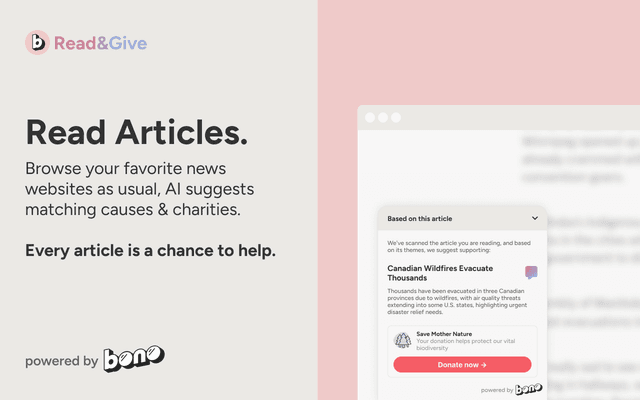
Read & Give by Bono
Bono의 Read & Give는 AI를 사용하여 뉴스 콘텐츠를 분석하고 읽는 기사를 기반으로 관련 자선 기부 기회를 제안하는 Chrome 확장 프로그램입니다.
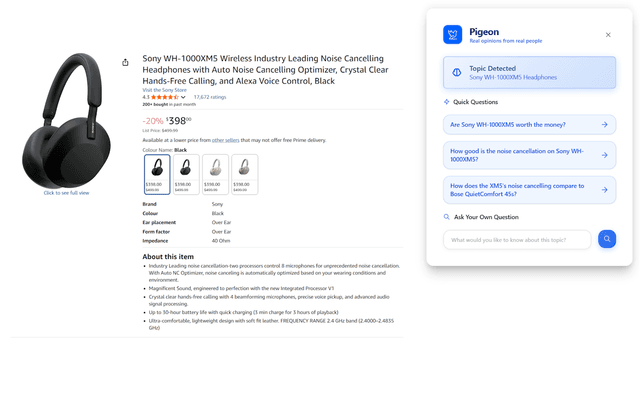
Pigeon
Pigeon은 사용자가 탐색 중인 모든 웹 페이지에 대한 Reddit 토론에서 실제 사용자 의견을 검색하고 분석하는 데 도움이 되는 가벼운 Chrome 확장 프로그램입니다.
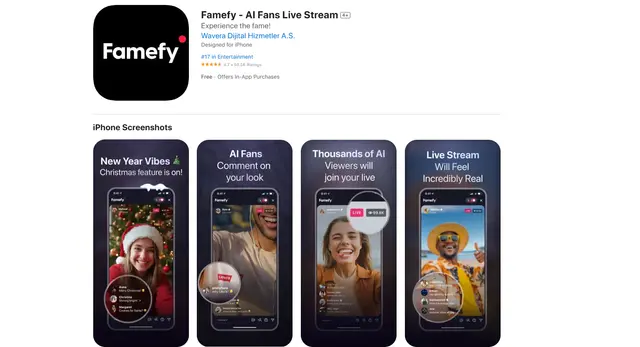
Famefy
Famefy는 사용자가 AI로 생성된 팬들과 상호작용하여 가상 스타덤을 경험할 수 있게 해주는 AI 기반 라이브 스트리밍 플랫폼입니다. 이 팬들은 실시간 참여와 피드백을 제공합니다.