Melina Studio
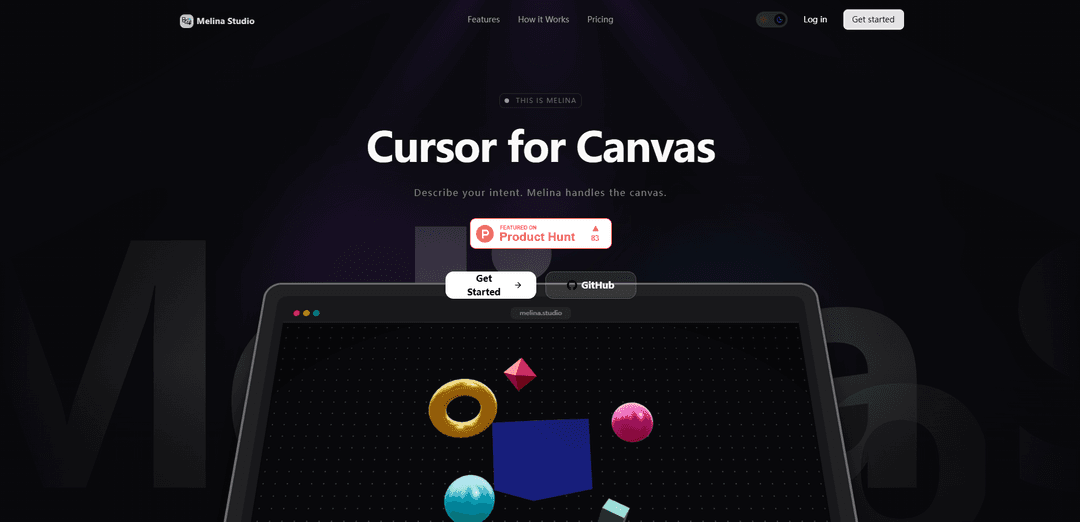
Melina Studio is an AI-powered canvas tool that enables natural interaction with your workspace through prompts while providing seamless integration with multiple AI models for creative tasks.
https://melina.studio/?ref=producthunt
製品情報
更新日:2026年02月10日
Melina Studioとは
Melina Studio is an innovative digital canvas platform that combines AI capabilities with a user-friendly interface for creative work. Founded in 1996 and evolved over time, it acts as an intelligent assistant that understands and responds to natural language prompts while working with visual content on your canvas. The platform integrates with multiple leading AI models including Claude, GPT-5.1, Gemini, DeepSeek, Kimi, and Llama to provide versatile creative capabilities.
Melina Studioの主な機能
Melina Studio is an AI-powered canvas tool that allows users to interact naturally with their digital workspace through prompts. It features canvas-aware capabilities, multiple AI model integrations (including Claude, GPT-5.1, Gemini, DeepSeek, Kimi, and Llama), real-time editing, and automatic saving functionality. The platform is designed to provide a distraction-free environment while maintaining high responsiveness and contextual awareness.
Canvas-Aware Intelligence: Understands and interprets both visual elements and textual content on the canvas, providing context-aware responses and edits
Multi-Model AI Integration: Offers flexibility to switch between different AI models (Claude, GPT-5.1, Gemini, etc.) based on specific task requirements
Real-Time Visual Editing: Provides immediate visual feedback and instant changes to the canvas without refresh delays
Auto-Save Functionality: Continuously saves changes as users work, ensuring no progress is lost during the creative process
Melina Studioのユースケース
Digital Design Work: Assists creators in generating and modifying visual content through natural language commands
Collaborative Projects: Enables teams to work together on a shared canvas with AI-assisted modifications and suggestions
Educational Content Creation: Helps educators create and modify visual learning materials with simple voice or text prompts
メリット
Free to use with no credit card required
Intuitive natural language interface
Multiple AI model options for different needs
デメリット
May require learning curve to fully utilize all features
Dependency on internet connection for AI model access
Melina Studioの使い方
Visit Melina Studio Website: Go to melina.studio to access the platform
Sign Up for Free Account: Create a free account - no credit card required to get started
Access the Canvas: Open the distraction-free canvas interface that adapts to your system
Select AI Model: Choose between different AI models like Claude, GPT-5.1, Gemini, DeepSeek, Kimi, or Llama based on your needs
Describe Your Intent: Use natural language to tell Melina what you want to create, change or explore on the canvas
Watch Real-Time Changes: Observe as Melina makes immediate changes to your canvas based on your prompts, with no refresh or lag
Review & Iterate: Check the results and continue refining through additional prompts as needed. All changes are automatically saved
Melina Studioのよくある質問
Melina Studio is both a physical photography studio established in Biratnagar since 1996, and a digital canvas tool that allows users to create and edit content through AI-powered assistance.




Melina Studioに類似した最新のAIツール
Colorjoy
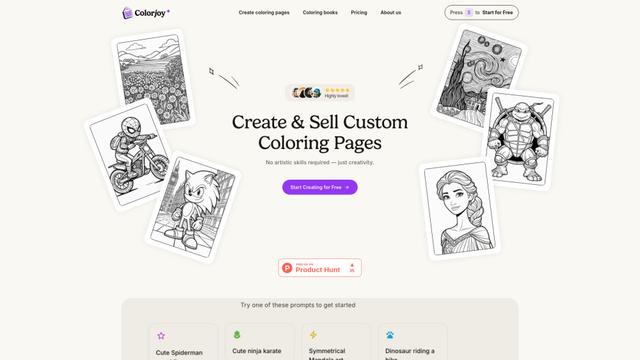
Colorjoyは、テキストプロンプトをカスタマイズ可能で高品質な塗り絵デザインに変換するAI駆動の塗り絵ページジェネレーターで、個人および商業利用の両方に適しています。

AiSource
AiSourceは、ユーザーが別々のサブスクリプションを必要とせずに、1か所で複数の主要なAIテキストから画像生成器を使用して画像を生成および比較できる統一プラットフォームです
FLORA
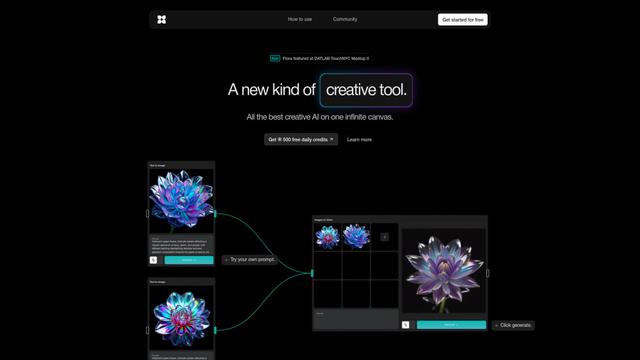
FLORAは、無限のキャンバス上で複数のAI機能を組み合わせ、パーソナライズされた植物の識別、創造的なデザイン、インタラクティブな植物アシスタンスを可能にする革新的なAI駆動の創造的ツールです
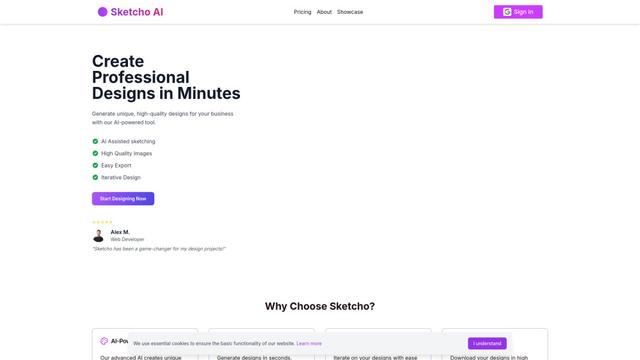
Sketcho
Sketchoは、直感的なインターフェースを通じてスケッチやアイデアを高品質なプロフェッショナルデザインに変換するAI駆動のデザインツールです。
Melina Studioに似た人気のAIツール
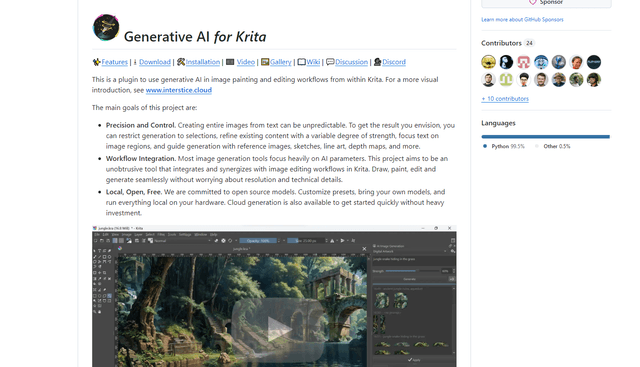
Krita
Kritaは、アーティストやデザイナーのためにプロフェッショナルグレードのツールを幅広く提供する無料のオープンソースデジタルペインティングおよびイラストレーションソフトウェアです。
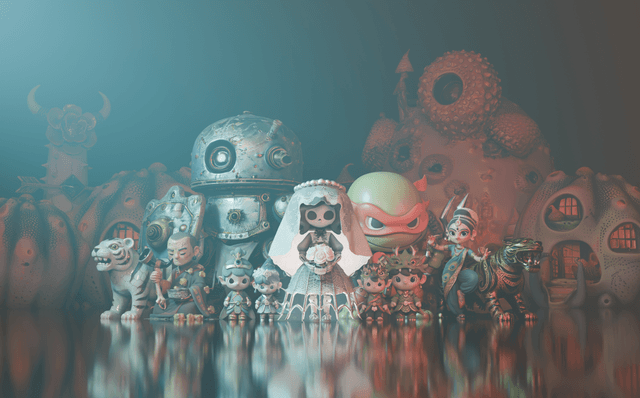
Hunyuan3D-2.1
Hunyuan3D-2.1は、Tencent初の本番環境に対応した3Dアセット生成システムであり、完全にオープンソースのフレームワークと物理ベースレンダリング(PBR)テクスチャ合成を組み合わせて、画像またはテキスト記述から高忠実度の3Dモデルを作成します。
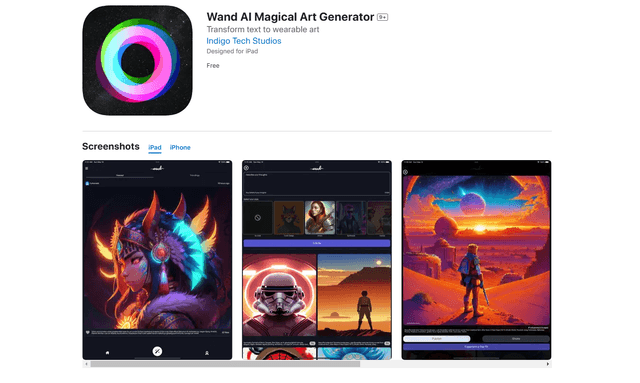
Wand AI
Wand AIは、テキストプロンプトやスケッチをカスタマイズ可能なデジタルアートワークに変換する革新的なAI駆動のクリエイティブツールで、iPhoneおよびiPadのアーティストやクリエイティブな専門家向けに特別に設計されています
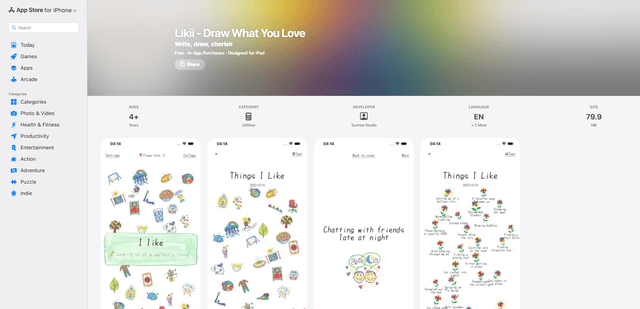
Likii
Likiiは、書かれた思い出を美しいクレヨンスタイルのイラストに自動的に変換するクリエイティブなジャーナリングアプリです。