
Makko AI
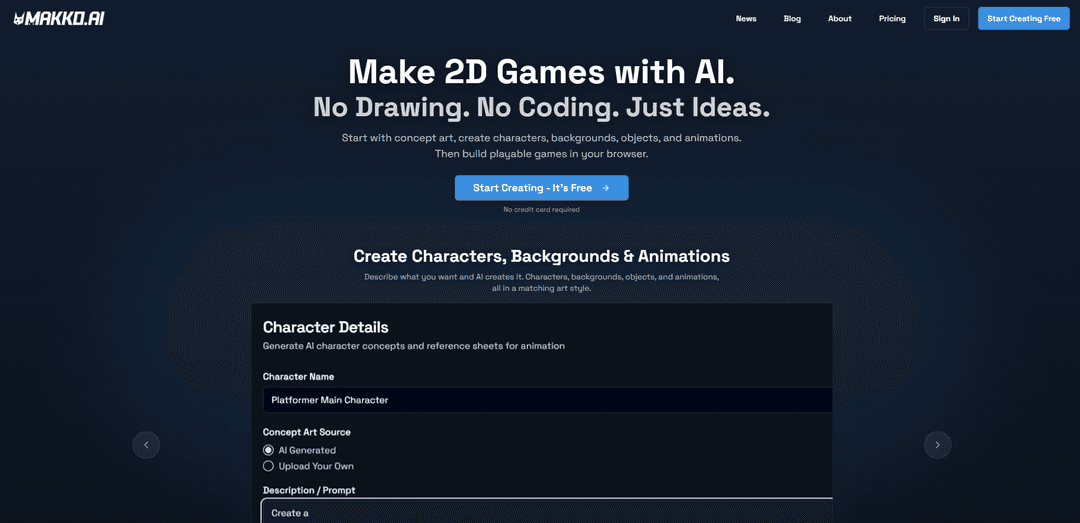
Makko AI is an AI-powered 2D game studio that enables creators to generate consistent game art and build playable browser games from text descriptions without any coding or drawing skills required.
https://makko.ai/?ref=producthunt
Informasi Produk
Diperbarui:May 8, 2026
Apa itu Makko AI
Makko AI is an AI-native 2D game development platform that democratizes game creation by removing traditional barriers of programming and digital art skills. Founded by a team with deep roots in Amazon gaming, indie game marketing, and the creation of PAX, Makko combines AI-assisted asset generation with game development in one integrated workflow. The platform allows creators to describe their vision in plain English and generates concept art, characters, backgrounds, objects, and animations—all in a consistent visual style. Since its launch, Makko has attracted over 4,000 creators and offers a free tier with 150 art credits monthly and 70 weekly AI requests for game coding, with paid plans available for advanced features and higher production volume.
Fitur Utama Makko AI
Makko AI is an AI-powered 2D game development studio that enables creators to build complete games without coding or drawing skills. Users describe their vision in plain English, and the platform generates concept art, characters, backgrounds, props, and animations all in a consistent visual style through its Collections system. The platform features an integrated workflow from asset creation to playable browser-based games, with AI-assisted game logic that turns text descriptions into functional prototypes. Creators retain full ownership of their work and can monetize their games without revenue sharing, making professional game development accessible to anyone with creative ideas.
Collections System for Visual Consistency: Maintains unified art style across all game assets by using concept art as style anchors, ensuring characters, backgrounds, and props look cohesive and belong together without manual style matching.
AI-Powered Sprite Animation: Generates complete animated sprite sheets for characters including walk, run, attack, idle, and custom animation states with configurable anchor points and frame control for emotional pacing.
No-Code Game Building: Converts plain English descriptions into playable browser games with functional game logic, allowing creators to prototype and iterate on gameplay mechanics in minutes without programming knowledge.
Integrated Asset Generation Pipeline: Creates all necessary game assets from concept art to final production-ready characters, backgrounds, objects, and UI elements within one unified workflow, eliminating the need for multiple disconnected tools.
Instant Browser Publishing: Allows one-click game publishing with shareable links, enabling creators to play and distribute their games immediately without setup, hosting, or deployment hassles.
Character Manifest System: Enables users to define animation states, behaviors, and configurations before implementing characters in games, improving organization and iteration efficiency throughout development.
Kasus Penggunaan Makko AI
Indie Game Prototyping: Solo developers and small indie studios can rapidly prototype game concepts and test core gameplay loops in days instead of weeks, creating playable demos with consistent art to validate ideas before full production.
Educational Game Development: Teachers and educational content creators can build custom interactive learning games tailored to their curriculum without technical barriers, creating engaging educational experiences for students across various subjects.
Interactive Visual Novels: Writers and storytellers can create narrative-driven games with consistent character art and backgrounds, bringing their stories to life as playable interactive experiences with branching dialogue and choices.
Portfolio and Learning Projects: Aspiring game designers and students can build complete game projects for their portfolios, learning game design principles and showcasing creative vision without needing to master programming or digital art first.
Rapid Game Jam Creation: Participants in game jams and creative challenges can quickly generate themed assets and build functional games within tight time constraints, focusing on gameplay innovation rather than technical implementation.
Commercial 2D Game Production: Creators can develop and publish monetizable 2D games across genres including platformers, puzzle games, arcade shooters, and RPGs, retaining full ownership and revenue rights for commercial release.
Kelebihan
Complete no-code and no-art-skills solution that democratizes game development for non-technical creators
Collections system ensures visual consistency across all assets, solving the common problem of mismatched AI-generated art styles
Full creator ownership with no revenue sharing on monetized games, providing clear commercial rights
Integrated end-to-end workflow from concept to playable game eliminates the need for multiple fragmented tools
Kekurangan
Limited to 2D browser-based games, not suitable for 3D or native platform game development
Free tier has monthly credit limits (150 art budget, 70 weekly AI requests) which may be restrictive for larger projects
AI-generated assets may lack the unique artistic touch and customization that hand-crafted art provides
Platform is still evolving with features like animation pipeline being streamlined based on user feedback, indicating some workflows may not be fully mature
Cara Menggunakan Makko AI
1. Create a Free Account: Go to makko.ai and sign up for a free account. No credit card is required to get started. You'll receive 150 art budget credits monthly and 70 weekly AI requests for game coding.
2. Navigate to Art Studio: From anywhere inside Makko, click on 'Art Studio' in the top navigation bar. This is where you'll create all your game's visual assets.
3. Create Your First Collection: On the Art Studio landing page, create a new Collection for your game project. A Collection is a persistent creative context that keeps all your assets visually consistent. Set a Collection Type (character, background, prop, or concept art) to optimize output for its specific game engine role.
4. Generate Concept Art: Start by describing your game world in plain English and generate concept art. This establishes the visual style and tone for your entire project. You can also upload reference images from your computer or use assets from Makko's built-in Asset Library. Add multiple concept images to your Collection - these serve as style guidance for all future generations.
5. Create Characters: Using text prompts, generate character concepts within your Collection. The AI will reference your concept art to maintain visual consistency. Pick your favorite concept and add details like gear, armor, and accessories. When you save a character, Makko will prompt you to generate a Reference Sheet (front, side, and back views) which helps the AI understand the character from every angle.
6. Generate Character Animations: Select a saved character and generate sprite animations (walk, run, attack, idle, etc.). Animations start from 45 credits. Use the Sprite Studio to extract frames and create Makko-style sprite sheets. The Reference Sheet ensures animations stay consistent with your character design.
7. Create Backgrounds and Props: Generate backgrounds and objects (props) for your game world. Each costs 5 credits. Create Sub-collections within your main Collection to organize different asset types. Everything generated within the Collection will automatically inherit the established visual style.
8. Create a Character Manifest: In Art Studio, create a manifest for your character and add selected animations. This prepares them for use in your game by defining animation states and behaviors before implementation.
9. Switch to Code Studio (AI Studio): Navigate to Code Studio using the top navigation. This is where you'll build your actual playable game using the assets you created.
10. Import Your Assets: Import your character's manifest from Art Studio into Code Studio. This brings in your characters with all their animations and makes them ready to use in your game.
11. Describe Your Game: Use plain English prompts to describe your game mechanics, interactions, and gameplay. Choose between Think Mode (deeper reasoning, more cost) and Fast Mode (quicker iterations) depending on your needs. You can also use Plan Mode to reason through complex systems before building them.
12. Build and Iterate: The AI will build your game based on your descriptions. You can iterate on gameplay, add features, fix bugs, and adjust mechanics through continued conversation with the AI. Use the Alignment Editor to control scale, anchor points, and manifest configuration for characters.
13. Test Your Game: Play your game directly in the browser to test functionality. Make adjustments by describing what you want to change to the AI.
14. Publish and Share: When you're satisfied with your game, publish it with one click. You'll get a shareable link that anyone can use to play your game. You retain full ownership and can monetize however you choose with no revenue share to Makko.
15. Export Assets (Optional): If you want to use your created assets in other game engines like Unity or Godot, you can export your characters, animations, backgrounds, and props for use in external projects.
FAQ Makko AI
Makko AI is an AI-powered game development studio that helps creators build playable 2D browser games by describing what they want in plain English. It generates game-ready art assets including characters, backgrounds, objects, and animations, then builds functional games without requiring coding or drawing skills.
Video Makko AI
Artikel Populer

Vosko AI: Lokalisasi dan Sulih Suara Video untuk Audiens Global
Oct 15, 2026

Atoms: Platform AI Multi-Agen yang Mengubah Ide menjadi Produk Siap Diluncurkan
May 22, 2026

Nano Banana SBTI: Apa Itu, Bagaimana Cara Kerjanya, dan Cara Menggunakannya di Tahun 2026
Apr 15, 2026

Ulasan Atoms — Pembuat Produk AI yang Mendefinisikan Ulang Kreasi Digital di Tahun 2026
Apr 10, 2026
Alat AI Terbaru Serupa dengan Makko AI
Colorjoy
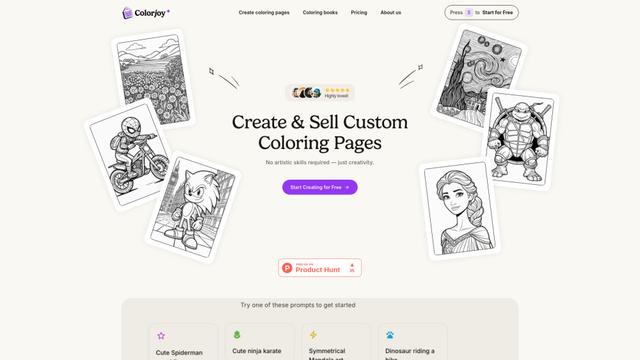
Colorjoy adalah generator halaman mewarnai bertenaga AI yang mengubah prompt teks menjadi desain mewarnai berkualitas tinggi yang dapat disesuaikan dan cocok untuk penggunaan pribadi maupun komersial.

AiSource
AiSource adalah platform terpadu yang memungkinkan pengguna untuk menghasilkan dan membandingkan gambar menggunakan beberapa generator teks-ke-gambar AI terkemuka di satu tempat tanpa memerlukan langganan terpisah.
FLORA
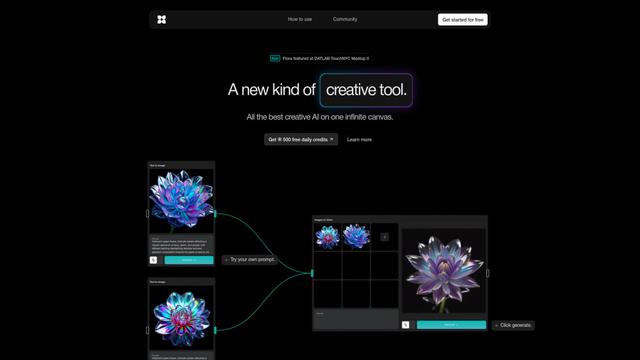
FLORA adalah alat kreatif bertenaga AI yang inovatif yang menggabungkan berbagai kemampuan AI di kanvas tak terbatas untuk memungkinkan identifikasi tanaman yang dipersonalisasi, desain kreatif, dan bantuan botani interaktif.
Sketcho
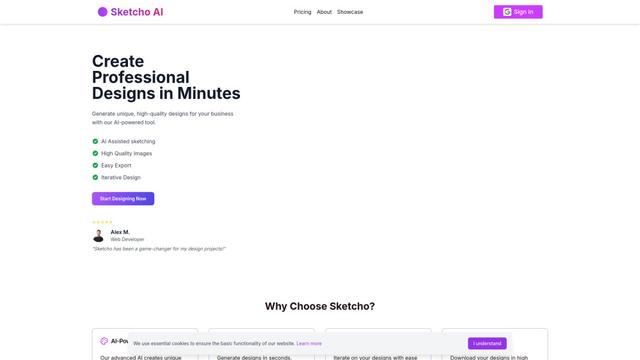
Sketcho adalah alat desain bertenaga AI yang mengubah sketsa dan ide menjadi desain profesional berkualitas tinggi melalui antarmuka yang intuitif.
Alat AI Populer Seperti Makko AI
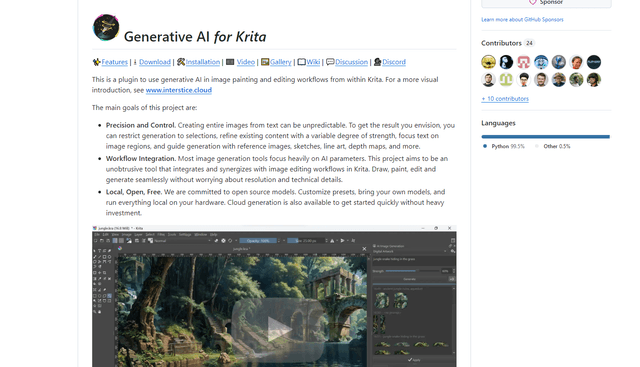
Krita
Krita adalah perangkat lunak lukisan dan ilustrasi digital gratis dan open-source yang menawarkan berbagai alat berkualitas profesional untuk seniman dan desainer.
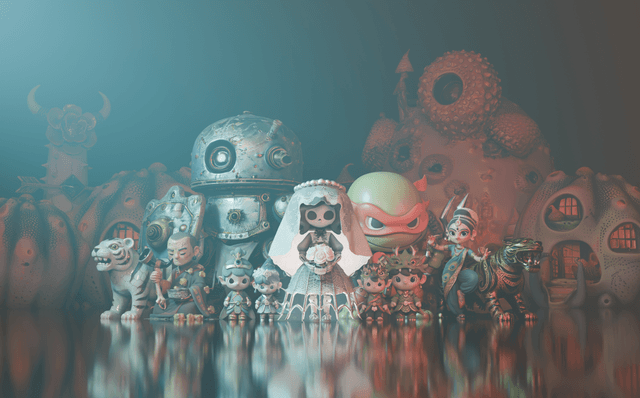
Hunyuan3D-2.1
Hunyuan3D-2.1 adalah sistem pembuatan aset 3D siap produksi pertama Tencent yang menggabungkan kerangka kerja sumber terbuka penuh dengan sintesis tekstur rendering berbasis fisik (PBR) untuk membuat model 3D dengan fidelitas tinggi dari gambar atau deskripsi teks.
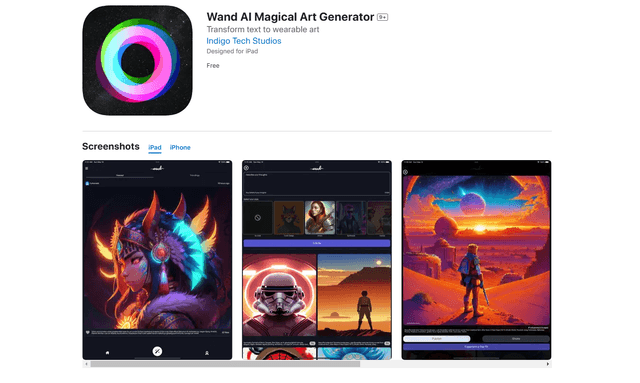
Wand AI
Wand AI adalah alat kreatif inovatif yang didukung AI yang mengubah teks prompt dan sketsa menjadi karya seni digital yang dapat disesuaikan, dirancang khusus untuk seniman dan profesional kreatif di iPhone dan iPad.
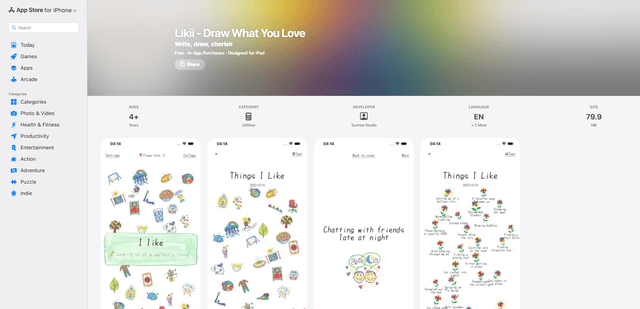
Likii
Likii adalah aplikasi penjurnalan kreatif yang secara otomatis mengubah kenangan tertulis menjadi ilustrasi bergaya krayon yang indah.