PixVerse: Why Everyone’s Talking About It in 2026
Over the past year, PixVerse has rapidly become the go-to AI video generator for both beginners and pros. You’ve probably seen it all over social feeds—everyone’s making short clips, anime intros, product ads, and cinematic scenes almost instantly. That’s because PixVerse isn’t just fast; it’s easy, reliable, and always pushing out new video styles. Ready to see what the hype is all about? Let’s dive into how to use PixVerse V6.
How to Use PixVerse V6 (Step-by-Step Tutorial)
Whether you’re a social creator, marketer, or filmmaker, getting started with PixVerse V5 is super straightforward. Here’s an easy way to use PixVerse every time:
- Step 1: Sign Up and Log In
- Step 2: Choose Your Creation Mode
- Step 3: Upload Content or Enter Prompts
- Step 4: Generate and Edit
- Step 5: Download and Share
Not detailed enough? 👉 Check out AIPURE’s article, "How to Use PixVerse in 2026: The Complete Guide for this AI video generator" (https://aipure.ai/articles/how-to-use-pixverse-the-complete-guide-for-this-ai-video-generator), for a detailed tutorial on using PixVerse.
That’s genuinely it! PixVerse V6 makes advanced video generation a few-click affair.
PixVerse Performance, Quality, and User Feedback
If you’re worried PixVerse is just hype, here’s what real users (and We AIPURE!) have found:
- Speed: PixVerse V5 creates pro-looking clips in seconds. We made 2 AI tools test videos in less than 3 minutes—faster than any AI Video generator we’ve used.
- Quality: Videos are smooth, visually rich, and stay stylistically consistent—no awkward face swaps or sudden scene glitches.
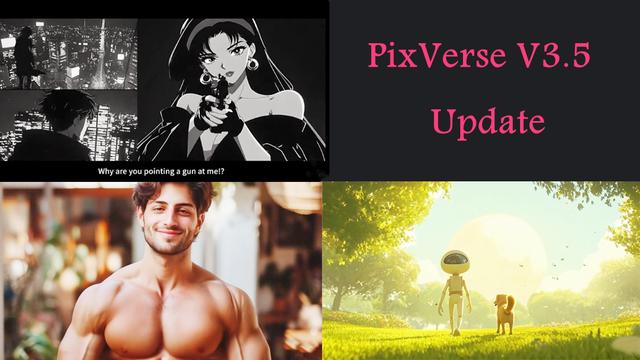
- Style options: 5 styles for Users to choose, including Anime, 3D Animation, Comic, Cyberpunk, and Clay.
- Prompt accuracy: Prompts like "spring scene to autumn landscape" or "girl smiles at camera with orange-green paint style" create exactly the visuals you imagine.

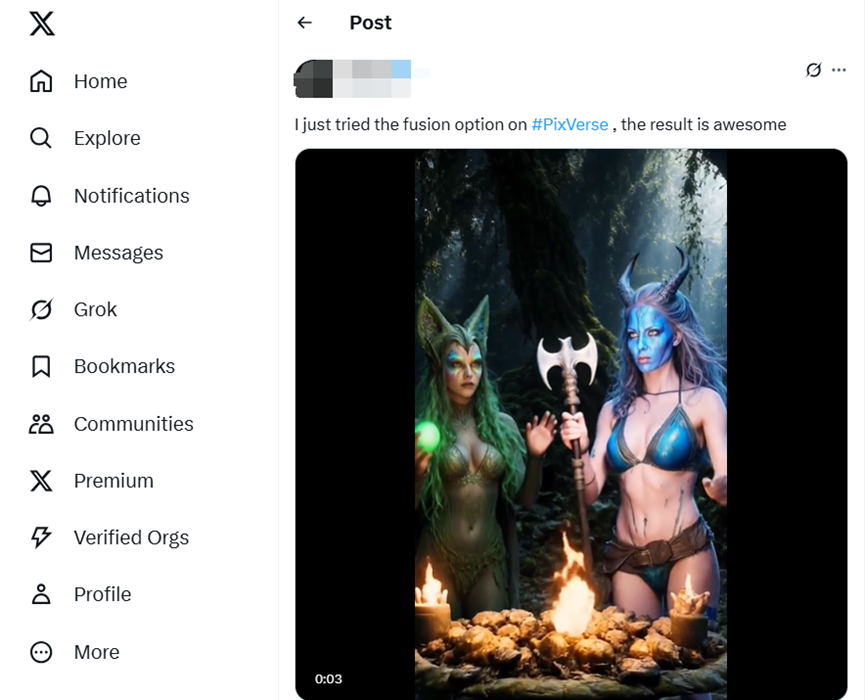
"I just tried the fusion option on #PixVerse, the result is awesome".
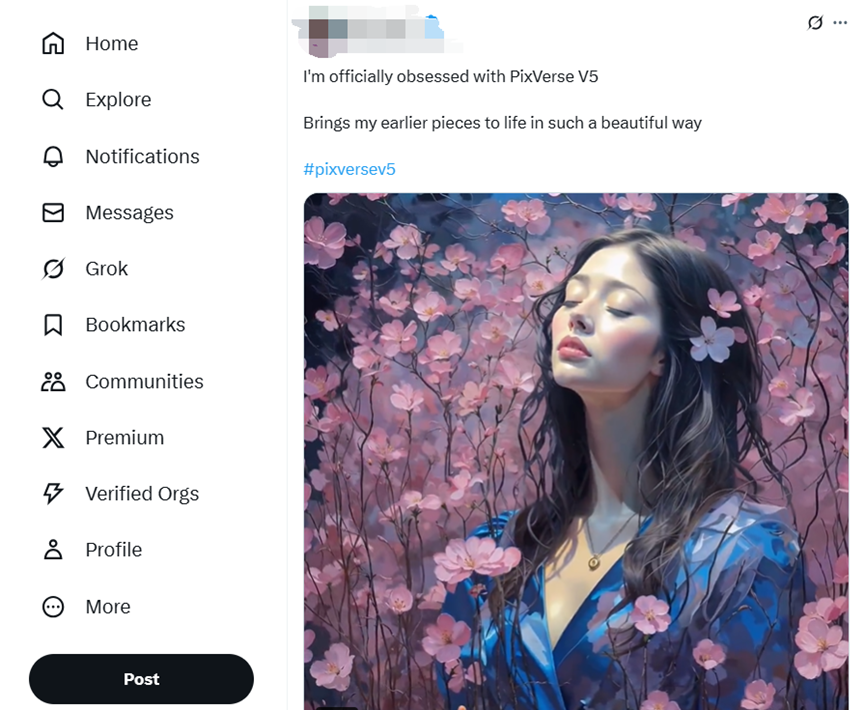
"I'm officially obsessed with PixVerse V5, Brings my earlier pieces to life in such a beautiful way"
PixVerse Price: Full Breakdown(2026)
Worried about cost? Here’s all you need to know about PixVerse price plans as of April 2026:
- Free Trial: PixVerse offers new users up to 60 credits, which generates roughly 1-3 basic videos.
- Pay-as-you-go: Buy extra credits directly; average cost is about $0.2($5=500 credits) per 5-second HD video, or up to $0.40 for 4K, longer or detailed clips.

- Monthly Plans:
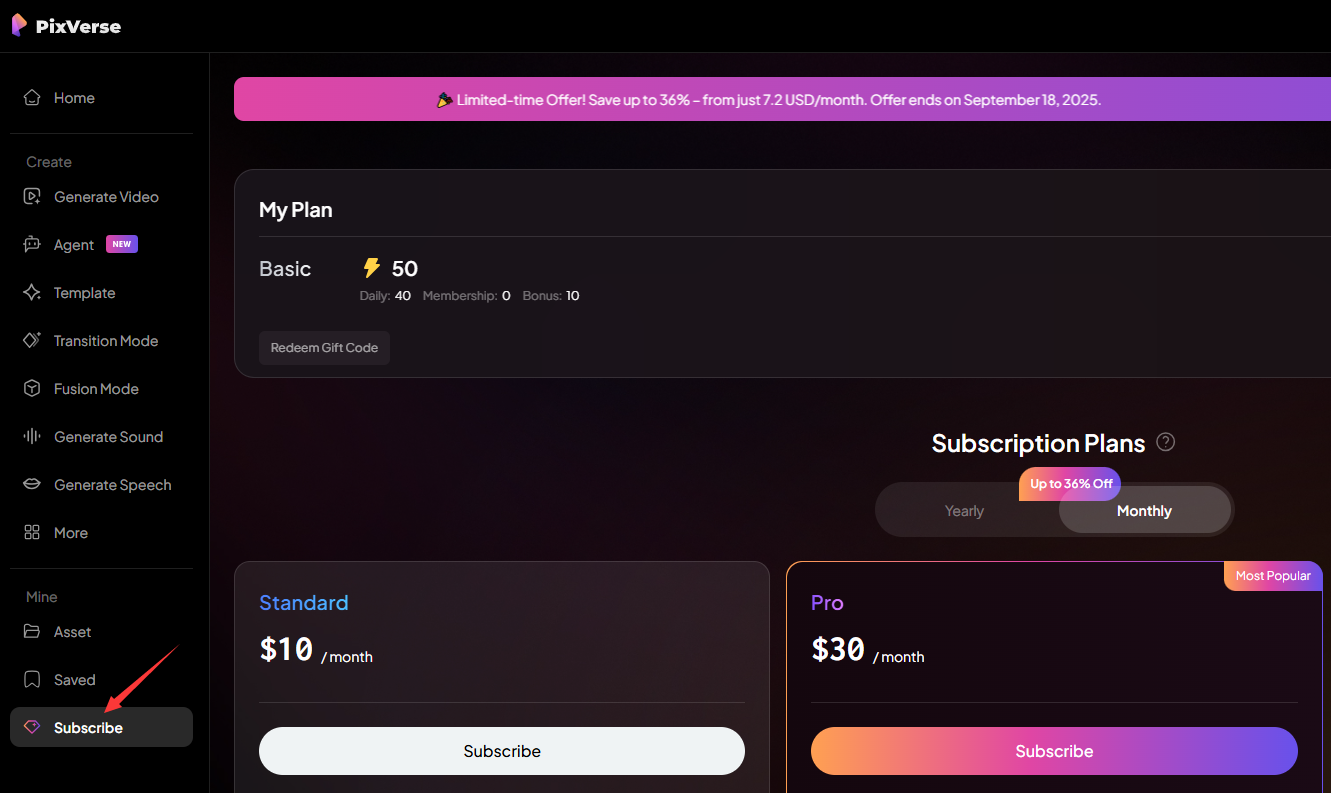
Standard: $10/month for up to 1200 Credits/month
Pro: $30/month for up to 6000 Credits/month, Batch Create and Off-Peak Mode
Premium: $60/month for 15000 Credits/month
Ultra: $199/month(Original Price: $249,20% Off) for 25000 Credits/month
Team Premium: $99per seat/month for 20000 Credits/month

- Yearly Plans:

- App and API: PixVerse .ai pricing is the same on web and mobile. API calls for enterprise use start at $100.
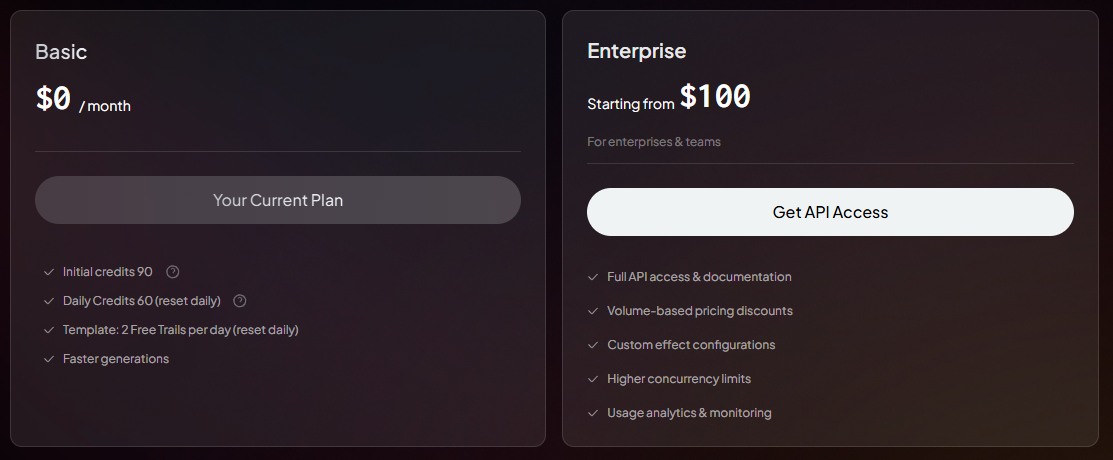
No hidden fees, just transparent pricing per download or subscription.
✅For more detailed pricing or to purchase, click https://app.pixverse.ai/subscribe
Pros and Cons of PixVerse V6
Let’s be honest—PixVerse isn’t perfect, but here’s a quick scorecard from a user’s point of view:
| Pros | Cons |
|---|---|
| ✅ 15-second 1080p videos with excellent temporal stability | ❌ High credit consumption for complex multi-shot projects |
| ✅ Native multi-shot engine maintains character/object consistency across camera angles | ❌ Steep learning curve for optimal prompt engineering and credit management |
| ✅ Integrated native audio syncs dialogue, SFX, and BGM automatically | ❌ Limited deep editing tools - needs external editors like Filmora for final polish |
| ✅ Superior physics simulation handles complex motion, debris, water effects | ❌ Credit burn on iterations - vague prompts lead to expensive re-generations |
| ✅ 4K native rendering with realistic textures, lighting, lens effects | ❌ Not a complete editor - timeline work still required for professional output |
| ✅ Multi-character consistency tracks multiple subjects through dialogue/motion | ❌ Regional access limits on some advanced features/pricing plans |
| ✅ Handles extreme camera motion (fisheye POV, high-speed tracking) without smearing | ❌ Complex scene drift when prompts lack shot-specific details |
PixVerse V6 excels as a professional-grade AI video production tool for creators needing narrative continuity and cinematic quality, but requires strategic credit management and pairs best with traditional editing software for final delivery.
Conclusion: Explore More at AIPURE
PixVerse really does make turning your ideas into smooth, shareable videos easy and fun. Whether you’re working on product launches, social campaigns, fanart, or just daily content, PixVerse V6 delivers speed, quality, and creativity for everyone.

Want to try more groundbreaking AI tools like PixVerse? Visit AIPURE for complete tutorials, newest reviews, and every top AI video generator out there!