
Budibase
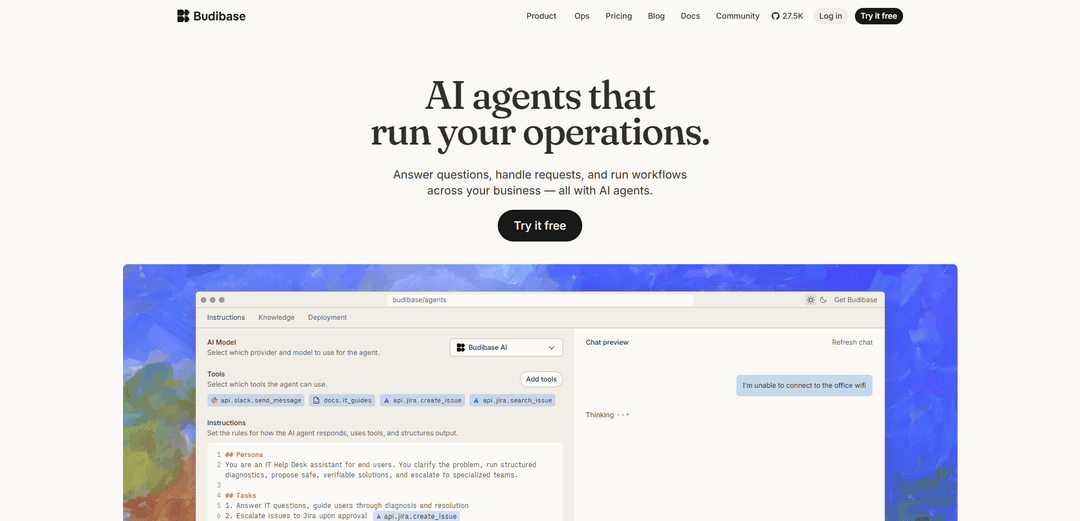
Budibase is an open-source low-code platform that enables teams to build internal applications, automations, and AI agents for streamlining business operations and workflows.
https://www.budibase.com/?ref=producthunt
Informações do Produto
Atualizado:Apr 8, 2026
O que é Budibase
Budibase is a modern open-source development platform founded in 2019 that helps both developers and non-technical users create internal tools, admin panels, client portals and business applications. As a low-code platform, it focuses on increasing development speed while enabling business users with no coding experience to build their own internal tools. The platform has gained significant traction, being used by over 200,000 teams globally and securing $9.2M in seed funding by the end of 2022.
Principais Recursos do Budibase
Budibase is an open-source low-code platform that enables teams to build internal business applications, automate workflows, and integrate AI agents. It allows users to connect multiple data sources (including SQL databases, REST APIs, and business tools), create custom UIs with pre-built components, set up automated workflows, and deploy AI-powered agents that can handle requests and operations across the business. The platform combines app building, workflow automation, and AI capabilities in one solution for streamlining internal operations.
AI Agents & Automation: Built-in AI agents powered by various LLM providers (OpenAI, Azure, Anthropic etc.) that can handle requests, answer questions, and trigger automated workflows across connected systems
Extensive Integrations: Connects with numerous databases (PostgreSQL, MongoDB, etc.), business tools (Slack, Jira, etc.), and APIs, allowing data and workflow integration across the organization
Low-Code App Builder: Visual interface with pre-built components and auto-generated UI screens for quickly creating internal tools, forms, and portals without extensive coding
Role-Based Access Control: Granular permissions system with user management, automated email onboarding, and SSO support for enterprise security needs
Casos de Uso do Budibase
IT Help Desk Automation: Automate support ticket handling, access requests, and common IT tasks using AI agents and workflow automation
Employee Operations Portal: Create internal tools for managing HR processes, approvals, and employee requests with automated workflows
Custom Admin Dashboards: Build administrative interfaces for non-technical staff to manage content, pricing, or system configurations
Partner/Vendor Management: Develop portals for onboarding, approvals, and reporting for external partners without building a full external product
Vantagens
Open-source with self-hosting option for better control and customization
Comprehensive platform combining low-code, automation and AI capabilities
Extensive integration options with databases and business tools
Desvantagens
Some enterprise features only available in paid plans
Primarily focused on internal tools rather than customer-facing applications
Como Usar o Budibase
Sign up for Budibase: Visit account.budibase.app/register to create a free account. Choose between Budibase Cloud (hosted) or self-hosted deployment options.
Create New Web App: After logging in, click 'Create New Web App' button on the top right side of the builder interface.
Set Up Data Source: Navigate to the Data section to set up your data source. You can either use the built-in Budibase database, import data from CSV, or connect to external databases like PostgreSQL, MySQL, etc.
Design User Interface: Go to the Design section to build your app's frontend. Use the drag-and-drop interface to add components and create your app's screens/pages.
Configure Automations: Set up automated workflows using the Automations feature. Create triggers, actions, and integrate with external tools like Slack, Jira, etc.
Set Up User Management: Configure user roles, permissions, and access controls for your app through the global user management settings.
Test Your App: Preview and test your app's functionality before deployment to ensure everything works as expected.
Deploy Application: Enable the 'Live' setting to push your app into production when ready. Users can then access it through web browsers on desktop or mobile devices.
Optional: Configure AI Features: Set up AI providers in your workspace to enable AI-powered features like code generation and automation assistance.
Maintain and Update: Regularly update your app, manage user access, and monitor performance through the Budibase admin interface.
Perguntas Frequentes do Budibase
Budibase is a platform that allows organizations to build AI agents, automations, and internal tools. It helps handle employee requests, automate workflows, manage processes, and connect business systems - all in one platform.
Vídeo do Budibase
Artigos Populares

Atoms: Uma Plataforma de IA Multiagente Que Transforma Ideias em Produtos Prontos para Lançamento
May 22, 2026

Nano Banana SBTI: O Que É, Como Funciona e Como Usá-lo em 2026
Apr 15, 2026

Análise do Atoms — O Construtor de Produtos de IA Redefinindo a Criação Digital em 2026
Apr 10, 2026

Kilo Claw: Como Implementar e Usar um Verdadeiro Agente de IA "Faça Você Mesmo" (Atualização de 2026)
Apr 3, 2026
Ferramentas de IA Mais Recentes Semelhantes a Budibase

Hapticlabs
O Hapticlabs é um kit de ferramentas sem código que permite que designers, desenvolvedores e pesquisadores projetem, prototipem e implantem facilmente interações táteis imersivas em dispositivos sem codificação.

Monyble
Monyble é uma plataforma de IA sem código que permite aos usuários lançar ferramentas e projetos de IA em 60 segundos, sem exigir expertise técnica.
Abyss
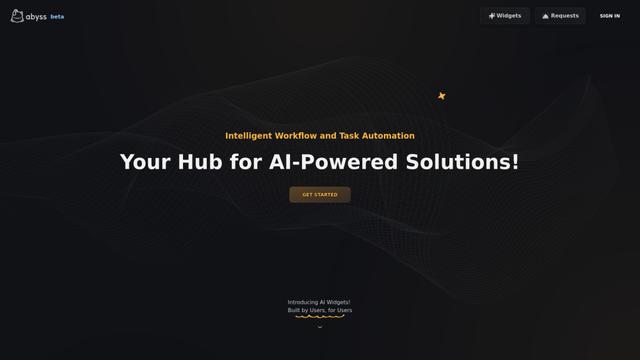
Abyss é uma plataforma impulsionada por IA que permite aos usuários criar, compartilhar e executar Widgets específicos de tarefas automatizadas sem exigir expertise técnica.
AppScape
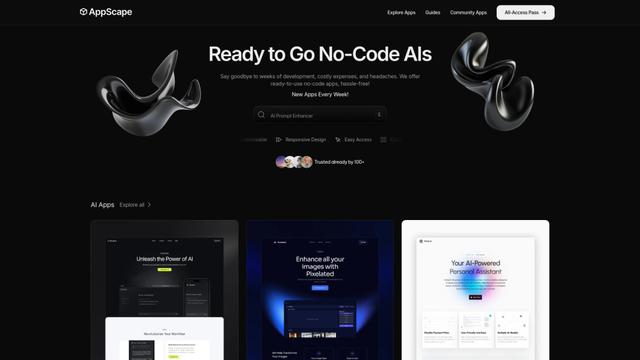
AppScape é uma plataforma sem código que oferece aplicativos prontos para uso alimentados por IA e soluções SaaS personalizáveis, permitindo uma implantação rápida sem custos tradicionais de desenvolvimento e expertise técnica.
Ferramentas de IA Populares Como Budibase
GitHub MCP Server
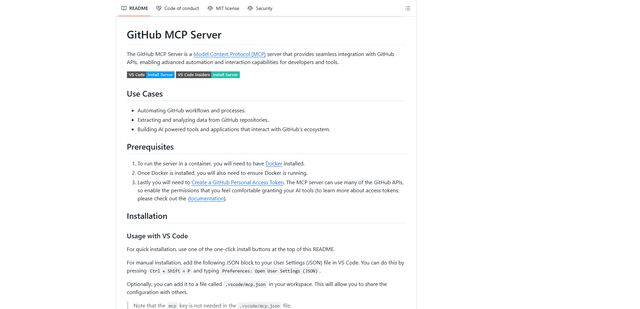
O GitHub MCP Server é um servidor Model Context Protocol que permite a integração perfeita entre modelos de IA e APIs do GitHub, fornecendo ferramentas padronizadas para gerenciamento de repositórios, rastreamento de issues e operações de código.

GoCodeo SaaS Builder
GoCodeo SaaS Builder é uma estrutura nativa de IA que gera automaticamente aplicativos SaaS full-stack prontos para produção usando agentes de IA autônomos, completos com autenticação, recursos em tempo real e integração TypeScript.

iBrowsy
iBrowsy é um navegador da web moderno, alimentado por IA para macOS que combina recursos inteligentes, design com prioridade à privacidade e experiência de usuário perfeita com assistência GPT-4 integrada.
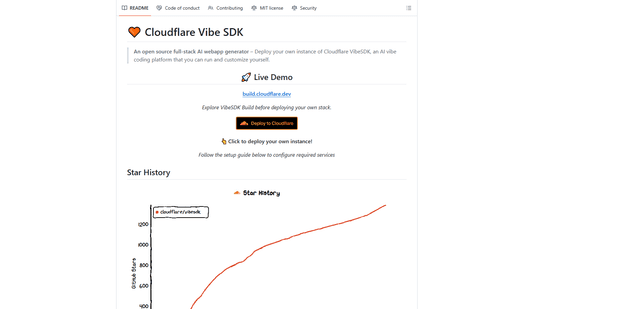
VibeSDK by CloudFlare
O VibeSDK é uma plataforma de código aberto com tecnologia de IA da Cloudflare que permite aos desenvolvedores implantar seu próprio ambiente de codificação vibe full-stack com um clique, permitindo que os usuários gerem e implantem aplicativos por meio de descrições em linguagem natural.