CraftBot
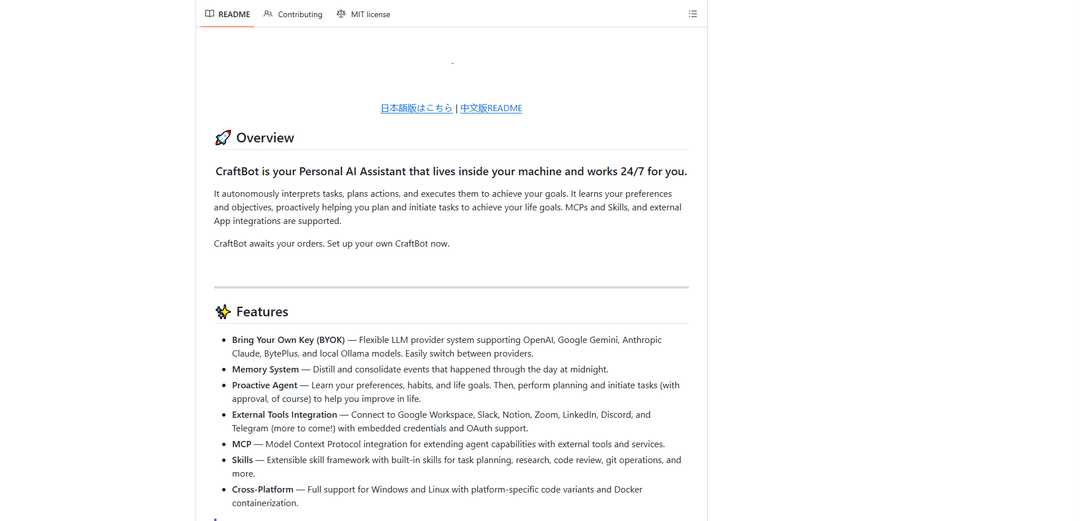
CraftBot is a personal AI assistant that runs 24/7 on your machine, autonomously interpreting tasks, planning actions, and executing complex workflows with support for multiple LLM providers, external tool integrations, and extensible skills.
https://github.com/CraftOS-dev/CraftBot?ref=producthunt
Thông tin Sản phẩm
Đã cập nhật:May 8, 2026
CraftBot là gì
CraftBot is an open-source personal AI assistant developed by CraftOS that lives inside your machine and operates continuously to help you achieve your goals. Unlike cloud-based assistants, CraftBot runs locally with a Bring Your Own Key (BYOK) approach, supporting multiple LLM providers including OpenAI, Google Gemini, Anthropic Claude, BytePlus, and local Ollama models. The agent features a sophisticated memory system that learns your preferences and habits, proactively planning and initiating tasks to help you improve in life. It offers flexible interface modes including Browser, Terminal UI (TUI), CLI, and an experimental GUI mode for desktop automation. CraftBot seamlessly integrates with external services like Google Workspace, Slack, Notion, Zoom, LinkedIn, Discord, and Telegram through OAuth authentication, while also supporting the Model Context Protocol (MCP) and an extensible skill framework for enhanced capabilities.
Các Tính năng Chính của CraftBot
CraftBot is a personal AI assistant that runs locally on your machine 24/7, autonomously interpreting tasks, planning actions, and executing them to achieve your goals. It features a flexible BYOK (Bring Your Own Key) system supporting multiple LLM providers including OpenAI, Google Gemini, Anthropic Claude, and local Ollama models. The agent includes a memory system that consolidates daily events, proactive behavior that learns your preferences and habits, and extensive integration capabilities with external tools like Google Workspace, Slack, Notion, Zoom, LinkedIn, Discord, and Telegram. It supports Model Context Protocol (MCP) for extending capabilities, offers an extensible skill framework, and provides multiple interface modes including Browser, TUI, CLI, and experimental GUI mode for desktop automation. CraftBot is cross-platform compatible with Windows and Linux, can be run as a background service, and offers both simple setup for beginners and advanced customization for power users.
Multi-LLM Provider Support with BYOK: Flexible system that allows users to bring their own API keys and easily switch between OpenAI, Google Gemini, Anthropic Claude, BytePlus, and local Ollama models, providing cost control and provider independence.
Proactive AI Agent with Memory: Learns user preferences, habits, and life goals through a RAG-based semantic memory system using ChromaDB. Autonomously performs planning and initiates tasks (with approval) to help users improve, with daily event consolidation at midnight.
Extensive External Tool Integration: Seamlessly connects to productivity platforms including Google Workspace, Slack, Notion, Zoom, LinkedIn, Discord, and Telegram through OAuth authentication with embedded credentials in release builds.
MCP and Skills Framework: Model Context Protocol integration for extending agent capabilities with external tools and services, plus an extensible skill framework with built-in skills for task planning, research, code review, and git operations.
Multiple Interface Modes: Offers Browser (modern web interface), TUI (terminal UI), CLI (command-line), and experimental GUI modes for desktop automation, allowing users to choose their preferred interaction method based on needs and environment.
24/7 Background Service: Can run as a persistent background service with auto-start on login, desktop shortcuts for easy browser access, and comprehensive service management commands for start, stop, restart, status checks, and log viewing.
Các Trường hợp Sử dụng của CraftBot
Personal Productivity Assistant: Manages daily tasks, calendar events, emails, and reminders across Google Workspace while learning user preferences to proactively suggest task prioritization and schedule optimization for busy professionals.
Development Workflow Automation: Assists software developers with code reviews, git operations, task planning, and research. Integrates with development tools and can execute multi-step workflows for testing, deployment, and documentation.
Cross-Platform Communication Hub: Centralizes communication across Slack, Discord, Telegram, LinkedIn, and Zoom, enabling users to manage messages, schedule meetings, and coordinate team activities from a single interface.
Research and Knowledge Management: Conducts research tasks, manages information across Notion and Google Drive, and maintains a semantic memory of important findings and insights for students, researchers, and knowledge workers.
Desktop Automation for Repetitive Tasks: Uses experimental GUI mode to automate screen-based tasks that require visual interaction, such as data entry, form filling, or application testing across different desktop environments.
Self-Hosted AI Assistant for Privacy-Conscious Users: Runs entirely on local machines with support for local Ollama models, providing a privacy-focused alternative to cloud-based assistants for users handling sensitive personal or business information.
Ưu điểm
Complete local control with BYOK model allowing users to choose their preferred LLM provider and maintain data privacy
Extensive integration ecosystem with major productivity platforms through OAuth authentication and embedded credentials
Flexible deployment options including multiple UI modes, background service capability, Docker containerization, and cross-platform support
Open architecture with MCP and Skills framework enabling easy extensibility and customization for specific use cases
Nhược điểm
GUI mode is still experimental and may encounter issues when the agent switches to visual automation tasks
Requires technical setup including Python 3.10+, API keys, and optional Node.js for browser mode, which may be challenging for non-technical users
Memory system and proactive features are still in development (proactive behavior marked as 'Pending' in roadmap)
GUI automation requires significant additional dependencies (~4GB for model weights) and complex setup with Docker containers and X11 server configuration
Cách Sử dụng CraftBot
1. Install Prerequisites: Ensure you have Python 3.10+, git, and optionally Node.js 18+ (for browser mode) and conda installed on your system. An API key from OpenAI, Google Gemini, or Anthropic is also required.
2. Clone the Repository: Open your terminal and run: git clone https://github.com/zfoong/CraftBot.git then navigate to the directory with: cd CraftBot
3. Install Dependencies: Run the installation script: python install.py. For GUI support add --gui flag. For conda environment add --conda flag. For CPU-only systems add --cpu-only flag.
4. Configure API Keys: On first run, CraftBot will guide you through an onboarding sequence to configure your LLM provider API keys, set the agent's name, and configure MCPs and Skills.
5. Choose Your Interface Mode: Run CraftBot in your preferred mode: python run.py (Browser mode - default, requires Node.js), python run.py --tui (Terminal UI mode - no dependencies), python run.py --cli (CLI mode - lightweight), or python run.py --gui (GUI mode - requires GUI installation).
6. Start Interacting with CraftBot: Once launched, you can talk to the agent naturally, ask it to perform complex multi-step tasks, or type /help to see available commands and features.
7. Connect External Services (Optional): Connect CraftBot to external services using OAuth commands: /google login for Google Workspace, /zoom login for Zoom, /slack invite for Slack, /notion invite for Notion, or /linkedin login for LinkedIn.
8. Set Up as Background Service (Optional): For continuous operation, install CraftBot as a background service: python service.py install. This will install dependencies, register auto-start on login, start CraftBot, and create a desktop shortcut for easy browser access.
9. Manage the Service: Use service commands to control CraftBot: python service.py start (start in background), python service.py stop (stop service), python service.py status (check running status), python service.py logs (view recent logs), or python service.py restart (restart service).
10. Extend Capabilities (Advanced): Extend CraftBot's capabilities by adding custom Skills, integrating Model Context Protocol (MCP) tools, or connecting additional external applications as needed for your workflow.
Câu hỏi Thường gặp về CraftBot
CraftBot is a Personal AI Assistant that lives inside your machine and works 24/7 for you. It autonomously interprets tasks, plans actions, and executes them to achieve your goals. It learns your preferences and objectives, proactively helping you plan and initiate tasks. CraftBot supports multiple LLM providers (OpenAI, Google Gemini, Anthropic Claude, BytePlus, and local Ollama models), integrates with external tools like Google Workspace, Slack, Notion, Zoom, LinkedIn, Discord, and Telegram, and features a memory system, MCP integration, and extensible skills framework.
Video CraftBot
Bài viết phổ biến

Vosko AI: Bản địa hóa và Lồng tiếng Video cho Khán giả Toàn cầu
Oct 15, 2026

Atoms: Nền tảng AI đa tác nhân biến ý tưởng thành sản phẩm sẵn sàng ra mắt
May 22, 2026

Nano Banana SBTI: Nó là gì, Cách thức hoạt động và Cách sử dụng nó vào năm 2026
Apr 15, 2026

Đánh giá Atoms — Trình tạo sản phẩm AI định nghĩa lại việc tạo nội dung số vào năm 2026
Apr 10, 2026
Công cụ AI Mới nhất Tương tự CraftBot

MultipleWords
MultipleWords là một nền tảng AI toàn diện cung cấp 16 công cụ mạnh mẽ cho việc tạo và thao tác nội dung trên âm thanh, video và chỉnh sửa hình ảnh với khả năng truy cập đa nền tảng.
AiTools.Ge
FreemiumMulti-purpose Tools
AiTools.Ge là nền tảng tạo nội dung AI tất cả trong một cung cấp hơn 70 mẫu để tạo văn bản, hình ảnh, lồng ghép giọng nói, mã và nhiều hơn nữa trên nhiều ngôn ngữ.
GiGOS
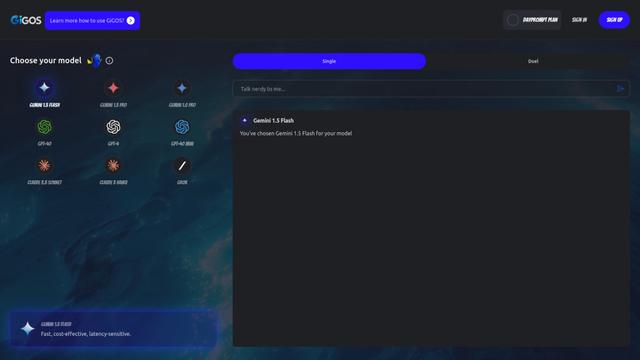
GiGOS là một nền tảng AI cung cấp quyền truy cập vào nhiều mô hình ngôn ngữ tiên tiến như Gemini, GPT-4, Claude và Grok với giao diện trực quan để người dùng tương tác và so sánh các mô hình AI khác nhau.
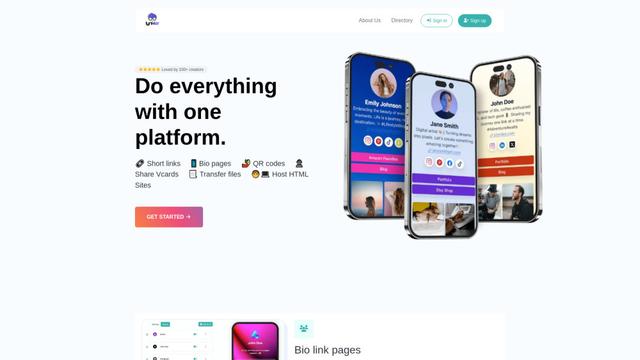
Lynklet
Lynklet là một nền tảng công cụ xã hội tất cả trong một kết hợp các trang liên kết tiểu sử, rút gọn URL, tạo mã QR, danh thiếp kỹ thuật số và khả năng lưu trữ tệp trong một giải pháp toàn diện.
Công cụ AI Phổ biến Giống CraftBot

Off-grid LLM over Radio
Một nền tảng tích hợp các Mô Hình Ngôn Ngữ Lớn (LLMs) với các mạng lưới giao tiếp Meshtastic để cho phép các tương tác AI không có lưới và thực hiện nhiệm vụ tự động thông qua giao tiếp radio.
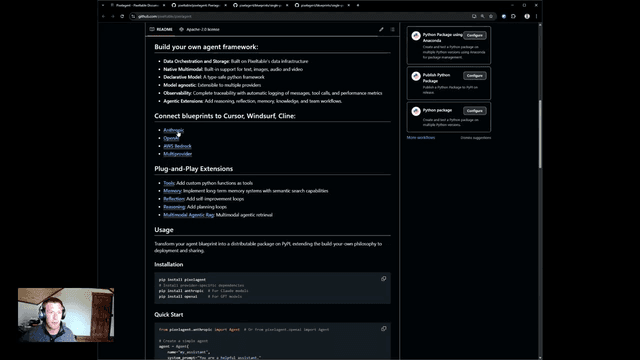
Pixelagent
Pixelagent là một framework Python khai báo để xây dựng các AI agent tùy chỉnh, thống nhất khả năng LLM, lưu trữ và điều phối với chức năng tự xây dựng cho bộ nhớ, tool-calling và xử lý dữ liệu đa phương thức.

MulmoCast
MulmoCast là một công cụ trình bày đa phương tiện gốc AI, tự động tạo video, podcast, slide, PDF và nội dung theo phong cách manga từ một tập lệnh duy nhất bằng cách sử dụng các công nghệ AI khác nhau.
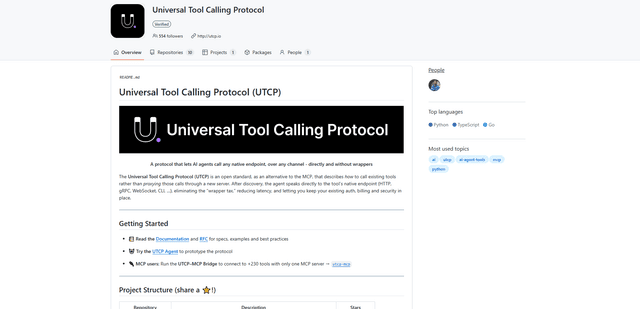
UTCP
UTCP (Giao thức Gọi Công cụ Phổ quát) là một giao thức tiêu chuẩn mở cho phép các tác nhân AI gọi trực tiếp bất kỳ điểm cuối API gốc nào trên các giao thức giao tiếp khác nhau mà không cần phần mềm trung gian hoặc máy chủ trình bao bọc.