ZeroGPT - AI Detector & Content Checker
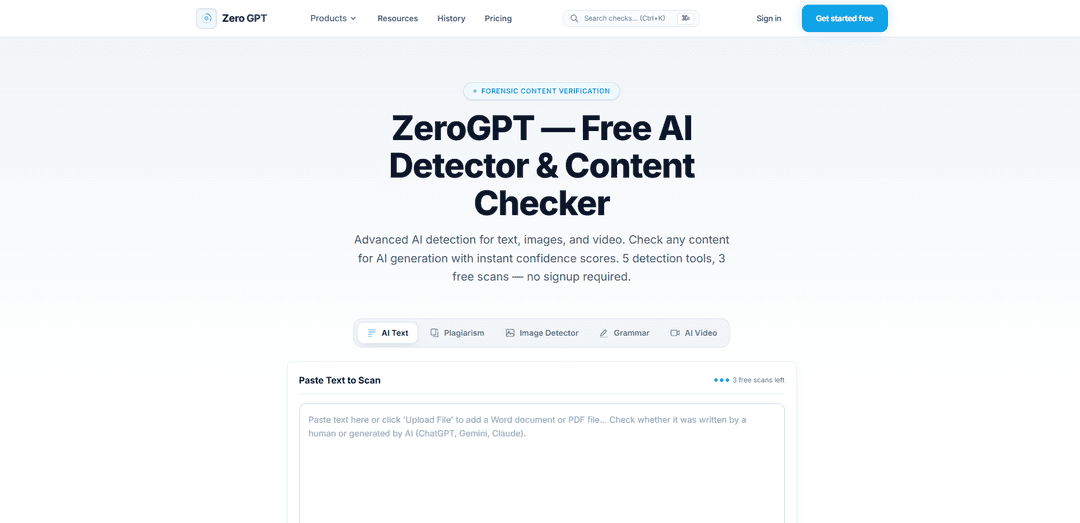
ZeroGPT is a forensic AI-content verification platform that analyzes text, images, and video, providing confidence scores, plain-language verdicts, and technical breakdowns for suspected AI-generated content.
https://www.zerogpt.live/?utm_source=aipure
Product Information
Updated:Oct 15, 2026
What is ZeroGPT - AI Detector & Content Checker
ZeroGPT is an AI detection tool designed to help users assess whether digital content may have been generated or manipulated by artificial intelligence. Its platform supports text, image, and video analysis, allowing users to paste text or upload media for review. Each scan is presented with an easy-to-read confidence result and verdict, while additional technical details are available for users who want deeper context. Basic scans can be performed without registration, with a limited number of free checks available.
Key Features of ZeroGPT - AI Detector & Content Checker
ZeroGPT is a forensic content-verification platform for assessing whether text, images, and video may have been generated by AI. It provides confidence scores, plain-language verdicts, and expandable technical explanations, with tools calibrated specifically for English-language content. Basic use does not require registration, and users can paste text or upload media from desktop or mobile devices.
Multi-format AI detection: Scans pasted text as well as uploaded images and video clips for signs of AI generation.
Confidence-based results: Returns a confidence reading and a plain-language verdict rather than presenting detection as definitive proof.
Technical result breakdown: Provides an expandable explanation alongside each scan so users can review the basis of the assessment.
English-focused calibration: The platform states that its detection tools are tuned and calibrated specifically for English-language content.
Mobile-friendly review: Supports uploads from a device camera roll and enables users to review results and scan history across devices.
No-signup basic scans: Users can begin with three free scans without creating an account.
Use Cases of ZeroGPT - AI Detector & Content Checker
Editorial and publishing review: Editors can assess submitted articles, images, or short videos for potential AI generation before publication.
Education integrity screening: Teachers and academic staff can use text scans as one signal when reviewing English-language assignments, while avoiding treating the result as conclusive evidence.
Marketing content verification: Brand and communications teams can check campaign copy and creative assets to support disclosure, brand-governance, or authenticity workflows.
Social-media moderation: Community managers can review user-submitted captions, images, and videos for potential synthetic content before amplification or escalation.
Journalism and fact-checking support: Reporters and verification teams can add AI-content screening to their initial review of media received from sources or found online.
Pros
Supports text, image, and video scanning in one platform.
Communicates results as probabilistic signals rather than absolute proof.
Offers plain-language verdicts plus optional technical detail.
Allows basic use without registration and is designed for mobile review.
Cons
The tools are specifically calibrated for English, so results may be less applicable to other languages.
Only three free scans are available to start.
AI-detection results are inherently probabilistic and should not be the sole basis for disciplinary, legal, or publishing decisions.
How to Use ZeroGPT - AI Detector & Content Checker
Open ZeroGPT: Go to the ZeroGPT website in a web browser. Basic scans may be available without creating an account; the official site indicates that users receive a limited number of free scans.
Choose the content type: Select the appropriate detection option for the material you want to check: text, image, or video. For AI-written-content analysis, use the text scanner.
Paste or upload your content: For text detection, paste the writing into the scan field. The official site lists a 300-word minimum for text scans. For image or video checks, upload the relevant file or drop it into the upload area.
Start the scan: Submit the content for analysis by selecting the scan or detection control. Wait for ZeroGPT to process the material and generate its result.
Review the result: Read the confidence score, plain-language verdict, and any technical breakdown or sentence-level highlights. Pay particular attention to flagged passages rather than relying only on the overall percentage.
Interpret the result cautiously: Treat the result as a probabilistic signal, not proof that content was or was not created with AI. Use it alongside context, source checking, drafting history, and human review; do not use one score alone for disciplinary or high-stakes decisions.
Revise or document as needed: If the scan identifies passages worth reviewing, verify claims, citations, tone, and authorship context. Copy, save, or export the report if the version of ZeroGPT you are using provides reporting or export options.
ZeroGPT - AI Detector & Content Checker FAQs
ZeroGPT is an AI-content detection platform that analyzes text, images, and video for signs of AI generation. It provides confidence scores, a plain-language verdict, and technical breakdowns for scans.
Popular Articles

Proferex: A Cloud-Based Ad Tracking and Campaign Optimization Platform
Nov 4, 2026

How to Create Viral Talking Baby Podcast Videos with AI: Step-by-Step Guide
Nov 2, 2026

Vosko AI: Localize and Dub Videos for Global Audiences
Oct 15, 2026

Atoms: A Multi-Agent AI Platform That Transforms Ideas into Launch-Ready Products
Oct 13, 2026
Latest AI Tools Similar to ZeroGPT - AI Detector & Content Checker
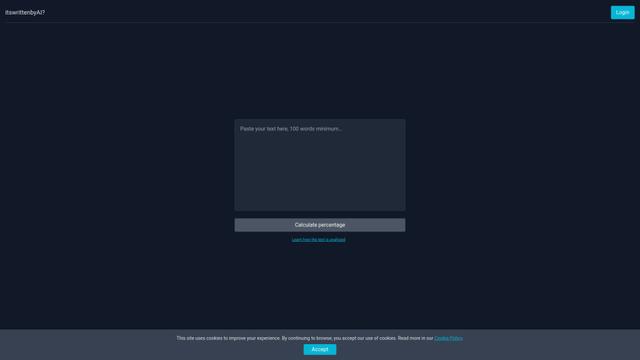
Itswrittenbyai
Itswrittenbyai is an AI detection tool that helps identify content generated by popular AI models like ChatGPT, Claude, and Gemini.
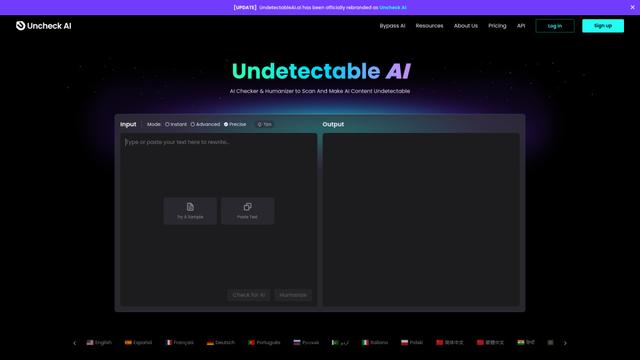
Uncheck AI
Uncheck AI is an advanced AI detection and humanization tool that can accurately identify AI-generated content and rewrite it to be undetectable by popular AI detectors.
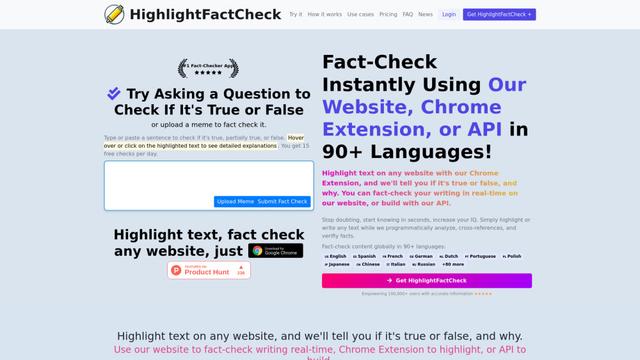
HighlightFactCheck.com
HighlightFactCheck.com is a smart companion for verifying online information, offering instant AI-powered fact-checks through a website, Chrome extension, and API in over 90 languages.
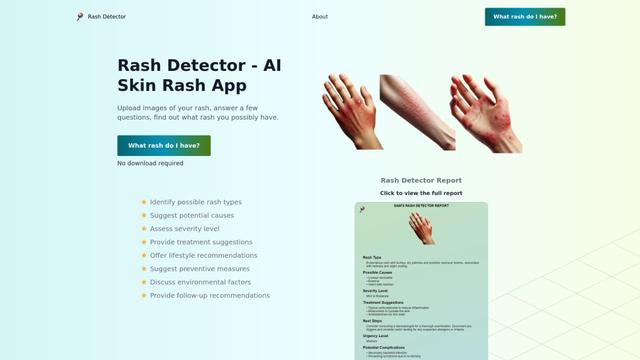
Rash Detector
Rash Detector is an AI-powered web app that analyzes images of skin rashes to provide insights on possible rash types, causes, severity, and treatment suggestions.
Popular AI Tools Like ZeroGPT - AI Detector & Content Checker
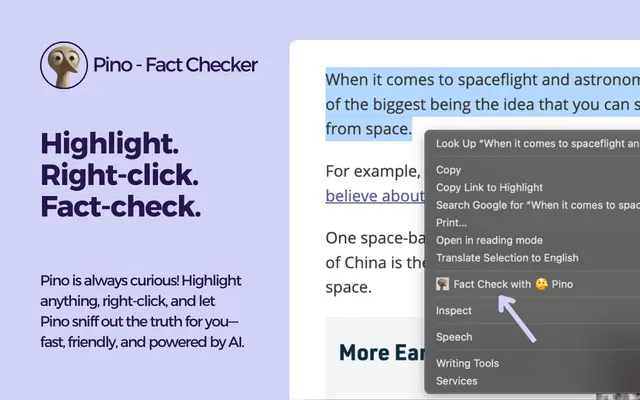
Pino - Fact Checker
Pino is an AI-powered Chrome extension that enables instant fact-checking of any text with truth scores, detailed analysis, and reliable sources through a simple highlight-and-click interface.
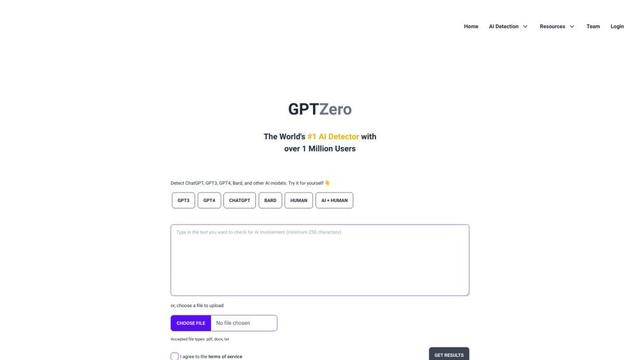
GPTZero
GPTZero is a leading AI detection tool that accurately identifies AI-generated text from various language models across sentence, paragraph, and document levels.
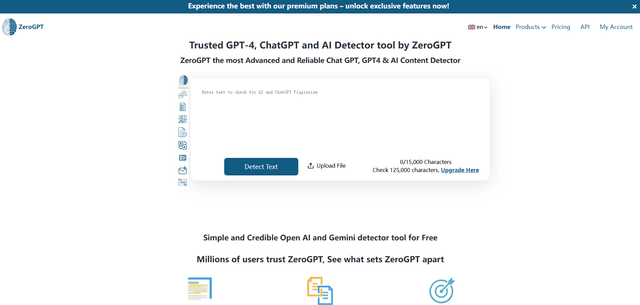
ZeroGPT
ZeroGPT is a comprehensive AI content suite featuring a highly accurate AI detector tool that analyzes text to determine whether it was written by AI (like ChatGPT, GPT-4, Gemini) or humans, along with additional features like summarization, paraphrasing, translation and grammar checking capabilities.
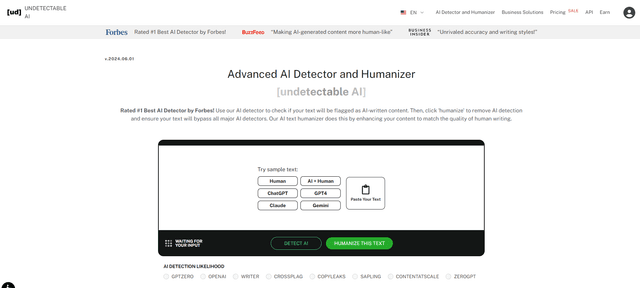
Undetectable AI
UndetectableAI.ai is an AI content detection and humanization tool that scans AI-generated text and rewrites it to be undetectable by AI detectors while maintaining quality and meaning.