Zeptap
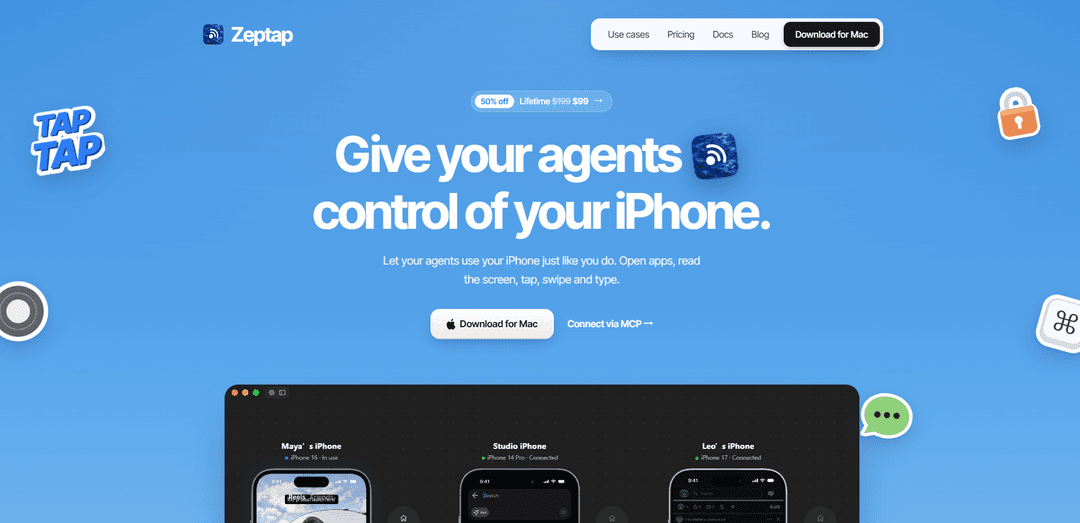
Zeptap is a macOS app that lets AI agents such as Claude Code, Codex, and Cursor view and operate a real iPhone through a local MCP server, with USB screen capture and Bluetooth-based tapping, swiping, and typing.
https://zeptap.com/?utm_source=aipure
Product Information
Updated:Oct 22, 2026
What is Zeptap
Zeptap is a Mac app that hands your iPhone to an AI agent: it opens apps, reads the screen, taps, swipes and types in your real apps and signed-in accounts. Answer Instagram DMs, post a Story from your camera roll, send a video from WhatsApp to TikTok, book a ride, or let your coding agent test the app you are building on a real device. Built-in chat on your own Claude or ChatGPT plan, or connect Claude Code, Codex, Cursor or any MCP agent. Up to 5 iPhones, nothing installed on the phone. Pricing: $25/month or $99 lifetime.
Key Features of Zeptap
Zeptap is a macOS application that lets AI agents operate a real, USB-connected iPhone by viewing its screen and sending taps, swipes, keyboard input, and app-launch commands through Bluetooth AssistiveTouch. It exposes these capabilities through a local, loopback-only MCP server and supports agents such as Claude Code, Codex, Cursor, Claude Desktop, Hermes, and OpenClaw. Zeptap requires no Xcode, Apple Developer account, Developer Mode, or app installation on the iPhone, and it can use the customer’s existing AI subscription or provider.
Real iPhone control: Agents can read the live iPhone screen and perform taps, swipes, typing, key presses, and app launches on a physical device rather than an emulator or simulator.
Local MCP integration: Zeptap runs a Streamable HTTP MCP server on the Mac at a loopback address, allowing compatible AI agents to connect locally and control the active paired iPhone.
No iOS developer setup: It works without Xcode, an Apple Developer membership, device provisioning, code signing, Developer Mode, or a helper app installed on the iPhone.
USB screen + Bluetooth input: The Mac receives the iPhone display over USB and sends interaction commands as a Bluetooth keyboard and pointer via AssistiveTouch.
Screenshot-based verification: Each action returns a fresh screenshot after the interface settles, enabling agents to assess the result of each step and recover from changed screens or pop-ups.
Privacy-oriented local operation: Zeptap has no required account or Zeptap cloud service; its MCP server listens only on the local Mac. Screenshots are shared only with the AI agent and model provider selected by the user.
Use Cases of Zeptap
Physical iOS app testing: Development teams can have coding agents test workflows in their iOS apps on a real iPhone, including interaction with native UI, permissions, notifications, and production-like device behavior.
Social media workflow assistance: Agents can prepare drafts, browse feeds, research trends, write replies, or perform supervised engagement tasks in apps such as Instagram, TikTok, and Reddit using the user’s real accounts.
Research inside native apps: Users can delegate searches and information gathering from apps where useful content is behind app interfaces, such as Reddit threads, YouTube comments, Maps listings, or community platforms.
Customer-message drafting: Businesses can let an agent read customer inquiries in mobile messaging or social applications and draft responses for human review before anything is sent.
Cross-app content operations: Teams can move approved content and captions between iPhone apps, such as taking material from WhatsApp and preparing it for an Instagram post or Story draft.
Personal mobile-task automation: Individuals can hand off repetitive phone-based tasks—opening apps, navigating settings, filling forms, searching content, and preparing text—while retaining their own device and accounts.
Pros
Operates a real iPhone and its installed App Store apps, accounts, iCloud services, and device-specific behavior rather than a simulated environment.
Avoids the usual iOS automation setup burden: no Xcode, Developer Mode, signing profiles, Apple Developer account, or phone-side installation.
Local-only MCP endpoint and no required Zeptap cloud or account provide a comparatively privacy-conscious architecture.
Works with multiple MCP-capable agents and can use existing Claude Code, Codex, or OpenRouter access rather than charging separate AI credits.
Cons
Requires a Mac running macOS 14 or later, a physical iPhone, a USB connection, Bluetooth pairing, and AssistiveTouch; it is not a cloud or remote-device solution.
Visual, screen-driven automation can be less deterministic than locator-based test automation and may be affected by UI changes, pop-ups, or slow screens.
Screenshots and screen content still leave the Mac if the connected agent sends them to an external model provider, so sensitive-device use requires careful provider and permission choices.
It is a paid product after the free trial period, with licensing limits based on the number of simultaneously controlled iPhones.
How to Use Zeptap
Verify requirements: Use a Mac running macOS 14 or later with Bluetooth enabled, a real iPhone, and a USB cable. Quit any other Mac apps that are currently acting as a Bluetooth keyboard for the iPhone, because only one such connection can be active.
Download and install Zeptap: Download Zeptap.dmg from the Zeptap website, open the DMG, and drag Zeptap into the Applications folder. Launch Zeptap from Applications.
Connect the iPhone by USB: Plug the iPhone into the Mac with a USB cable. Keep the iPhone connected so Zeptap can receive and mirror its screen.
Complete Zeptap pairing setup: Follow Zeptap’s in-app setup flow to pair the iPhone with the Mac over Bluetooth. Zeptap uses the Bluetooth connection as a keyboard and pointer, and configures AssistiveTouch on the iPhone. Nothing needs to be installed on the iPhone.
Confirm the phone is available: In Zeptap, confirm that the iPhone screen is visible and the phone is selected as the active device. If using multiple phones, identify the intended phone before issuing actions.
Choose how to control the iPhone: Either use Zeptap’s built-in chat or connect an external AI agent that supports MCP, such as Claude Code, Claude Desktop, Codex, Cursor, Hermes, or OpenClaw.
Connect an MCP-capable agent: Keep the Zeptap app open, then configure the agent to connect to the local Streamable HTTP MCP server at http://127.0.0.1:47801/mcp. The server listens only on the local Mac and does not require an API key. For Claude Code, run: claude mcp add --transport http --scope user zeptap http://127.0.0.1:47801/mcp.
Use the stdio option if needed: If the MCP client only supports stdio-launched servers, use the Zeptap stdio relay instead: npx -y @zeptap/mcp. Zeptap must still be installed and running on the Mac.
Start with a screenshot or simple request: Ask the connected agent to take a screenshot or open an app. For example: “Take a screenshot of my iPhone” or “Open Settings.” Each action returns a screenshot after the screen settles, allowing the agent to verify what happened.
Give the agent a clear task: Describe the desired sequence in plain language, such as “Open my app, walk through the signup flow, and screenshot each screen,” “Search Reddit for a topic and summarize the comments,” or “Draft a reply but stop before sending.”
Use the look-act-verify workflow: Have the agent inspect the returned screenshot, perform one or a few taps, swipes, typing, or key presses, and verify the next screenshot before continuing. This reduces mistakes from missed taps, pop-ups, or changed layouts.
Handle sensitive or irreversible actions carefully: Review actions before allowing messages, posts, purchases, account changes, or other irreversible submissions. Zeptap can operate apps and accounts on the physical iPhone, so instruct the agent to pause for confirmation before sending or posting when appropriate.
Configure unlocking only if desired: If you want Zeptap to unlock the iPhone, explicitly enable that option per phone. The passcode is stored in the local macOS Keychain, not iCloud, and is not exposed to the agent. Zeptap makes one attempt per unlock request.
Keep Zeptap running during use: Leave the Zeptap app open while an external agent is connected. Its local MCP server exists only while the app is running; if Zeptap closes, reconnect after reopening it.
Update Zeptap when prompted: Use Zeptap’s update option or the Zeptap menu’s “Check for Updates” command to stay current. Updates are delivered through the app.
Zeptap FAQs
Zeptap is a macOS app that lets AI agents control a real, connected iPhone. It can view the iPhone screen over USB and perform actions such as opening apps, tapping, swiping, typing, and pressing keys.
Popular Articles

Vosko AI: Localize and Dub Videos for Global Audiences
Oct 15, 2026

Atoms: A Multi-Agent AI Platform That Transforms Ideas into Launch-Ready Products
Oct 13, 2026

Nano Banana SBTI: What It Is, How It Works, and How to Use It in 2026
Apr 15, 2026

Atoms Review — The AI Product Builder Redefining Digital Creation in 2026
Apr 10, 2026
Latest AI Tools Similar to Zeptap

invoices.dev
invoices.dev is an automated invoicing platform that generates invoices directly from developers' Git commits, with integration capabilities for GitHub, Slack, Linear, and Google services.
Monyble
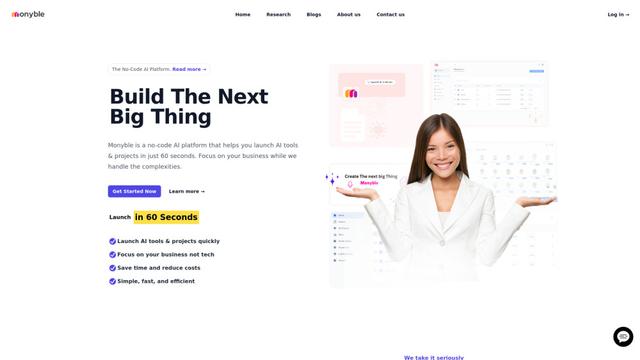
Monyble is a no-code AI platform that enables users to launch AI tools and projects within 60 seconds without requiring technical expertise.

Devozy.ai
Devozy.ai is an AI-powered developer self-service platform that combines Agile project management, DevSecOps, multi-cloud infrastructure management, and IT service management into a unified solution for accelerating software delivery.
Mediatr
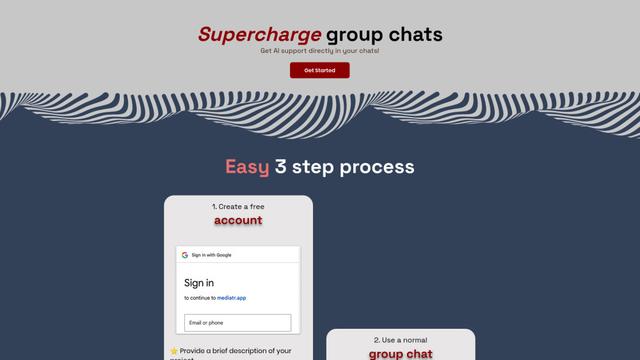
MediatR is a popular open-source .NET library that implements the Mediator pattern to provide simple and flexible request/response handling, command processing, and event notifications while promoting loose coupling between application components.
Popular AI Tools Like Zeptap
Launch
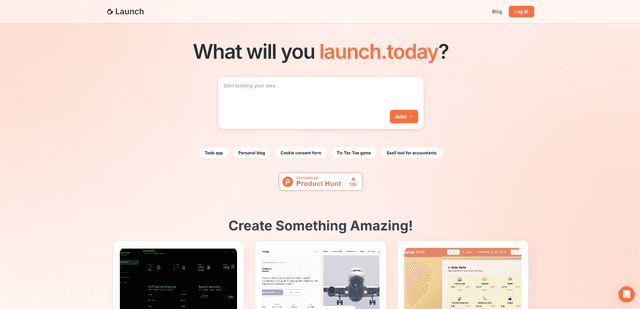
Launch is an AI-powered platform that enables users to build full-stack applications instantly while providing comprehensive tools for product launches, entrepreneurship programs, and customer acquisition.

GitHub Copilot Chat
GitHub Copilot Chat is an AI-powered coding assistant that provides natural language interactions, real-time code suggestions, and contextual support directly within supported IDEs and GitHub.com.
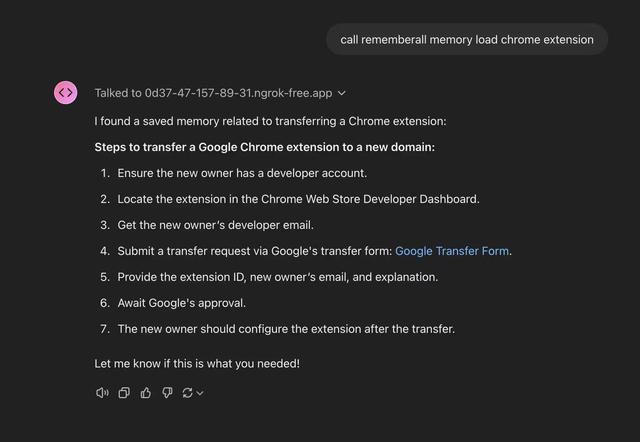
Rememberall
Rememberall is a secure, open-source long-term memory solution that enables AI applications and GPT models to maintain persistent memory across conversations through semantic search and vector storage capabilities.
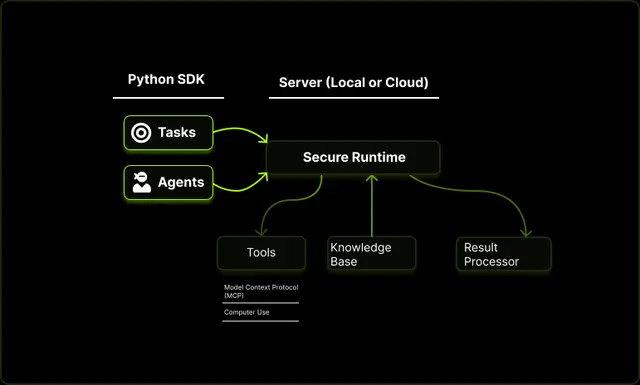
Upsonic
Upsonic is a reliability-focused AI agent framework with dockerized server-client architecture that enables trusted agent workflows through advanced features like verification layers, triangular architecture, and Model Context Protocol (MCP) integration.