WorkPPT
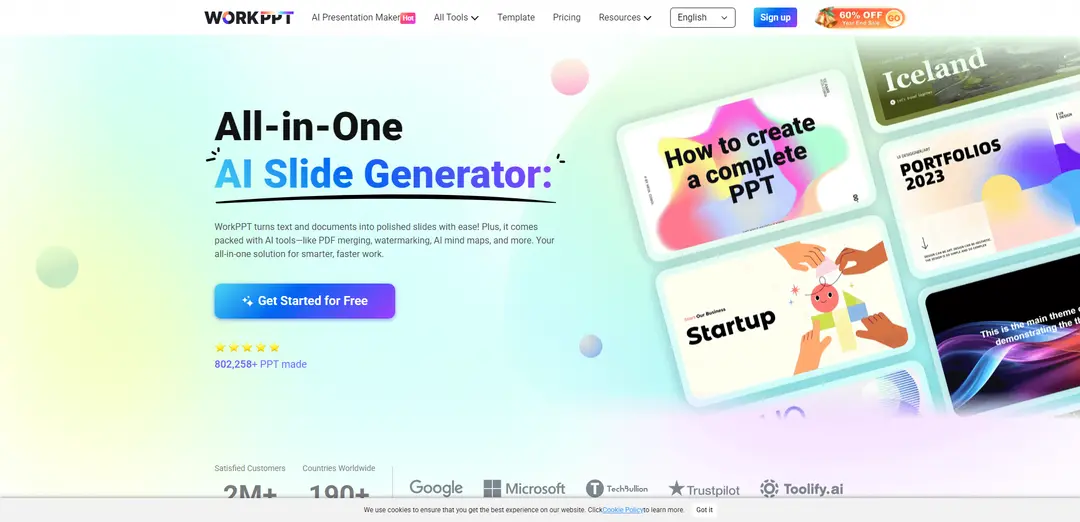
WorkPPT is an AI-powered all-in-one office productivity platform that automatically converts text and documents into polished presentations while offering additional tools like PDF management, summarization, mind mapping and AI chat assistance.
https://ppt.softtooler.com/?utm_source=aipure
Product Information
Updated:Jan 6, 2026
What is WorkPPT
WorkPPT is a comprehensive online AI productivity platform designed to streamline the creation of professional presentations and document management. As a cloud-based solution, it combines advanced AI technology with an intuitive interface to help users generate high-quality slides, handle PDFs, create mind maps, summarize content, and interact with AI assistance - all within one integrated platform. The service has been used to create over 800,000 presentations and serves customers across 190+ countries worldwide.
Key Features of WorkPPT
WorkPPT is an all-in-one AI-powered productivity platform that specializes in turning text, documents, and data into polished presentations. It offers automatic slide generation, PDF management, content summarization, AI chat assistance, and mind mapping capabilities. The platform features 5000+ modern templates, supports multiple file formats (PPTX, PDF, PNG), and provides real-time collaboration with cloud storage, making presentation creation fast, secure, and user-friendly.
AI Slide Generation: Automatically converts text, PDFs, Word documents, and images into professionally formatted presentations with clear headlines and bullet points in seconds
Smart PDF Tools: Comprehensive PDF management including merging, splitting, watermarking, and converting between different formats
Template Library: Access to 5000+ modern templates across various styles (corporate, minimal, creative) with automatic layout and design formatting
Multi-format Support: Enables export in multiple formats (PPTX, PDF, PNG) and supports real-time collaboration with auto-save functionality
Use Cases of WorkPPT
Business Presentations: Professionals can quickly create polished business reports, sales pitches, and strategy presentations with consistent branding
Education: Teachers and students can transform study notes, research papers, and learning materials into engaging presentation slides
Research Communication: Researchers can convert complex documents and data into clear, visually appealing presentations for conferences or lectures
Marketing Content: Marketers can generate presentation decks for campaigns, product launches, and client pitches with professional designs
Pros
Fast and efficient presentation creation with AI automation
Comprehensive suite of tools beyond just presentations
User-friendly interface with no download required
Secure cloud storage with auto-save functionality
Cons
Advanced features require a paid subscription
Some features like picture-to-PPT have limitations (only 1 picture supported)
Requires internet connection for core features
How to Use WorkPPT
Step 1: Access WorkPPT: Go to WorkPPT's website (ppt.softtooler.com) in your browser - no downloads needed as it works directly online
Step 2: Input Content: Either type your topic/prompt directly or upload supported files (txt, docx, xlsx, xls, pptx, jpg, png, pdf) that you want to convert into slides
Step 3: Choose Template: Select from 5000+ modern templates available - options include clean, corporate, minimal, or creative designs
Step 4: Generate Slides: Click to generate - WorkPPT's AI will automatically organize content, create layouts, and match relevant visuals in seconds
Step 5: Edit & Customize: Review and edit the generated slides - modify text, images, charts, and tables as needed using the intuitive interface
Step 6: Export & Share: Download your presentation in your preferred format (PPTX, PDF, PNG, JPG) or share directly. All changes are auto-saved in the cloud
WorkPPT FAQs
WorkPPT offers a free trial with 1 AI slide generation, 20 AI PDF tools uses and other basic features. For full access and better experience, paid plans are available starting from $19.99/month.
Popular Articles

Vosko AI: Localize and Dub Videos for Global Audiences
Oct 15, 2026

Atoms: A Multi-Agent AI Platform That Transforms Ideas into Launch-Ready Products
Oct 13, 2026

Nano Banana SBTI: What It Is, How It Works, and How to Use It in 2026
Apr 15, 2026

Atoms Review — The AI Product Builder Redefining Digital Creation in 2026
Apr 10, 2026
Latest AI Tools Similar to WorkPPT
PPTalker
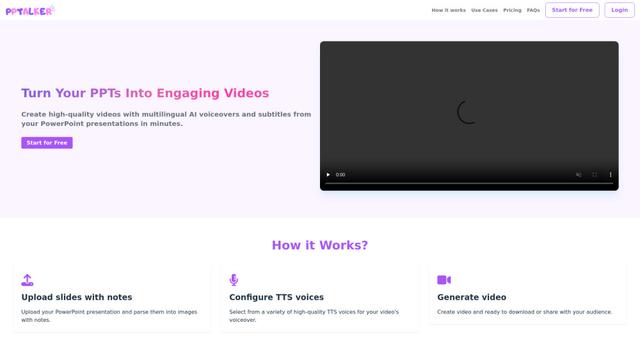
PPTalker is an online PowerPoint to video converter that transforms presentations into engaging videos with AI-powered multilingual voiceovers and subtitles.
Napkin
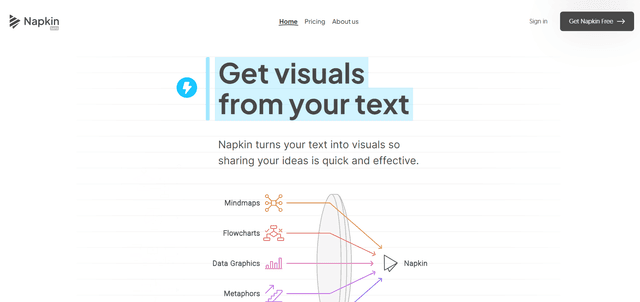
Napkin AI is an innovative AI-powered tool that automatically transforms text into visually appealing graphics, diagrams, and illustrations to enhance business communication and storytelling.
Aidocmaker.com
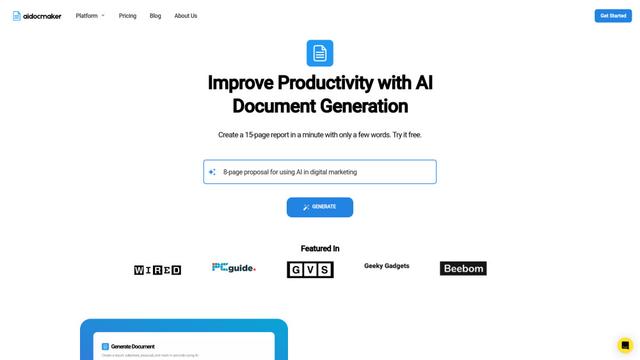
Aidocmaker.com is an AI-powered document creation platform that allows users to effortlessly generate professional documents, presentations, spreadsheets, and voiceovers in minutes.

Yanbi AI
Yanbi AI is a free AI-powered writing tool that generates high-quality content for various writing scenarios with one click.
Popular AI Tools Like WorkPPT

MulmoCast
MulmoCast is an AI-native multi-modal presentation tool that automatically generates videos, podcasts, slides, PDFs, and manga-style content from a single script using various AI technologies.
MulmoCast Vision
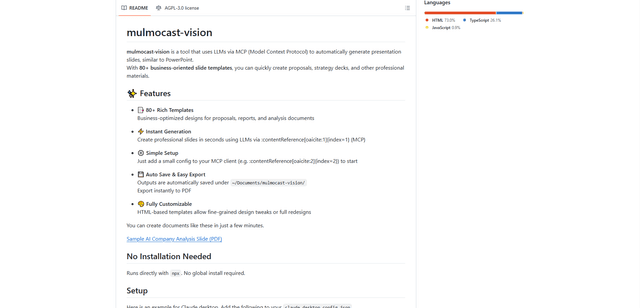
MulmoCast Vision is an AI-powered tool that automatically generates professional presentation slides through LLMs via Model Context Protocol (MCP), featuring 80+ business-oriented templates for various corporate needs.
Gamma
Free TrialAI Presentation Generator
Gamma App is an AI-powered tool for creating beautiful presentations, documents, and websites with no design or coding skills required.
SLIDESGO
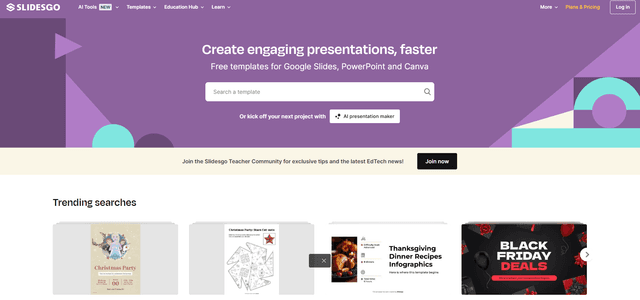
Slidesgo is a free online platform that provides professionally designed presentation templates for Google Slides and PowerPoint with customizable themes, infographics, and AI-powered tools to help create engaging presentations faster.