
WOPA
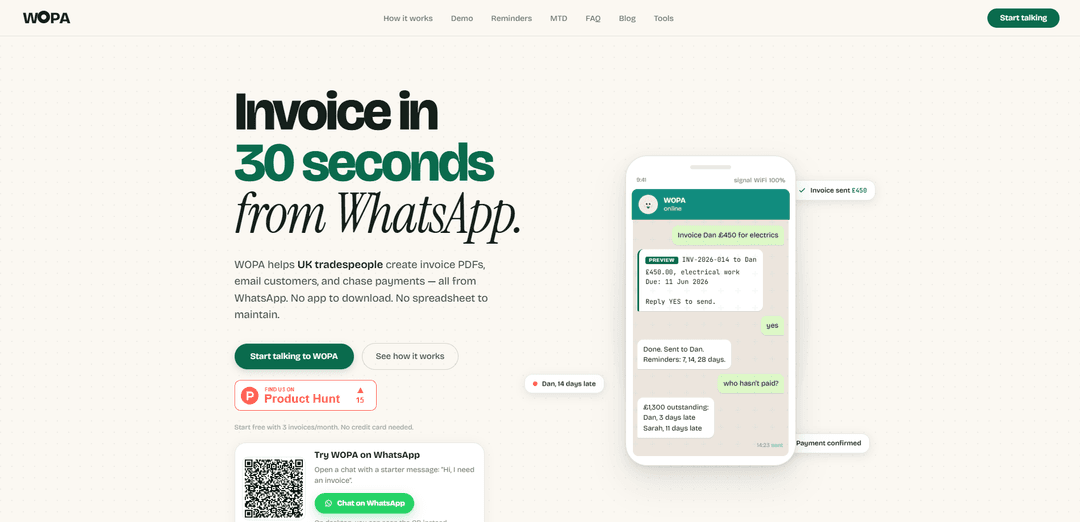
WOPA is a WhatsApp-based invoicing assistant for UK tradespeople that creates PDF invoices, emails customers, and automatically chases late payments with scheduled reminders—no app download required.
https://mywopa.com/?ref=producthunt
Product Information
Updated:Jun 8, 2026
What is WOPA
WOPA is a live beta service built for UK tradespeople who want to handle invoicing and payment chasing without switching tools. It works entirely through a WhatsApp chat: you describe the job and amount in plain English, WOPA drafts a professional invoice, and once you approve it, WOPA emails the customer an A4 PDF invoice with bank details and a payment reference. It also supports common UK trade needs like VAT (including reverse-charge VAT for construction) and CIS deductions, and offers a free tier with 3 invoices per month (no card required) plus a paid plan for higher volume.
Key Features of WOPA
WOPA is a WhatsApp-based invoicing assistant for UK tradespeople that turns plain-English messages into draft invoices, lets you preview and approve before sending, emails customers an A4 PDF invoice, and then tracks payment with automated (but controllable) reminders at 7, 14, and 28 days. It also supports VAT (including reverse-charge) and CIS deductions, provides an “who hasn’t paid?” view of outstanding invoices, and allows you to mark invoices as paid directly from WhatsApp—without needing a separate app or dashboard.
Invoicing directly from WhatsApp: Create invoices by messaging WOPA in natural language (job, customer, amount); no extra app download or separate dashboard required.
Draft preview + approval workflow: WOPA generates a draft invoice and asks for missing details; nothing is sent until you confirm (e.g., reply “YES”), keeping you in control.
PDF invoice emailed to customers: Customers receive a professional email with an A4 PDF invoice, including bank details and a payment reference—customers do not need WhatsApp.
Automatic payment reminders (7/14/28 days): WOPA schedules polite follow-ups automatically after sending, with the option to pause/stop reminders or require review before firmer notices.
Outstanding payments snapshot: Ask “who hasn’t paid?” to get a list of overdue invoices and amounts outstanding, then chase multiple clients in one go.
VAT & CIS support: Supports standard VAT, reverse-charge VAT for construction, and CIS deductions for subcontractors—useful for UK trade invoicing compliance.
Use Cases of WOPA
Sole trader invoicing after job completion: A self-employed electrician or plumber finishes a job and messages WOPA the details; WOPA drafts, sends the PDF by email, and starts reminders automatically.
Construction subcontractor billing (CIS + reverse charge VAT): A subcontractor needs invoices that reflect CIS deductions and reverse-charge VAT rules; WOPA helps generate compliant invoices and chase payment.
Small limited company payment chasing: A small building firm can keep cashflow moving by asking for an overdue list and sending reminders to multiple late payers from one WhatsApp chat.
Field-based trades with no time for admin: Landscapers, roofers, decorators, and HVAC engineers can invoice and follow up without logging into accounting software, reducing end-of-day paperwork.
Lightweight alternative to full accounting tools: Teams that only need fast invoicing + reminders (rather than full bookkeeping) can use WOPA as a simple operational invoicing loop.
Pros
No app or dashboard—runs inside WhatsApp, matching how many tradespeople already work day-to-day.
Strong payment-chasing loop with automated reminders plus manual control (pause/stop/mark paid).
Customer-friendly delivery: invoices arrive by email as a clean PDF; customers don’t need WhatsApp.
Supports UK-specific needs like VAT (including reverse charge) and CIS deductions.
Cons
Custom sending domains (using your own email/domain) are not available yet, which may matter for branding.
Live beta: sender details and some behaviors may change during beta and require extra attention before sending.
Designed primarily for UK tradespeople, so it may be less suitable for non-UK workflows or requirements.
How to Use WOPA
1) Start a WhatsApp chat with WOPA: Open the WOPA WhatsApp link (e.g., “Start talking to WOPA”) and send the starter message. No app download or card is needed to begin.
2) Ask WOPA to create an invoice in plain English: Message WOPA with the customer and job details, e.g., “invoice Dan £450 for electrics” or “invoice Chris £850 rewire”.
3) Provide any missing details WOPA asks for: If needed, WOPA will prompt you for missing fields such as the customer email, due date, description, VAT/CIS details, and your bank details/payment reference.
4) Review the draft invoice preview: WOPA shows a draft (customer, amount, description, due date, bank details). Nothing is sent until you approve it.
5) Edit if needed, then confirm to send: Make corrections by messaging changes (e.g., adjust amount or due date). When ready, reply “YES” (or “yes”) to approve sending.
6) WOPA emails the invoice PDF to your customer: After confirmation, WOPA sends a professional invoice email with an A4 PDF attachment to the customer’s email address. Customers do not need WhatsApp.
7) Let WOPA run payment reminders (optional, controlled by you): WOPA can automatically send polite follow-ups on a schedule (e.g., 7, 14, and 28 days) until the invoice is paid, paused, or switched off. WOPA will ask for confirmation before sending a firm follow-up.
8) Check who hasn’t paid: At any time, ask “who hasn’t paid?” to see outstanding invoices and how late they are.
9) Chase unpaid invoices with one message: Tell WOPA to follow up (e.g., “chase both”) and it will send reminders to the selected customers.
10) Mark an invoice as paid to stop reminders: When you receive payment, message WOPA (e.g., “dan paid”). WOPA marks the invoice paid and stops future reminders.
11) Use VAT and CIS options when relevant: If you need tax-specific invoices, tell WOPA during drafting. WOPA supports standard VAT, reverse-charge VAT for construction, and CIS deductions for subcontractors.
12) Understand sending email/domain limitations during beta: Custom sending domains are not available yet; early invoices are sent through WOPA’s email setup. The exact sender details may change during beta and will be made clear before you send live invoices.
13) Stay on the free tier or upgrade when you need more invoices: You can send up to 3 invoices per month for free. If you need more, upgrade to paid (founder pricing £9.99/month for the first 200 beta customers; regular price planned £14.99/month). Billing is monthly and you can cancel anytime.
WOPA FAQs
WOPA is a WhatsApp-based invoicing assistant for UK tradespeople. You message it in plain English, it drafts an invoice, emails a PDF to your customer, and can chase unpaid invoices with automatic reminders.
Popular Articles

Vosko AI: Localize and Dub Videos for Global Audiences
Oct 15, 2026

Atoms: A Multi-Agent AI Platform That Transforms Ideas into Launch-Ready Products
Oct 13, 2026

Nano Banana SBTI: What It Is, How It Works, and How to Use It in 2026
Apr 15, 2026

Atoms Review — The AI Product Builder Redefining Digital Creation in 2026
Apr 10, 2026
Latest AI Tools Similar to WOPA
Accountable
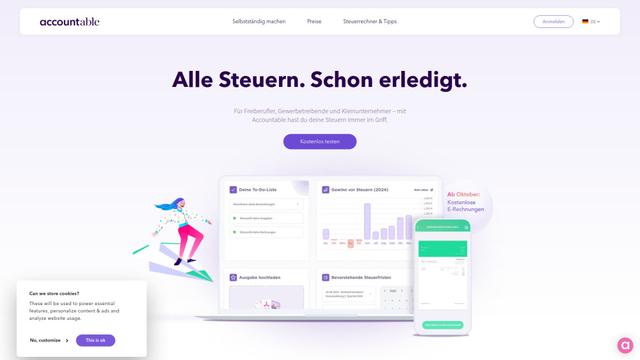
Accountable is an all-in-one tax and accounting solution for freelancers and self-employed professionals in Germany, offering invoice creation, expense tracking, and automated tax filing.
Financial Fusion
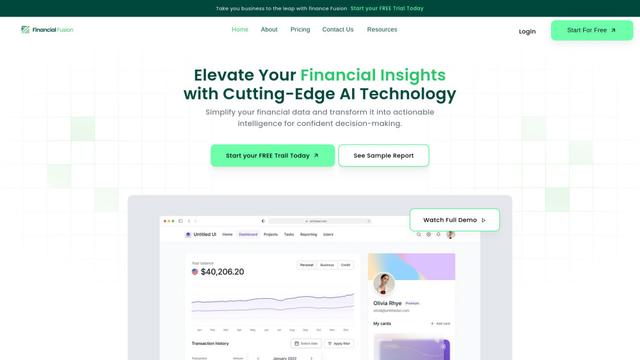
Financial Fusion is an AI-powered financial management platform that provides comprehensive financial analysis, reporting, and strategic insights for businesses.
ARTE - AI Real Estate Tax Expert and Research Assistant
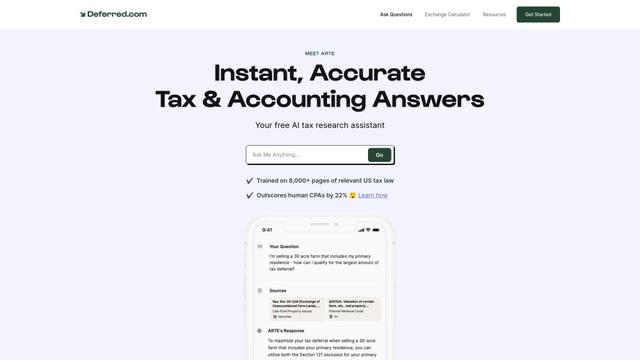
ARTE is a free AI-powered tax research assistant that outperforms human CPAs by 22% on CPA exam benchmarks and provides instant, accurate answers to complex tax and accounting questions.
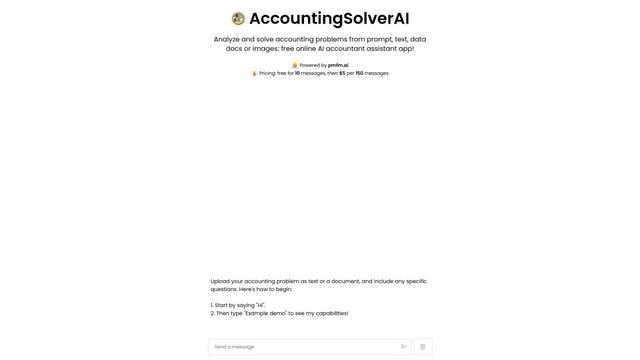
AccountingSolverAI
AccountingSolverAI is an AI-powered online assistant that analyzes and solves accounting problems from prompts, text, data documents or images.
Popular AI Tools Like WOPA
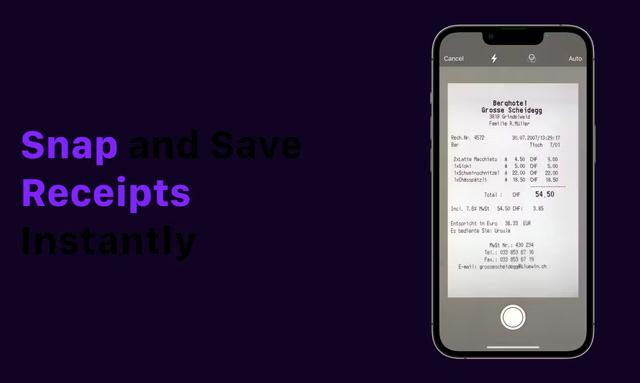
Receipt Snapper And Scanner
Receipt Snapper And Scanner is a mobile app that allows users to instantly capture, categorize, and organize receipts through photo scanning with automatic data extraction and smart organization features.
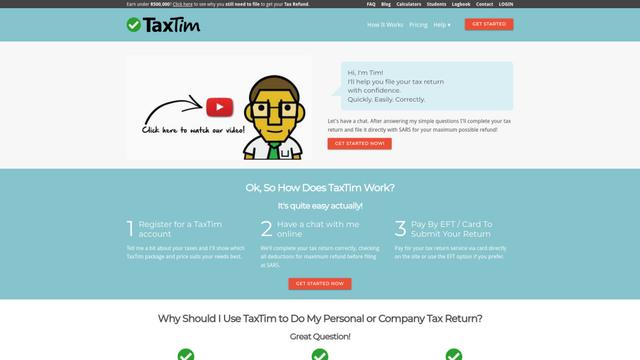
TaxTim SA
TaxTim is an online tax assistant that helps South Africans quickly and easily complete their tax returns for maximum refunds.
Accountable
Accountable is an all-in-one tax and accounting solution for freelancers and self-employed professionals in Germany, offering invoice creation, expense tracking, and automated tax filing.
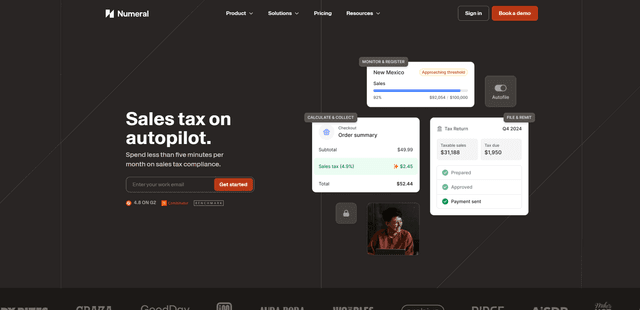
Numeral
Numeral is an automated sales tax compliance platform that helps ecommerce and SaaS businesses manage their sales tax obligations with features like registration, filing, remittance and exemption certificate management.