Wondershare Recoverit AI Data Recovery
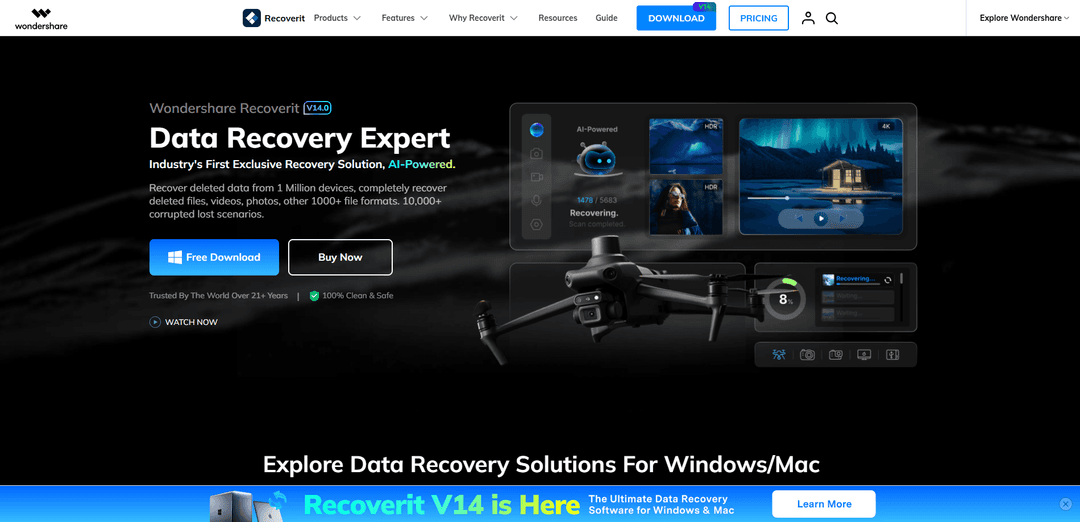
Wondershare Recoverit is an enterprise-grade data restoration solution that replaces traditional, brittle file scanning with an automated, high-precision AI workflow. Backed by 20 years of data security expertise, Recoverit leverages proprietary machine learning and deep-learning algorithms to rescue lost, formatted, or corrupted digital assets with an industry-leading success rate.
https://recoverit.wondershare.com/?utm_source=aipure
Product Information
Updated:Jun 3, 2026
What is Wondershare Recoverit AI Data Recovery
Wondershare Recoverit AI Data Recovery is a desktop data recovery software suite designed to help users retrieve lost, deleted, formatted, or inaccessible data from a wide range of storage sources and scenarios. Positioned as an “AI-powered” recovery platform, it supports recovery from internal/external hard drives, USB flash drives, SD cards, disk images, desktop and selected folders, and even crashed computers via bootable media. Recoverit is available for Windows and macOS, also offers solutions for NAS and Linux recovery (including EXT4, BTRFS, XFS, and BFS), and emphasizes broad compatibility, ease of use, and high recovery performance across many common data-loss situations.
Key Features of Wondershare Recoverit AI Data Recovery
Wondershare Recoverit AI Data Recovery is an AI-powered data recovery suite for Windows and Mac designed to retrieve deleted, lost, formatted, or inaccessible files from a wide range of devices and environments (PC/Mac internal drives, external HDD/SSD, USB, SD cards, disk images, NAS, and Linux file systems). It emphasizes AI-accelerated scanning and AI-based device recognition to tailor recovery approaches across many loss scenarios, and also includes post-recovery media repair capabilities (notably photo/video repair) plus options like bootable media for crashed computers and remote NAS recovery workflows.
AI-powered device recognition: Automatically identifies device types (claimed 1M+ devices) and adapts the recovery approach to the hardware/vendor context for more targeted recovery.
AI-accelerated deep scanning & reconstruction: Uses AI-assisted algorithms to scan faster and map file structures, helping reconstruct data patterns and recover deeply hidden or fragmented files.
Broad device & OS coverage: Recovers from HDD/SSD, USB flash drives, SD cards, cameras/action cams, and more across Windows, macOS, NAS, and Linux environments.
Specialized media recovery for high-resolution video: Designed to gather and reassemble fragmented Ultra HD/4K/8K video pieces to improve the chance of intact video recovery.
Built-in repair after recovery (photo/video): Supports repairing recovered photos and videos (e.g., corrupted or unplayable media) to restore usability and quality.
Crash/boot failure recovery with bootable media: Creates a bootable USB to recover data from computers that won’t start due to OS crash/boot issues (e.g., BSOD scenarios).
Use Cases of Wondershare Recoverit AI Data Recovery
IT helpdesk recovery for employee laptops: Recover documents and project files from accidentally deleted data, formatted drives, or corrupted partitions on Windows/Mac endpoints, including cases where the OS can’t boot (via bootable USB).
Creative production (photo/video) restoration: Recover RAW photos and high-resolution video from SD cards/external drives used in cameras, drones, and action cams, with follow-up repair for corrupted or unplayable media.
Small business NAS incident recovery: Remotely recover lost files from failed/corrupted NAS systems (e.g., Synology/QNAP) without pulling disks, supporting faster business continuity.
Linux workstation/server file recovery: Scan and recover files from Linux storage using supported file systems such as EXT4, BTRFS, XFS, and BFS for engineering or research environments.
Consumer recovery from common loss points: Restore files from Recycle Bin/Trash, desktop, selected folders, external drives, or disk images after accidental deletion, quick format, or device corruption.
Pros
Wide coverage across devices, platforms, and scenarios (Windows/Mac/NAS/Linux; internal/external media; disk images).
AI-based device recognition and scanning aimed at improving speed and recovery precision, especially for media.
Includes bootable recovery for crashed computers and remote NAS recovery workflows.
Adds post-recovery repair for photos/videos to improve usability of recovered media.
Cons
Recovery success claims (e.g., 99.5%) can vary widely by overwrite level, device health, and corruption severity.
Deep scans can take significant time on large drives and heavily fragmented storage.
Some advanced capabilities (e.g., certain repair/bootable/NAS features) may depend on the edition/license tier.
Recovered files may sometimes lack original metadata (e.g., filenames/timestamps) in certain recovery situations.
How to Use Wondershare Recoverit AI Data Recovery
1. Download and install Recoverit: Download Wondershare Recoverit (V14) for Windows or Mac from the official site and install it on your computer. If possible, install it on a different drive than the one you want to recover from to reduce overwrite risk.
2. Launch Recoverit and choose a recovery mode/location: Open Recoverit. From the main interface, select where the data was lost: an internal drive/partition, a specific location (e.g., Desktop/Selected Folder/Recycling Bin), or an external device workflow such as “SD Card Recovery” from the left sidebar.
3. Connect the device (if recovering from SD/USB/camera/drone): Connect your SD card, USB drive, digital camera, GoPro, or drone storage to the computer. Recoverit’s AI-boosted device recognition should automatically identify the device and prepare an optimized recovery approach.
4. Select the target drive/device to scan: Click the drive, partition, or detected external device that contains the lost files, then start the scan (e.g., click “Scan”).
5. Run the AI-powered scan: Let Recoverit perform its AI-accelerated scanning. It will analyze file structures and attempt to reconstruct device-specific data patterns to find deleted, lost, formatted, or inaccessible files.
6. Filter and search scan results: Use built-in filtering (such as file type, time, or size) and keyword search to narrow down results and quickly locate the files you need.
7. Preview files before recovery: Preview recoverable files to confirm they are the correct items and assess quality. Recoverit supports preview for many formats, including professional media formats (where supported).
8. Select files to restore: Check/select the files and folders you want to recover from the scan results list.
9. Recover and save to a different location: Click “Recover” and choose a save destination on a different drive/device than the source you are recovering from. Do not save recovered data back to the same SD card/drive to avoid overwriting recoverable data.
10. (Optional) Repair recovered media if needed: If recovered photos/videos are corrupted or partially playable, use Recoverit’s supported repair capabilities (e.g., photo/video repair) after recovery to improve usability and quality.
11. (Optional) Recover from a crashed computer using bootable media: If the computer won’t boot, use another working computer to create a WinPE bootable USB/CD with Recoverit’s bootable toolkit, boot the crashed computer from that media, then run Recoverit from the boot environment to scan and recover files to an external drive.
Wondershare Recoverit AI Data Recovery FAQs
Wondershare Recoverit is a data recovery software for Windows and Mac that uses AI-powered features to help identify devices and speed up scanning and recovery. It supports recovering deleted or lost files (including photos, videos, and documents) from many storage devices such as internal drives, external drives, USB flash drives, and SD cards, and it also includes media repair features after recovery.
Popular Articles

Vosko AI: Localize and Dub Videos for Global Audiences
Oct 15, 2026

Atoms: A Multi-Agent AI Platform That Transforms Ideas into Launch-Ready Products
Oct 13, 2026

Nano Banana SBTI: What It Is, How It Works, and How to Use It in 2026
Apr 15, 2026

Atoms Review — The AI Product Builder Redefining Digital Creation in 2026
Apr 10, 2026
Latest AI Tools Similar to Wondershare Recoverit AI Data Recovery

MultipleWords
MultipleWords is a comprehensive AI platform offering 16 powerful tools for content creation and manipulation across audio, video, and image editing with cross-platform accessibility.

AiTools.Ge
FreemiumMulti-purpose Tools
AiTools.Ge is an all-in-one AI content creation platform offering 70+ templates for generating text, images, voiceovers, code and more across multiple languages.
GiGOS
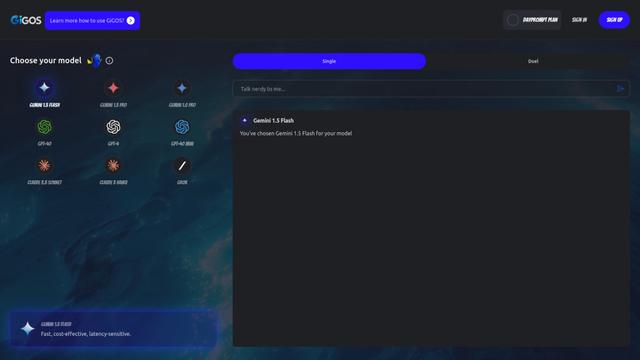
GiGOS is an AI platform that provides access to multiple advanced language models like Gemini, GPT-4, Claude, and Grok with an intuitive interface for users to interact with and compare different AI models.

Lynklet
Lynklet is an all-in-one social tool platform that combines bio link pages, URL shortening, QR code generation, digital business cards, and file hosting capabilities in one comprehensive solution.
Popular AI Tools Like Wondershare Recoverit AI Data Recovery

Off-grid LLM over Radio
A platform that integrates Large Language Models (LLMs) with Meshtastic mesh communication networks to enable off-grid AI interactions and automated task execution through radio communication.
Pixelagent
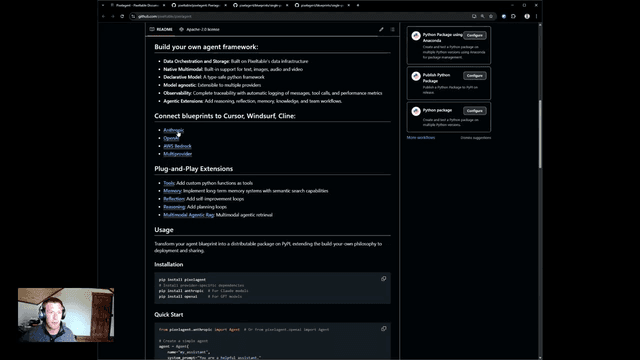
Pixelagent is a declarative Python framework for building custom AI agents that unifies LLM capabilities, storage, and orchestration with build-your-own functionality for memory, tool-calling, and multimodal data handling.

MulmoCast
MulmoCast is an AI-native multi-modal presentation tool that automatically generates videos, podcasts, slides, PDFs, and manga-style content from a single script using various AI technologies.
UTCP
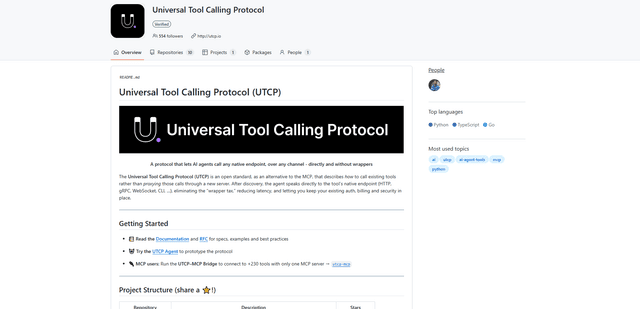
UTCP (Universal Tool Calling Protocol) is an open standard protocol that enables AI agents to directly call any native API endpoint across different communication protocols without requiring middleware or wrapper servers.