
Wondering
Wondering is an AI-powered learning platform that turns any topic into personalized, structured roadmaps with bite-sized visual lessons, interactive practice, and podcast-style audio to help you learn on the go.
https://wondering.app/?ref=producthunt
Product Information
Updated:Aug 8, 2026
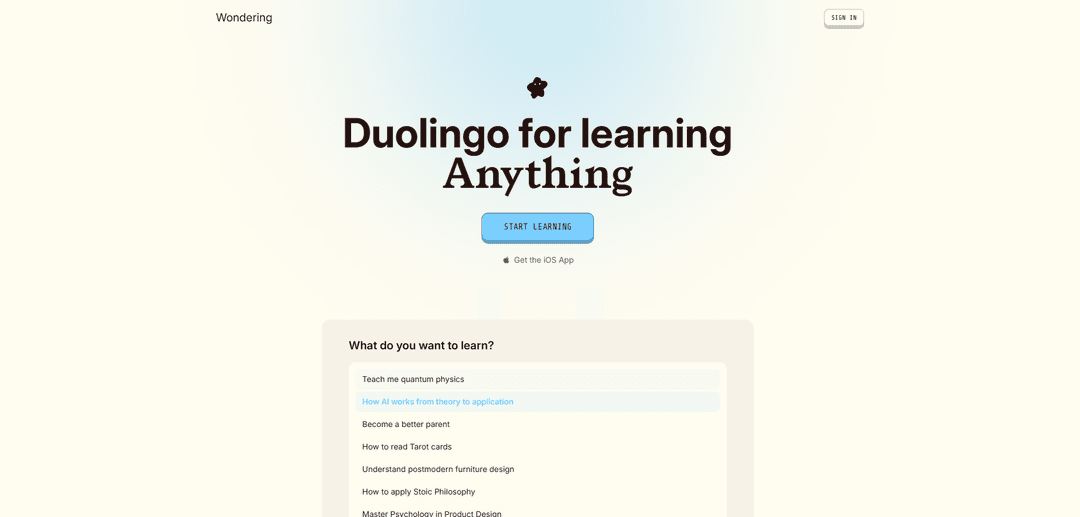
What is Wondering
Wondering (wondering.app) is a “Duolingo for anything” learning companion designed to help you learn topics you thought were too complex or time-consuming. Instead of leaving you to piece together what to study next, it generates clear learning paths from beginner to mastery, delivered in short, approachable lesson chunks. The experience is built around structured course roadmaps, visual explanations, interactive exercises, and progress tracking, with optional Pro features for learners who want higher limits and more access.
Key Features of Wondering
Wondering is an AI-powered learning platform (“Duolingo for anything”) that turns any topic or learning goal into a structured, personalized course made of bite-sized ~3‑minute lessons. It emphasizes visual explanations (diagrams/illustrations), interactive practice and recall, and an in-lesson AI chat for follow-up questions and deeper exploration (including web search). Learners can tailor the roadmap to their background, preferred learning style (e.g., analogies, TL;DR-first), goals, and schedule, with a free-to-start model and an optional Pro subscription for higher usage limits.
AI-generated structured learning paths: Type any topic or goal and Wondering generates a clear educational roadmap so you don’t have to figure out what to learn next.
Bite-sized 3-minute lessons: Breaks complex subjects into small, fast lessons designed to fit a busy schedule and reduce learning friction.
Visuals and diagrams for clarity: Uses visual explanations (e.g., diagrams, structured tables) to make abstract or complex concepts easier to understand.
Personalization to goals and learning style: Adapts content depth, focus areas, and explanation style (e.g., analogies, kid-friendly explanations, job-relevant framing) based on what you tell it.
Interactive practice and memory recall: Includes regular exercises/questions to reinforce learning and support retention rather than passive reading.
In-lesson AI chat + deeper inquiry tools: Built-in chat for follow-up questions during lessons and the ability to trigger live web searches to explore topics further.
Use Cases of Wondering
Self-paced upskilling for professionals: Software engineers, PMs, designers, and analysts can quickly build structured learning plans (e.g., LLMs, product design, psychology) and practice in short daily sessions.
Student study companion for hard subjects: Learners can turn intimidating topics (e.g., quantum mechanics, history) into guided paths with visuals and frequent checks for understanding.
Career transition learning roadmap: People switching roles can generate a step-by-step curriculum tailored to their background and time constraints, reducing overwhelm at the starting stage.
Curiosity-driven exploration and lifelong learning: Users can explore “infinite topics” by generating new courses on demand, following curiosity with structured guidance rather than scattered browsing.
Team knowledge onboarding (lightweight): Teams can create quick, personalized primers on domains/tools (e.g., company strategy concepts, industry basics) to align terminology and foundational understanding.
Pros
Creates structured roadmaps instantly, removing the “what should I learn next?” bottleneck.
Bite-sized lessons with visuals and practice can improve engagement and retention versus passive reading.
Highly customizable to goals, schedule, and preferred explanation style.
Cons
Free tier appears usage-limited; Pro subscription is needed for higher limits (e.g., unlimited daily lessons/chats).
Privacy/data handling may vary by feature and is described by the developer (as noted on app listings).
As an AI-generated learning tool, lesson quality/accuracy can vary by topic and may require user verification for critical subjects.
How to Use Wondering
1) Get Wondering: Go to https://wondering.app/download (or the App Store listing for Wondering by Wondering Labs, Inc.) and install the app. You can start free; an optional auto-renewing subscription (Wondering Pro) may be offered for higher limits (e.g., more daily lessons, expanded AI chats, more course creations).
2) Create an account / sign in: Open Wondering and sign up or log in (the web experience shows options like Google or Apple sign-in). Accept the Terms of Use and Privacy Policy when prompted.
3) Enter what you want to learn: In the main prompt box (“What do you want to learn?”), type a topic or learning goal (examples mentioned: LLMs, Analytic Philosophy). Some experiences also allow pasting a link or describing your goal in your own words.
4) Tell Wondering your goal and context: Answer the app’s personalization questions (e.g., why you want to learn it, your background knowledge, and how deep you want to go). This information is used to tailor the roadmap, lesson content, examples, and analogies.
5) Set your schedule and focus areas: Choose how much time you can commit and what you want to focus on. Wondering will generate a structured learning path (often presented as a roadmap) designed to fit into a busy schedule with short lesson chunks (e.g., ~3-minute lessons).
6) Customize how lessons are explained: Add learning preferences to shape explanations (examples shown on the site include: ‘Always add a TLDR’, ‘Explain using analogies’, ‘Relate to my job’, or ‘Explain so me and my five year old both understand’).
7) Start the course and take bite-sized lessons: Begin the first lesson in your roadmap. Lessons are designed to be visual, interactive, and structured into small chunks to make complex topics easier to learn.
8) Use visuals and diagrams to understand concepts: As you progress, review the included visuals/diagrams that accompany lessons (the product highlights ‘Visuals and Diagrams’ as a core learning aid).
9) Practice with interactive questions: Complete the built-in practice prompts (example shown: a quiz-style question about which Roman emperor built a wall across Northern Britain). Use these to reinforce recall and understanding.
10) Ask follow-up questions with the AI assistant: Use the in-lesson chat/AI assistant to ask clarifying questions, request different explanations, or go deeper. Some descriptions mention the ability to trigger live web searches from the assistant to deepen inquiry.
11) Generate additional courses as needed: When you want to learn something new, repeat the prompt-to-roadmap flow to create another personalized course. Limits may apply on free plans; Wondering Pro is described as increasing limits (e.g., higher course creation per month).
12) Manage subscription (optional): If you subscribe, note that subscriptions renew automatically unless canceled. Manage or cancel via your Apple account subscription settings (per the listing text). Usage labeled ‘unlimited’ may still be subject to abuse/reliability guardrails described in the Terms.
Wondering FAQs
Wondering is an AI-powered learning platform and app that helps you learn almost any topic through personalized, structured courses made of bite-sized (about 3-minute) lessons, visuals/diagrams, and interactive practice.
Wondering Video
Popular Articles

Vosko AI: Localize and Dub Videos for Global Audiences
Oct 15, 2026

Atoms: A Multi-Agent AI Platform That Transforms Ideas into Launch-Ready Products
Oct 13, 2026

Nano Banana SBTI: What It Is, How It Works, and How to Use It in 2026
Apr 15, 2026

Atoms Review — The AI Product Builder Redefining Digital Creation in 2026
Apr 10, 2026
Latest AI Tools Similar to Wondering
Lingogo
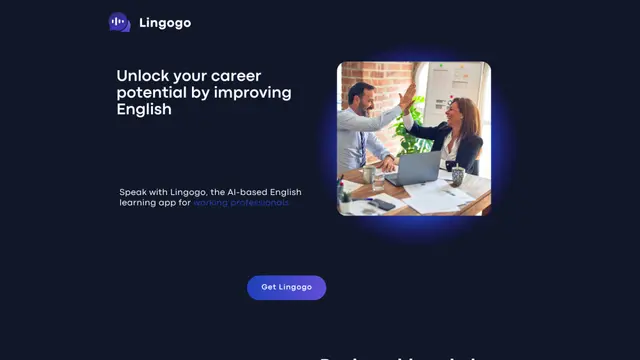
Lingogo is an AI-powered English learning app designed specifically for working professionals that offers real-world workplace scenario practice through conversational AI tutoring.
Quizzr.AI
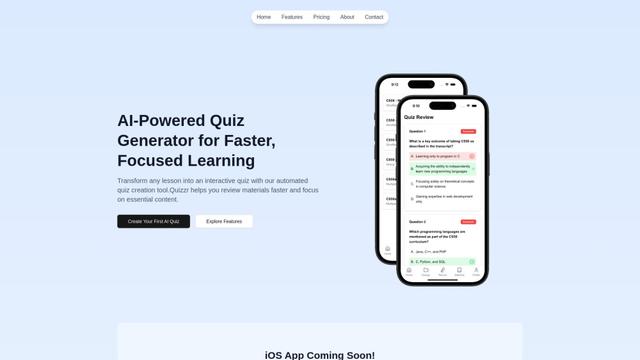
Quizzr.AI is a next-generation AI-powered quiz generation platform that transforms any learning content into interactive quizzes with verified questions, answers, and engaging features for enhanced learning efficiency.
Sai
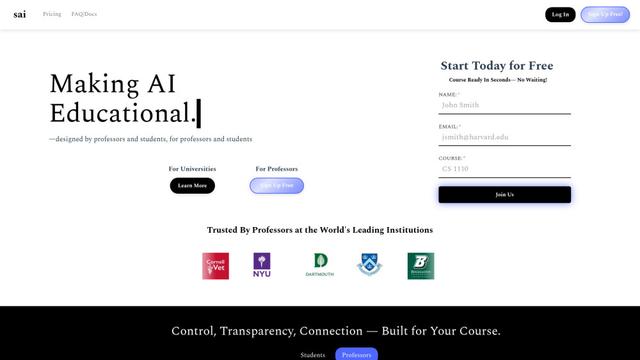
Sai is a specialized AI platform designed by and for professors and students that provides controlled, transparent, and educational AI capabilities for academic courses.
SeekhoAI
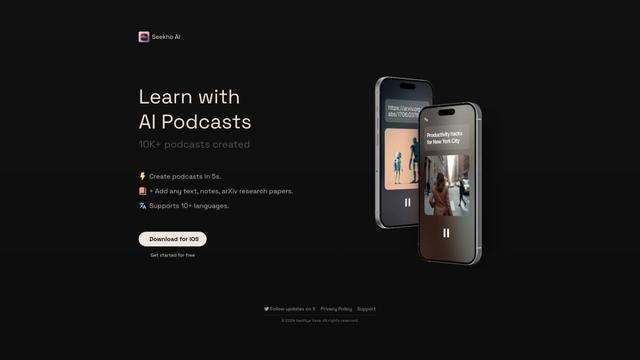
SeekhoAI is an AI-driven upskilling and learning platform that transforms text content into podcasts in multiple languages while personalizing the learning experience.
Popular AI Tools Like Wondering

NextGenAI by OpenAI
NextGenAI is a first-of-its-kind consortium launched by OpenAI that unites 15 leading research institutions with $50M in funding and tools to advance AI research and education.
ChatGPT Interactive Learning
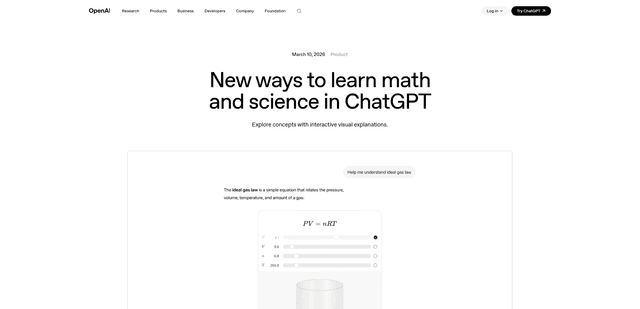
ChatGPT Interactive Learning is a new feature that provides dynamic visual explanations and interactive modules for over 70 math and science concepts, allowing users to manipulate variables and see real-time changes to better understand complex topics.
AI for Math
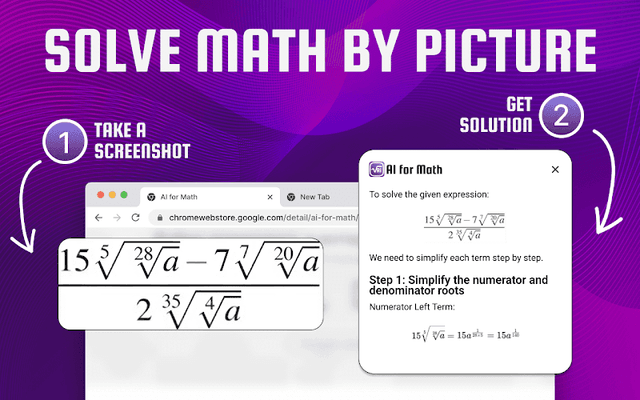
AI for Math is a Chrome extension that provides instant, step-by-step math solutions through AI-powered technology, allowing users to solve problems by typing equations or uploading pictures.
Dr. Read - Ai Reading Tutor
FreemiumAI Education Assistant
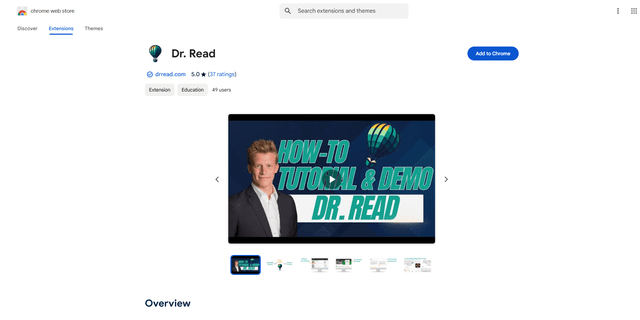
Dr. Read is an AI-powered Chrome extension that serves as a personalized reading assistant, offering features like pronunciation evaluation, context explanations, and text-to-speech to help improve reading skills.