
Woise
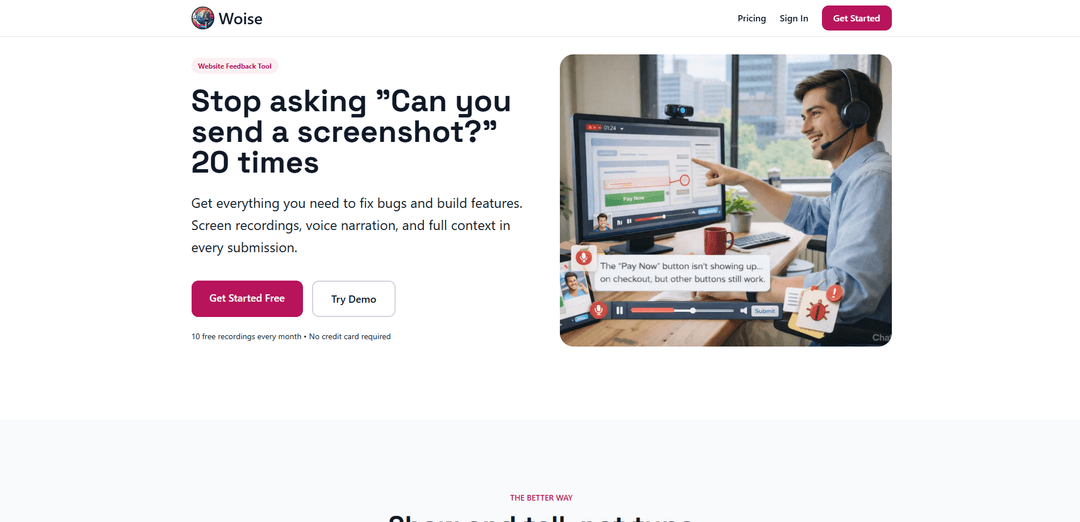
Woise adalah alat umpan balik situs web yang memungkinkan pengguna untuk merekam layar dan suara mereka saat melaporkan bug atau menyarankan fitur, menghilangkan kebutuhan akan deskripsi tertulis dan tangkapan layar.
https://www.woise.app/?ref=producthunt&utm_source=aipure
Informasi Produk
Diperbarui:Mar 8, 2026
Apa itu Woise
Woise adalah platform pengumpulan umpan balik inovatif yang dirancang untuk merampingkan komunikasi antara pengguna dan pengembang. Ini mengatasi frustrasi umum dari laporan bug dan permintaan fitur yang tidak jelas dengan menyediakan cara yang lebih intuitif dan efisien untuk menangkap dan berbagi umpan balik. Alih-alih mengandalkan deskripsi tertulis dan tangkapan layar manual, Woise menawarkan solusi komprehensif yang menggabungkan perekaman layar, narasi suara, dan transkripsi bertenaga AI.
Fitur Utama Woise
Woise adalah alat umpan balik situs web yang memungkinkan pengguna untuk merekam layar dan suara mereka saat melaporkan bug atau menyarankan fitur, menghilangkan kebutuhan akan deskripsi tertulis yang panjang. Ia menawarkan transkripsi AI dari rekaman suara, kemampuan tangkapan layar, dan beberapa metode pengumpulan umpan balik termasuk perekaman layar dengan narasi suara, umpan balik suara dengan tangkapan layar, dan opsi tangkapan layar sederhana dengan teks.
Perekaman Layar + Narasi Suara: Pengguna dapat merekam layar mereka sambil memberikan komentar suara, dengan AI secara otomatis mentranskripsi audio menjadi teks yang dapat dicari
Beberapa Metode Umpan Balik: Menawarkan tiga cara untuk mengirimkan umpan balik: perekaman layar dengan suara, suara dengan tangkapan layar, atau tangkapan layar dengan deskripsi teks
Pengumpulan Konteks Otomatis: Secara otomatis menangkap detail browser dan perangkat bersama dengan pengiriman umpan balik untuk pelacakan masalah yang lebih baik
Tingkat Harga yang Fleksibel: Menawarkan berbagai paket dari gratis (10 pengiriman/bulan) hingga tingkat perusahaan (500+ pengiriman/bulan) untuk mengakomodasi kebutuhan penggunaan yang berbeda
Kasus Penggunaan Woise
Pelaporan Bug: Tim pengembangan dapat menerima laporan bug terperinci dengan langkah-langkah reproduksi yang tepat melalui rekaman layar dan penjelasan suara
Pengumpulan Permintaan Fitur: Manajer produk dapat mengumpulkan saran fitur terperinci dengan konteks visual dan penjelasan pengguna
Umpan Balik Pengalaman Pengguna: Peneliti UX dapat mengumpulkan umpan balik pengguna terperinci tentang interaksi situs web dan masalah
Dukungan Pelanggan: Tim dukungan dapat menerima deskripsi masalah yang jelas dengan konteks visual untuk menyelesaikan masalah lebih cepat
Kelebihan
Menghilangkan kebutuhan akan deskripsi tertulis yang panjang
Memberikan konteks yang jelas melalui umpan balik visual dan audio
Menghemat waktu dalam komunikasi bolak-balik
Mudah digunakan tanpa perlu mengetik
Kekurangan
Pengiriman terbatas di tingkat gratis
Memerlukan kompatibilitas browser untuk fitur perekaman
Mungkin memiliki batasan penyimpanan untuk rekaman
Cara Menggunakan Woise
Mendaftar untuk sebuah akun: Kunjungi www.woise.app dan buat akun gratis. Tidak diperlukan kartu kredit untuk paket Mikro dengan 10 pengajuan per bulan.
Instal widget: Tambahkan widget umpan balik Woise ke situs web Anda. Ini seharusnya hanya membutuhkan beberapa menit menurut klaim mereka.
Aktifkan pengumpulan umpan balik: Tambahkan tombol \'Berikan Umpan Balik\' ke menu navigasi situs web Anda di mana pengguna dapat dengan mudah mengaksesnya.
Pilih metode umpan balik: Pengguna dapat memilih dari tiga opsi umpan balik: Perekaman Layar + Suara (paling populer), Umpan Balik Suara dengan Tangkapan Layar, atau Tangkapan Layar + Teks (ramah seluler).
Rekam umpan balik: Untuk opsi perekaman layar: rekam layar sambil menceritakan masalah atau saran. Untuk umpan balik suara: berbicara sambil mengambil hingga 5 tangkapan layar. Untuk opsi teks: ambil tangkapan layar dan ketik deskripsi.
Kirim umpan balik: Setelah merekam atau mengetik umpan balik, kirimkan. Sistem akan secara otomatis menyertakan detail browser dan perangkat, dan AI akan mentranskripsi rekaman suara menjadi teks.
Tinjau notifikasi: Terima notifikasi email ketika pengguna mengirimkan umpan balik untuk meninjau pengajuan mereka dengan konteks lengkap.
FAQ Woise
Woise adalah alat umpan balik situs web yang memungkinkan pengguna merekam layar dan suara mereka untuk melaporkan bug atau menyarankan fitur, alih-alih menulis umpan balik berbasis teks. Ini termasuk transkripsi AI dari rekaman suara dan kemampuan tangkapan layar.
Artikel Populer

Atoms: Platform AI Multi-Agen yang Mengubah Ide menjadi Produk Siap Diluncurkan
May 22, 2026

Nano Banana SBTI: Apa Itu, Bagaimana Cara Kerjanya, dan Cara Menggunakannya di Tahun 2026
Apr 15, 2026

Ulasan Atoms — Pembuat Produk AI yang Mendefinisikan Ulang Kreasi Digital di Tahun 2026
Apr 10, 2026

Kilo Claw: Cara Menerapkan dan Menggunakan Agen AI "Lakukan-Untuk-Anda" Sejati (Pembaruan 2026)
Apr 3, 2026
Alat AI Terbaru Serupa dengan Woise
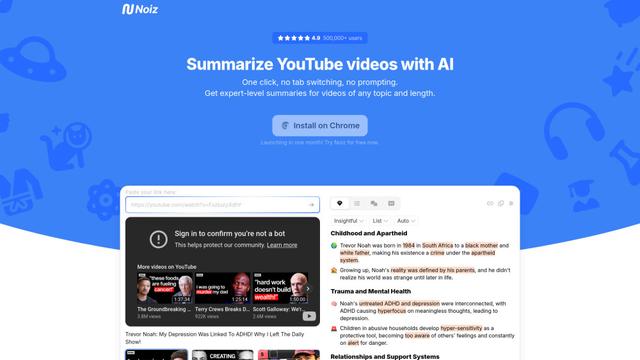
Noiz
Noiz adalah alat peringkas video bertenaga AI yang mengubah video YouTube menjadi ringkasan singkat, transkrip, dan wawasan kunci dalam 41 bahasa hanya dengan satu klik.
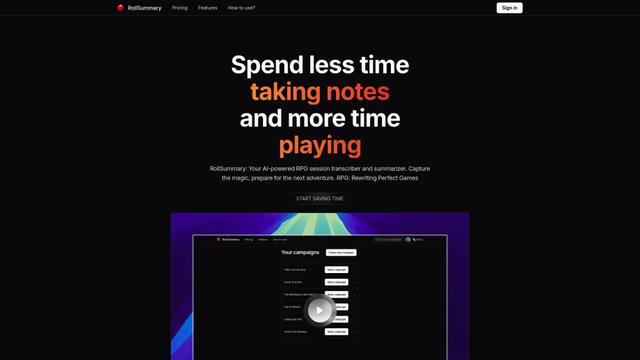
RollSummary
RollSummary adalah transcriber dan penyusun ringkasan sesi RPG yang didukung AI yang membantu pemain dan GM menangkap, melacak, dan mempersiapkan sesi permainan tabletop mereka melalui transkripsi otomatis dan ringkasan cerdas.
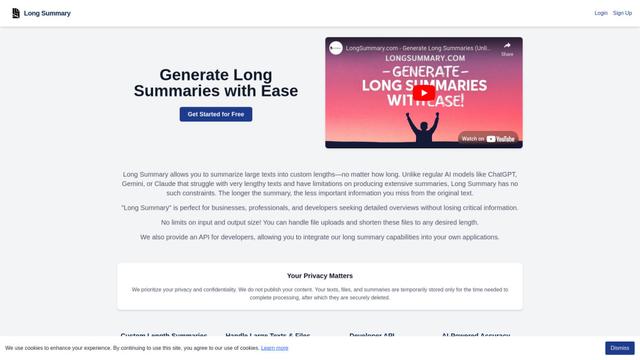
Long Summary
Long Summary adalah alat ringkasan teks bertenaga AI yang memungkinkan pengguna menghasilkan ringkasan dengan panjang berapa pun tanpa batasan input atau output, menawarkan ringkasan panjang kustom untuk berbagai jenis konten sambil mempertahankan akurasi informasi.
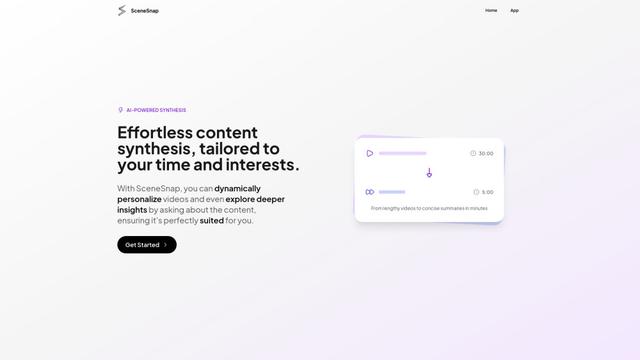
SceneSnap
SceneSnap adalah platform sintesis konten yang didukung AI yang mengubah video panjang menjadi ringkasan interaktif yang dipersonalisasi yang disesuaikan dengan minat dan batasan waktu spesifik pengguna.
Alat AI Populer Seperti Woise
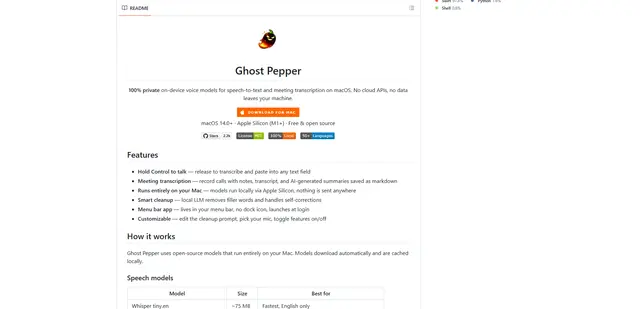
Ghost Pepper 🌶️
Ghost Pepper adalah aplikasi speech-to-text dan transkripsi rapat 100% lokal yang berfokus pada privasi untuk macOS yang berjalan sepenuhnya di Mac Anda menggunakan model AI open-source, menampilkan perekaman tahan-untuk-berbicara, pembersihan teks cerdas, dan dukungan multi-bahasa tanpa mengirim data apa pun ke cloud.
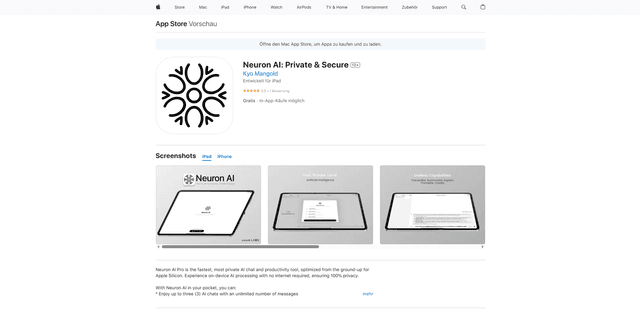
Neuron AI
Neuron AI adalah alat obrolan dan produktivitas AI yang pribadi dan aman yang dioptimalkan untuk Apple Silicon yang berjalan sepenuhnya di perangkat tanpa memerlukan koneksi internet, memastikan 100% privasi data.
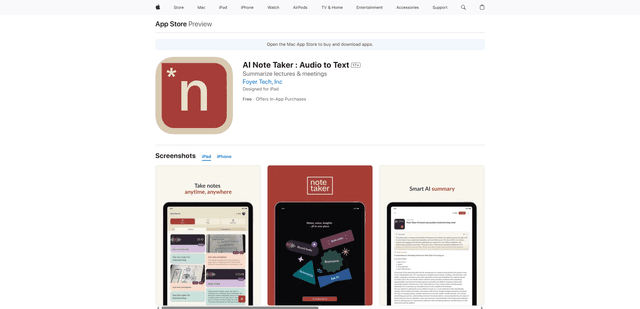
AI Note Taker : Audio to Text
AI Note Taker adalah asisten pencatat cerdas yang secara otomatis mengubah rekaman audio/suara menjadi transkripsi teks sambil menyediakan ringkasan bertenaga AI dan fitur organisasi untuk kuliah, rapat, dan percakapan.
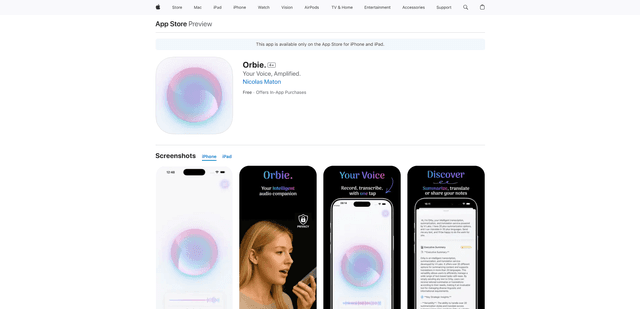
Orbie.
Orbie. adalah aplikasi pendamping audio cerdas yang mengubah rekaman suara menjadi teks yang jelas dan dapat dibagikan dengan kemampuan transkripsi, ringkasan, dan terjemahan bertenaga AI.