
Weather mini
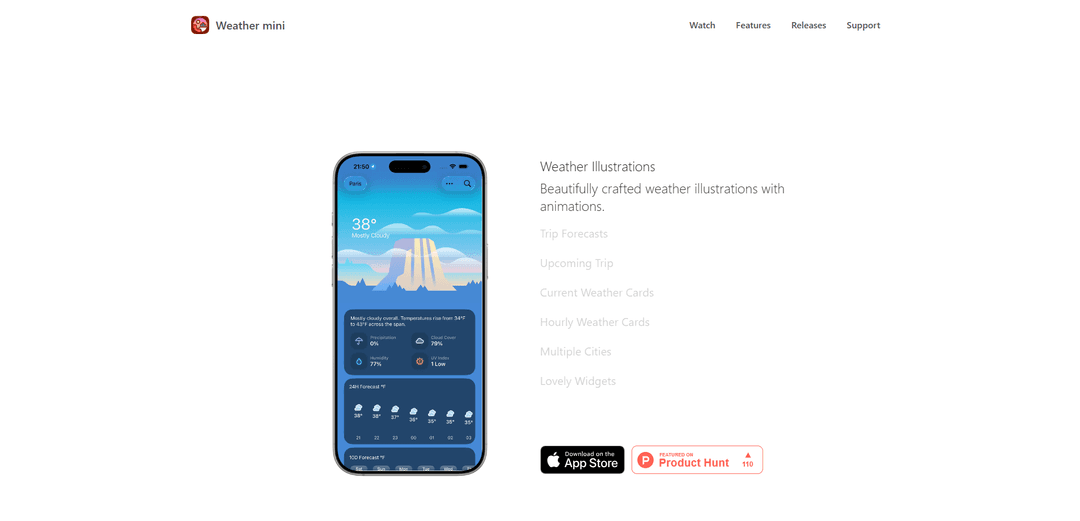
Weather mini is a beautifully designed weather app for Apple devices that offers smart weather cards with live illustrations, detailed forecasts, and AI-powered trip insights across Mac, iPhone, iPad, and Apple Watch.
https://www.airwolf.space/weather-mini-for-mac?ref=producthunt
Product Information
Updated:Dec 8, 2025
What is Weather mini
Weather mini is a lightweight yet powerful weather application developed by Airwolf Space that brings weather information to life through beautiful illustrations and smart features. The app provides users with current conditions, hourly forecasts, and daily weather updates in an elegant, user-friendly interface. It's designed specifically for the Apple ecosystem, offering seamless integration across macOS, iOS, iPadOS, and watchOS platforms, with no companion app required for the Apple Watch version.
Key Features of Weather mini
Weather mini is a lightweight yet powerful weather app available across Apple platforms (iPhone, iPad, Mac, Apple Watch, and Vision Pro) that provides detailed weather information through beautifully crafted illustrations and customizable cards. It offers current, hourly, and daily weather forecasts, supports multiple cities, features widgets, and includes unique features like trip forecasts with AI integration.
Customizable Weather Cards: Users can create personalized weather card combinations showing different weather metrics like temperature, humidity, wind, and UV index through simple taps or drag-and-drop interactions
Beautiful Weather Illustrations: Features artistically crafted weather illustrations with animations that represent current conditions in an aesthetically pleasing way
Multi-Platform Integration: Seamlessly works across Apple devices with platform-specific optimizations, including watch complications, Mac menu bar mode, and widgets for different operating systems
Trip Forecasts with AI: Allows users to check weather for multiple cities and dates using AI, with automatic toolbar updates for upcoming trips
Use Cases of Weather mini
Daily Commute Planning: Check detailed hourly forecasts to plan the best time for commuting and appropriate clothing choices
Travel Planning: Use trip forecasts feature to monitor weather conditions across multiple destinations for upcoming travel itineraries
Desktop Monitoring: Keep track of weather conditions through menu bar or widgets while working on Mac, especially useful for professionals who need to monitor weather conditions
Pros
Clean and minimalist interface with beautiful illustrations
No subscriptions or in-app purchases required
Comprehensive cross-platform support in Apple ecosystem
Cons
Requires WiFi for location detection on macOS
Limited to Apple ecosystem devices
Some features require latest OS versions
How to Use Weather mini
Download and Install: Download Weather mini from the App Store on your device (iPhone, iPad, Mac or Apple Watch). For Apple Watch, check purchased apps in Watch App Store > Account > Purchased
Set Up Location Access: Check location permission from your paired iPhone in Settings > Privacy > Location Services > Weather mini. For Mac, ensure you have WiFi connection for location detection
Add Locations: Search for any location in settings and add them to easily switch between different cities
Customize Weather Cards: Customize your favorite weather card combination with taps or drag and drop. You can add as many cards as you want showing different weather data like temperature, UV index, humidity etc.
Set Up Widgets: Add Weather mini widgets to your notification center or home screen to quickly view weather conditions. You can add multiple widgets of different sizes
Use Menu Bar Mode (Mac): On Mac, enable menu bar mode to access Weather mini from any workspace by clicking the menu bar icon without using the Dock
View Weather Details: Access three types of weather details: current conditions, hourly forecasts (up to 10 days), and daily forecasts with weather illustrations
Use Trip Forecasts: Type destinations like 'Tokyo and Hong Kong next week' to get trip insights including daily weather, summary, notes, city context, and clothing tips using on-device AI
Weather mini FAQs
Weather mini supports both Celsius and Fahrenheit temperature units, which can be adjusted in the settings panel.
Popular Articles

Vosko AI: Localize and Dub Videos for Global Audiences
Oct 15, 2026

Atoms: A Multi-Agent AI Platform That Transforms Ideas into Launch-Ready Products
Oct 13, 2026

Nano Banana SBTI: What It Is, How It Works, and How to Use It in 2026
Apr 15, 2026

Atoms Review — The AI Product Builder Redefining Digital Creation in 2026
Apr 10, 2026
Latest AI Tools Similar to Weather mini
Generate Icons
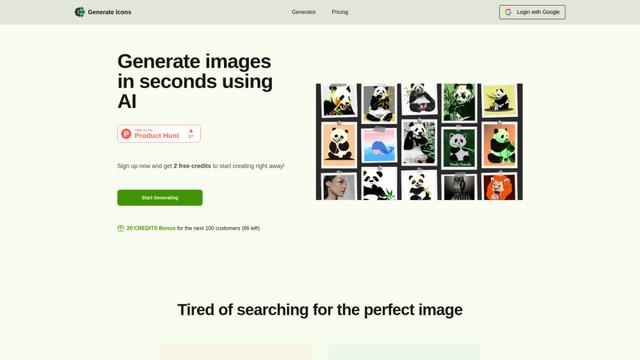
Generate Icons is an AI-powered icon generator tool that allows users to create stunning, customized icons for apps, websites, and creative projects within seconds using simple text descriptions.

Image Prompt
Image Prompt is an AI-powered tool that helps users create detailed textual descriptions for generating AI images or convert existing images into descriptive prompts for various AI image generation models.
AIColoringPages
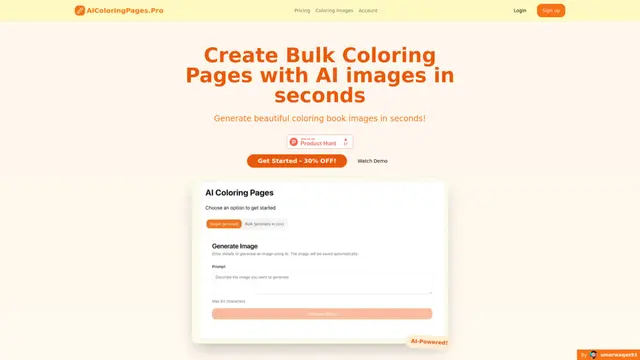
AIColoringPages is an AI-powered coloring page generator that transforms text prompts into high-quality, printable coloring pages within seconds using cutting-edge Stable Diffusion XL technology.

Tuval
Tuval is an AI-powered creative platform that transforms text, songs, and inspirational prompts into unique custom artwork and digital designs.
Popular AI Tools Like Weather mini
Likii
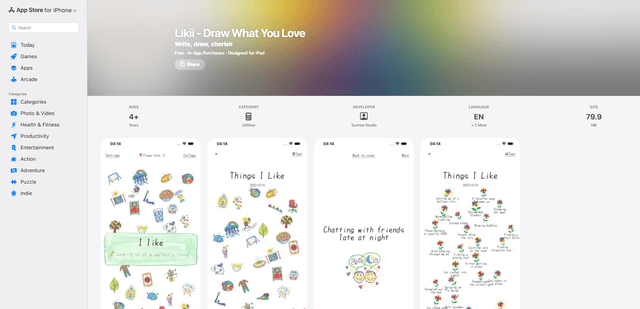
Likii is a creative journaling app that transforms written memories into beautiful crayon-style illustrations automatically.
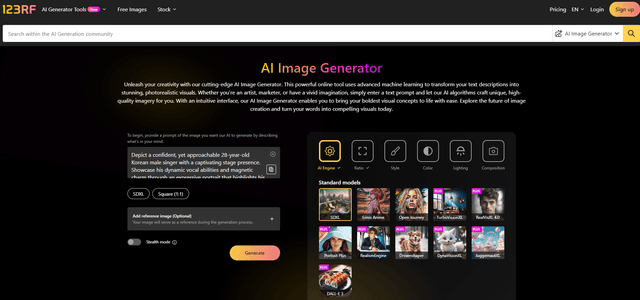
123RF
123RF is a comprehensive AI-powered creative platform that offers text-to-image generation, image editing tools, and stock media services with legally-backed licensing for commercial use.

chichi-pui
Chichi-pui is a specialized platform for AI-generated images, allowing users to create and share AI illustrations, photos, and gravure images.

NovelAI - The AI Storyteller
NovelAI is a subscription-based AI-powered platform for creative writing, storytelling, and image generation with customizable models and no censorship.