Vosko AI

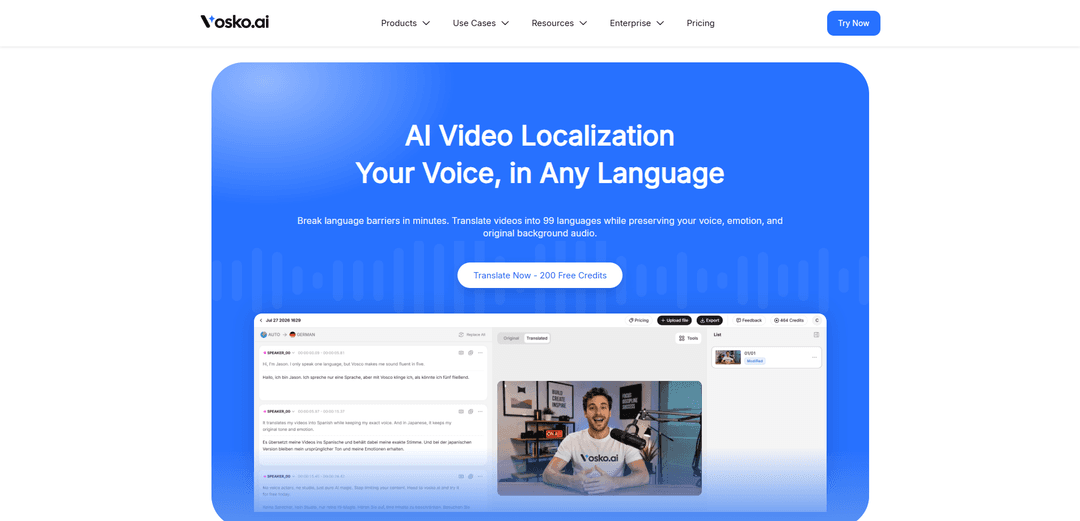
Vosko AI is an AI-powered video localization and dubbing platform that helps creators, educators, and global brands reach audiences worldwide. Translate and dub videos into 99 languages while preserving the speaker's original voice, emotion, and background audio—turning one video into localized content in minutes.
Social & Email:
https://www.vosko.ai/?utm_source=aipure
Vosko AI

Product Information

Updated:Sep 10, 2026

What is Vosko AI

Vosko AI is a cloud-based video localization platform built to help creators and businesses translate, dub, and subtitle videos quickly without sacrificing natural delivery or production quality. It focuses on “voice-preserving” translation—aiming to keep the speaker’s vocal identity, pacing, and emotional tone consistent across languages—while offering an interactive studio for script edits, timing control, and subtitle styling. The product is positioned as a faster, lower-cost alternative to traditional dubbing workflows, supporting multi-speaker content, subtitle translation and customization, and end-to-end export for localized video deliverables.

Key Features of Vosko AI

Vosko AI is an AI video localization and dubbing platform that translates videos into 99+ languages while preserving the original speaker’s voice timbre, emotion, pacing, and background audio. It provides an interactive, studio-style editor for side-by-side script editing, timeline control, and auto-sync to reduce timing drift, plus multi-speaker separation and subtitle workflows (including translating and removing hardcoded subtitles). The platform also emphasizes enterprise-grade security with encrypted processing, isolated workspaces, and policies stating customer assets aren’t used to train public foundation models.
Voice & emotion-preserving AI dubbing (99+ languages): Clones the speaker’s vocal identity (timbre, resonance, accent cues, breathing patterns) and applies it to translated speech to keep delivery natural and on-brand across languages.
Background audio preservation via voice/music separation: Separates dialogue from complex soundtracks so music, SFX, and ambience remain intact while only the spoken track is replaced with the localized dub.
Multi-speaker detection and isolated audio lanes: Automatically diarizes overlapping speakers and assigns each to separate tracks, reducing crosstalk and enabling per-speaker tuning of warmth, pacing, and timing.
Interactive editing workspace with auto-sync: Edit translations side-by-side and control timing; the system dynamically adjusts syllable rate/playback velocity to keep the dub synchronized with video constraints and minimize timing drift.
Subtitle pipeline: frame-synced, multilingual, and editable: Generates accurate, frame-aligned subtitles in many languages with controls for formatting, fonts, sizes, and timing; supports exporting localized caption files (e.g., SRT).
Hardcoded subtitle removal and replacement: Detects and erases burned-in subtitles from video frames and reconstructs the background pixels, then replaces them with translated subtitles for a native look.

Use Cases of Vosko AI

Creator & YouTube channel localization: Scale content globally by dubbing videos into multiple languages while keeping the host’s recognizable voice and delivery, improving engagement compared with generic TTS dubs.
E-learning and training course translation: Localize lectures and curriculum videos with natural voice continuity and precise subtitle timing, supporting international learners without re-recording sessions.
Marketing and paid social localization: Adapt short-form ads, reels, and product videos where timing is tight; auto-sync helps fit longer translations into fixed video durations while preserving brand tone.
Documentary/media dubbing with multiple speakers: Handle interviews and ensemble content by separating speakers into lanes and producing synchronized dubs while keeping original ambience and soundtrack intact.
Corporate communications and product explainers: Translate internal updates, onboarding, and customer-facing explainers into many languages with consistent “brand voice,” custom terminology, and editable scripts.

Pros

Strong localization quality focus: voice timbre + emotion + pacing controls designed to sound natural rather than robotic.
Workflow efficiency: interactive editor and auto-sync reduce manual timeline work and speed up multi-language production.
Audio integrity: preserves original music/SFX/ambience by isolating dialogue for replacement.
Security posture claims: encryption in transit/at rest, isolated workspaces, and stated non-training of public models on customer assets.

Cons

Organizations requiring extremely strict lip-sync or specific long-term archival/retention requirements may need to validate current capabilities/roadmap.
Credit-based pricing can be harder to predict across features (dubbing vs subtitles vs TTS) without careful usage planning.
Refund limitations: a short refund window and restrictions once core features are substantially used or exports are created.

How to Use Vosko AI

1) Create an account and sign in: Go to https://www.vosko.ai/ and log in to access the dashboard and video localization workspace.
2) Start a new translation project: From the dashboard, begin a new AI video translation project (e.g., via “Translate Now” / project creation) to open the localization editor.
3) Upload your source video (or provide a link, if supported): Add the video you want to localize into the project so Vosko can analyze the audio, speakers, and timing.
4) Choose target language(s): Select one or more target languages (Vosko supports 99+ languages) for translation and dubbing output.
5) Run the core localization pipeline (transcribe → translate → dub): Let Vosko generate the transcript, translate it into your target language(s), and create AI dubbing designed to preserve the original speaker’s voice timbre and emotion.
6) Verify multi-speaker detection and separation: If your video has multiple speakers or overlapping dialogue, use Vosko’s multi-speaker handling to ensure each speaker is mapped to an isolated audio lane for clean dubbing.
7) Preserve original background audio: Keep the original soundtrack (music, SFX, ambience) intact by using Vosko’s dialogue/background separation so only the spoken dialogue is replaced.
8) Edit translations in the Interactive Proofreading Workspace: Review the translated script side-by-side with the original and make wording fixes (including niche terminology like tech/medical/business).
9) Auto-sync timing after edits: When you change translated text length, rely on Vosko’s auto-sync to recalibrate pacing/speech rate and reduce timing drift so the dub stays aligned to the video.
10) Fine-tune emotion and pacing: Adjust warmth, pitch shifts, speed, and breath pauses to better match the original delivery and intent.
11) Handle hardcoded (burned-in) subtitles if present: Use Vosko’s subtitle replacement workflow to detect and erase hardcoded on-screen text, reconstruct the background, and add translated subtitles for a native look.
12) Customize subtitle styling (if using subtitles): Set subtitle formatting such as font, size, and visual style directly in the dashboard/editor to match your brand or platform requirements.
13) Preview the localized result: Play back the dubbed video in the editor to confirm voice fidelity, speaker separation, background audio preservation, and sync accuracy.
14) Export localized deliverables: Render and export the final localized video. If needed, also export subtitle files (e.g., SRT) for distribution on platforms like YouTube.
15) Manage account and privacy settings (recommended): Review profile/security settings and privacy policy. Vosko states it uses AES-256 at rest and TLS 1.3 in transit, isolates workspaces, and does not use your content to train public foundation models.
16) Get help if you run into issues: Use the Vosko Help Center for step-by-step guides, troubleshooting, and FAQs covering formats/limits/languages and common workflow questions.

Vosko AI FAQs

Vosko is an AI video localization platform that translates, dubs, and subtitles videos into up to 99 languages while aiming to preserve the original speaker’s voice timbre, emotion, and the original background audio.

Latest AI Tools Similar to Vosko AI

Loud Fame
Loud Fame
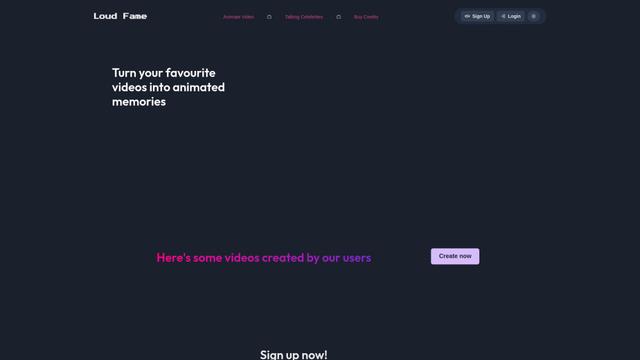
Loud Fame is an AI-powered video transformation tool that allows users to convert regular videos into anime-style animations and create AI-generated celebrity talking videos.
BizBoom.ai
BizBoom.ai
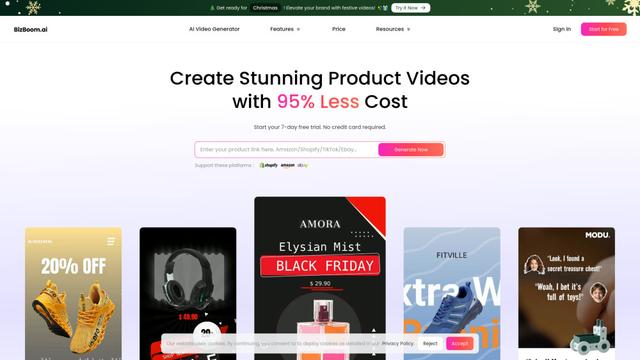
BizBoom.ai is an AI-powered platform that automatically generates professional product videos from product links and images with 95% less cost.
EzVideos
EzVideos
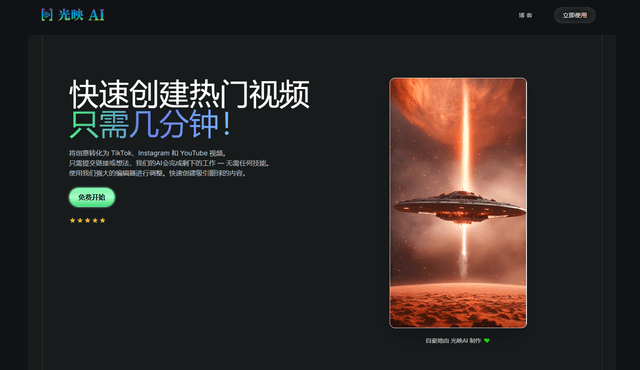
EzVideos is an all-in-one video creation tool that helps users generate viral videos for social media platforms like Instagram, TikTok, and YouTube with automated editing features and built-in resources.
Illuminix
Illuminix
Illuminix is an AI-powered platform that empowers businesses with autonomous hyper-experts and specialized tools for automated business processes, data management, and video content creation.