
Vois
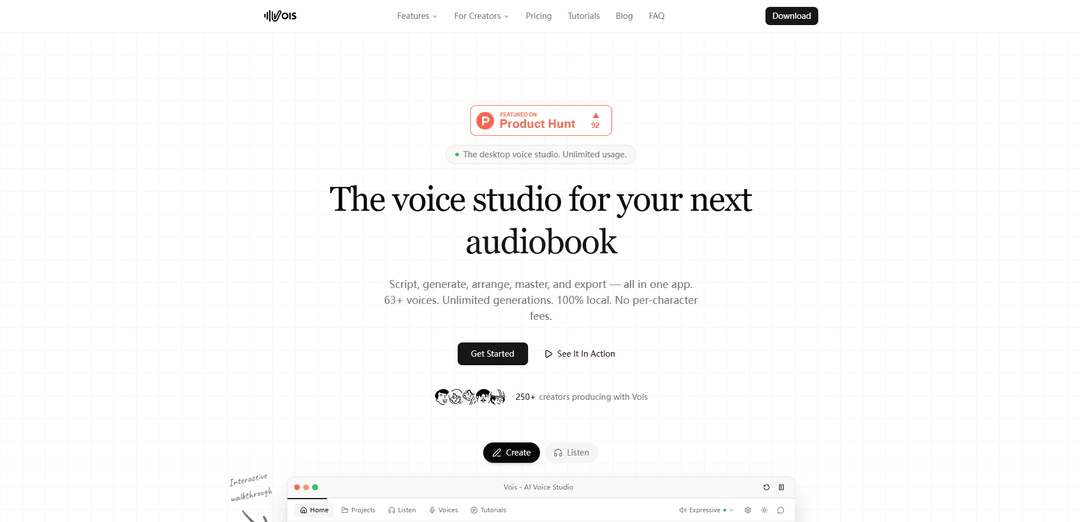
Vois is a comprehensive desktop voice studio that enables users to script, generate, arrange, master, and export audio content with unlimited usage across 63+ voices in 23 languages - all in one application.
https://vois.so/?ref=producthunt
Product Information
Updated:Mar 8, 2026
What is Vois
Vois is a professional AI voice production studio designed for creators, podcasters, authors, and content producers. It serves as an all-in-one desktop application that eliminates the need for multiple tools and cloud-based services in voice content creation. With support for 63+ studio-quality voices across 23 languages, Vois offers a complete solution for generating, editing, and mastering audio content without per-character fees or usage limitations.
Key Features of Vois
Vois is a comprehensive desktop voice production studio that offers unlimited AI voice generation with 63+ expressive voices across 23 languages. It combines script writing, voice generation, audio arrangement, and mastering capabilities in a single offline application, eliminating the need for multiple tools or cloud-based services. The software allows users to create, edit, and export professional audio content without per-character fees or credit limitations.
All-in-One Voice Studio: Combines script editor, voice generation, multi-track timeline editing, and professional mastering tools in a single desktop application
Extensive Voice Library: Offers 63+ expressive voices across 15 categories and 23 languages, with voice cloning capabilities from short samples
Local Processing & Privacy: All processing happens locally on user's machine without cloud uploads, ensuring complete privacy and security of content
Professional Export Options: Includes export presets optimized for various platforms like Spotify, YouTube, Apple Podcasts, and ACX with proper mastering
Use Cases of Vois
Podcast Production: Create and edit podcast episodes with multiple voices and professional audio quality in a streamlined workflow
Audiobook Creation: Convert books into audiobooks with consistent voice quality and proper ACX mastering specifications
YouTube Content: Generate voiceovers for YouTube videos with customized voices and platform-optimized audio quality
Educational Content: Produce training courses and educational materials with clear, professional narration in multiple languages
Pros
No per-character fees or credit system
Complete offline functionality with no cloud dependency
Professional-grade audio mastering capabilities
Unlimited generations and iterations
Cons
Limited to desktop use only
Requires local processing power
Fixed number of pre-built voices (though expandable)
How to Use Vois
Write your script: Type directly into the app, import from PDF/EPUB/DOCX formats, or fetch web articles. Organize content into projects and tag different speakers for dialogue sections.
Cast your voices: Select from 63+ expressive voices across 15 categories, or clone your own voice from a short audio sample. Assign different voices to characters and sections of your content.
Generate and arrange audio: Generate unlimited audio with no per-character cost. Use the multi-track timeline to drag clips, add crossfades, and adjust timing until the audio flows smoothly.
Master and export: Apply professional mastering including LUFS normalization, de-esser, EQ, and limiter. Choose an export preset optimized for platforms like Spotify, YouTube, Apple Podcasts, or ACX, then export your finished audio.
Vois FAQs
Vois is a desktop voice studio that combines script writing, voice generation, audio editing, and mastering capabilities all in one application. It's designed for creating podcasts, audiobooks, YouTube content, documentaries, voiceovers, and more.
Vois Video
Popular Articles

Vosko AI: Localize and Dub Videos for Global Audiences
Oct 15, 2026

Atoms: A Multi-Agent AI Platform That Transforms Ideas into Launch-Ready Products
Oct 13, 2026

Nano Banana SBTI: What It Is, How It Works, and How to Use It in 2026
Apr 15, 2026

Atoms Review — The AI Product Builder Redefining Digital Creation in 2026
Apr 10, 2026
Latest AI Tools Similar to Vois
Advanced Voice
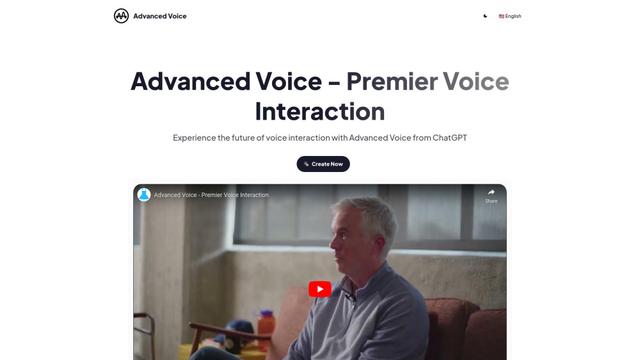
Advanced Voice is ChatGPT's cutting-edge voice interaction feature that enables real-time, natural voice conversations with custom instructions, multiple voice options, and improved accents for seamless human-AI communication.
Vagent
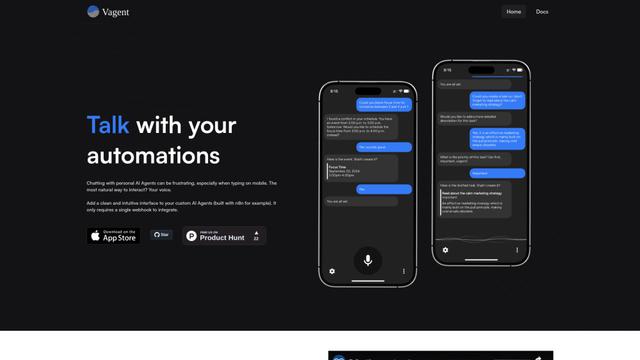
Vagent is a lightweight voice interface that enables users to interact with custom AI agents through voice commands, providing a natural and intuitive way to control automations with support for 60+ languages.

Vapify
Vapify is a white-label platform that enables agencies to offer Vapi.ai's voice AI solutions under their own brand while maintaining control over client relationships and maximizing revenue.

Wedding Speech Genie
Wedding Speech Genie is an AI-powered platform that crafts personalized wedding speeches in minutes by generating 3 custom versions based on your input, helping speakers deliver memorable toasts for any wedding role.
Popular AI Tools Like Vois
Microsoft Dragon Copilot
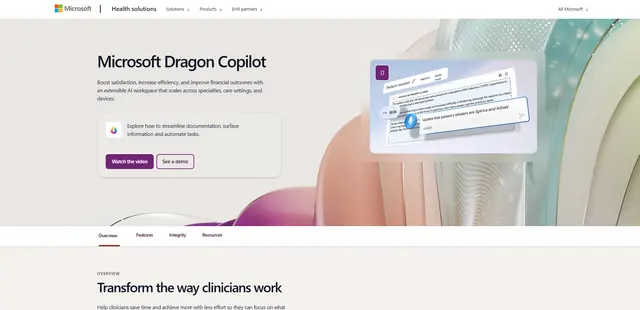
Microsoft Dragon Copilot is an AI-powered clinical workflow assistant that combines natural language voice dictation, ambient listening capabilities, and generative AI to streamline documentation, surface information, and automate tasks across healthcare settings.
Edge Copilot Mode
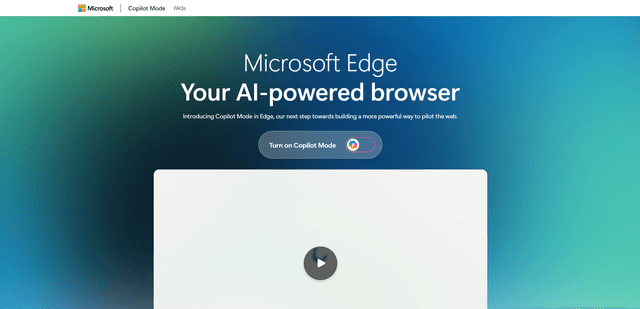
Edge Copilot Mode is Microsoft's experimental AI-powered browser feature that combines search, chat, and web navigation into a single interface, enabling users to browse smarter with AI assistance while maintaining privacy and control.
GibberLink
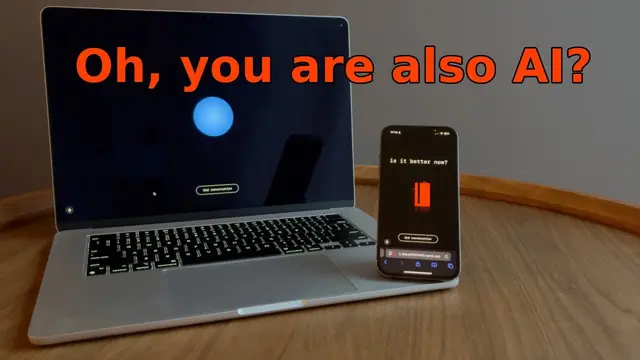
GibberLink is an open-source project that enables two AI agents to efficiently communicate by switching from human language to a sound-level protocol after recognizing each other, powered by ggwave technology.
Llama MacOS Desktop Controller
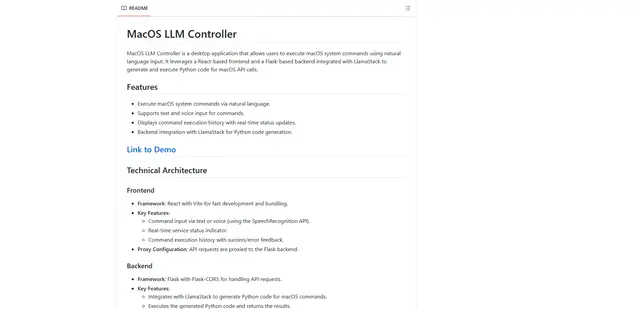
Llama MacOS Desktop Controller is a React and Flask-based application that enables users to control macOS system actions through natural language commands using LLM-generated Python code.