
Voicezap AI
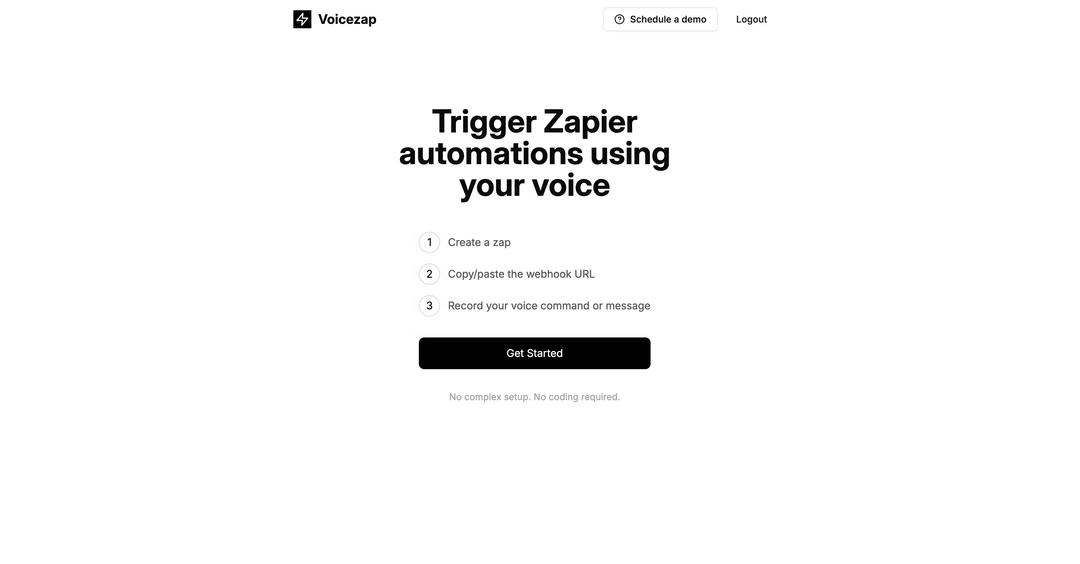
VoiceZap AI is an innovative tool that allows users to trigger Zapier automations using voice commands and messages.
https://voicezap.ai?ref=aipure
Product Information
Updated:Jan 16, 2025
What is Voicezap AI
VoiceZap AI is a voice-enabled automation platform that integrates with Zapier to enable voice-controlled workflow automation. It bridges the gap between voice commands and automated tasks by allowing users to trigger their Zapier workflows simply by speaking or recording voice messages, eliminating the need for manual intervention.
Key Features of Voicezap AI
Voicezap AI is a tool that allows users to trigger Zapier automations using voice commands. It works by connecting voice inputs to Zapier webhooks, enabling users to activate automated workflows through spoken commands rather than manual triggers.
Voice-Triggered Automation: Ability to trigger Zapier zaps and automated workflows using voice commands
Simple Webhook Integration: Easy setup process of copying webhook URLs from Zapier and connecting them to voice commands
Voice Recording: Capability to record custom voice commands and messages that will trigger specific automations
Use Cases of Voicezap AI
Personal Task Management: Use voice commands to add items to todo lists, create calendar events, or set reminders through Zapier integrations
Smart Home Control: Trigger smart home automations and routines using voice commands connected to Zapier
Business Process Automation: Start business workflows like creating tickets, sending notifications, or logging information using voice triggers
Pros
Simple 3-step setup process
Hands-free automation triggering
Integration with Zapier's extensive app ecosystem
Cons
Limited to Zapier platform only
May require stable internet connection for reliable voice recognition
How to Use Voicezap AI
Step 1: Create a Zapier automation: Go to Zapier and create a new zap/automation workflow that you want to trigger with voice commands
Step 2: Get the webhook URL: Copy the webhook URL provided by Zapier for your automation
Step 3: Set up VoiceZap: Go to VoiceZap.ai and paste the webhook URL from Zapier into the appropriate field
Step 4: Record voice command: Record the voice command or message that you want to use to trigger your Zapier automation
Step 5: Test the integration: Test that your voice command successfully triggers the Zapier automation through the webhook
Voicezap AI FAQs
Voicezap AI is a tool that allows users to trigger Zapier automations using voice commands or messages.
Voicezap AI Video
Popular Articles

Vosko AI: Localize and Dub Videos for Global Audiences
Oct 15, 2026

Atoms: A Multi-Agent AI Platform That Transforms Ideas into Launch-Ready Products
Oct 13, 2026

Nano Banana SBTI: What It Is, How It Works, and How to Use It in 2026
Apr 15, 2026

Atoms Review — The AI Product Builder Redefining Digital Creation in 2026
Apr 10, 2026
Latest AI Tools Similar to Voicezap AI
Advanced Voice
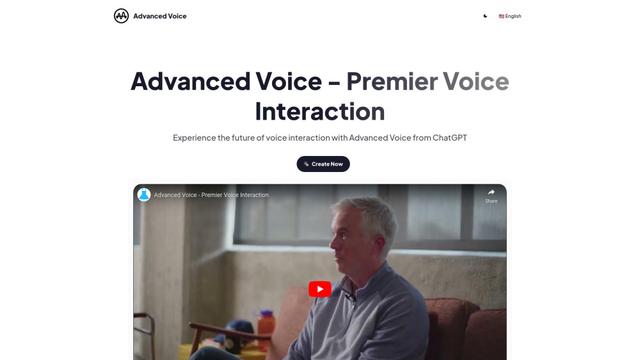
Advanced Voice is ChatGPT's cutting-edge voice interaction feature that enables real-time, natural voice conversations with custom instructions, multiple voice options, and improved accents for seamless human-AI communication.
Vagent
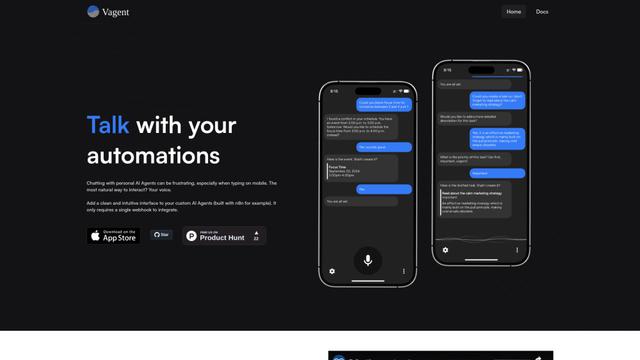
Vagent is a lightweight voice interface that enables users to interact with custom AI agents through voice commands, providing a natural and intuitive way to control automations with support for 60+ languages.

Vapify
Vapify is a white-label platform that enables agencies to offer Vapi.ai's voice AI solutions under their own brand while maintaining control over client relationships and maximizing revenue.
Wedding Speech Genie
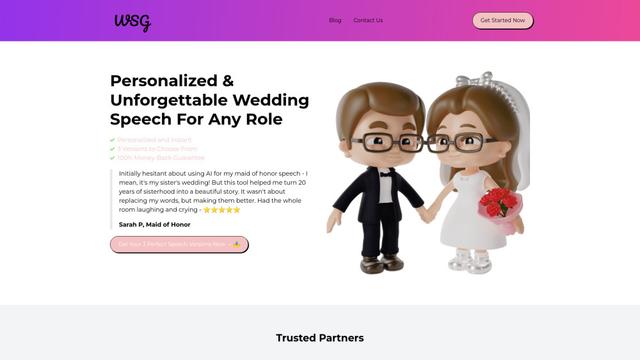
Wedding Speech Genie is an AI-powered platform that crafts personalized wedding speeches in minutes by generating 3 custom versions based on your input, helping speakers deliver memorable toasts for any wedding role.
Popular AI Tools Like Voicezap AI
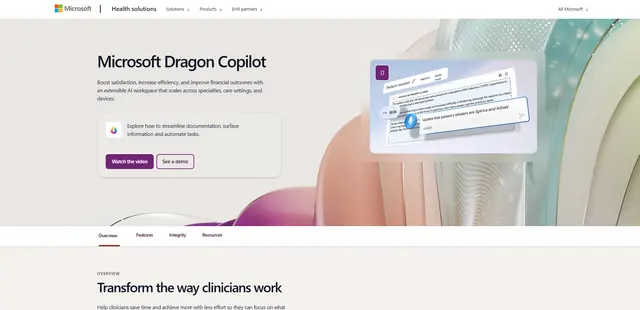
Microsoft Dragon Copilot
Microsoft Dragon Copilot is an AI-powered clinical workflow assistant that combines natural language voice dictation, ambient listening capabilities, and generative AI to streamline documentation, surface information, and automate tasks across healthcare settings.
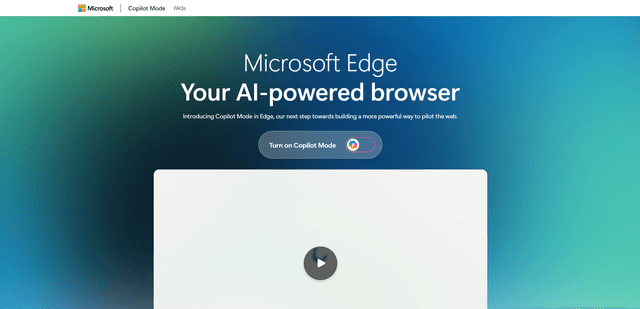
Edge Copilot Mode
Edge Copilot Mode is Microsoft's experimental AI-powered browser feature that combines search, chat, and web navigation into a single interface, enabling users to browse smarter with AI assistance while maintaining privacy and control.

GibberLink
GibberLink is an open-source project that enables two AI agents to efficiently communicate by switching from human language to a sound-level protocol after recognizing each other, powered by ggwave technology.
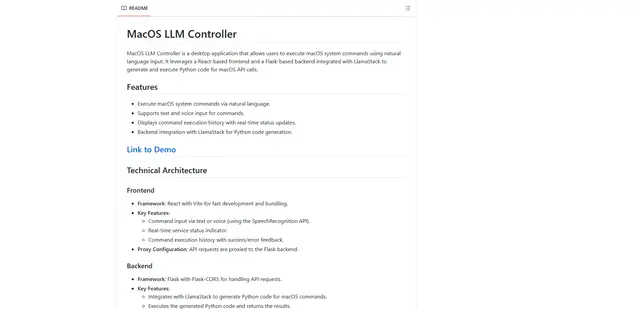
Llama MacOS Desktop Controller
Llama MacOS Desktop Controller is a React and Flask-based application that enables users to control macOS system actions through natural language commands using LLM-generated Python code.