VoiceOS
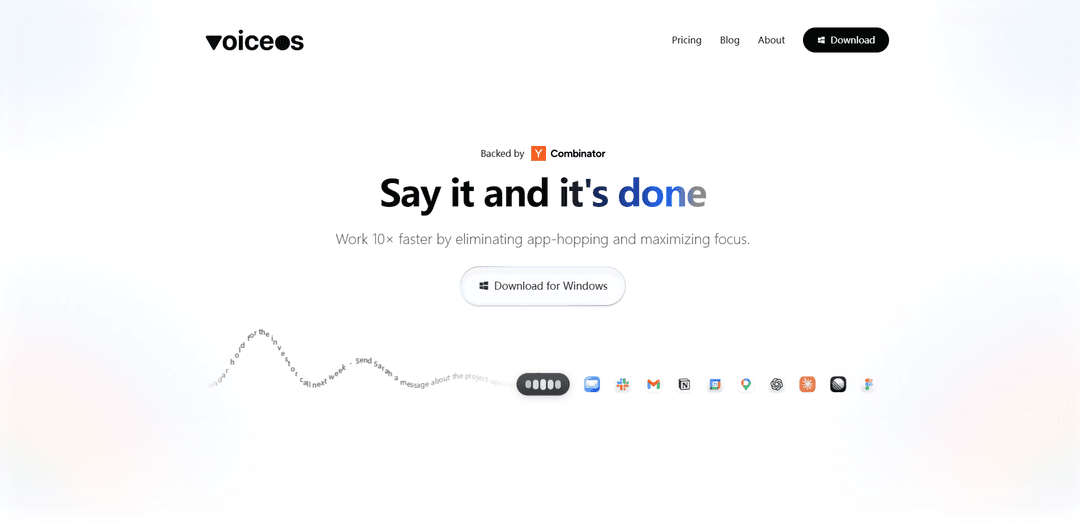
VoiceOS is a universal voice interface productivity tool that transforms spoken thoughts into polished text and actions across any application, featuring AI-powered dictation, agent mode for app integrations, and seamless voice-controlled workflows.
https://voiceos.com/?ref=producthunt
Product Information
Updated:Apr 10, 2026
What is VoiceOS
VoiceOS is a voice-first operating system designed to revolutionize productivity by making voice the primary interface for digital work. Launched as a comprehensive voice productivity platform, VoiceOS works universally across all applications, allowing users to dictate, edit, and write text instantly through natural speech. The platform bridges the gap between thought and expression, eliminating the need for constant app-switching and manual typing. With two core modes—Dictation Mode and Agent Mode—VoiceOS transforms how users interact with their computers, offering a hands-free, efficient computing experience. The platform integrates with popular applications including Gmail, Slack, Notion, Linear, Google Docs, Figma, and more, making it a versatile tool for professionals and teams seeking to maximize focus and efficiency.
Key Features of VoiceOS
VoiceOS is a universal voice interface platform that transforms voice into a seamless productivity tool, working across any application to convert thoughts into polished output instantly. It features two primary modes: Dictation Mode, which writes what you meant (not just what you said) with automatic formatting, and Agent Mode (launching 4/3), which enables voice-to-action commands across integrated apps like Gmail, Slack, Notion, and Google Calendar without context switching. The platform combines advanced speech recognition, AI-driven task execution, and natural language processing to deliver a hands-free computing experience that bridges the gap between thought and expression, with a strong emphasis on user privacy and data control.
Dictation Mode with Smart Formatting: Writes what you meant, not just what you said, with automatic formatting and structure. Works universally across every app including Gmail, Slack, Notion, and Google Docs to transform natural speech into polished, professionally formatted text.
Agent Mode for Cross-App Actions: Enables voice-to-action commands across integrated applications with zero context switching. Users can create calendar events, send emails, manage tasks in Linear, and interact with multiple apps simultaneously using only voice commands.
Custom Vocabulary Support: Allows users to add and customize vocabulary specific to their industry, workflow, or personal preferences, ensuring accurate recognition of technical terms, names, and specialized language.
Privacy-First Architecture: Audio is never stored on servers unless users choose to share it, with options for zero data retention in Enterprise plans. Includes SOC 2 Type II and ISO 27001 compliance for enterprise customers.
Universal App Integration: Works seamlessly across all applications without requiring individual app setup, supporting popular tools like Cursor, Figma, iMessage, Linear, and Google Workspace with a single voice interface.
Ask Mode for Information Retrieval: Enables users to quickly grasp complex information and get answers through voice queries, helping with research and understanding without interrupting workflow.
Use Cases of VoiceOS
Professional Email and Document Writing: Knowledge workers and professionals can dictate emails, reports, and documents across Gmail, Google Docs, and other platforms with automatic formatting and professional tone adjustment, significantly reducing time spent on written communication.
Multi-App Workflow Automation: Busy professionals can manage their entire workflow through voice, creating calendar events, sending Slack messages, updating Linear tasks, and composing emails without switching between applications or using keyboard and mouse.
Accessibility for Users with Physical Limitations: Individuals with mobility challenges or repetitive strain injuries can operate their computer entirely hands-free, accessing all applications and performing complex tasks through natural voice commands.
Content Creation and Editing: Writers, bloggers, and content creators can rapidly draft and revise content by speaking naturally, with the system intelligently formatting and structuring their thoughts into polished text across various writing platforms.
Fast-Paced Team Communication: Teams can quickly send messages, update project management tools, and schedule meetings through voice while multitasking, improving response times and reducing the friction of context switching between communication tools.
Mobile and On-the-Go Productivity: Professionals working remotely or traveling can maintain full productivity through voice commands, managing their entire digital workspace without needing to type on mobile devices or small keyboards.
Pros
Works universally across all applications without requiring individual app integrations or setup
Strong privacy controls with no audio storage by default and enterprise-grade security compliance options
Intelligent dictation that understands context and intent rather than just transcribing words verbatim
Free tier available with 100 uses per week and no credit card required, making it accessible for trial
Cons
Agent Mode feature is not yet available (launching 4/3), limiting cross-app automation capabilities currently
Free tier limited to 100 uses per week, which may be insufficient for heavy users to properly evaluate the product
Pricing requires annual billing for the Pro tier ($12/month), with no monthly payment option mentioned
May require learning curve to optimize voice commands and understand how to phrase requests for best results
How to Use VoiceOS
1: Sign up for VoiceOS by visiting voiceos.com and creating an account. No credit card is required for the free tier, which includes 100 uses per week.
2: Install VoiceOS on your device. The system is compatible with Android smart glasses, tablets, phones, as well as Mac and other platforms.
3: Choose your operating mode. VoiceOS offers two main modes: Dictation Mode (for writing and editing text) and Agent Mode (for voice-to-actions across integrated apps, available starting April 3rd).
4: For Dictation Mode: Press the activation key (fn key or designated hotkey) and start speaking. VoiceOS will transcribe what you meant, not just what you said, with automatic formatting.
5: Use Dictation Mode in any app where you need to write - emails, documents, messages, Slack, Notion, or any text field. The system works universally across all applications.
6: For Agent Mode (coming April 3rd): Use voice commands to perform actions across integrated apps like Google Calendar, Gmail, Slack, Linear, Notion, and more without context switching.
7: Customize your vocabulary by adding custom terms, names, or industry-specific jargon to improve recognition accuracy for your specific use case.
8: Configure privacy settings according to your preferences. Your audio is never stored on VoiceOS servers unless you explicitly choose to share it.
9: For unlimited usage and advanced features, upgrade to the Pro plan ($12/month) or contact the team for Enterprise solutions with custom requirements.
VoiceOS FAQs
VoiceOS is a universal voice interface that converts thoughts into polished output instantly. It works across any app, letting users speak naturally to dictate, edit, and write text, transforming voice into a seamless productivity tool that bridges the gap between thought and action.
VoiceOS Video
Popular Articles

Atoms: A Multi-Agent AI Platform That Transforms Ideas into Launch-Ready Products
May 22, 2026

Nano Banana SBTI: What It Is, How It Works, and How to Use It in 2026
Apr 15, 2026

Atoms Review — The AI Product Builder Redefining Digital Creation in 2026
Apr 10, 2026

Kilo Claw: How to Deploy and Use a True "Do‑It‑For‑You" AI Agent(2026 Update)
Apr 3, 2026
Latest AI Tools Similar to VoiceOS
Advanced Voice
Advanced Voice is ChatGPT's cutting-edge voice interaction feature that enables real-time, natural voice conversations with custom instructions, multiple voice options, and improved accents for seamless human-AI communication.
Vagent
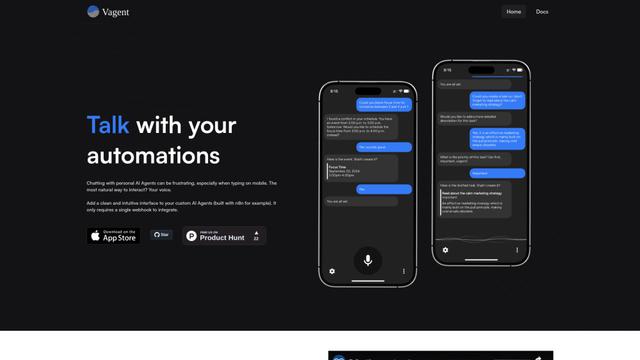
Vagent is a lightweight voice interface that enables users to interact with custom AI agents through voice commands, providing a natural and intuitive way to control automations with support for 60+ languages.
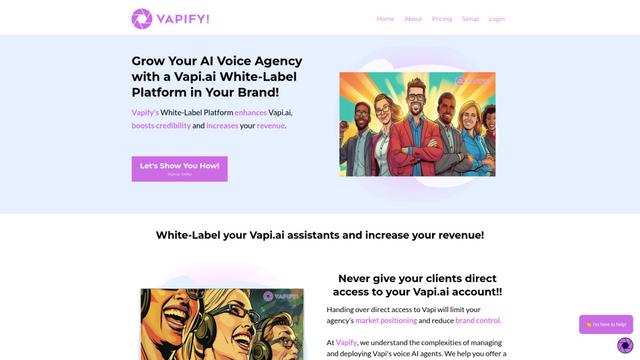
Vapify
Vapify is a white-label platform that enables agencies to offer Vapi.ai's voice AI solutions under their own brand while maintaining control over client relationships and maximizing revenue.
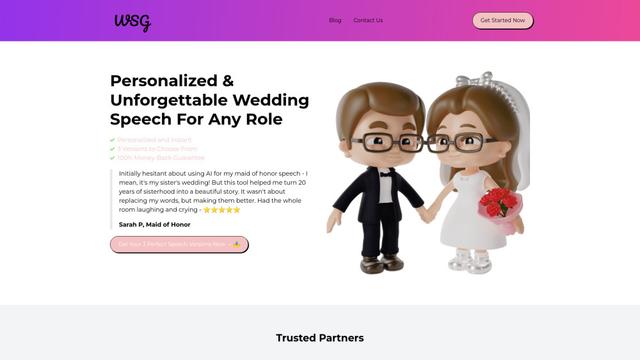
Wedding Speech Genie
Wedding Speech Genie is an AI-powered platform that crafts personalized wedding speeches in minutes by generating 3 custom versions based on your input, helping speakers deliver memorable toasts for any wedding role.
Popular AI Tools Like VoiceOS
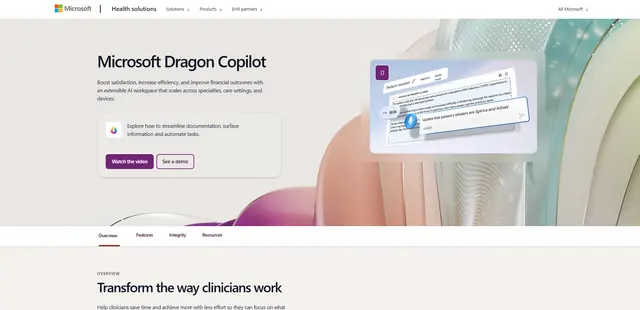
Microsoft Dragon Copilot
Microsoft Dragon Copilot is an AI-powered clinical workflow assistant that combines natural language voice dictation, ambient listening capabilities, and generative AI to streamline documentation, surface information, and automate tasks across healthcare settings.
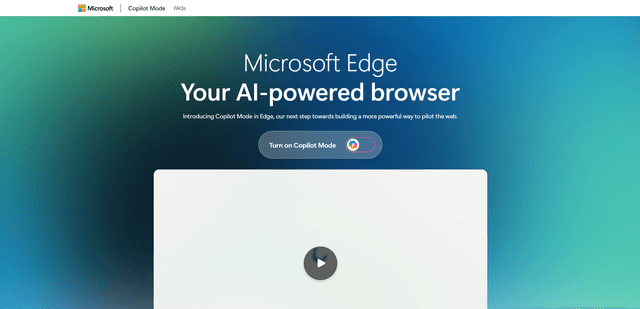
Edge Copilot Mode
Edge Copilot Mode is Microsoft's experimental AI-powered browser feature that combines search, chat, and web navigation into a single interface, enabling users to browse smarter with AI assistance while maintaining privacy and control.
GibberLink
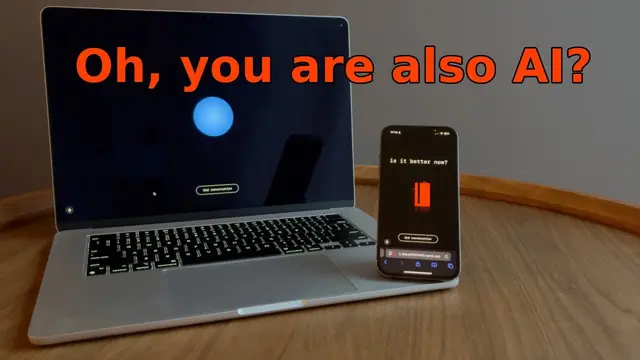
GibberLink is an open-source project that enables two AI agents to efficiently communicate by switching from human language to a sound-level protocol after recognizing each other, powered by ggwave technology.
Llama MacOS Desktop Controller
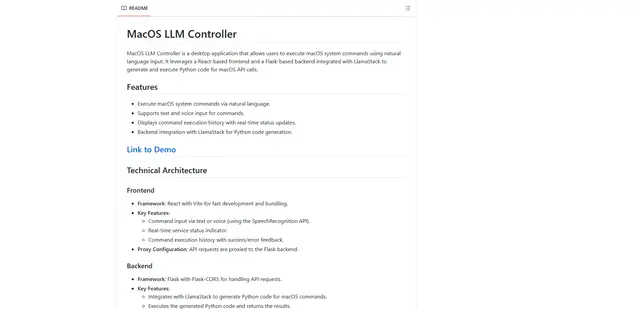
Llama MacOS Desktop Controller is a React and Flask-based application that enables users to control macOS system actions through natural language commands using LLM-generated Python code.